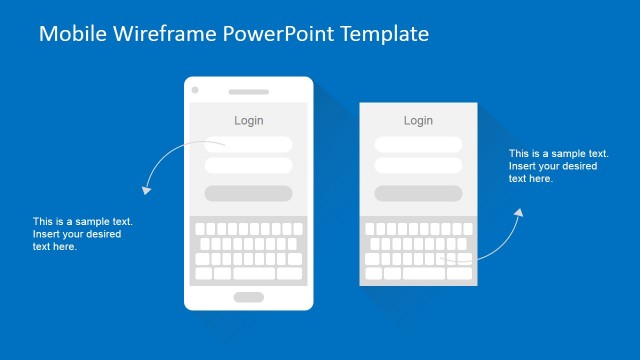
Android UI Design Kit for PowerPoint is a professional Template created with 100% editable Android Mobile widgets ideated for Application Sta Prototyping. This PowerPoint Template provides the complete set of Android Material UI elements, in editable format, created as PowerPoint shapes. The user can design static prototypes of Android Applications without the need of any additional tool. Speed up your design validation process, creating different variations of your prototypes with drag and drop widgets, 100% customizable. Change the color palette, the fonts, rearrange the images and icons, generate vectorial effects, everything with the ease of use of PowerPoint.
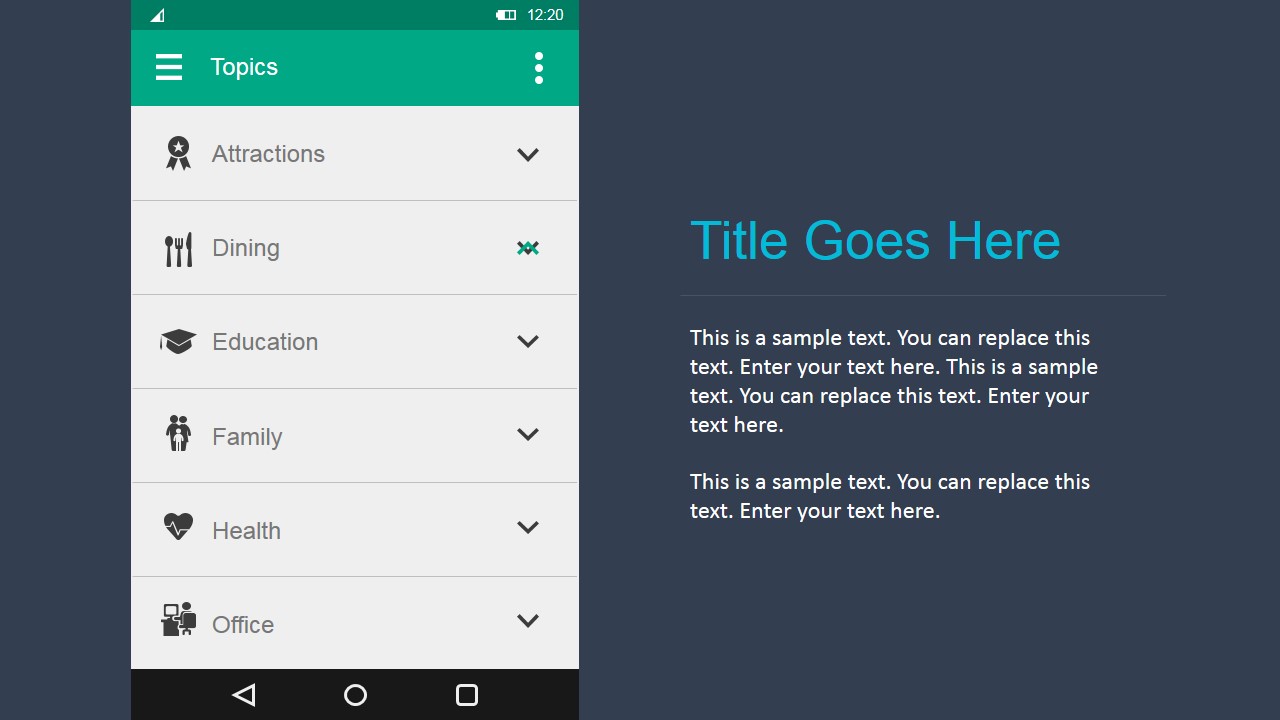
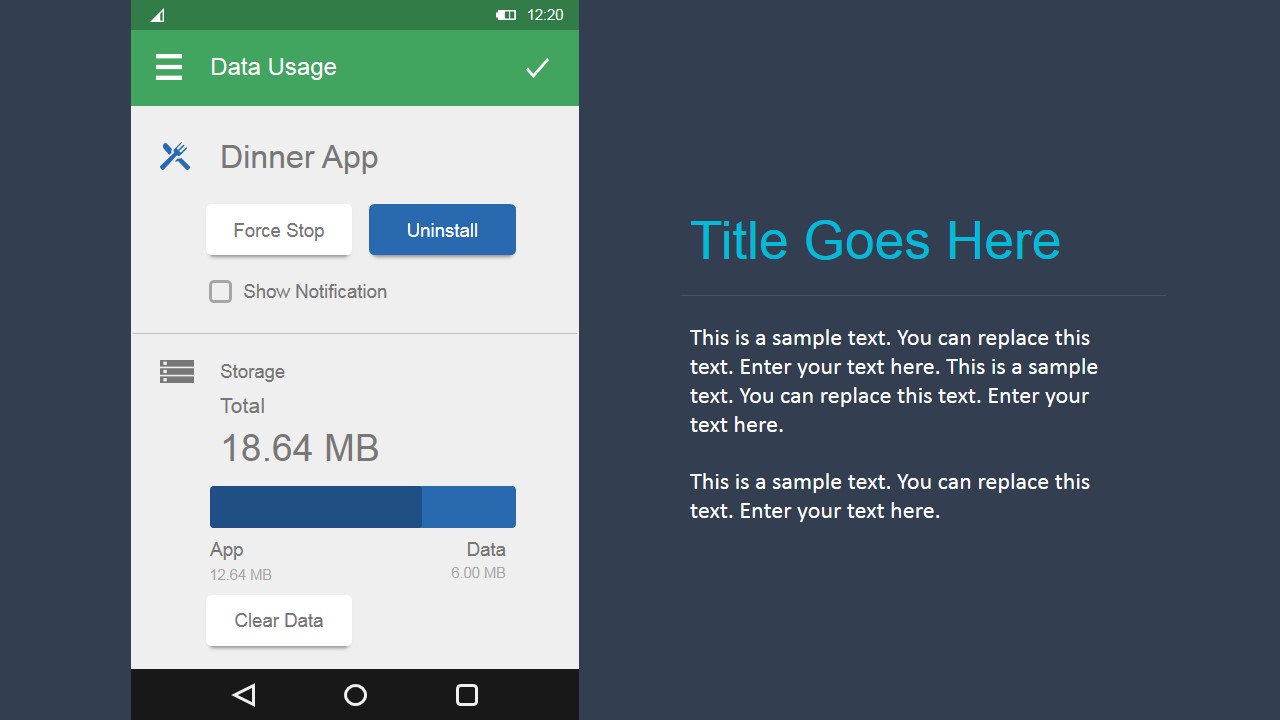
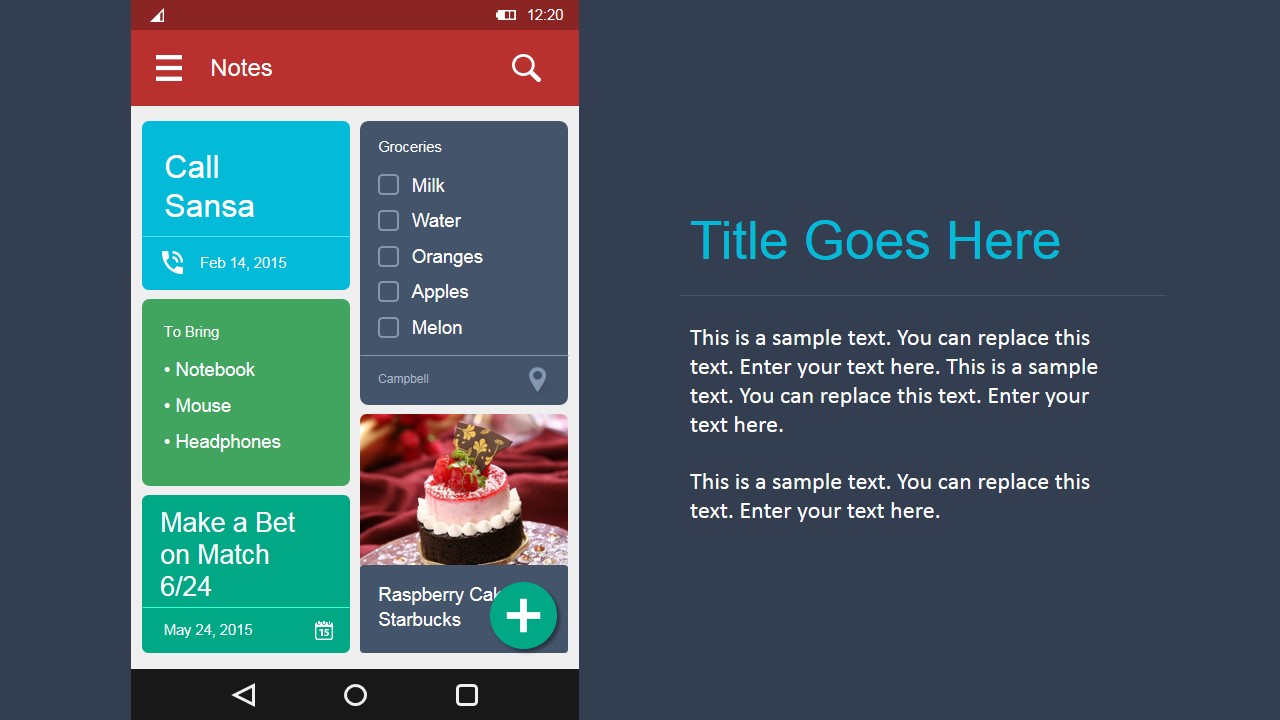
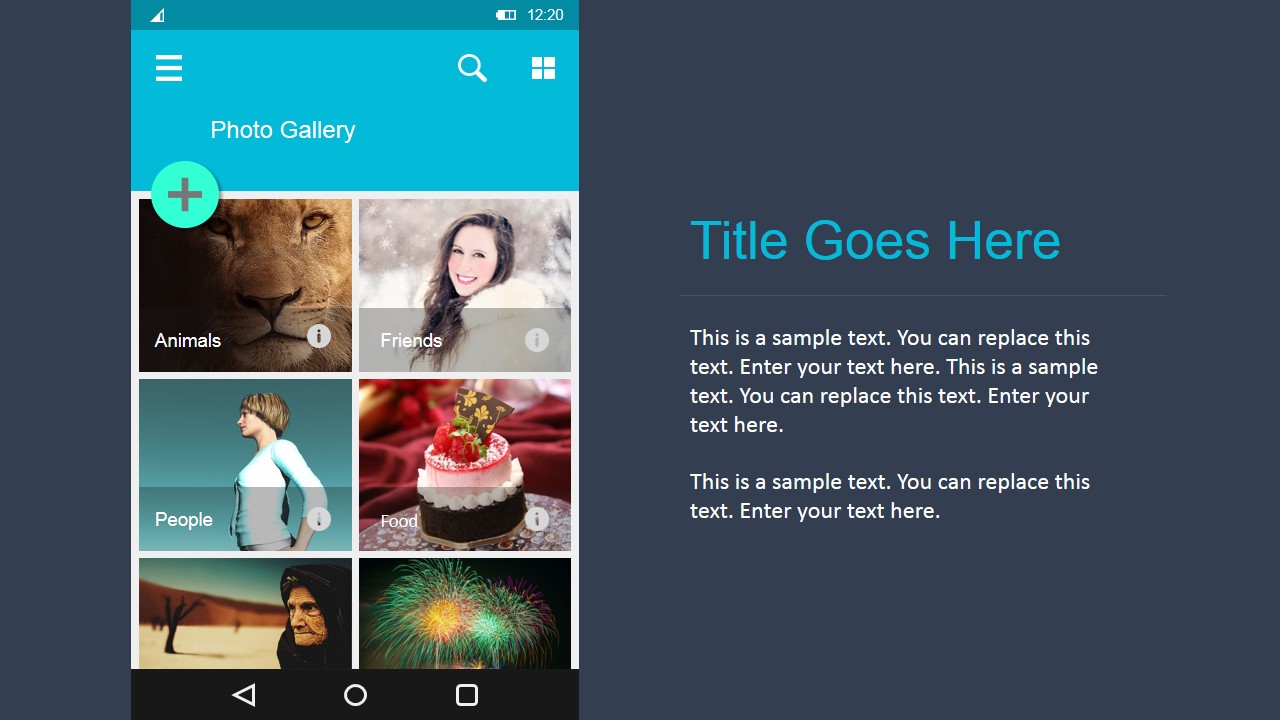
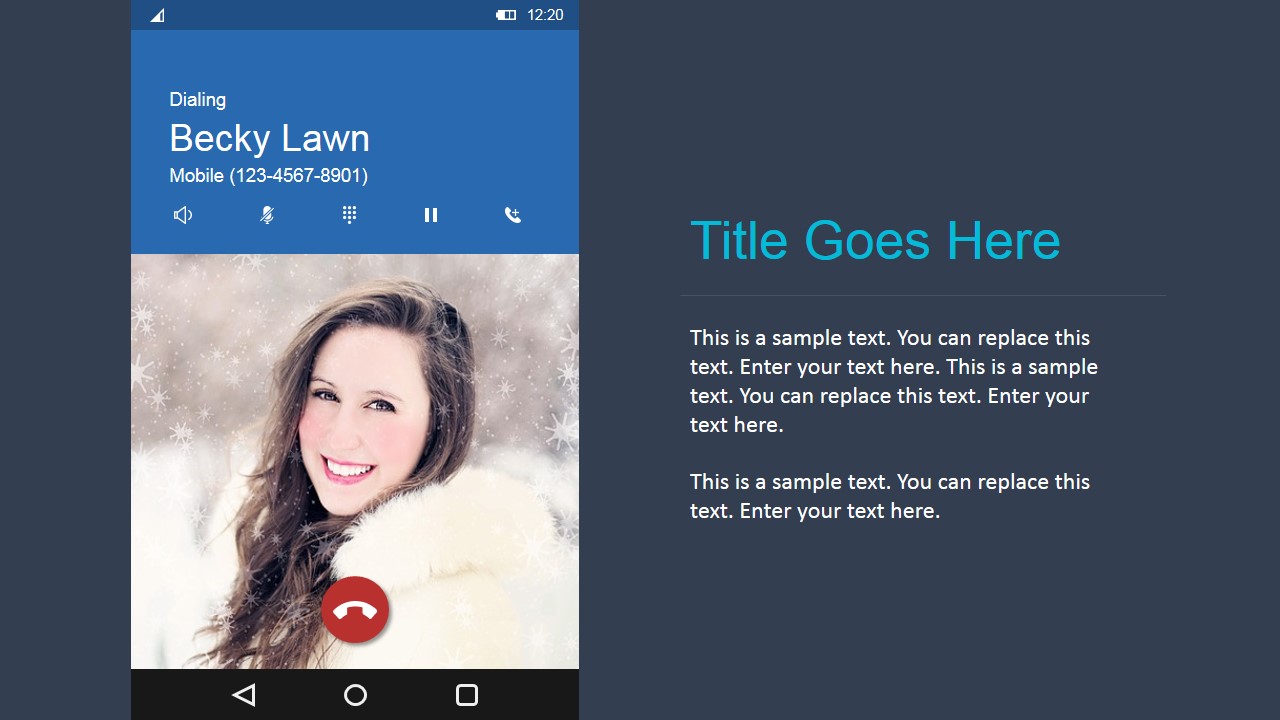
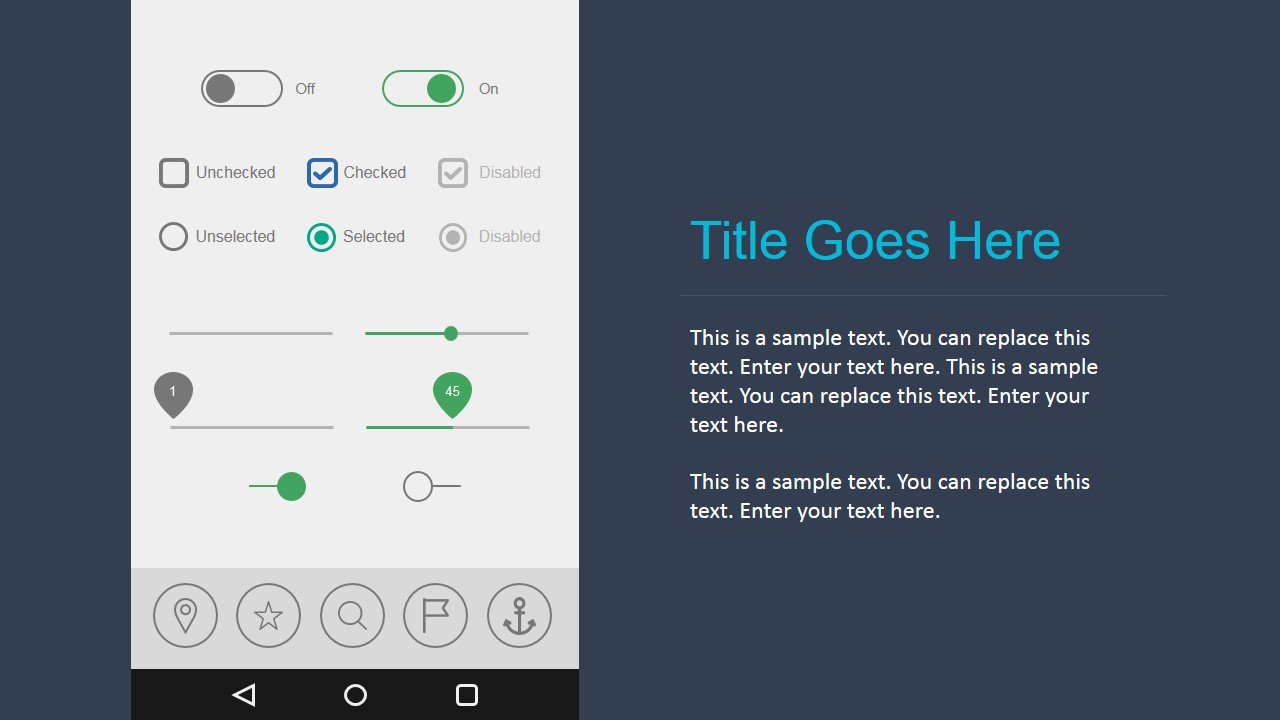
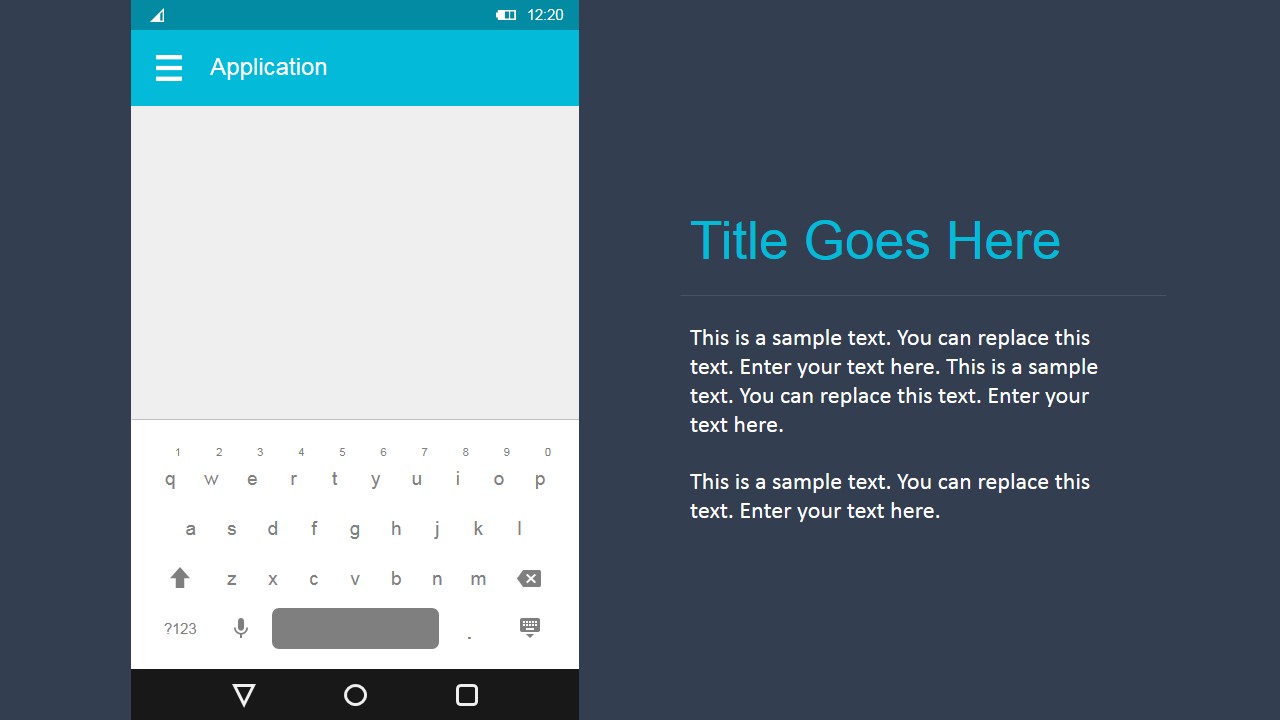
Each slide contains an Android Screen with the Materials layout and several atomic controls. Each control is colored through palette colors, there is no need to change widget by widget, just customize the PowerPoint palette and colors will change automatically.
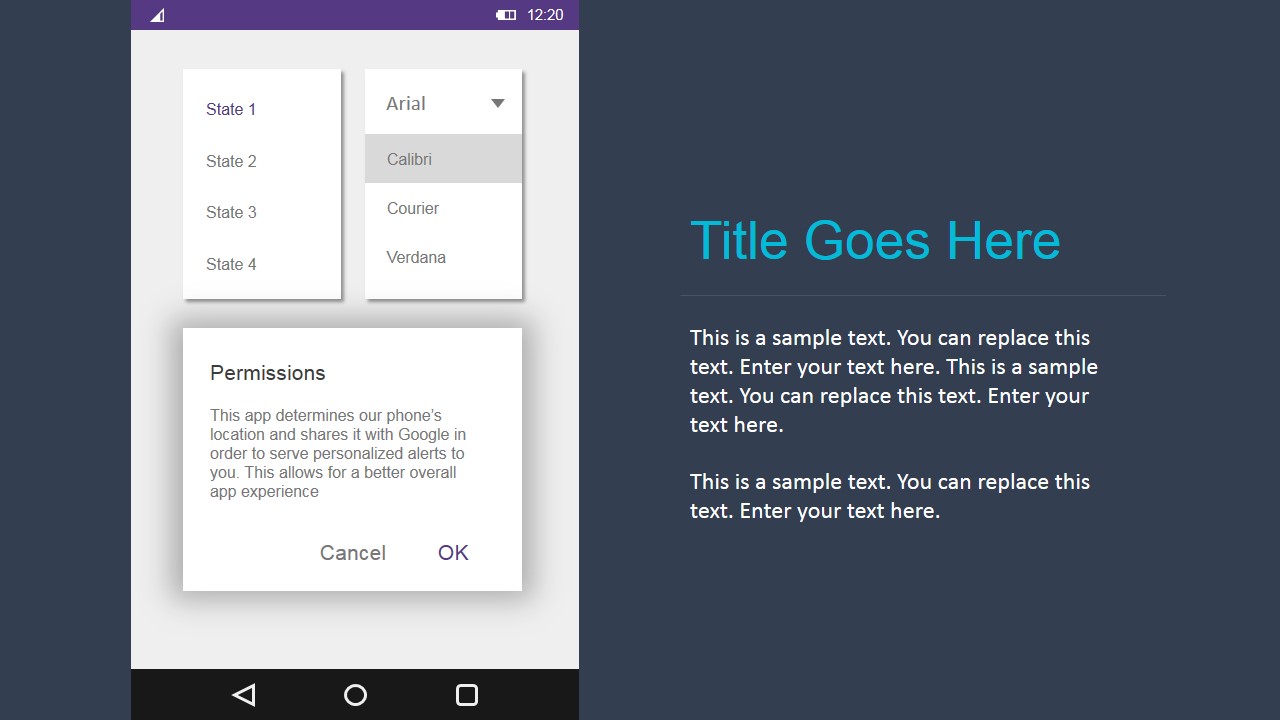
The concept of Material design is a guide for visual and interaction design through different devices. The mantra consists on synthesizing the classic principles of good design with the new technologies and science. Google included in Android latest versions support for material design apps. The Android UI Design Kit for PowerPoint provides the prototype theme screens, all the widgets and complex views, and examples of shadows and animations for prototyping.
Ideal for agile software development teams that need to quickly prototype applications UI designs early in the sprint, or for Product Managers that want to validate a mobile application UI design with different areas of the company as Marketing and Sales. The Android UI Design Kit for PowerPoint is extremely simple to use, does not require any complex skills more than the ability to drag and drop PowerPoint objects through the slides. Share easily your UI design through export functions of any presentations tool, and present it to the stakeholders as a pro.
Create Professional Android Material Static Prototypes with high visual quality that appeal to Global audiences.
What’s inside this template
Example presentation scenarios
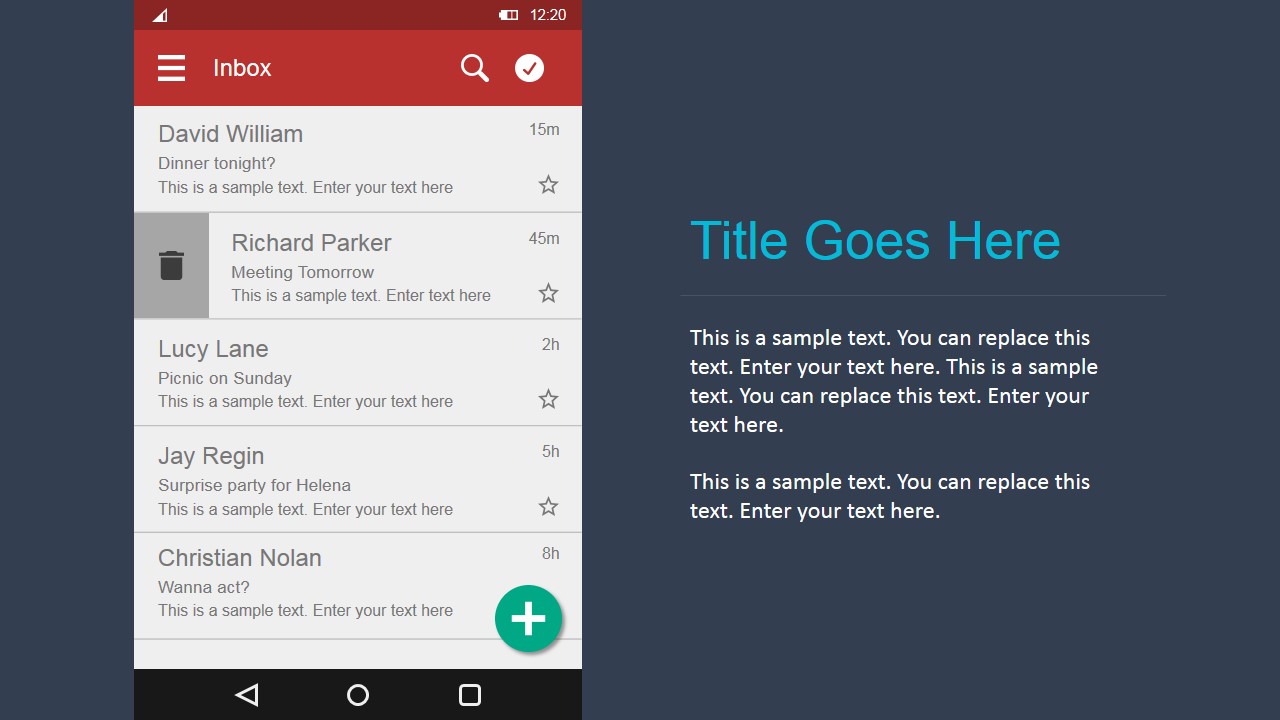
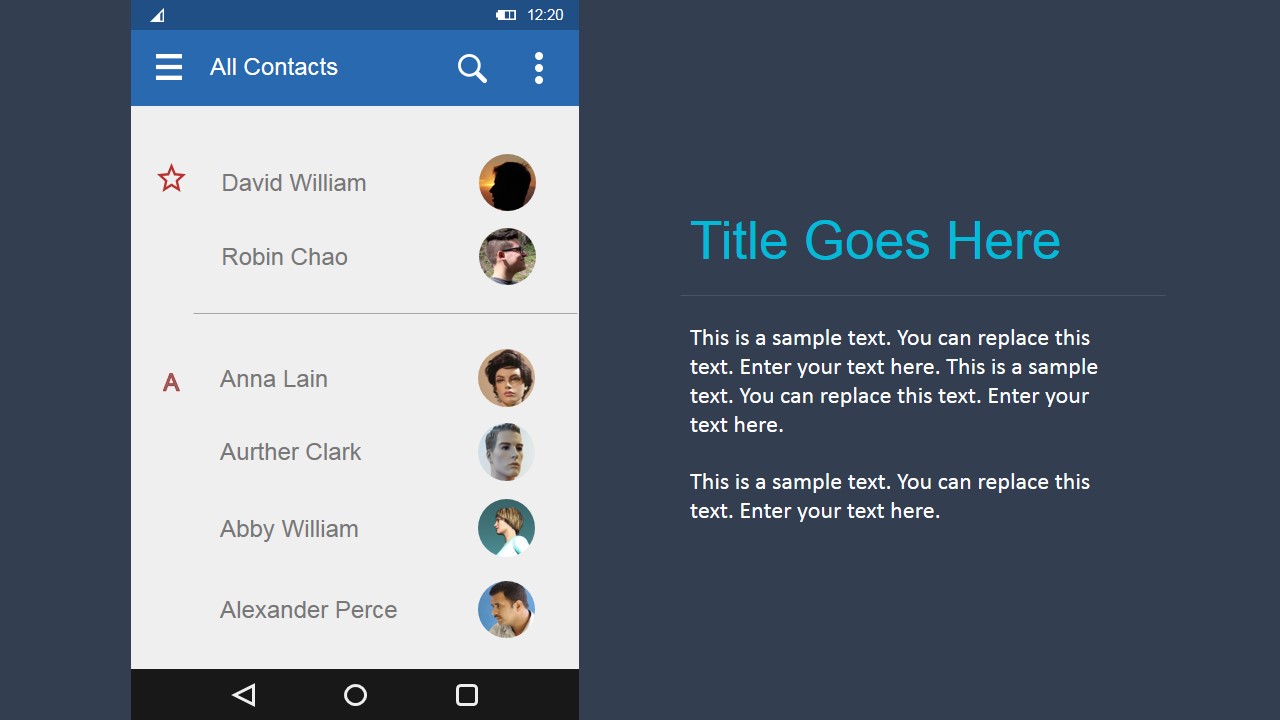
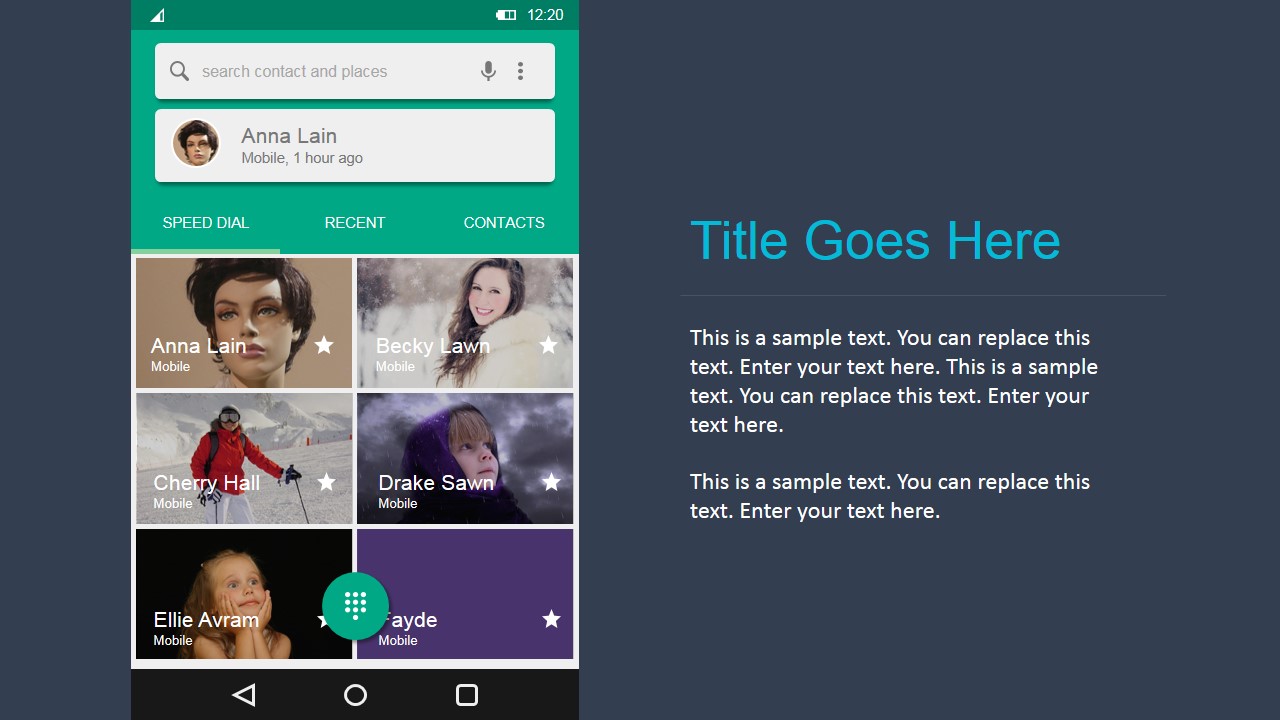
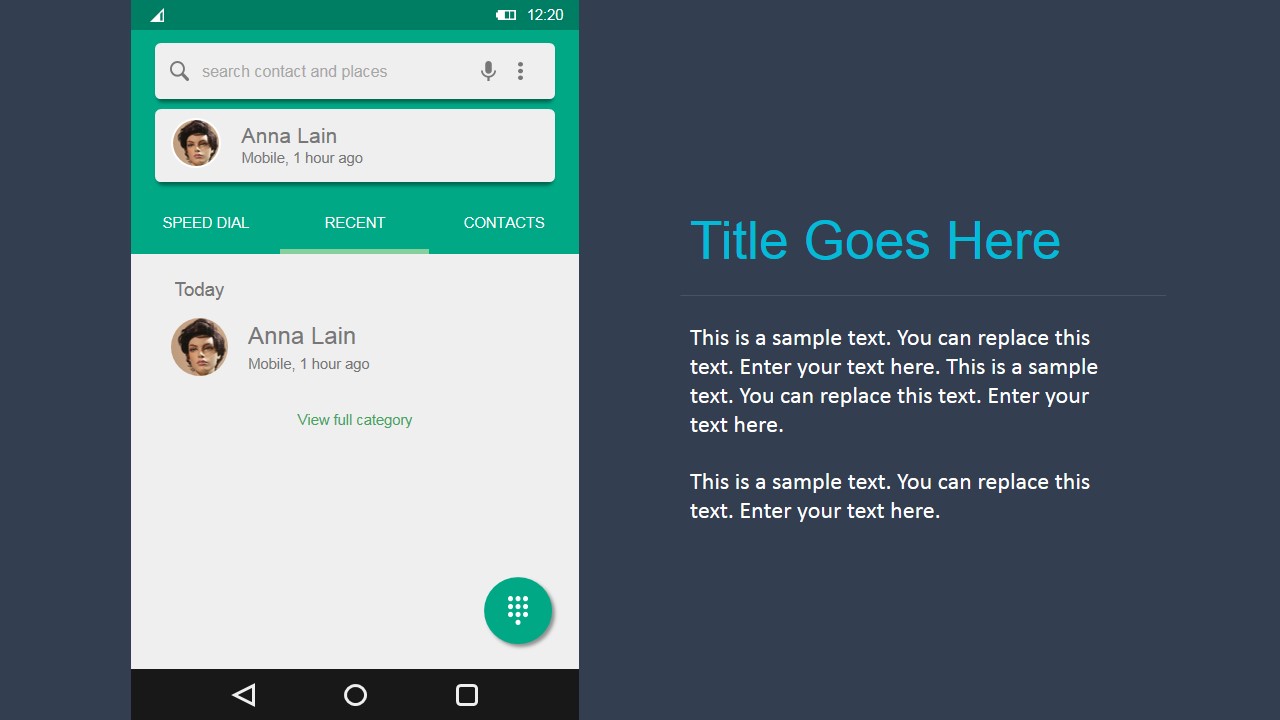
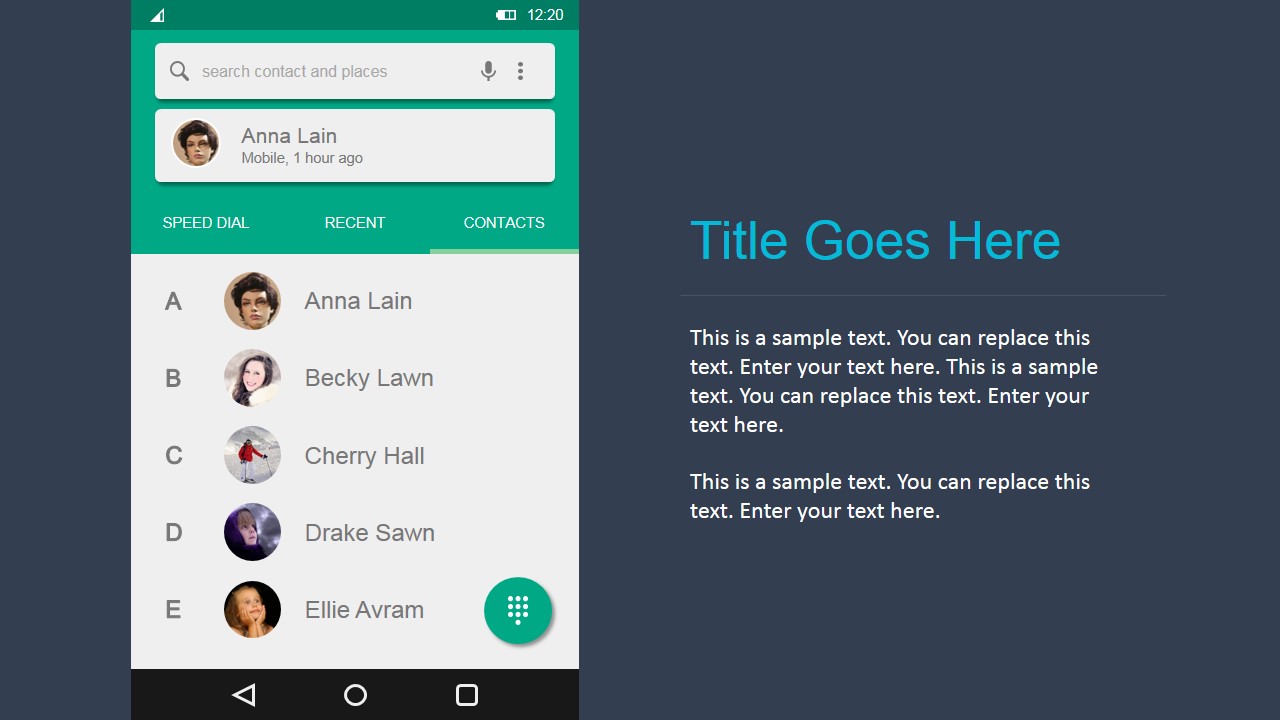
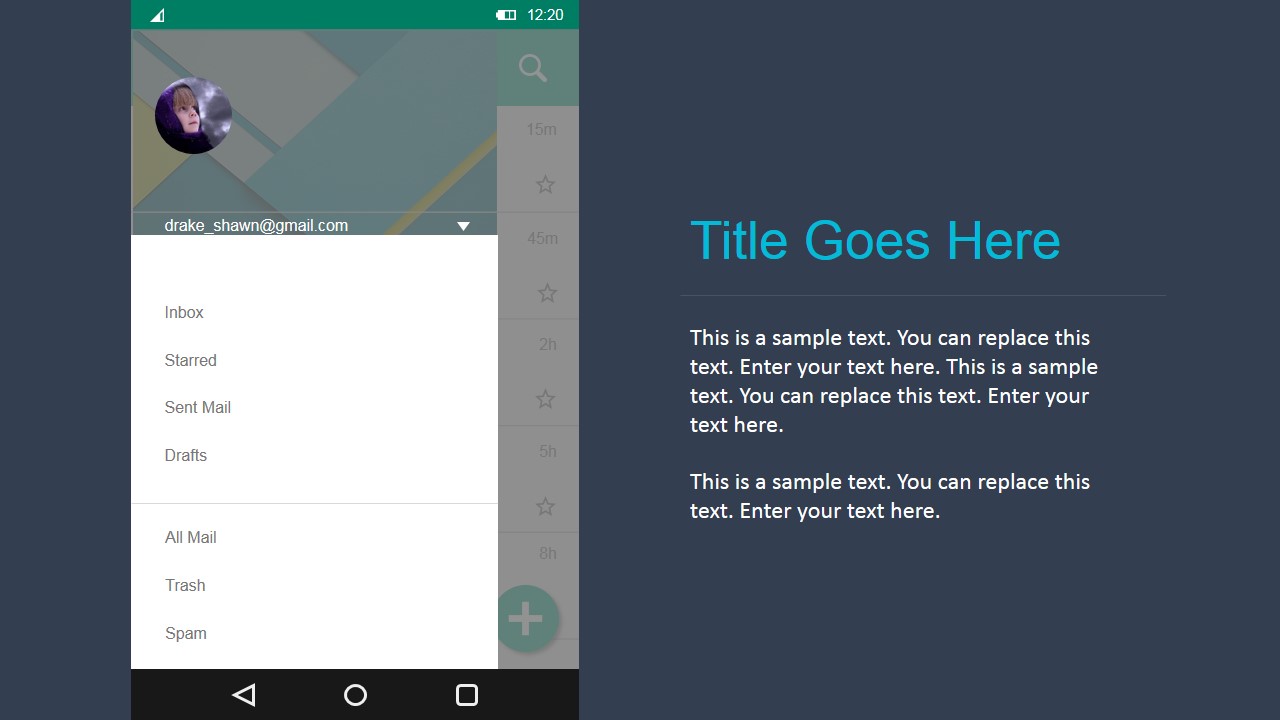
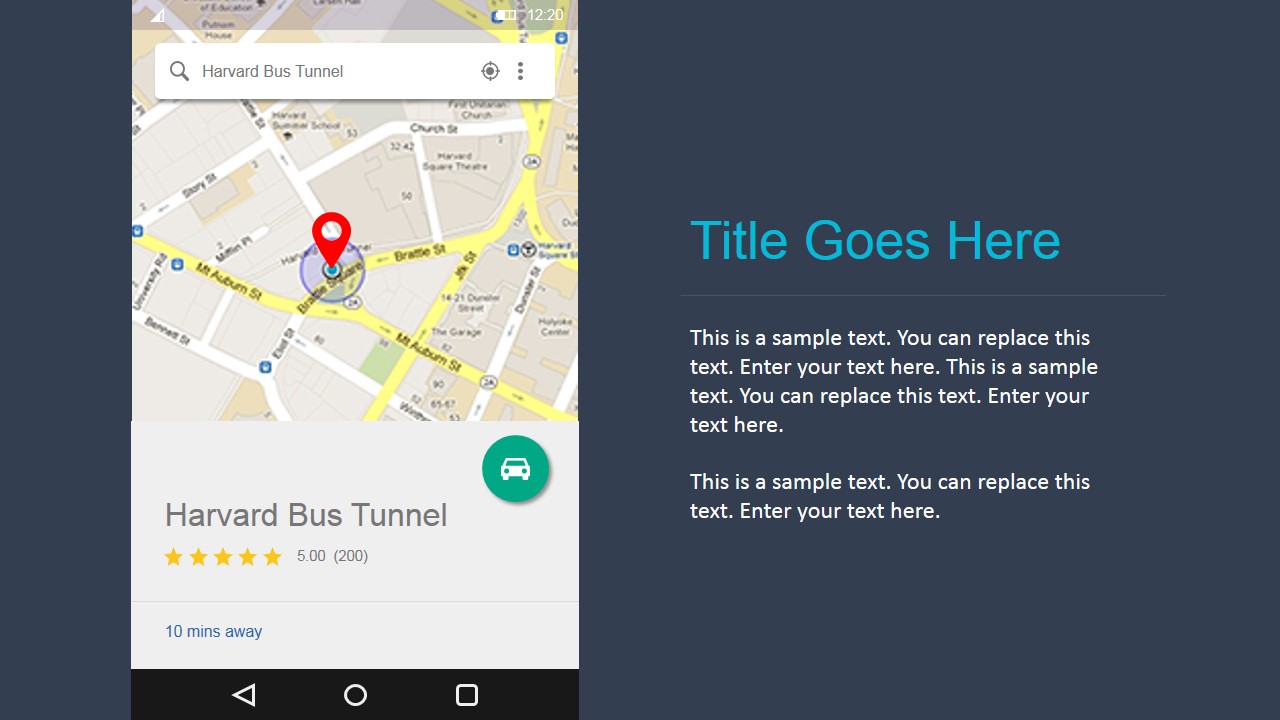
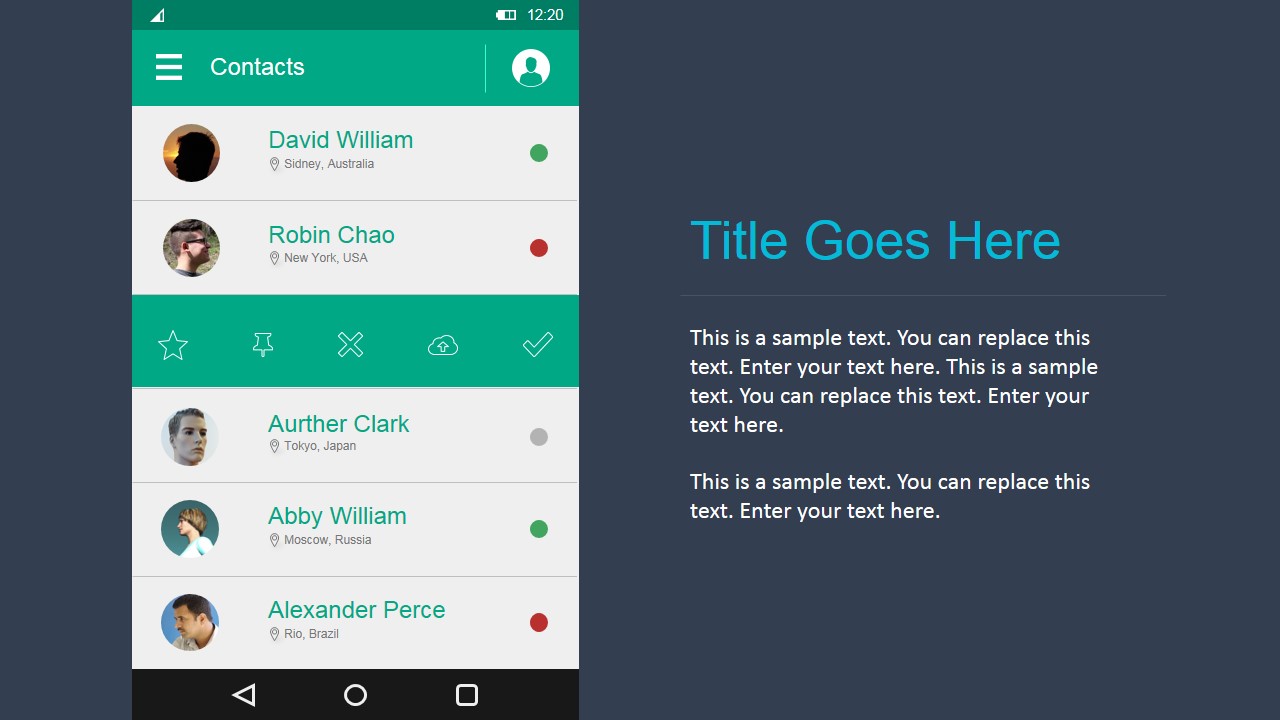
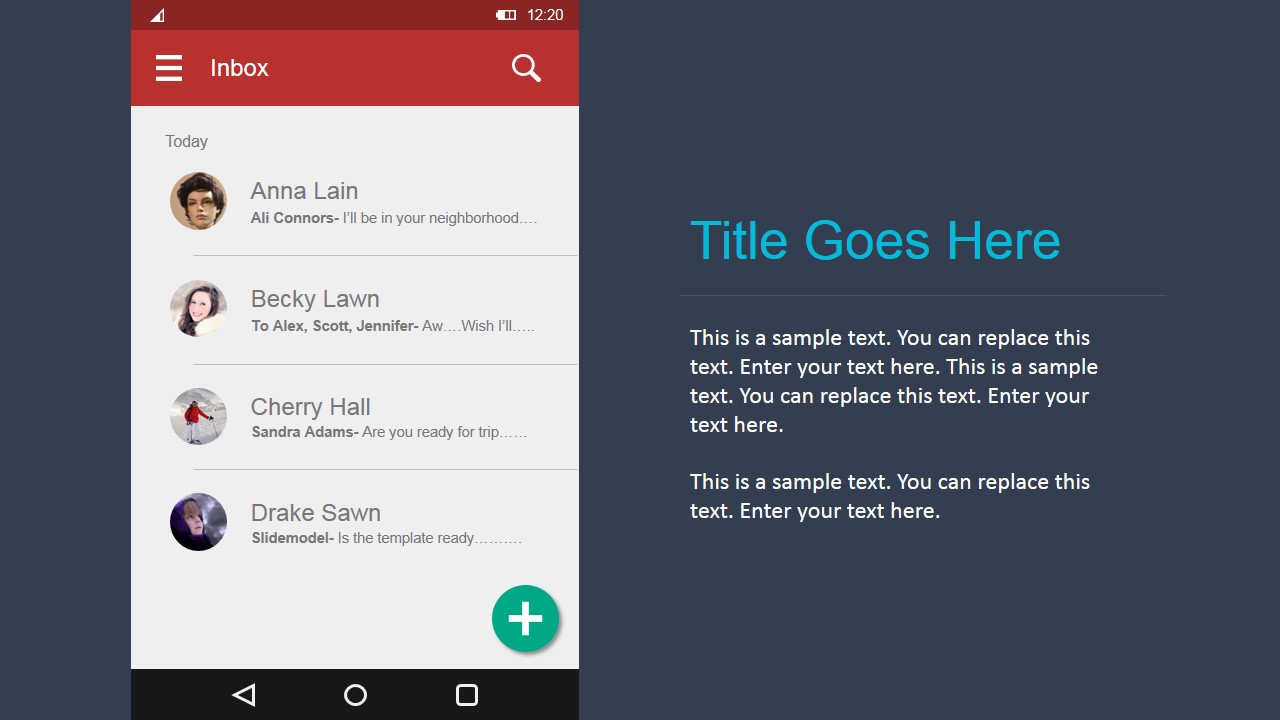
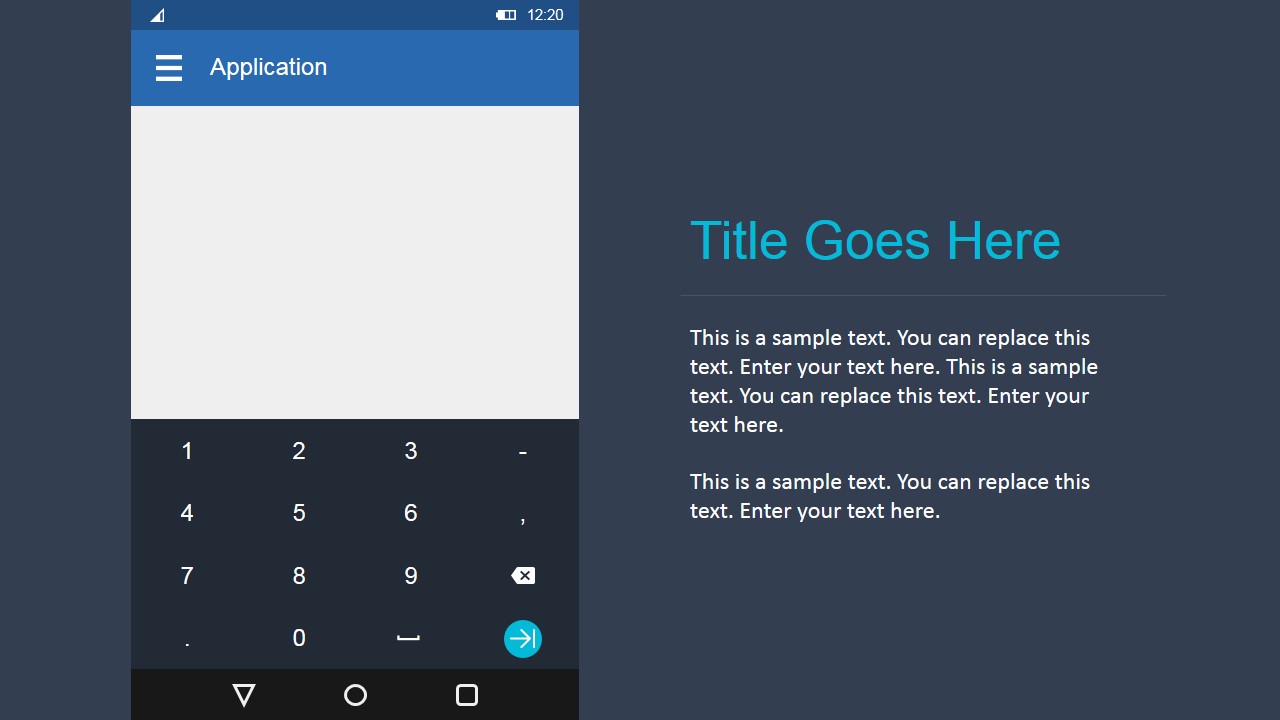
- A product manager can present an early mobile app concept to executives using the inbox screen, contact list, and map card to show the intended user journey.
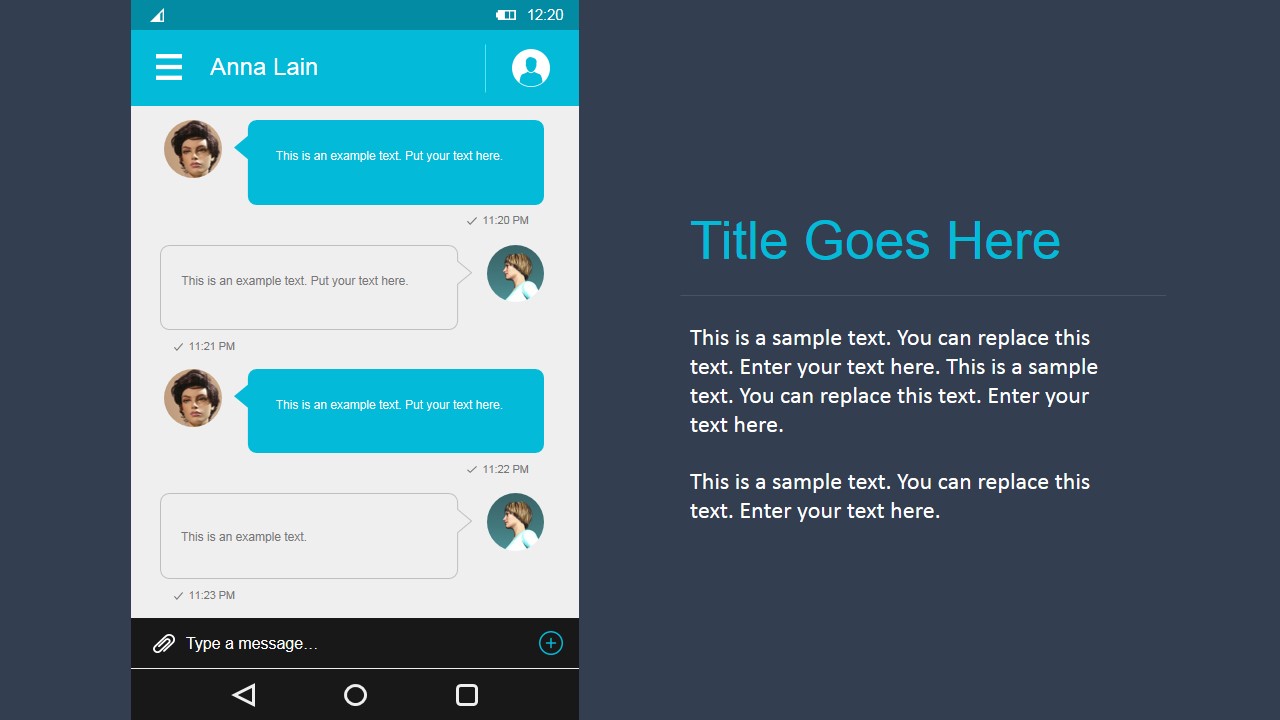
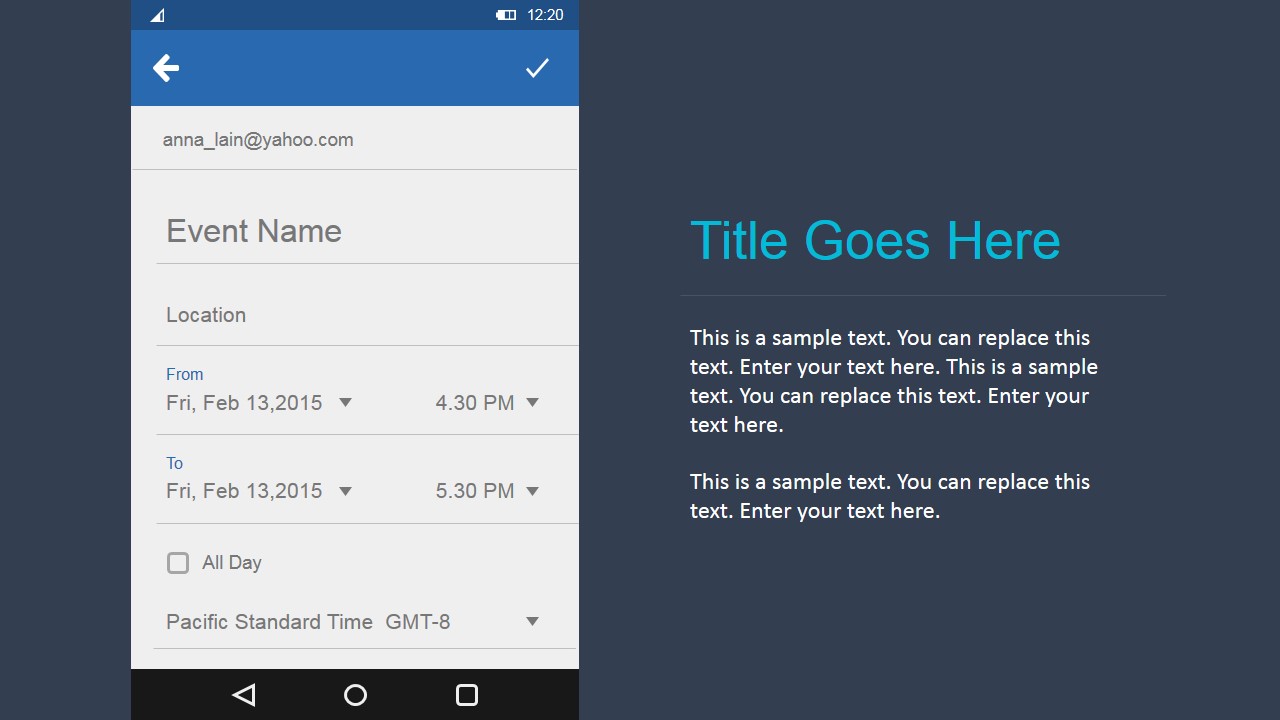
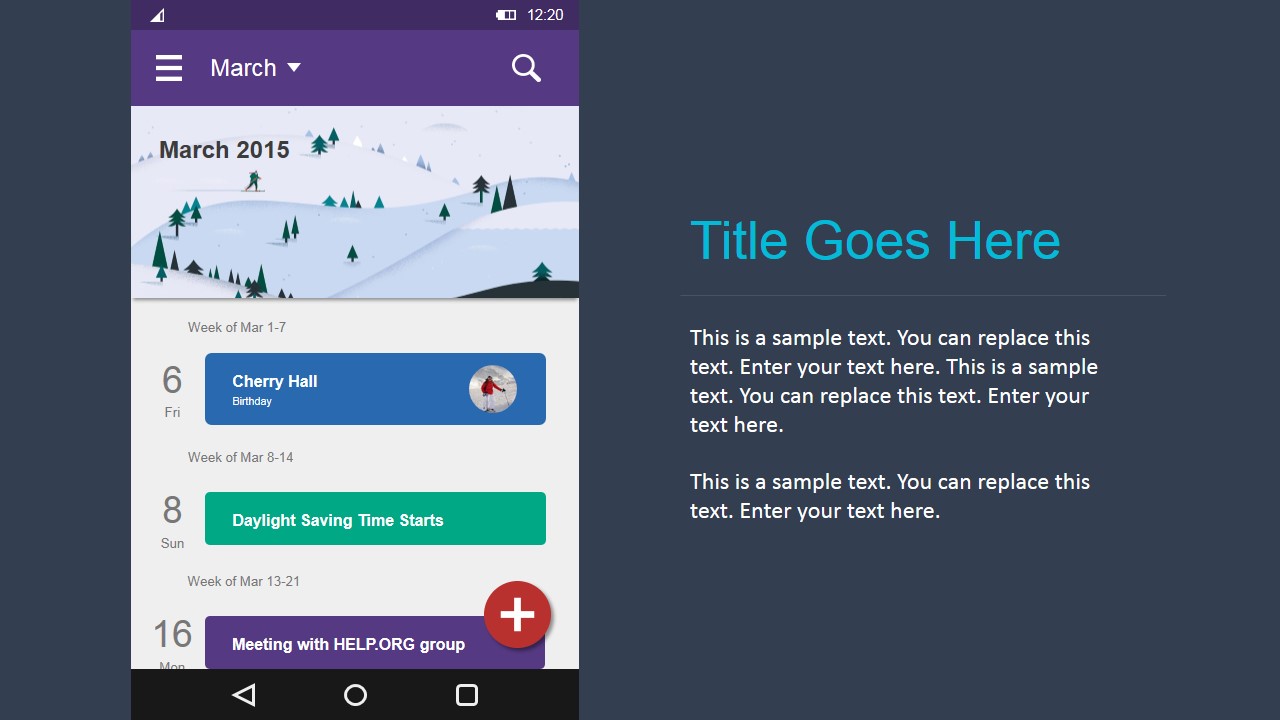
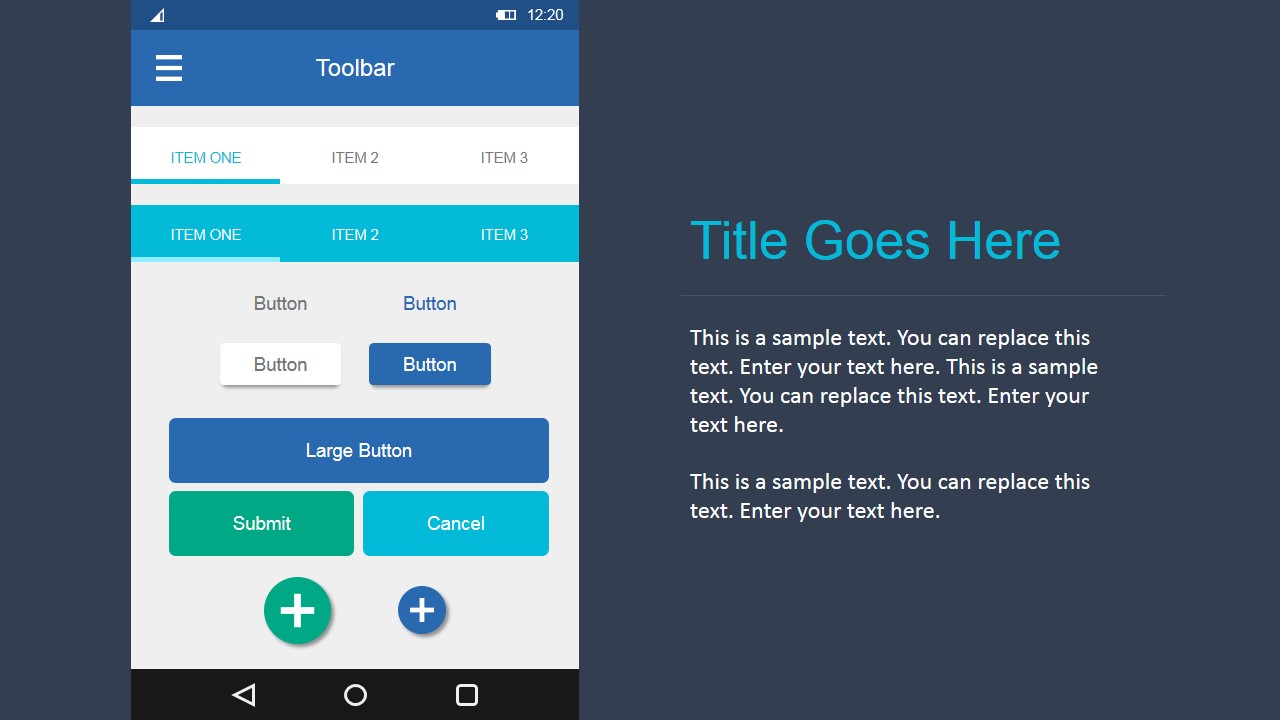
- A UX designer can guide a sprint review by comparing the chat screen, calendar agenda, and form controls that require stakeholder decisions.
- A startup founder can pitch an Android app idea to advisors using the phone mockup screens as static product evidence before a coded prototype exists.
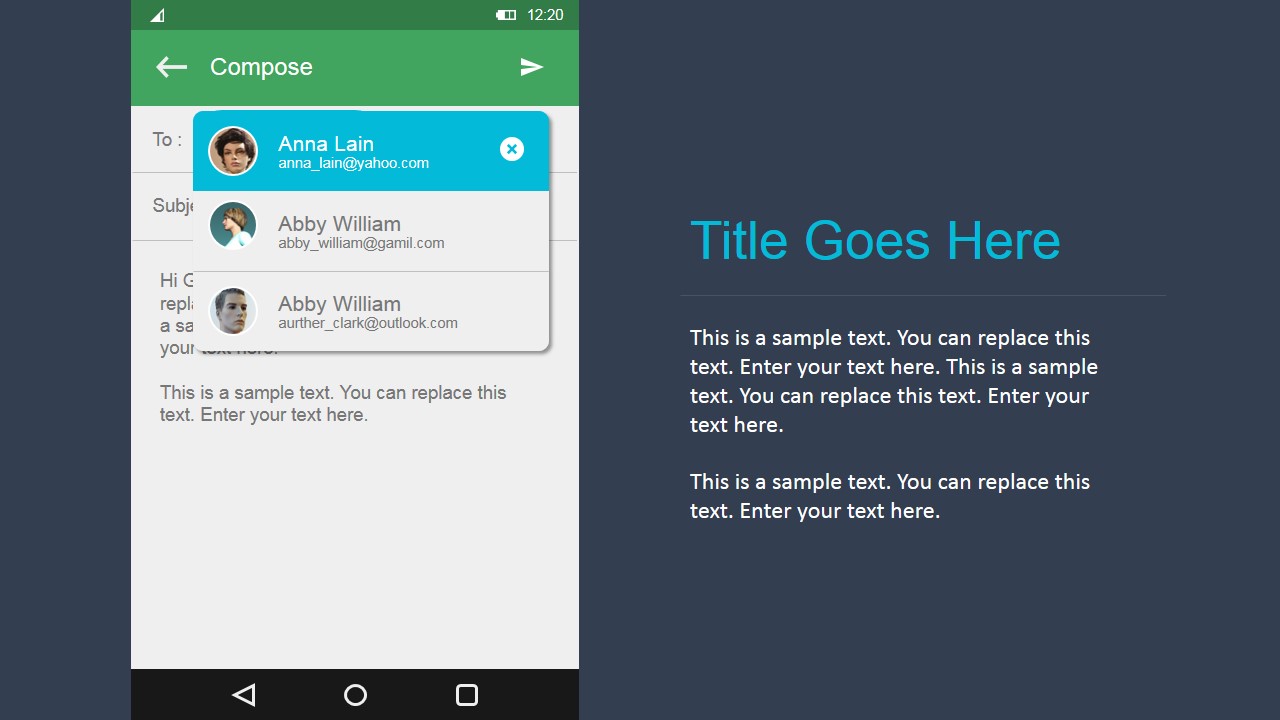
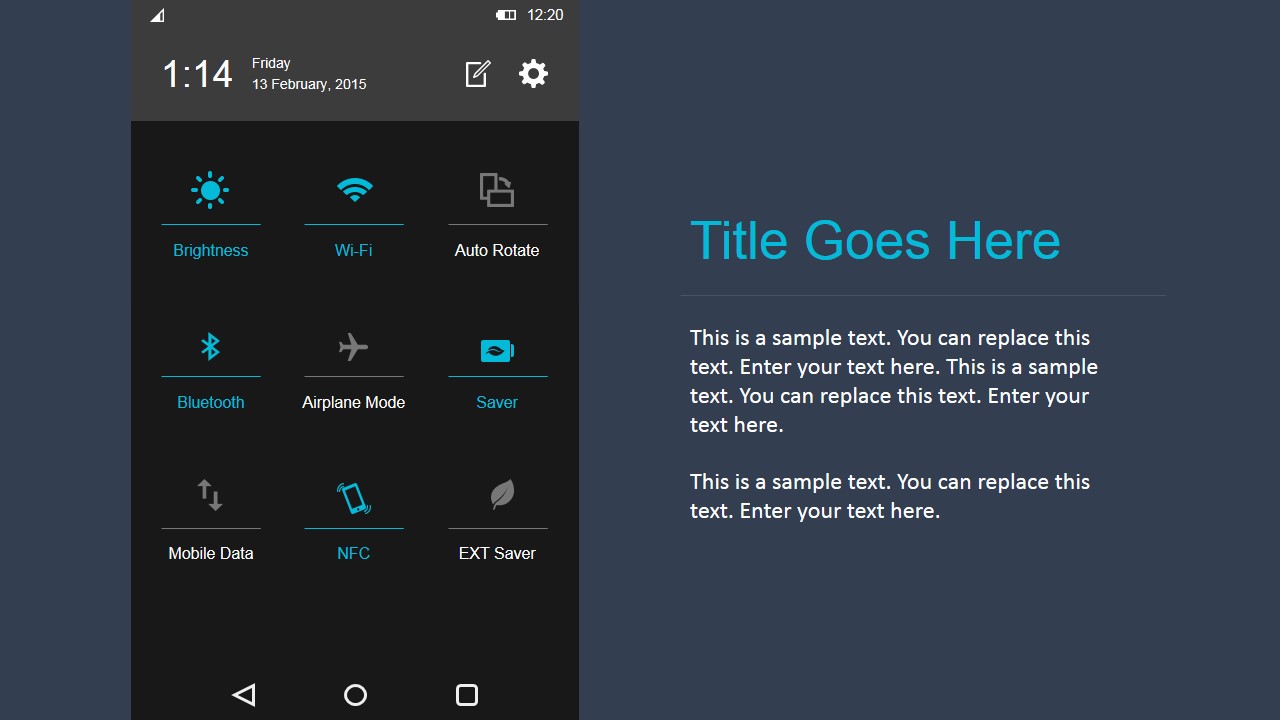
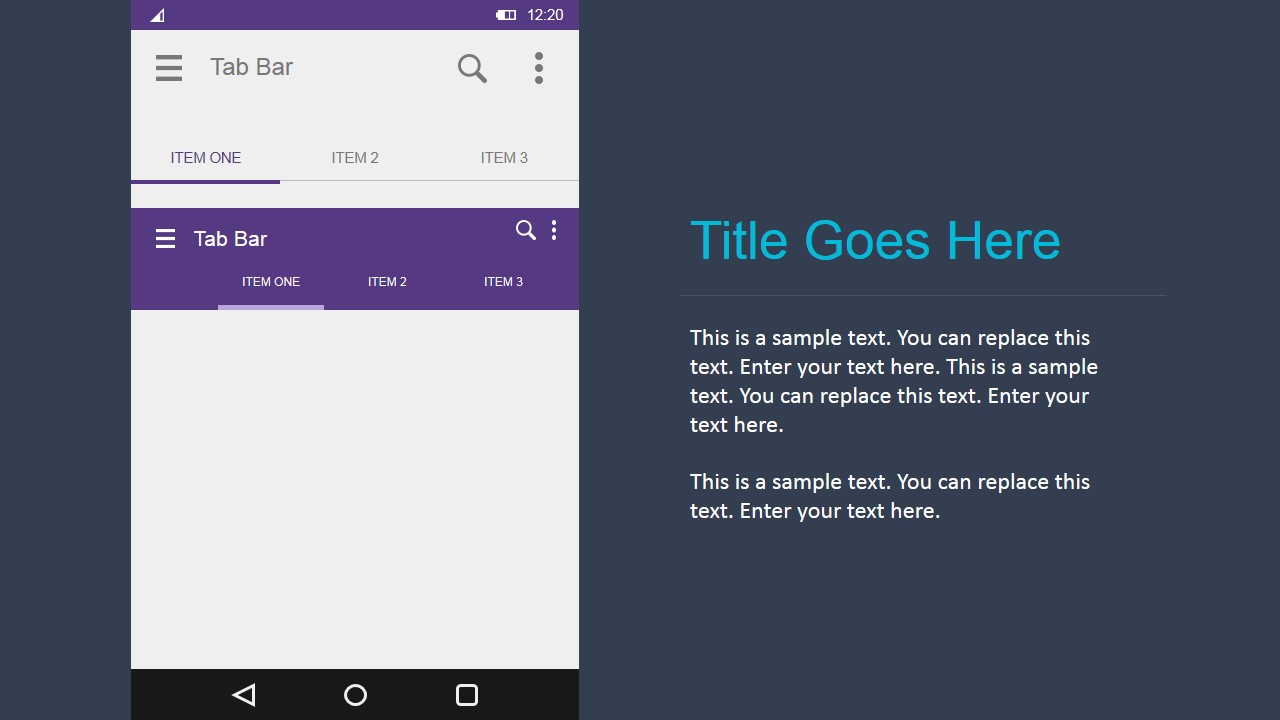
- A business analyst can document requirements for a development team by showing the compose form, tab bar component, and quick settings style controls.
Features
- 100% editable presentation template
- Compatible with Microsoft PowerPoint and Google Slides
- 16:9 aspect ratio slides
- Scalable vector shapes, icons and illustrations
- AI-Ready for Microsoft Copilot and Claude
- Instant access and download
Frequently asked questions
Q: How should a presenter communicate an app concept with this template?
A: Start with the user task, then show only the screens needed to complete that task. For example, move from inbox or contact list to chat, calendar, map, or form controls. Keep the right-side text panel focused on decisions: what the screen does, what must change, and what feedback the audience should give.
Q: When is this UI kit a better choice than showing rough sketches?
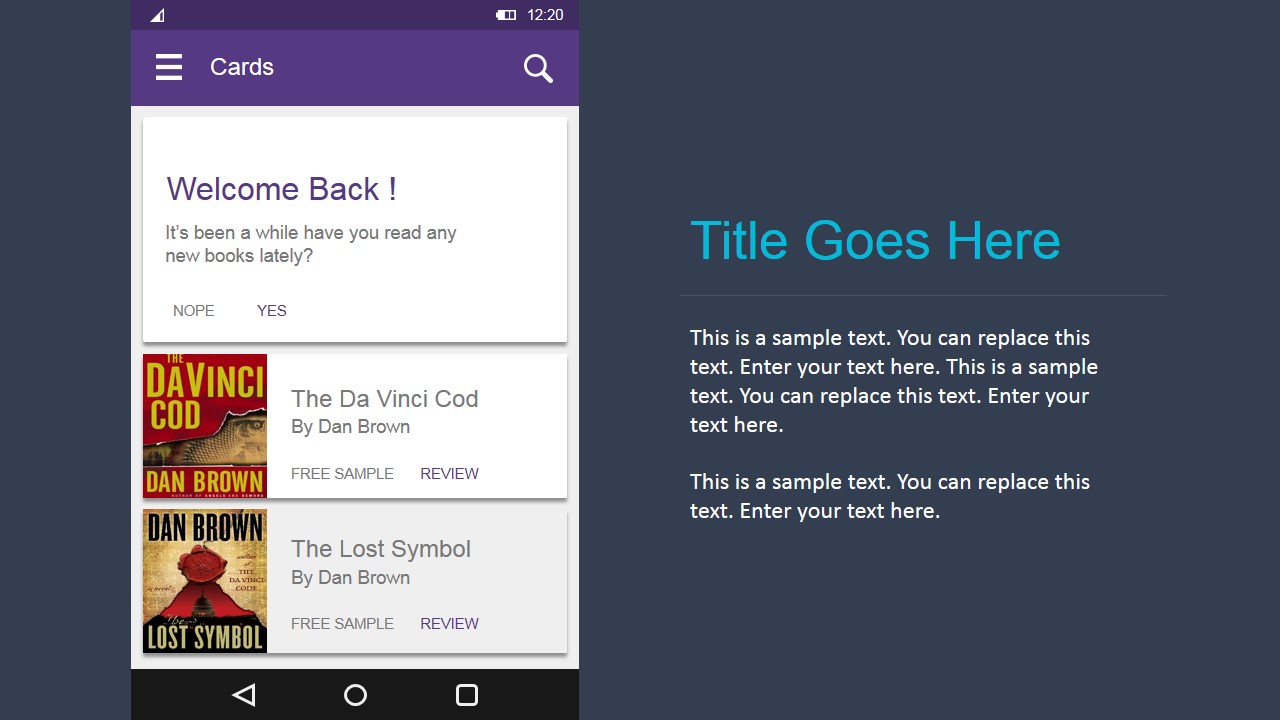
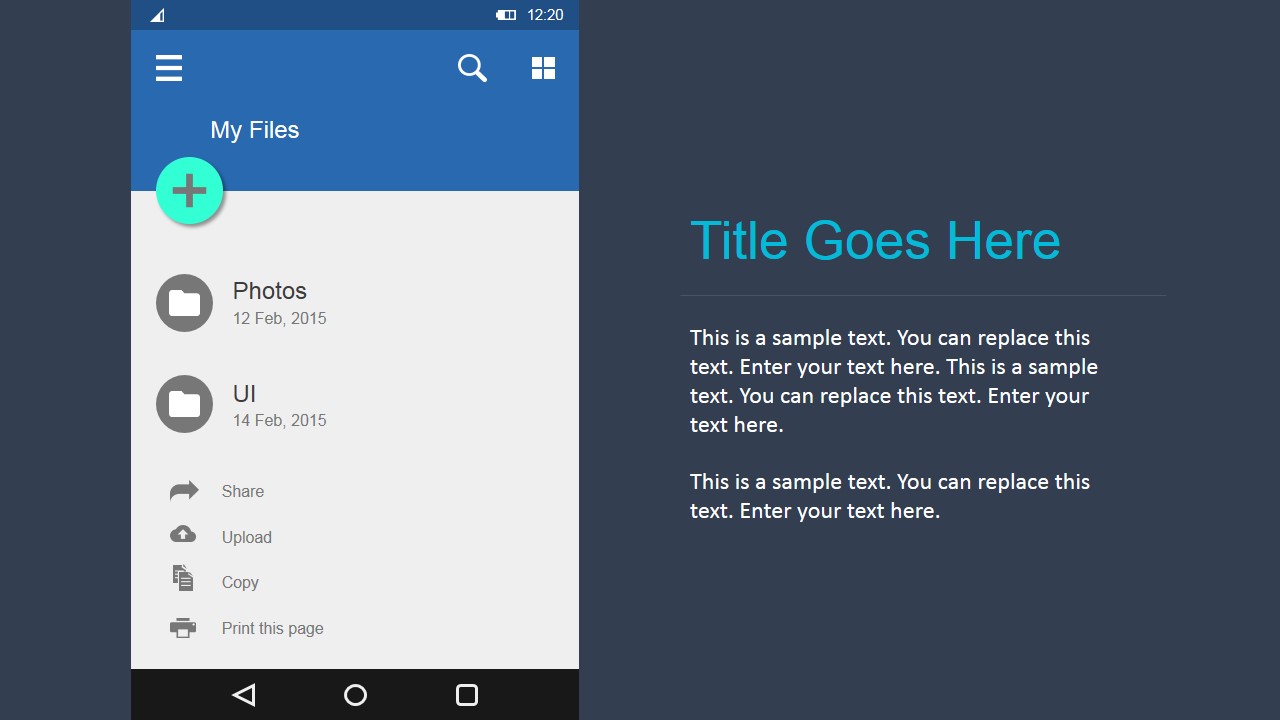
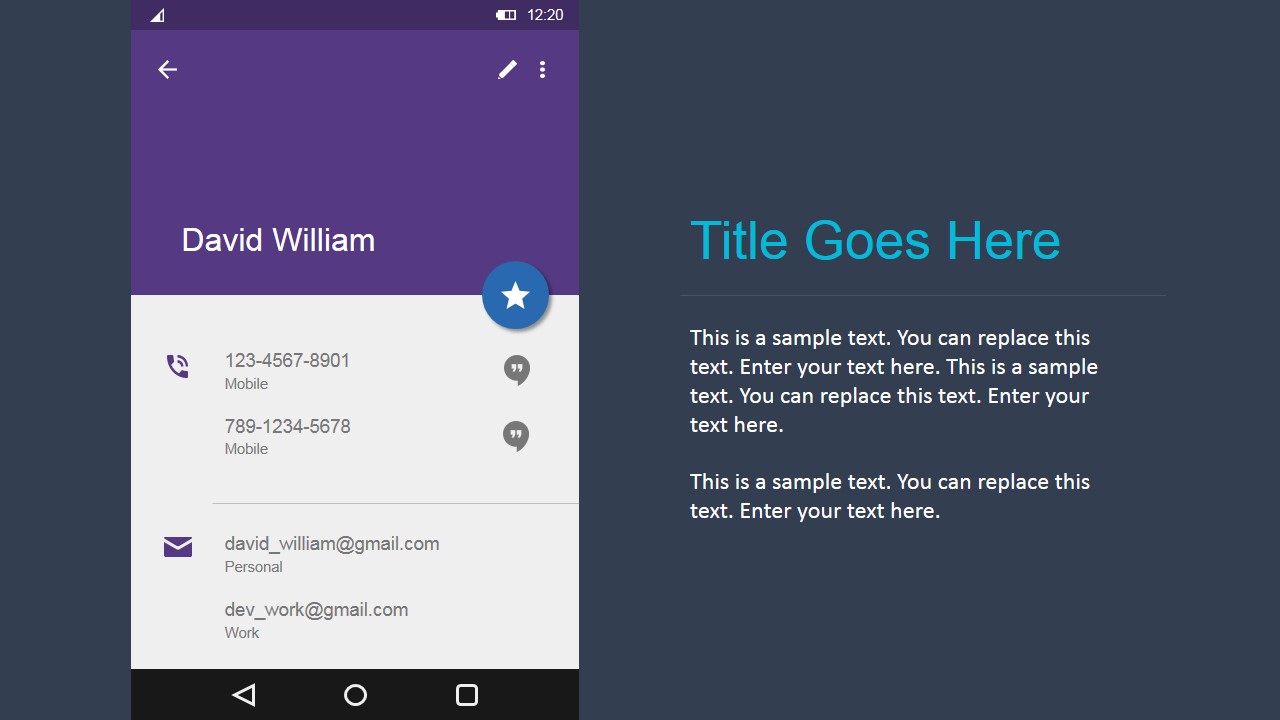
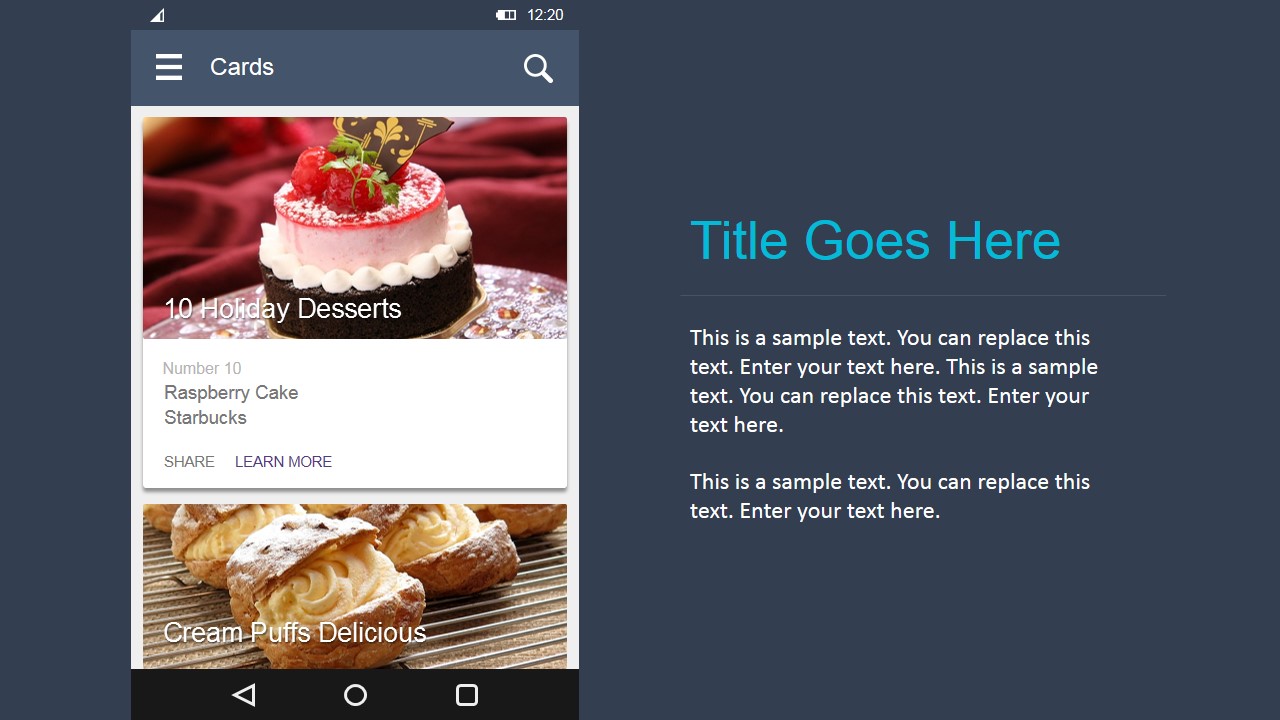
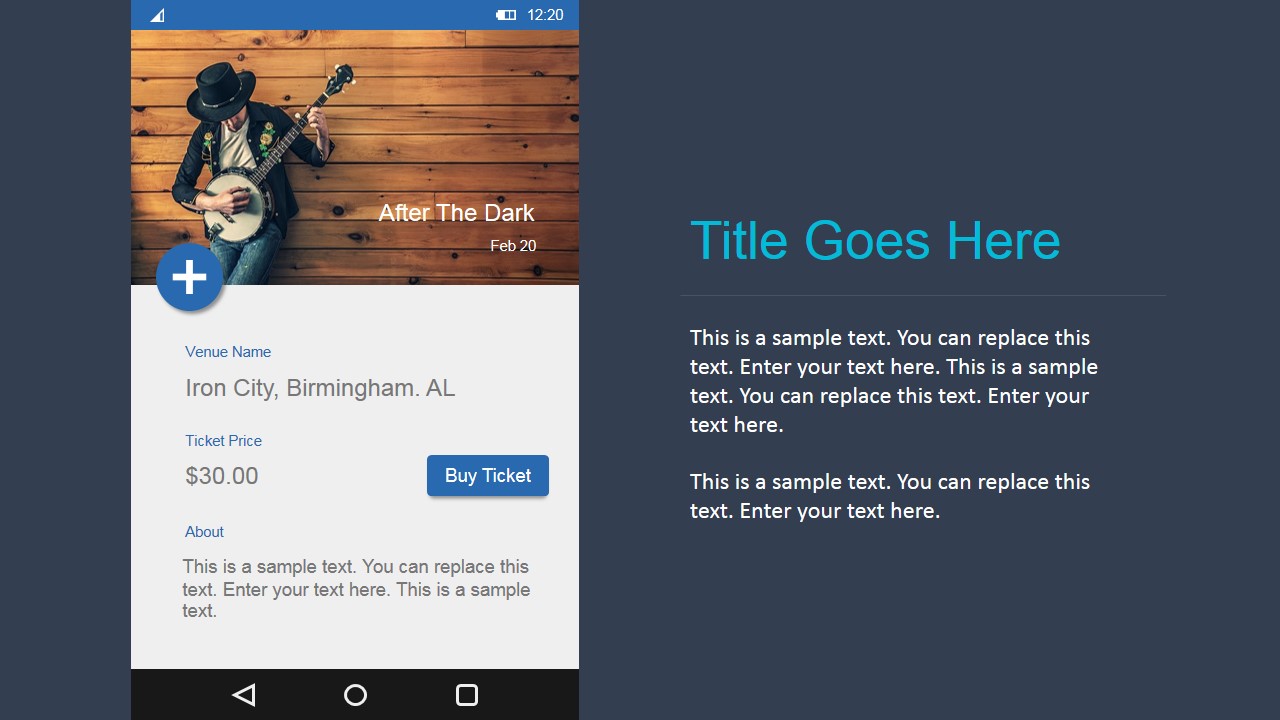
A: Use it when the audience must react to an Android app as a product experience, not just as a concept. The realistic phone frames, app bars, cards, tab bars, and contact rows help product, engineering, marketing, and sales stakeholders discuss screen structure, content priority, and expected behavior before development starts.
Q: Why does the repeated phone mockup layout help design reviews?
A: The repeated device frame acts as a device-in-hand metaphor, giving every slide the same visual reference point. That consistency lets viewers compare inboxes, cards, maps, notes, and controls without relearning the slide structure. The dark right panel separates interface evidence from presenter commentary, which reduces confusion during feedback.



Android UI Design Kit for PowerPoint
31-slide presentation template for Android UI mockups, wireframes, and mobile product design
Android UI Design Kit for PowerPoint is a 31-slide presentation template for building static Android app prototypes. It includes phone mockup screens for inboxes, contact lists, chat, map cards, calendars, tab bars, and form controls. Product managers, UX teams, and agile teams can present mockups in Microsoft PowerPoint and Google Slides.
- Category
- Shapes
- Rating


 Loading...
- Aspect ratio
- 16:9, 4:3
- Item ID
- 4074-02
- Colors
 Microsoft PowerPoint
  Microsoft Copilot
  Claude for PowerPoint
 Other formats supported
Subscribe today and get immediate
access to download our PowerPoint templates.