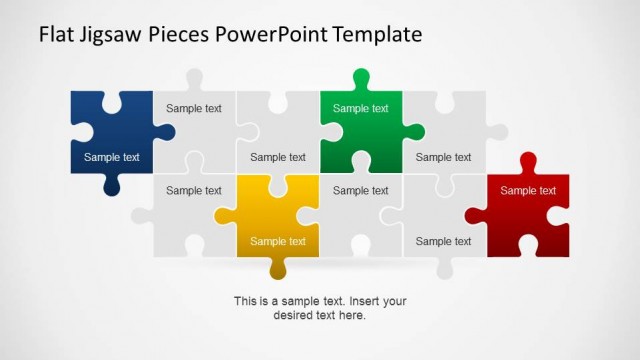
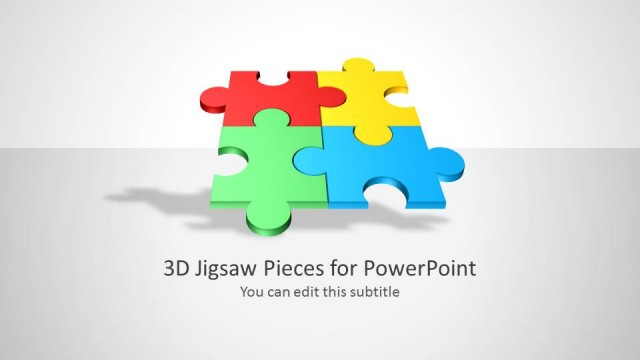
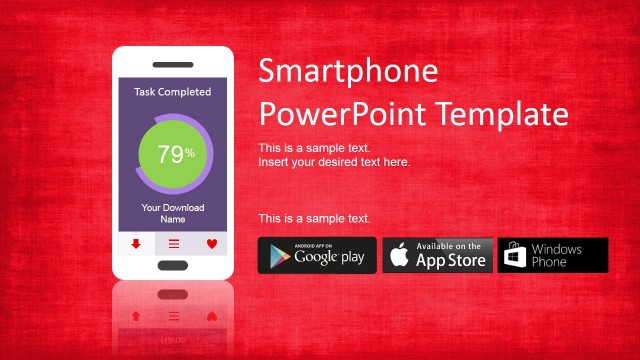
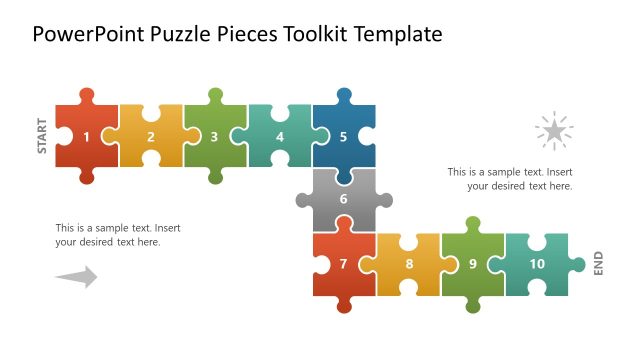
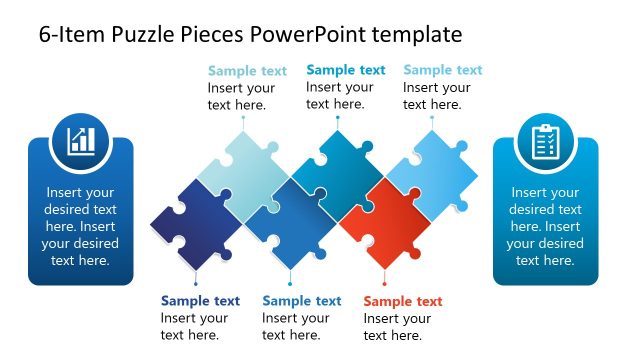
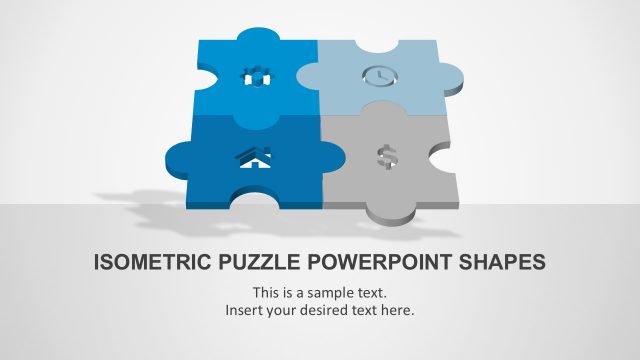
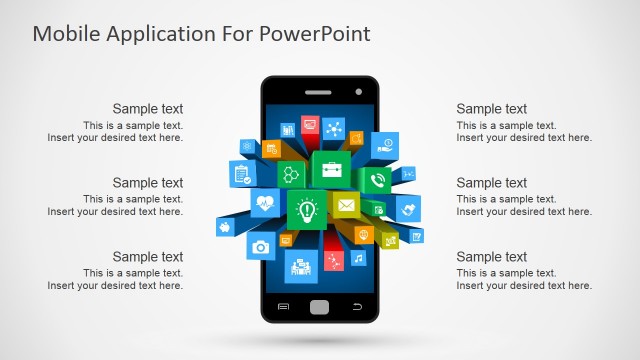
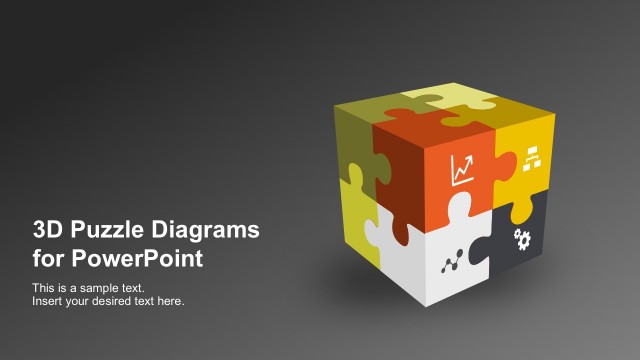
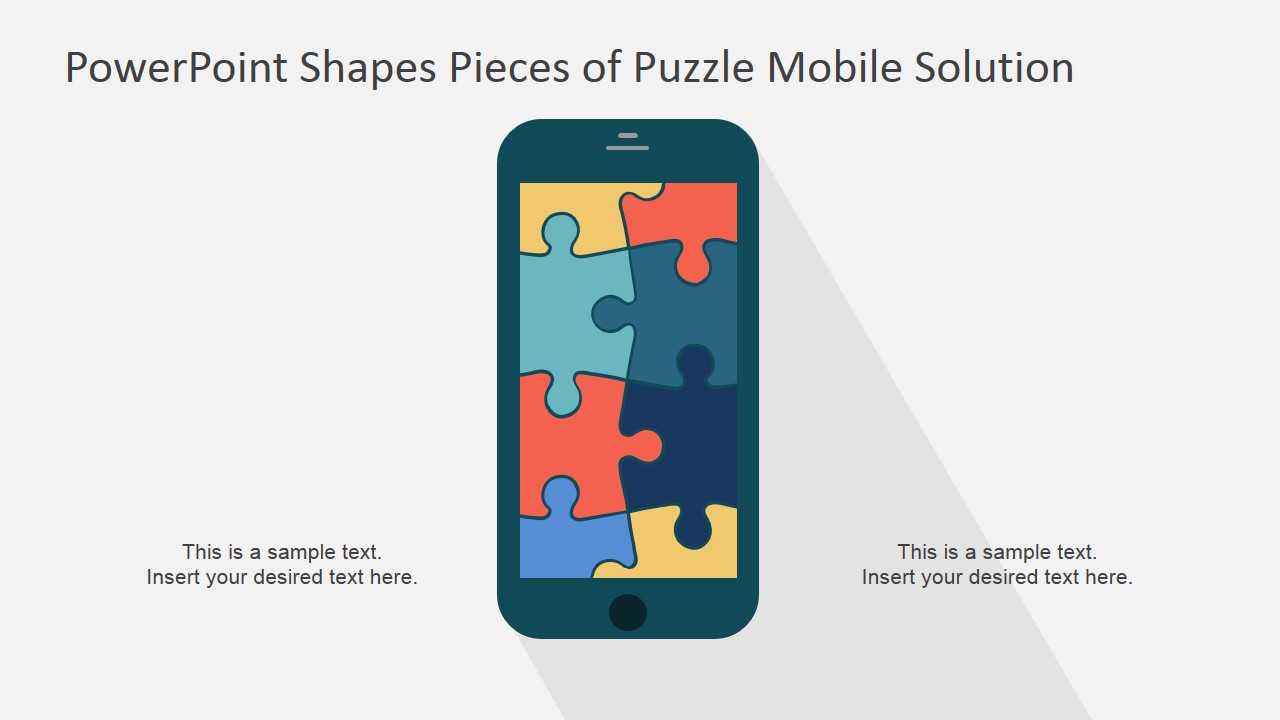
PowerPoint Shapes Pieces of Puzzle Mobile Solution – This PowerPoint template provides a Mobile Phone vectorial shape with jigsaw puzzle shapes that assemble the phone screen. Smartphones mobile apps are a popular topic of presentations of new products, digital experience or even mobile branding. The user can describe the pieces of a mobile app using the puzzle metaphor.
What’s inside this template
Example presentation scenarios
- A product manager can present a new mobile app concept by assigning each puzzle piece to a feature area, then using the assembled smartphone layout to show the complete user solution.
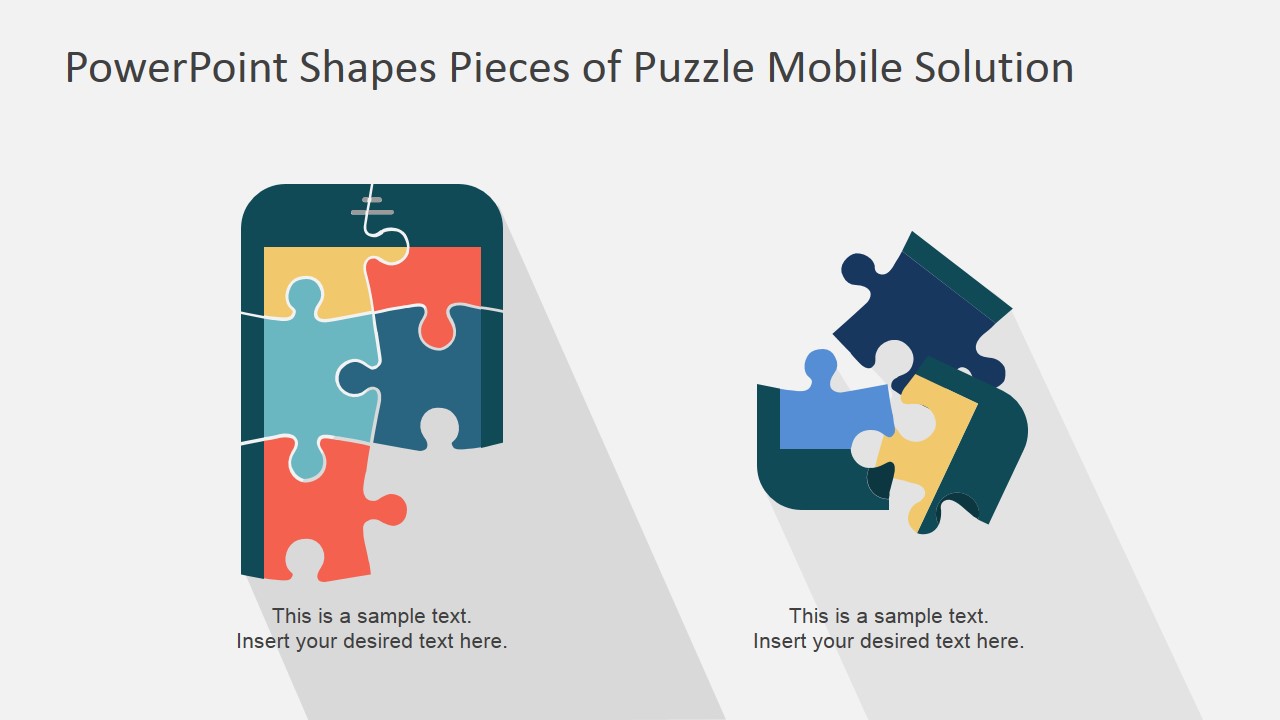
- A UX designer can explain how interface elements, onboarding, data flow, and user support connect by using the loose jigsaw cluster as a modular experience map.
- A startup founder can pitch a mobile solution to investors by comparing the phone screen and separated puzzle pieces to show both the full product vision and the parts still being built.
- A digital marketing lead can describe a mobile brand experience by using the split phone-to-pieces slide to connect content, personalization, notifications, and customer touchpoints.
Features
- 100% editable presentation template
- Compatible with Microsoft PowerPoint and Google Slides
- 16:9 aspect ratio slides
- Scalable vector shapes, icons and illustrations
- AI-Ready for Microsoft Copilot and Claude
- Instant access and download
Frequently asked questions
Q: How should a presenter explain the puzzle metaphor without making the slide feel too abstract?
A: Start by naming the complete mobile outcome before discussing the pieces. On the assembled phone slide, define what the finished solution represents. Then use the loose puzzle cluster to label the main components, such as features, teams, or service modules. This keeps the metaphor tied to a concrete product story.
Q: Who is this template best suited for in a business presentation?
A: It fits presenters who need to explain a mobile solution at a concept level rather than show detailed specifications. Product managers, UX leads, marketers, and founders can use the smartphone and puzzle layouts to show how separate feature ideas, customer touchpoints, or implementation workstreams contribute to one app experience.
Q: Why does the smartphone and jigsaw design help communicate a mobile solution?
A: The smartphone sets the topic immediately, while the puzzle pieces show interdependence. The assembled phone suggests a complete experience; the separated pieces support discussion of individual components. This visual contrast helps audiences understand both the end state and the parts that must connect to deliver it.

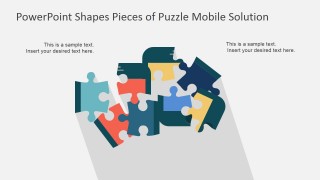

PowerPoint Shapes Pieces of Puzzle Mobile Solution
3-slide presentation template for mobile app puzzle diagrams with smartphone component visuals
PowerPoint Shapes Pieces of Puzzle Mobile Solution is a 3-slide presentation template for explaining mobile app components with editable smartphone and puzzle-piece diagrams. It includes an assembled phone screen, loose jigsaw piece cluster, and split phone-to-puzzle comparison for product managers, designers, and marketers using Microsoft PowerPoint or Google Slides.
- Category
- Shapes
- Rating

 Loading...
- Aspect ratio
- 16:9
- Item ID
- 7194-01
- Colors
 Microsoft PowerPoint
  Microsoft Copilot
  Claude for PowerPoint
 Other formats supported
Subscribe today and get immediate
access to download our PowerPoint templates.