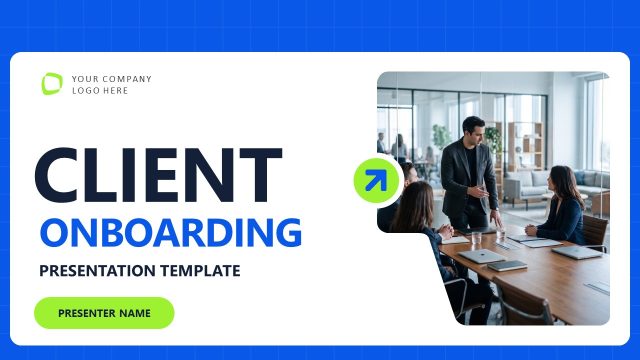
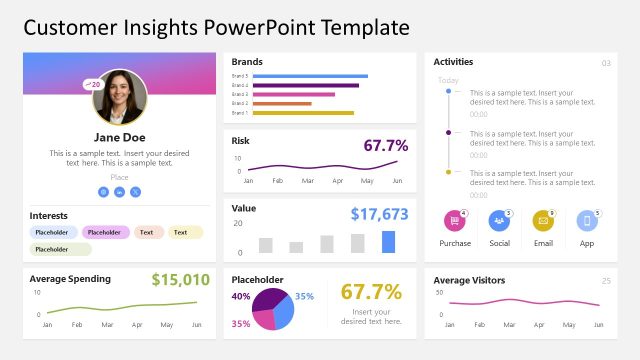
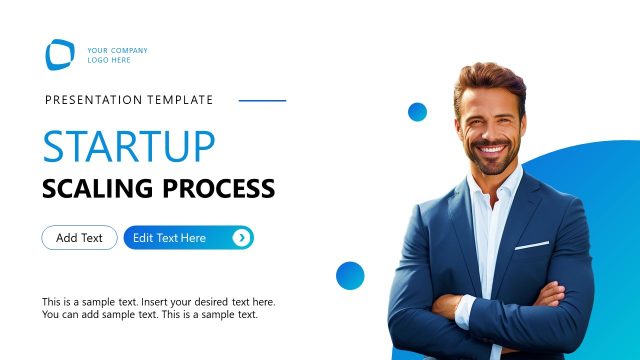
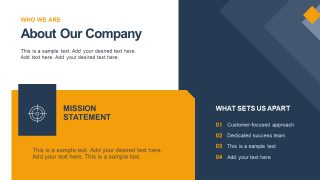
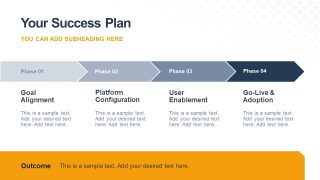
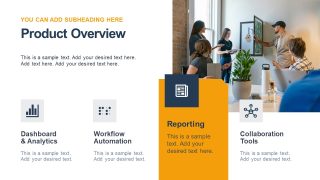
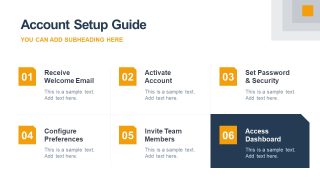
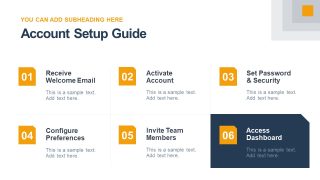
Showcase a comprehensive strategy for customer acquisition with our Key Customer Onboarding PowerPoint Template. Finding the right customers for your business is key to success, as they provide revenue opportunities for your product company. Once the customer deal is closed, onboarding is the next step. A product developer at a SaaS company uses the customer onboarding template to discuss the product overview, its benefits, application reporting, and dashboard analytics. Entrepreneurs use this template to visualize company information, team introductions, and success plans with clients. They edit the arrow diagram layout to show the success plan in 4 simple steps, from goal alignment to go-live and adoption. The account setup guide slide features six segments arranged in a 2×3 format to highlight the steps:
- 01: Receive Welcome Email
- 02: Activate Account
- 03: Set Password & Security
- 04: Configure Preferences
- 05: Invite Team Members
- 06: Access Dashboard
The Key Customer Onboarding PowerPoint Template features a yellow-and-blue color palette that makes the presentation design impactful for the audience. Onboarding team leads use the PPT deck to present the weekly onboarding plan to the clients. Further, we have the following slides with minimal layouts:
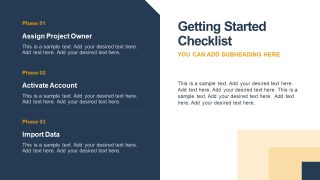
- Getting Started Checklist
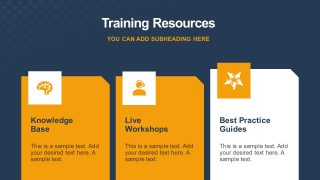
- Training Resources
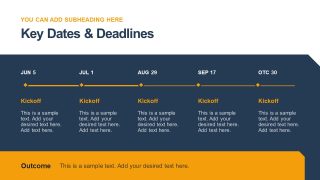
- Key Dates & Deadlines
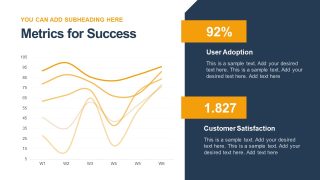
- Metrics for Success
- Support Channels
- Next Steps
The dates-and-deadlines slide includes a horizontal diagram that helps customer success managers present the complete onboarding process to stakeholders. Further, you can use a line chart to present success metrics in a simple, understandable format. Moreover, you can modify the PPT features of the template to match your theme needs. Download the key customer onboarding PPT slide template to present a sequenced framework to walk new clients through every critical stage of the onboarding process.
What’s inside this template
Example presentation scenarios
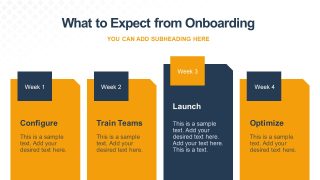
- A customer success manager can use the success plan roadmap and weekly onboarding columns to explain the implementation path during a key account kickoff.
- An implementation lead can use the account setup guide and getting started checklist to walk client administrators through activation, security, preferences, and dashboard access.
- A product team can use the product overview and training resources slides to introduce platform capabilities, reporting, workshops, and self-service learning materials.
- An account manager can use the metrics line chart, KPI cards, and support channels slide to set expectations for adoption tracking and ongoing customer assistance.
Features
- 100% editable presentation template
- Compatible with Microsoft PowerPoint
- 16:9 aspect ratio slides
- Scalable vector shapes, icons and illustrations
- AI-Ready for Microsoft Copilot and Claude
- Instant access and download
Frequently asked questions
Q: How should a presenter communicate the onboarding plan without overwhelming a new customer?
A: Start with the team and company context, then move into the four-phase success plan before showing detailed setup steps. The roadmap on Slide 4 gives the client the full path, while the account setup guide on Slides 8 and 9 breaks the work into manageable actions. Keep technical details in the checklist and next steps.
Q: Who is this onboarding template best suited for?
A: This deck fits customer success managers, implementation leads, account managers, and SaaS founders who need to align a new client after the sale. It is strongest when the presenter must introduce the onboarding team, explain account activation, assign training resources, and define success metrics in one client-facing session.
Q: Why does the deck use roadmaps, numbered steps, and KPI cards together?
A: The visual sequence matches how customers absorb onboarding information. The roadmap sets direction, the weekly columns show timing, the six-step setup guide turns abstract activation into a checklist, and the KPI cards connect the work to measurable adoption. This reduces ambiguity and helps the audience see progress before tasks begin.






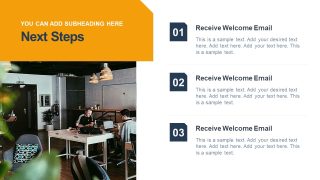
Key Customer Onboarding PowerPoint Template
14-slide customer onboarding presentation template with success plan, setup guide, and success metrics
Key Customer Onboarding PowerPoint Template is a 14-slide Microsoft PowerPoint deck for customer success and implementation teams. It includes a company overview, onboarding team, success plan timeline, weekly onboarding flow, account setup guide, training resources, key dates, support channels, and a metrics line chart editable through Excel in PowerPoint.
- Category
- Strategy
- Rating

 Loading...
- Aspect ratio
- 16:9
- Item ID
- 94213-01
- Colors
 Microsoft PowerPoint
  Microsoft Copilot
  Claude for PowerPoint
 Other formats supported
Subscribe today and get immediate
access to download our PowerPoint templates.