Slide 14 of 14 from Key Customer Onboarding PowerPoint Template
Next Steps Slide – Key Customer Onboarding Presentation Design
Next Steps Slide for Customer Onboarding
- Text Layout
- List Blocks
- Process Slide
- 16:9
- 100% Editable
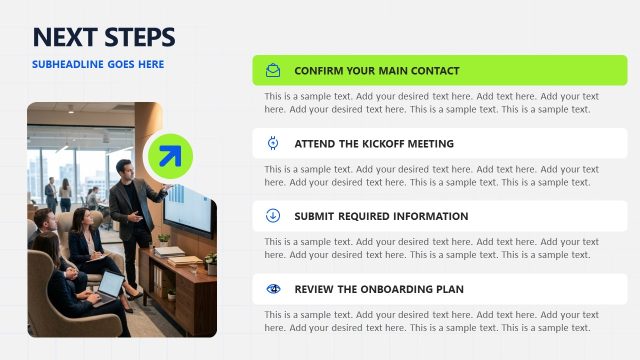
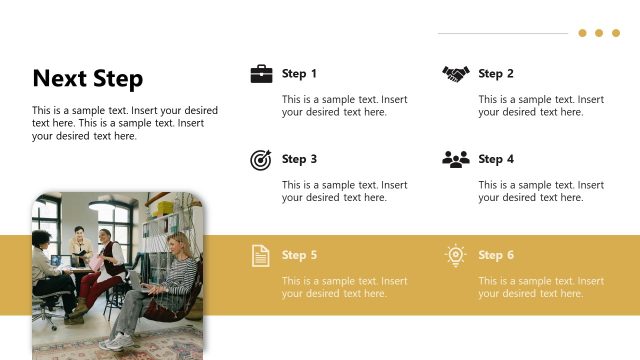
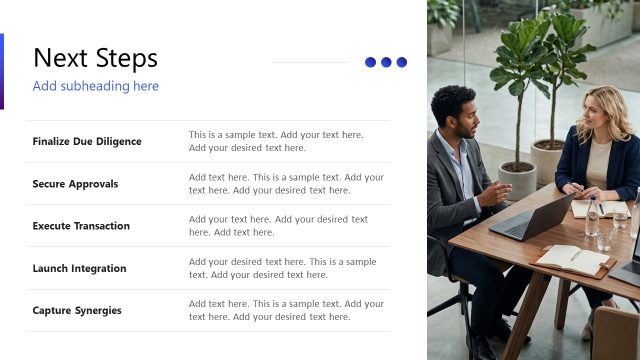
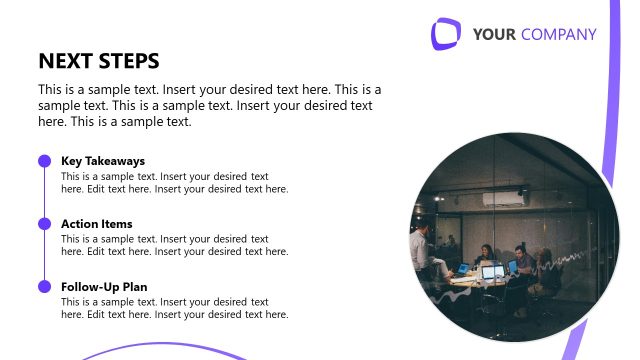
The Next Steps slide from the Key Customer Onboarding PowerPoint Template offers a structured layout to clearly present sequential onboarding actions. Designed for business presentations, this slide uses editable shapes and numbered sections to guide audiences through essential follow-up tasks, making it a practical choice for concluding corporate presentations and customer onboarding slide decks.
What’s on This Slide
The slide features a prominent orange header with the title 'Next Steps' and an optional subheading. Below the header, there are three numbered sections aligned vertically on the right side. Each section contains a title 'Receive Welcome Email' followed by a placeholder for descriptive text. The text placeholders are aligned left and are designed to hold multiple lines of text. On the left side, there is a background image of a workspace, partially obscured by a green plant in the foreground. The overall layout emphasizes the numbered steps and provides a clear visual hierarchy.
How to Use It
This layout serves as a sequential guide for next steps in a customer onboarding process. It is suitable for concluding a presentation, summarizing key actions for the audience. The slide fits well at the end of a presentation, following detailed onboarding information. It is ideal for scenarios where clear, actionable steps need to be communicated to new customers, ensuring they understand what to expect next in their onboarding journey.
Text Placeholders & Capacity
Keep your copy within these limits so it fits without resizing. Node body slots can hold roughly 30-40 words each.
| Placeholder | Count | Max characters (approx.) |
|---|---|---|
| Slide title | 1 | 30 |
| Item heading | 3 | 25 |
| Item body | 3 | 150 |
Slide Keywords
Download unlimited PowerPoint templates, charts and graphics for your presentations with our annual plan.
DOWNLOADReturn to Key Customer Onboarding PowerPoint Template.