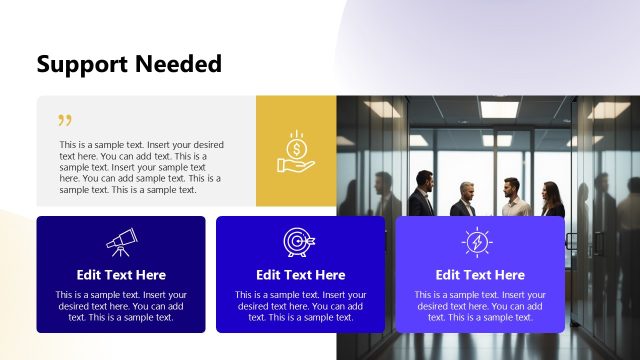
Slide 13 of 14 from Key Customer Onboarding PowerPoint Template
Support Channels Presentation Slide – Key Customer Onboarding PPT Template
Support Channels for Customer Onboarding
- Text Layout
- Other
- Support Slide
- 16:9
- 100% Editable
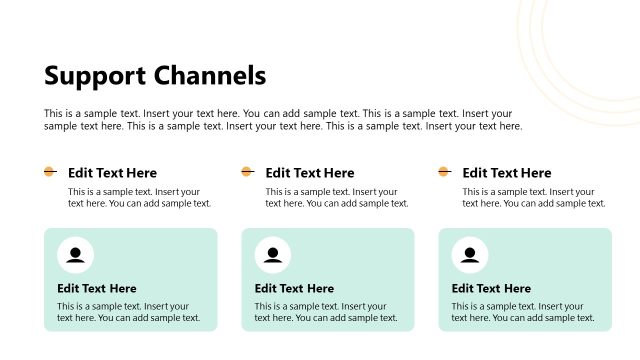
The Support Channels slide from the Key Customer Onboarding PowerPoint Template offers a clear layout to communicate customer service options. Designed for business presentations and onboarding guides, this slide uses editable shapes and vector icons to highlight email and phone contacts, making it a practical addition to any corporate presentation or slide deck focused on customer success.
What’s on This Slide
The slide features a left-aligned section for support channels, including an email and phone contact. The title 'Support Channels' is prominently displayed at the top center, with a subheading placeholder above it. Below the title, there are two text placeholders for detailed descriptions, aligned to the left. The bottom section contains two icons with labels for 'Email Support' and 'Phone', each accompanied by corresponding contact information. The overall layout is clean, with a background image of two individuals working at computers, providing context.
How to Use It
This layout serves to present support channels effectively within a customer onboarding presentation. It fits well after discussing onboarding processes and before outlining next steps. This slide is useful in scenarios where clear communication of support options is essential, such as during training sessions or customer success meetings. It can also be employed in follow-up communications to reinforce available resources for customer inquiries.
Text Placeholders & Capacity
Keep your copy within these limits so it fits without resizing. Body slots can hold about 15-20 words each.
| Placeholder | Count | Max characters (approx.) |
|---|---|---|
| Slide title | 1 | 30 |
| Subtitle | 1 | 50 |
| Body paragraph | 4 | 100 |
| Item heading | 2 | 20 |
| Item body | 2 | 30 |
Slide Keywords
Download unlimited PowerPoint templates, charts and graphics for your presentations with our annual plan.
DOWNLOADReturn to Key Customer Onboarding PowerPoint Template.