Slide 3 of 14 from Key Customer Onboarding PowerPoint Template
Onboarding Team Visualization – Key Customer Onboarding PPT Template
Onboarding Team Overview Slide
- Media Layout
- Other
- Context Slide
- 16:9
- 100% Editable
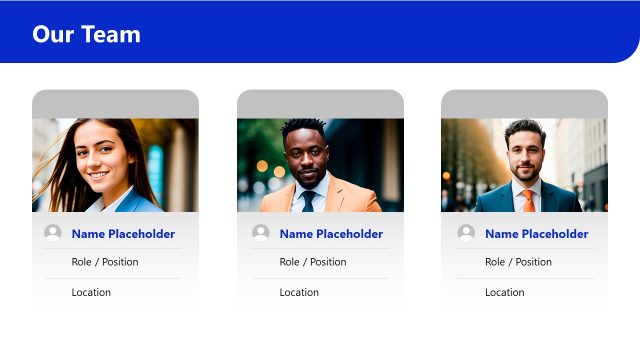
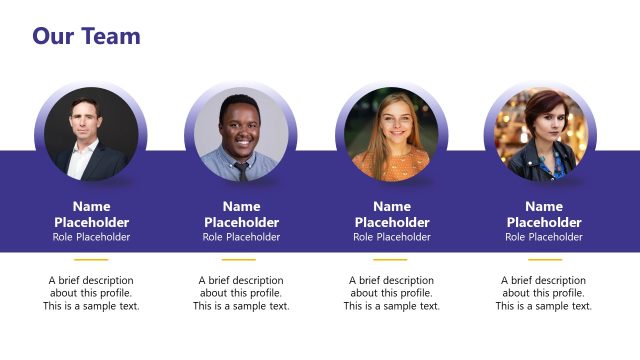
The Onboarding Team slide from the Key Customer Onboarding PowerPoint Template provides a clear layout for introducing team members in onboarding presentations. This slide template uses editable shapes and a professional design to highlight individual roles, making it suitable for business presentations and customer success meetings. Its structured format enhances team introductions within a corporate presentation or pitch deck template.
What’s on This Slide
The layout features a top-centered title stating 'Onboarding Team' in a large font. Below, three individual sections are aligned horizontally, each containing a photo of a team member. Each section has a dark background with a light-colored container for the photo. Below the photo, the name and title of each member are displayed in bold text, with an additional placeholder for a short bio. The overall color scheme includes dark blue and white, with orange accents for names. The design emphasizes clarity and organization.
How to Use It
This layout serves to introduce team members involved in the onboarding process. It is suitable for a presentation that outlines team roles and responsibilities. This structure is effective in contexts such as onboarding meetings, team introductions, or customer success presentations. It fits well after a company overview and before discussing specific onboarding strategies, helping to establish a personal connection with the audience.
Text Placeholders & Capacity
Keep your copy within these limits so it fits without resizing. Node slots can accommodate three team members with brief descriptions.
| Placeholder | Count | Max characters (approx.) |
|---|---|---|
| Slide title | 1 | 30 |
| Item heading | 3 | 25 |
| Item body | 3 | 50 |
| Callout | 3 | 30 |
Slide Keywords
Download unlimited PowerPoint templates, charts and graphics for your presentations with our annual plan.
DOWNLOADReturn to Key Customer Onboarding PowerPoint Template.