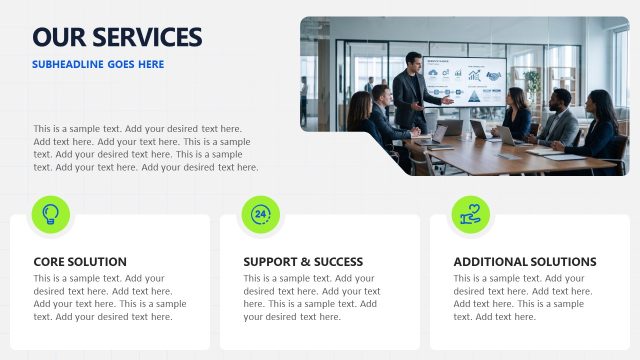
Slide 6 of 14 from Key Customer Onboarding PowerPoint Template
Product Overview Infographics Slide – Key Customer Onboarding Slide Template
Product Overview Slide for Customer Onboarding
- Text Layout
- Other
- Context Slide
- 16:9
- 100% Editable
The Product Overview Section slide from the Key Customer Onboarding PowerPoint Template offers a structured layout ideal for showcasing product features and capabilities. This slide template includes editable shapes and vector icons representing key functionalities like Dashboard & Analytics and Workflow Automation, making it suitable for business presentations, customer onboarding, and team training sessions.
What’s on This Slide
The layout features a left-aligned title section with a subheading and a prominent main title. Below the title, there is a large text placeholder for a description. The right side contains four distinct sections, each with an icon above a title and a smaller text placeholder. The icons represent Dashboard & Analytics, Workflow Automation, Reporting, and Collaboration Tools. Each section is visually separated, with the Reporting section highlighted in orange. The overall color scheme includes shades of blue, gray, and orange, creating a clear visual hierarchy.
How to Use It
This layout serves as a product overview, suitable for presenting key features in a customer onboarding context. It fits well after introductory slides, providing a summary of product functionalities. This design is effective in business scenarios where teams need to communicate product capabilities clearly. It can be used in training sessions or customer meetings to highlight essential tools and analytics available to users.
Text Placeholders & Capacity
Keep your copy within these limits so it fits without resizing. Body slots can accommodate roughly 15-20 words each.
| Placeholder | Count | Max characters (approx.) |
|---|---|---|
| Slide title | 1 | 30 |
| Subtitle | 1 | 50 |
| Body paragraph | 4 | 100 |
| Item heading | 4 | 30 |
Slide Keywords
Download unlimited PowerPoint templates, charts and graphics for your presentations with our annual plan.
DOWNLOADReturn to Key Customer Onboarding PowerPoint Template.