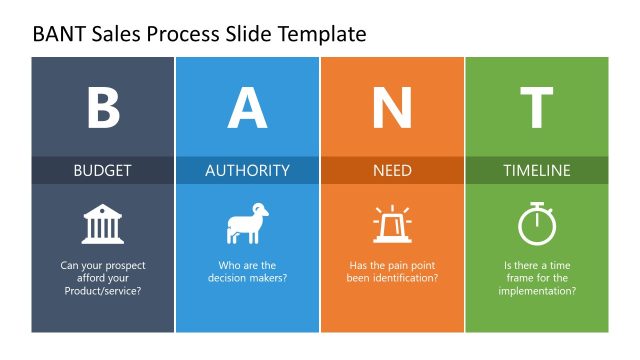
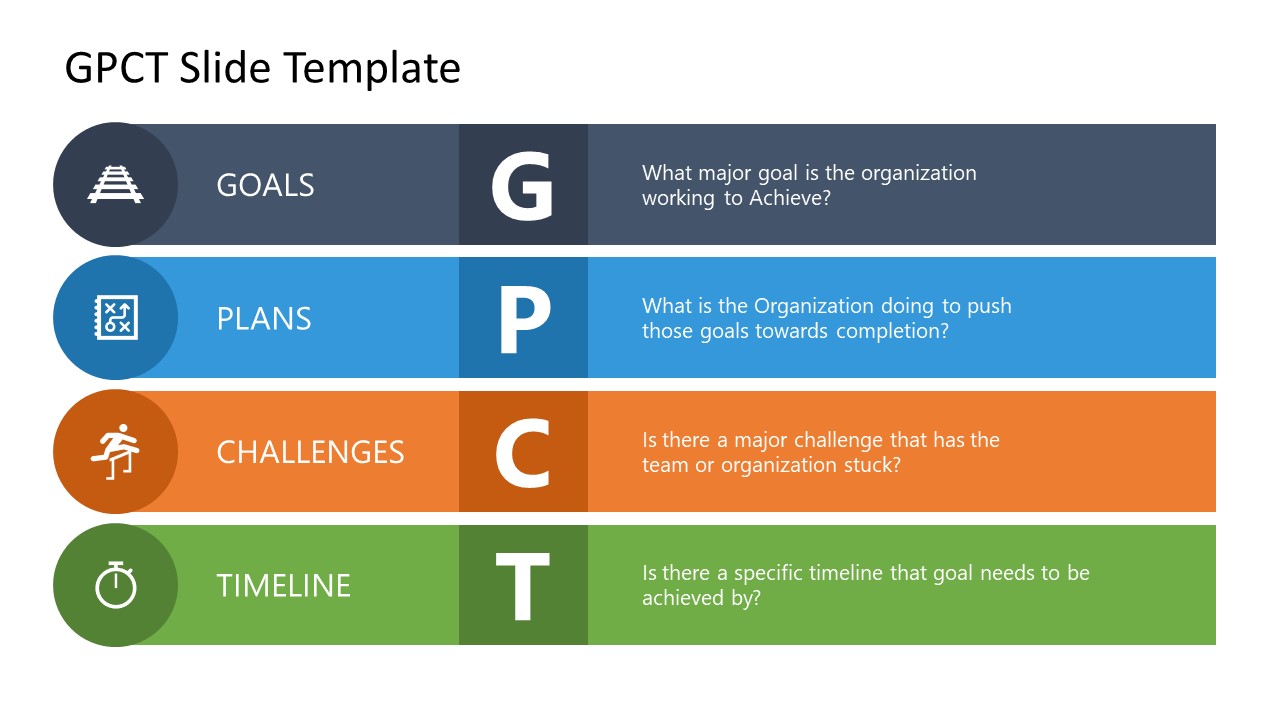
The GPCT PowerPoint Template features editable diagram slides for presenting the GPCT lead qualification model. GPCT stands for the four parameters to be considered before qualifying any lead, i.e., goals, plans, challenges, and timelines. As a good alternative to the BANT methodology, GPCT is helpful when dealing with prospects or leads looking for practical solutions to their problems. In other words, GPCT is a goal-oriented approach in which sales representatives try to understand the challenges and propose solutions to convert them. However, the BANT methodology is focused on the current situation of the leads and asks questions about the budget or authorities. GPCT is a technical version of BANT that can easily help sales teams recognize potential leads and develop long-term relationships.
Our GPCT PowerPoint Template carries two editable slides. The first slide shows a vertical column layout indicating the four steps of GPCT. These columns have distinct colors, bold alphabet letters, placeholder text boxes, and meaningful infographic icons. Presenters can add the presentation points to the text boxes and change the color scheme. Likewise, on the following slide, a horizontal design is created carrying similar elements. Users can choose either slide for their presentations. The background of the slides is set to plain white, but users can modify it according to their choice.
Using this PowerPoint design, business and sales professionals can discuss their sales processes and strategies in a nutshell. The slides can be used for training to elaborate on the working of GPCT. So, download this PPT template and customize it with all PowerPoint versions or Google Slides. Also, try our BANT sales process PowerPoint template for your sales presentations!
What’s inside this template
Example presentation scenarios
- A sales manager can use the vertical four-column GPCT diagram to train account executives on the discovery questions that separate goals, plans, challenges, and timeline.
- A business development lead can use the horizontal row matrix in a team meeting to standardize how reps record prospect needs before moving a lead forward.
- A sales trainer can use the color-coded icons and large letter blocks to introduce the GPCT model during onboarding or process refresh sessions.
- A revenue operations presenter can use either GPCT layout to document a qualification framework in an internal sales playbook presentation.
Features
- 100% editable presentation template
- Compatible with Microsoft PowerPoint and Google Slides
- 16:9 aspect ratio slides
- Scalable vector shapes, icons and illustrations
- AI-Ready for Microsoft Copilot and Claude
- Instant access and download
Frequently asked questions
Q: How should a presenter explain the GPCT model with these slides?
A: Start with the vertical four-column slide when introducing the model because each GPCT category has equal visual weight. Explain one question at a time, then move to the horizontal matrix if the discussion shifts into a checklist or workshop format. This keeps the audience focused on discovery logic instead of memorizing an acronym.
Q: Who is this template best suited for in a sales organization?
A: This template fits sales managers, trainers, business development leads, and account executives who need a short framework for qualifying leads. It is especially useful when the presentation goal is to guide a team conversation about prospect goals, active plans, blocking challenges, and the expected decision or implementation timeline.
Q: Why use both vertical and horizontal GPCT layouts?
A: The two layouts support different communication moments. The vertical columns work well for introducing the four GPCT concepts as parallel criteria. The horizontal rows work better for reviewing notes or asking questions sequentially. The repeated letters, icons, and colors help the audience recognize the same framework across both formats.



GPCT PowerPoint Template
2-slide presentation template for GPCT sales qualification with vertical columns and horizontal process rows
The GPCT PowerPoint Template is a 2-slide diagram template for explaining goals, plans, challenges, and timeline in sales qualification. It includes a vertical four-column model and a horizontal row matrix with icons, large letters, and text placeholders for sales teams, trainers, and managers using Microsoft PowerPoint or Google Slides.
- Category
- Diagrams
- Rating

 Loading...
- Aspect ratio
- 16:9
- Item ID
- 21822-01
- Colors
 Microsoft PowerPoint
 Microsoft Copilot
 Claude for PowerPoint
Other formats supported
Subscribe today and get immediate
access to download our PowerPoint templates.