The GROW Model Template for PowerPoint is a modern layout for corporate coaching. Using these slides, professionals can better recognize and set up their goals by looking deep into the practical issues and implications. The GROW model was developed based on the Inner Game theory. It is a simple framework that enables professionals to streamline their action plan to achieve goals. In business and project management, the mentors or coaches follow this model to address the problem and dig into the underlying causes behind the leggings. This PPT template provides editable slides that can help the professionals discuss the four stages of the GROW model or present the analysis before the audience.
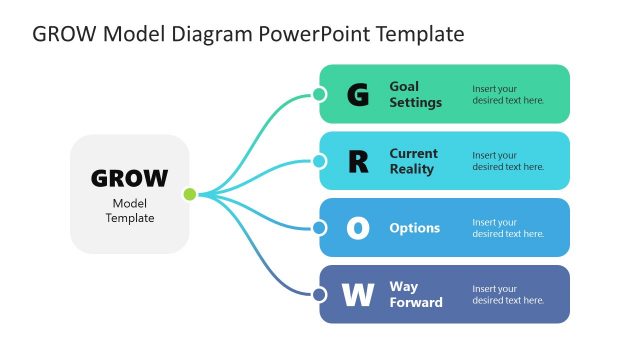
The GROW is an acronym for four key terms or steps which are observed while following this problem-solving model, i.e.,
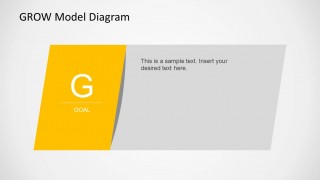
- Goals: It refers to setting the goals based on the requirements. In this phase, the coach raises questions regarding the issue and narrows down the scenario to a pinpoint goal.
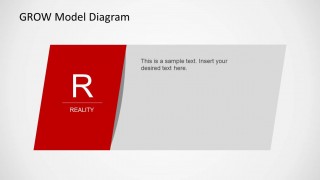
- Realities: Consideration of facts based on analysis is included in this stage. The shortcomings, drawbacks of the constituent process, etc., are taken into account.
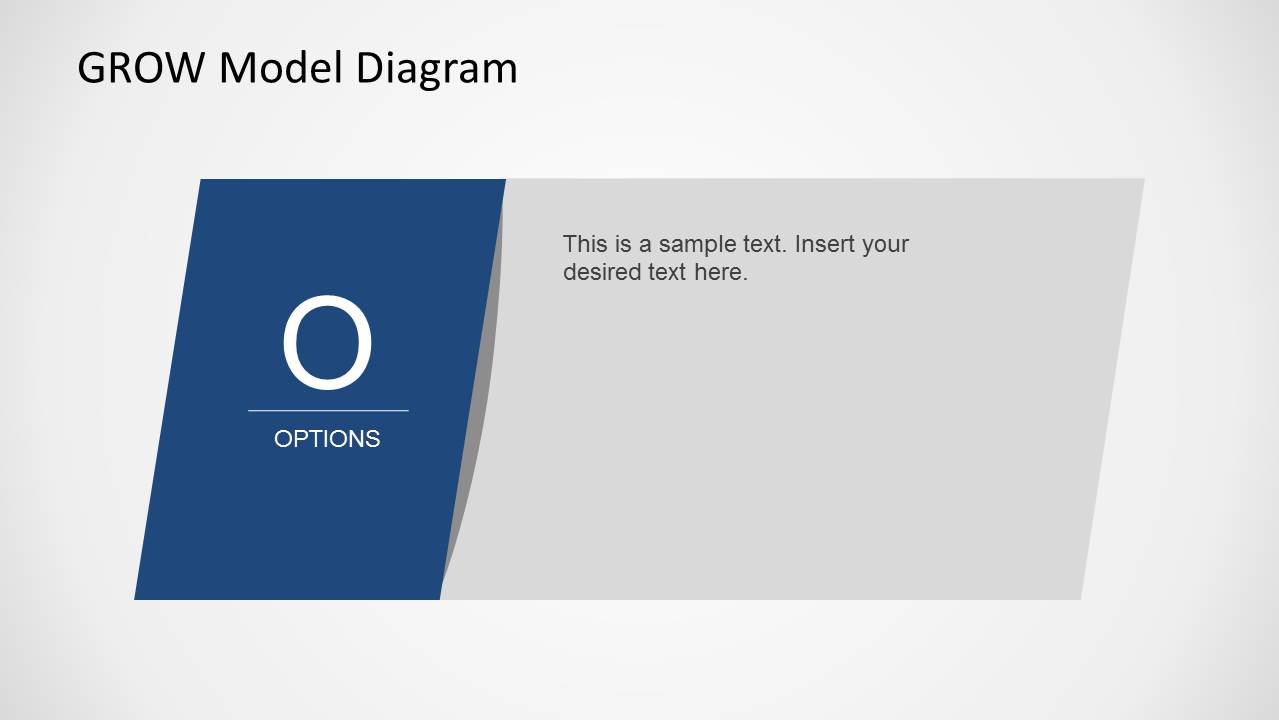
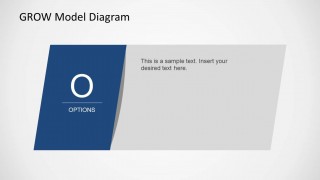
- Obstacles/Options: Based on the realities, goal-oriented options are considered. Specific action plans are laid down for each option and followed accordingly.
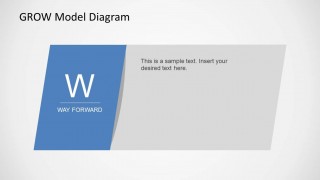
- Way Forward: This is the phase where the coachee uses the will to decide and act upon any available options.
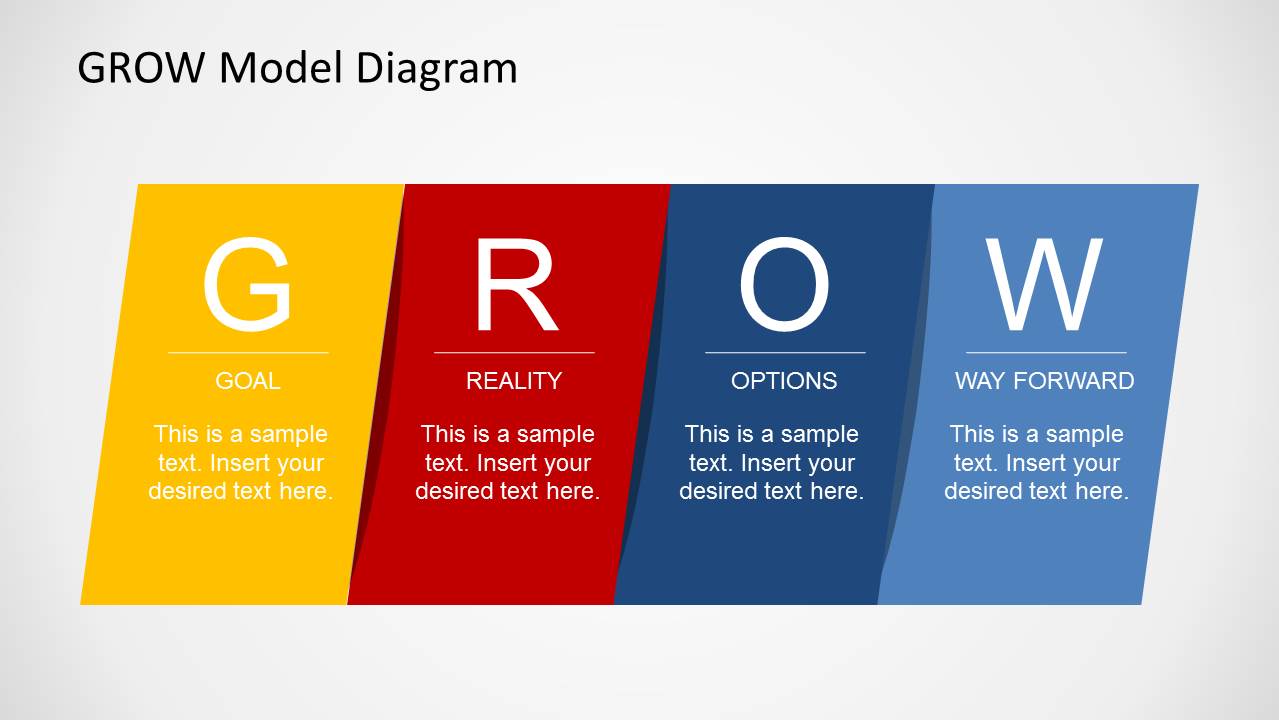
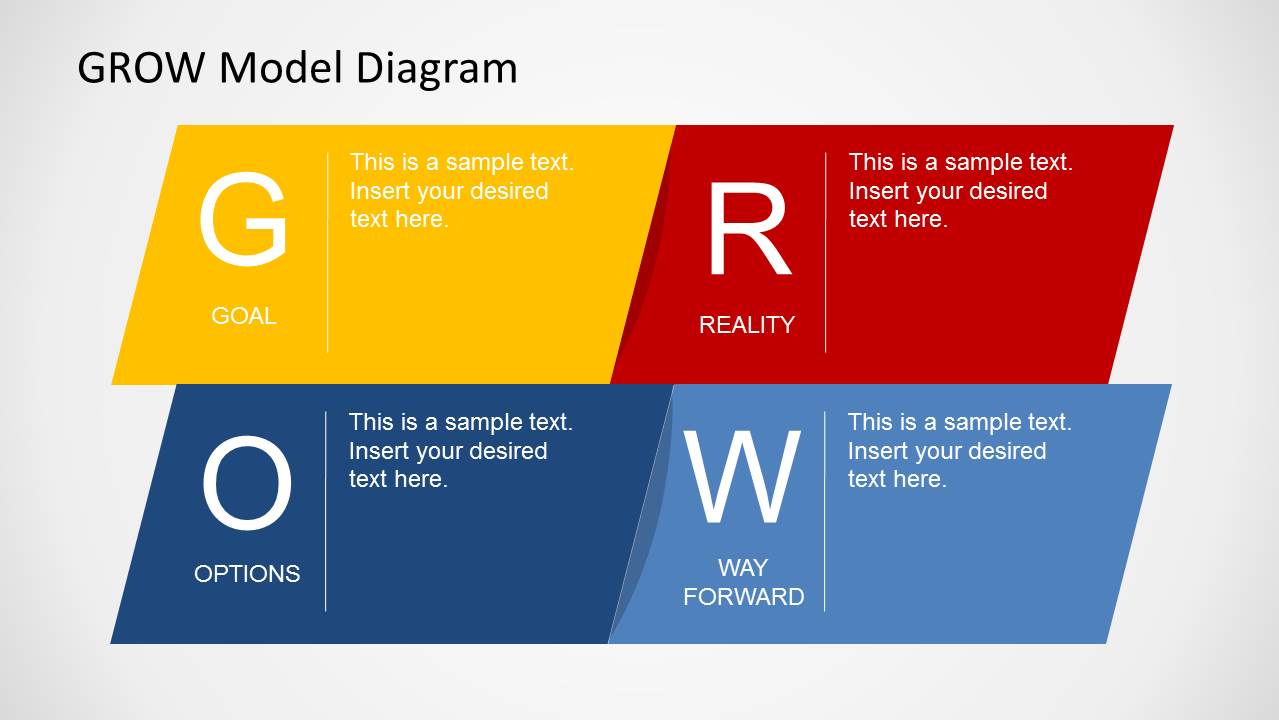
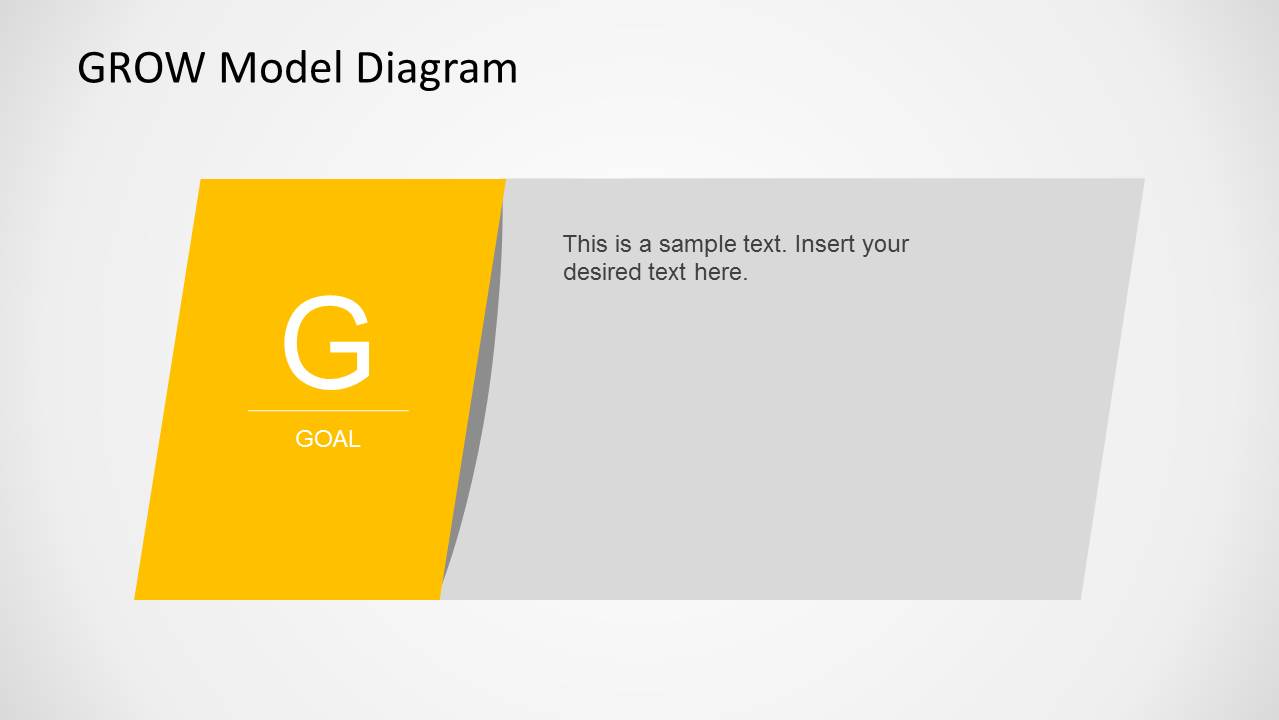
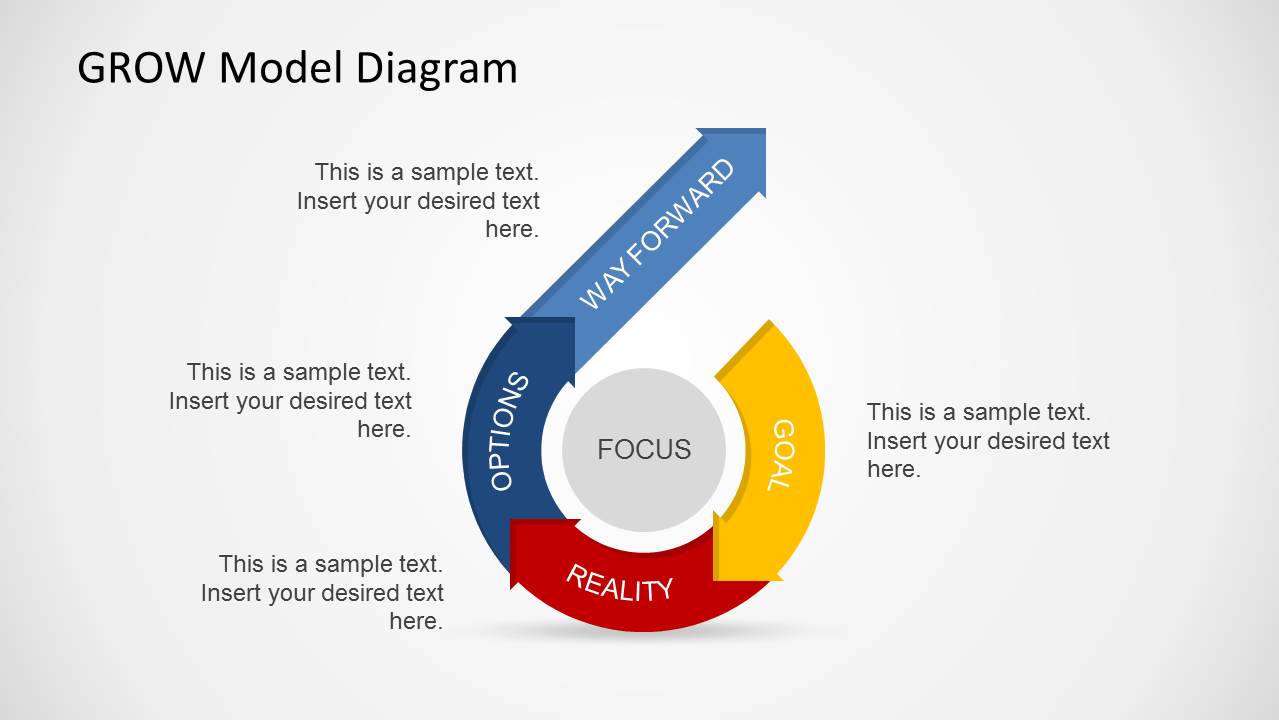
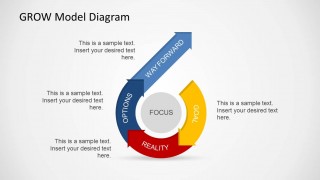
The GROW Model Template for PowerPoint helps in the visual representation of these four steps. The first two slides show tilted flashcard visuals, each representing the stages of the GROW model. The following slides display these four phases one by one, where presenters can add the relevant descriptions. Lastly, a circular diagram depicts the continuity of the GROW steps using joint arrows. Users can describe the summary of the process using this representation. All the slides in this template are editable, i.e., users can change the colors and font styles and edit the placeholder text. So, download this PPT template to engage your audience through the attractive visuals. If you are looking for other business goal-related templates, the SMART Goals templates and presentation slides can be of help.
What’s inside this template
Example presentation scenarios
- A corporate coach can use the circular GROW process diagram to guide a client through Focus, Goal, Reality, Options, and Way Forward during a structured coaching conversation.
- A manager can use the individual Goal, Reality, Options, and Way Forward detail slides to align a team on performance targets and practical next steps.
- An HR trainer can use the four-part ribbon diagram to teach new managers how the GROW framework organizes coaching questions and action planning.
- A project leader can use the two-row phase block slide to compare current reality with available options before presenting a recommended way forward.
Features
- 100% editable presentation template
- Compatible with Microsoft PowerPoint and Google Slides
- 16:9 aspect ratio slides
- Scalable vector shapes, icons and illustrations
- AI-Ready for Microsoft Copilot and Claude
- Instant access and download
Frequently asked questions
Q: How should a presenter explain the GROW model without making the session feel theoretical?
A: Start with the four-part ribbon diagram to name the complete model, then move into the individual Goal, Reality, Options, and Way Forward slides. Use each detail slide for one coaching question, one example, and one action. Close with the circular process diagram to show that the framework can be repeated as goals change.
Q: Who is this template best suited for in a business setting?
A: This template fits managers, coaches, HR facilitators, and project leaders who need to structure a goal-setting or improvement conversation. It works best when the audience must move from a desired outcome to current facts, possible choices, and accountable next steps rather than review a large report.
Q: Why does the design use angled cards and a circular final diagram?
A: The angled cards make each GROW stage feel like a clear step in a sequence, which helps audiences track the acronym. The final circular diagram changes the metaphor from linear explanation to repeatable coaching loop, reminding the audience that goal setting, reality checks, options, and action can cycle over time.


GROW Model Template for PowerPoint
7-slide GROW Model presentation template with goal-setting cards and circular coaching diagram
The GROW Model Template for PowerPoint is a 7-slide coaching and goal-setting presentation template for explaining Goal, Reality, Options, and Way Forward. It includes four-part ribbon cards, two-row phase blocks, individual stage detail slides, and a circular process diagram for coaches, managers, and project leaders in Microsoft PowerPoint and Google Slides.
- Category
- Models
- Rating


 Loading...
- Aspect ratio
- 16:9, 4:3
- Item ID
- 6427-01
- Colors
 Microsoft PowerPoint
  Microsoft Copilot
  Claude for PowerPoint
 Other formats supported
Subscribe today and get immediate
access to download our PowerPoint templates.