Slide 5 of 5 from Gear Process Shapes for PowerPoint
6025-gear-process-wide-5
Editable Gear Process Layout for Presentations
- Diagram
- Matrix Grid
- Process Slide
- 16:9
- 100% Editable
The Editable Gear Process Layout from the Gear Process Shapes for PowerPoint template offers a clear and customizable way to map workflows or project steps using editable slides. Featuring a balanced grid of text boxes alongside vector icons of gears, this slide layout supports detailed process mapping ideal for business presentations and training sessions. Its design integrates well within corporate slide decks, providing a structured format for presenting complex processes with clarity.
What’s on This Slide
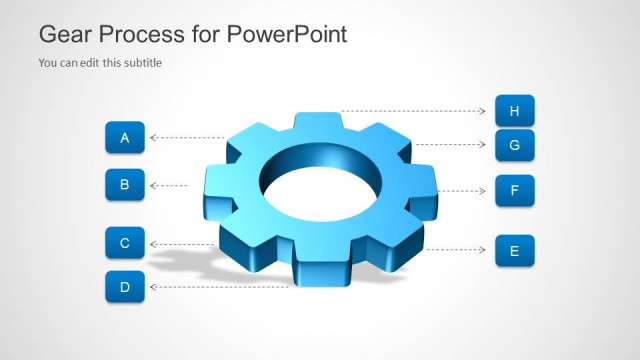
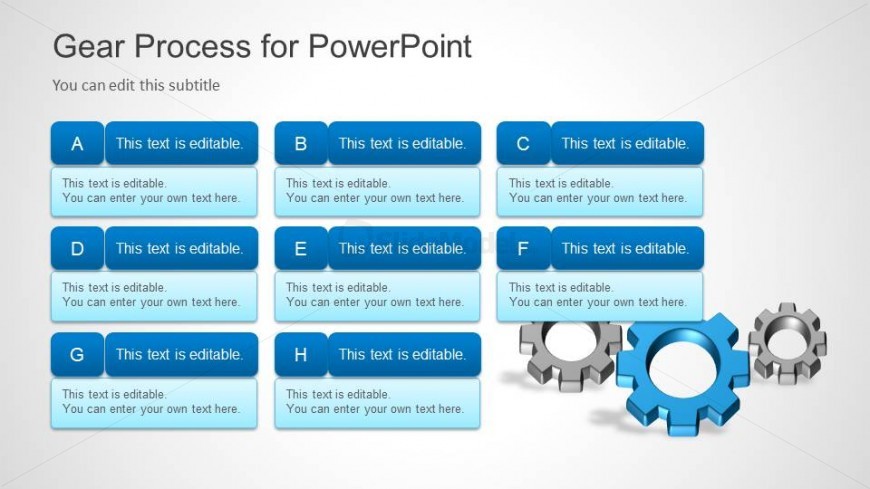
The layout features a grid of eight editable text boxes arranged in two columns and four rows. Each box is rectangular with rounded corners, colored in a blue gradient. The boxes contain placeholder text aligned to the left, indicating they are editable. To the right, there are two gear icons, one larger and colored blue, and another smaller, colored gray. The background is a light gradient, providing a subtle contrast to the blue elements. The overall composition is balanced, with text boxes evenly spaced and the gears adding visual interest.
How to Use It
This layout serves as a structured way to present a process or workflow using editable text boxes. It fits well in a presentation sequence after introducing a concept or problem, allowing for detailed explanations or steps. It is suitable for business scenarios such as project planning, process mapping, or training sessions where multiple steps need to be outlined clearly. The editable nature allows for customization based on specific audience needs.
Text Placeholders & Capacity
Keep your copy within these limits so it fits without resizing. Each text box can hold roughly 8-10 words comfortably.
| Placeholder | Count | Max characters (approx.) |
|---|---|---|
| Item body | 8 | 40 |
Slide Keywords
Download unlimited PowerPoint templates, charts and graphics for your presentations with our annual plan.
DOWNLOADReturn to Gear Process Shapes for PowerPoint.