Slide 2 of 5 from Gear Process Shapes for PowerPoint
3 Gear Process Slide Design for PowerPoint
Gear Process Diagram for PowerPoint
- Diagram
- Other
- Process Slide
- 16:9
- 100% Editable
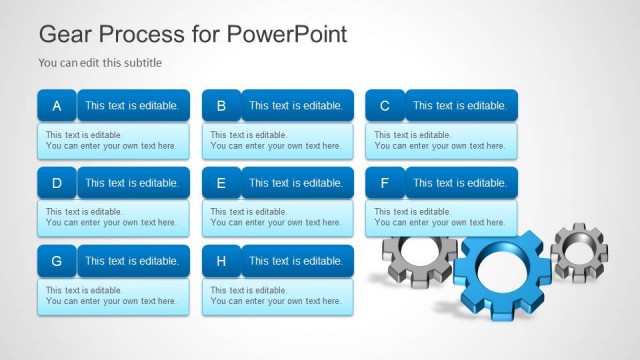
The Gear Process Diagram slide from the Gear Process Shapes for PowerPoint template offers a clear visual representation of mechanical and supply chain workflows. This slide layout uses editable shapes and vector icons of gears to illustrate process steps effectively, making it suitable for business presentations and logistics workflow explanations within a professional slide deck.
About This Slide
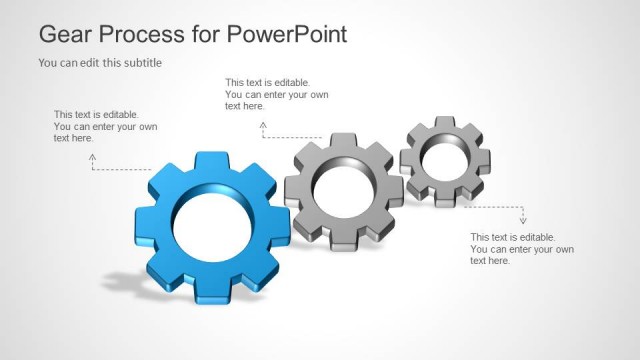
The Three Gear Process Slide Design for PowerPoint featured on the Office template is a creative slide design with three gear process shapes. These can be edited in PowerPoint and change the shape properties like colors. These three editable shapes can be used to prepare a PowerPoint presentation on mechanics and describe a process of three shapes.
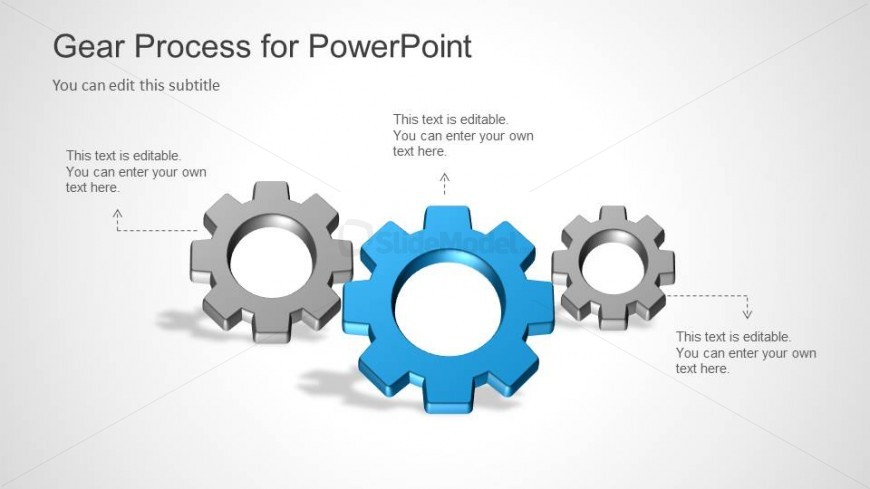
On the slide are three 3D gears in gray and blue. A broken arrow connects the gears to a text placeholder for descriptions. The presenter can edit the position or arrangement of the PowerPoint icons. Any modification will not affect the image resolution of the design.
What’s on This Slide
The slide features a central large blue gear flanked by two smaller gears, one gray and one blue. The gears are positioned in a row, with the larger gear in the center. Each gear has editable text placeholders positioned above and below them, aligned to the left and right respectively. The background is a light gradient, enhancing the visibility of the gears. The visual hierarchy emphasizes the central gear, while the smaller gears serve as supporting elements. The overall layout is clean and structured, allowing for clear communication of the process.
How to Use It
This layout serves as a process diagram, illustrating relationships between components in a mechanical or manufacturing context. It fits well in a presentation sequence after introducing a problem or concept, providing a visual representation of how gears interact in a system. This structure is applicable in business scenarios such as explaining supply chain processes, logistics workflows, or mechanical systems. It can be used to depict steps in a process or to highlight the roles of different components in a larger system.
Text Placeholders & Capacity
Keep your copy within these limits so it fits without resizing. Node body slots can accommodate roughly 15-20 words each.
| Placeholder | Count | Max characters (approx.) |
|---|---|---|
| Slide title | 1 | 30 |
| Subtitle | 1 | 30 |
| Item heading | 3 | 50 |
| Item body | 3 | 100 |
Slide Keywords
Download unlimited PowerPoint templates, charts and graphics for your presentations with our annual plan.
DOWNLOADReturn to Gear Process Shapes for PowerPoint.