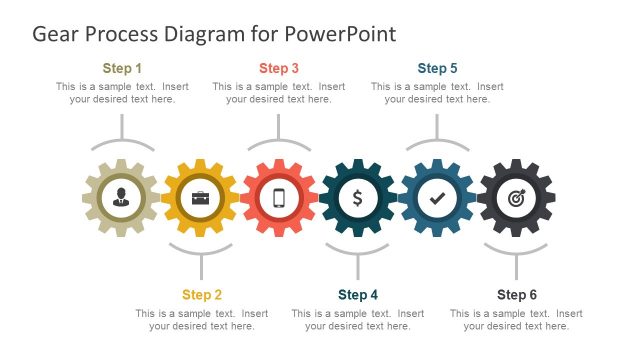
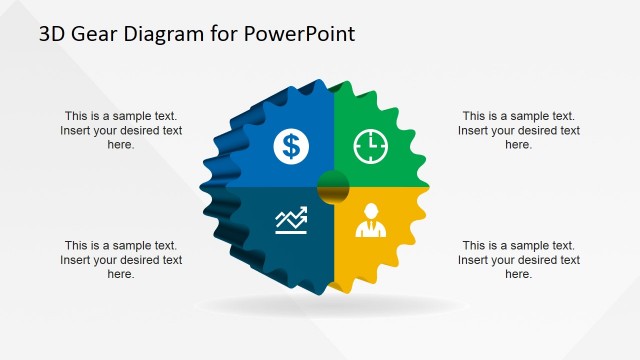
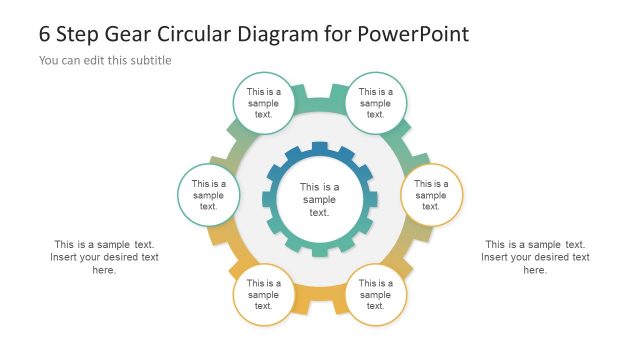
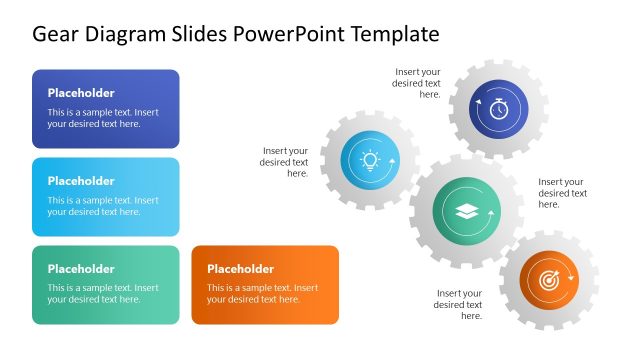
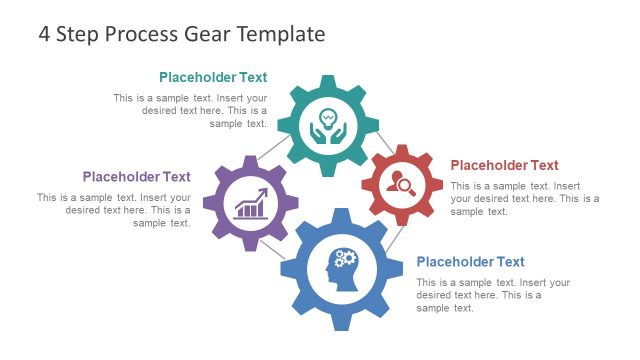
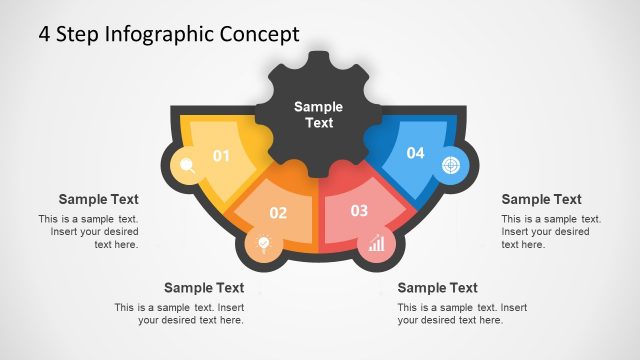
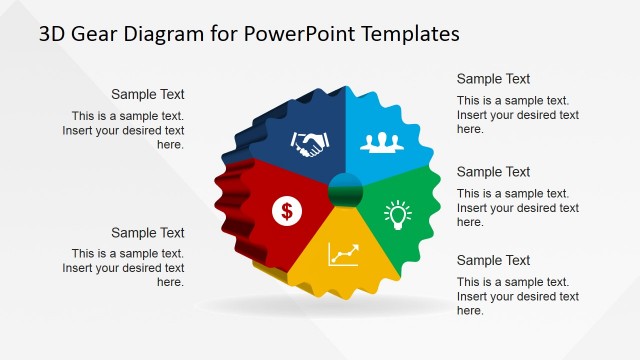
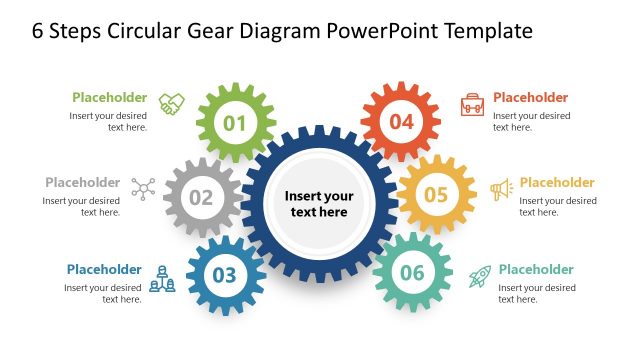
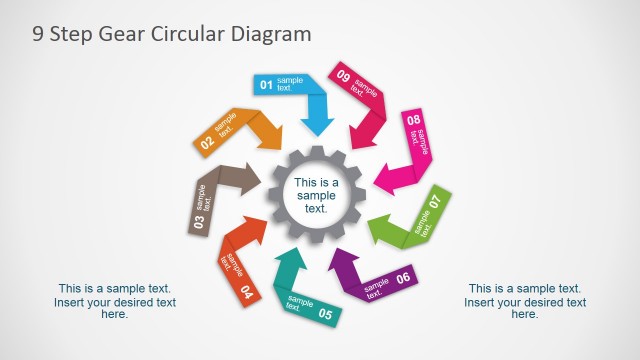
Process Gear Diagrams for PowerPoint contains useful gear diagrams that you can use in PowerPoint presentations to describe a process of up to six steps.
Inside this process gear template for PowerPoint you can find very useful slide designs containing horizontal and circular process layouts for presentations.
Alternatively you can download other process diagrams for PowerPoint presentations including circular process diagrams and process flow diagrams.
What’s inside this template
Example presentation scenarios
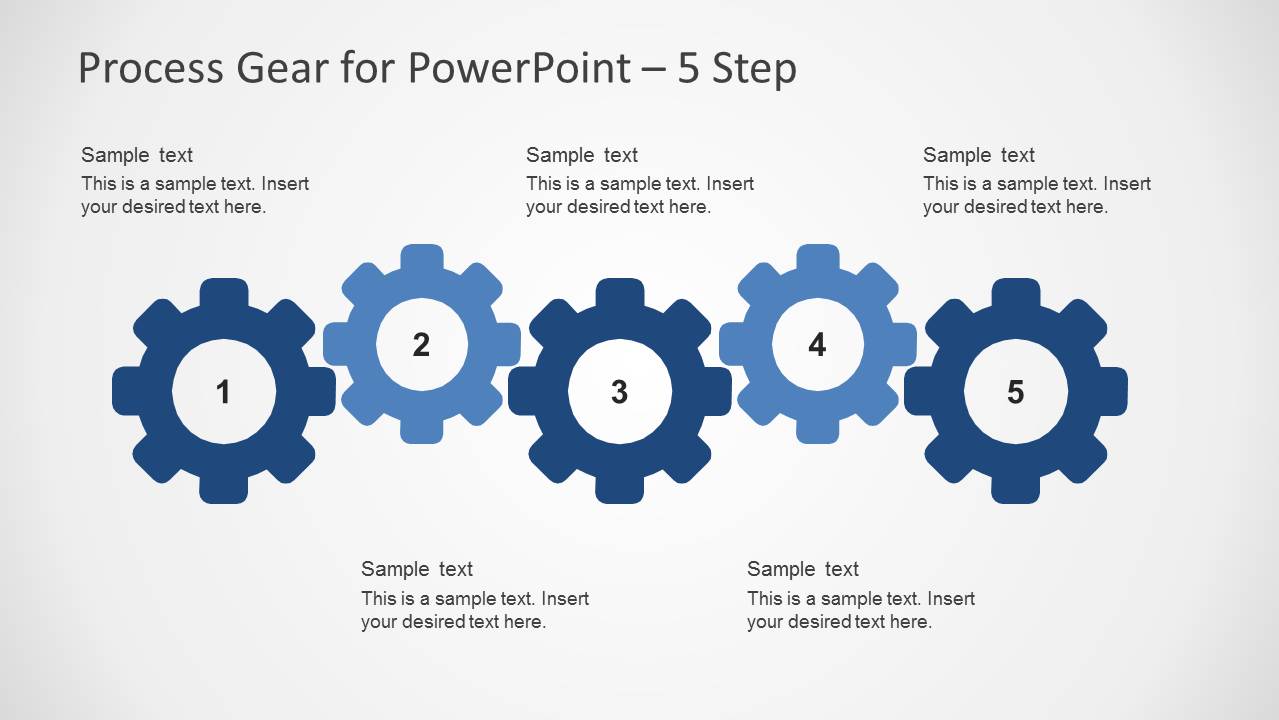
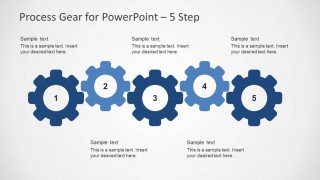
- An operations manager can explain a production workflow by using the 5-step horizontal gear chain to show how each stage drives the next handoff.
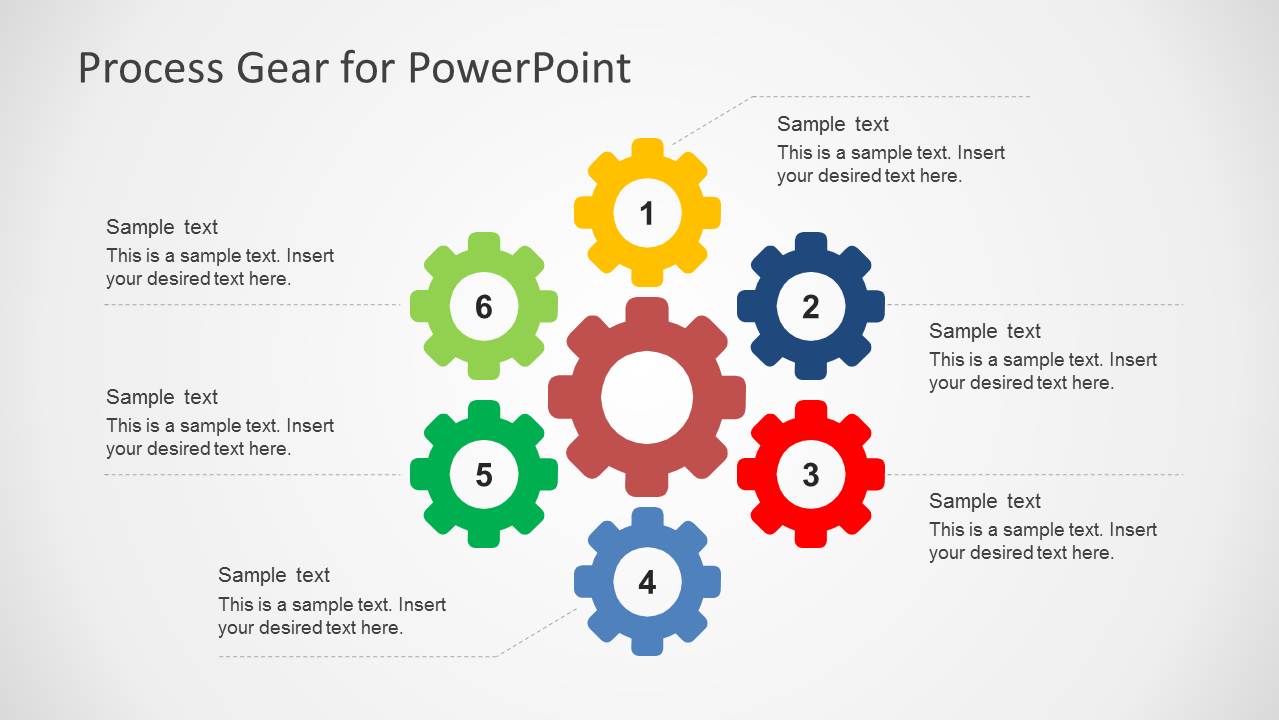
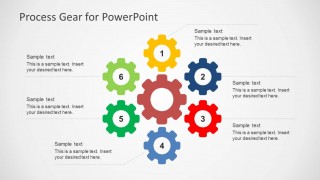
- A consultant can present a process improvement recommendation by using the 6-step radial gear diagram to connect supporting activities around one central operating model.
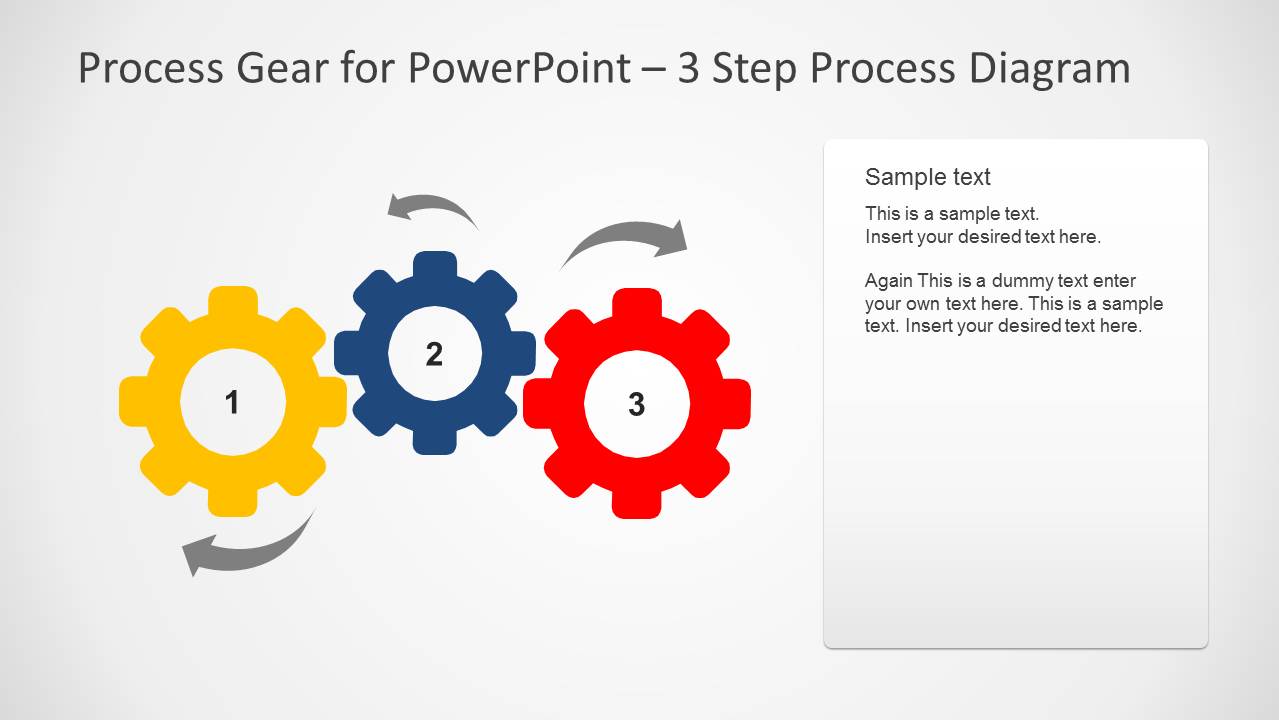
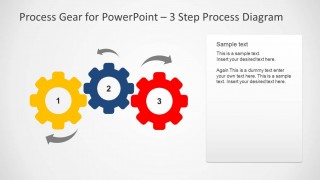
- A training facilitator can teach a short procedure by using the 3-step process diagram with the side text panel to pair the visual sequence with detailed instructions.
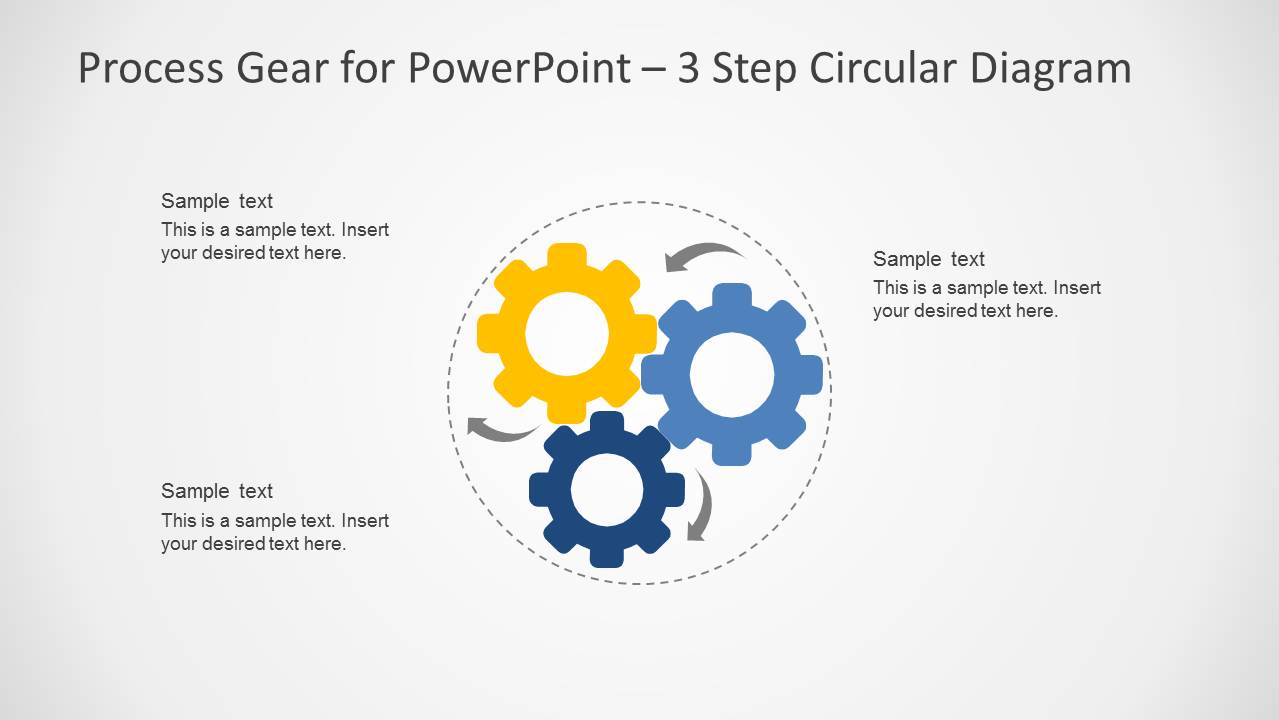
- A project manager can brief stakeholders on interdependent workstreams by using the circular gear diagram to show feedback loops and repeated coordination points.
Features
- 100% editable presentation template
- Compatible with Microsoft PowerPoint and Google Slides
- Scalable vector shapes, icons and illustrations
- AI-Ready for Microsoft Copilot and Claude
- Instant access and download
Frequently asked questions
Q: How should a presenter explain a process with the gear layouts without overloading the slide?
A: Treat each gear as one action, decision, or team responsibility, then use the nearby callout only for the key outcome. The numbered centers should carry the sequence, while the text boxes explain why that step matters. Keep labels parallel, such as verb plus object, so the audience can follow the process quickly.
Q: Who is this template best suited for, and what message does it communicate well?
A: This template fits operations managers, project leads, trainers, and consultants who need to show connected work rather than isolated tasks. It works best for processes where one stage affects the next, such as handoffs, production flows, service delivery steps, or improvement cycles. The gear metaphor makes dependency and coordination easy to explain.
Q: Why use a gear metaphor instead of a plain numbered list?
A: Gears imply motion, contact, and shared direction, so they communicate that process steps are interdependent. The horizontal layouts make a sequence feel mechanical and ordered, while the circular and radial layouts suggest feedback, coordination, or central control. This visual metaphor helps the audience remember relationships, not only the step names.
Process Gear Diagrams for PowerPoint
6-slide process gear diagram presentation template for 3-step to 6-step process flows
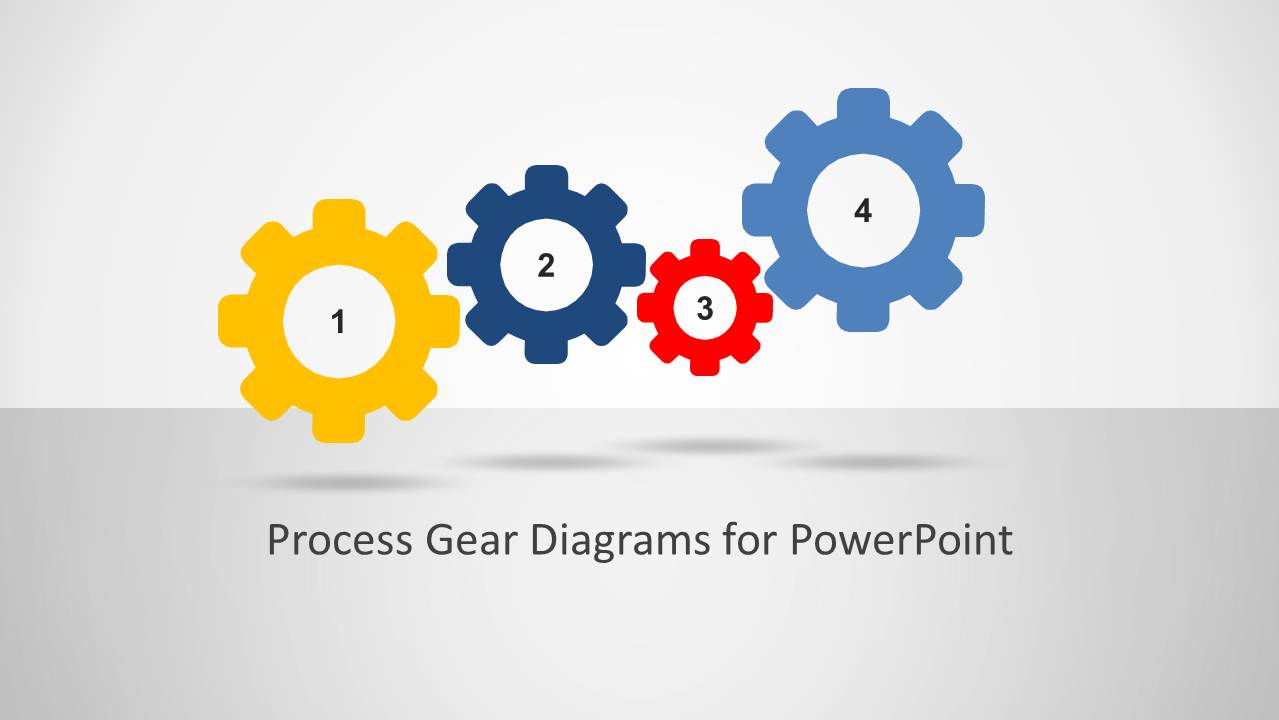
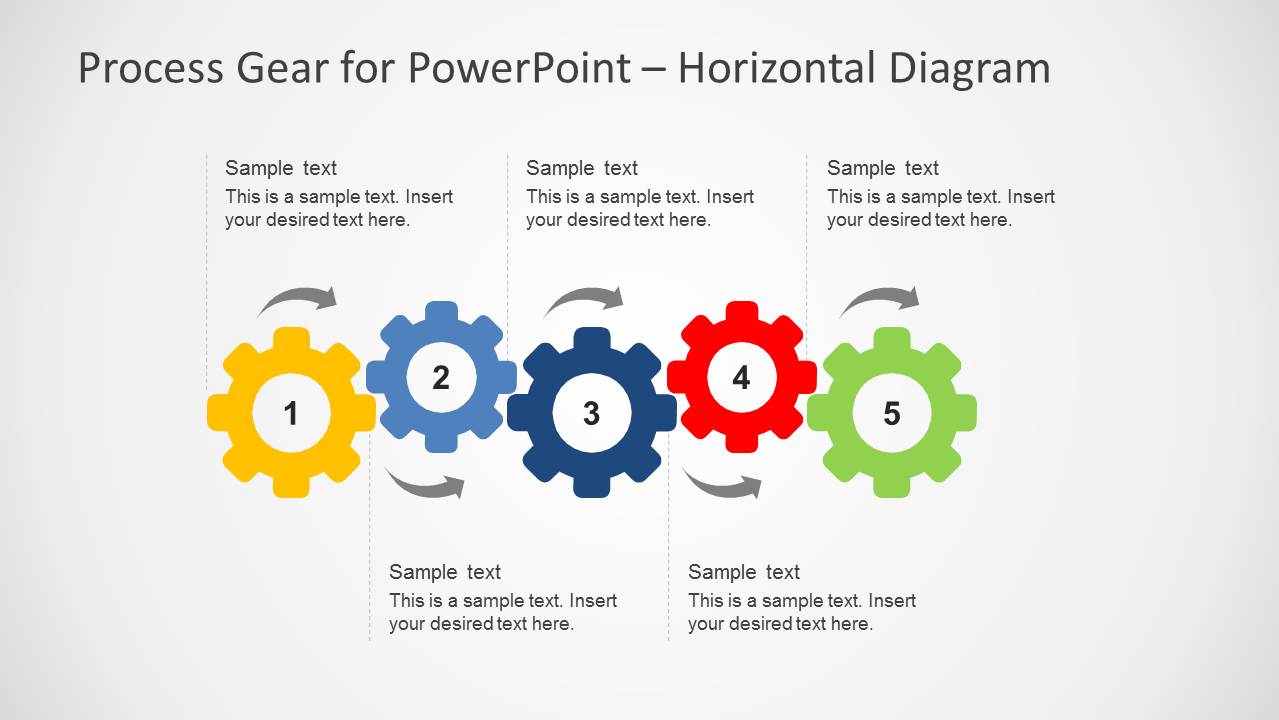
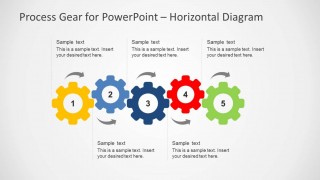
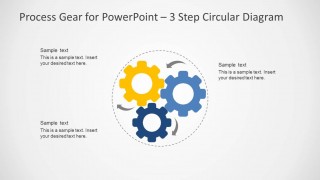
Process Gear Diagrams for PowerPoint is a 6-slide PowerPoint template for explaining processes with interlocking gear visuals. It includes a cover, 5-step horizontal gear chain, horizontal process flow with arrows, 6-step radial gear diagram, 3-step process diagram with a text panel, and 3-step circular gear diagram for operations and workflow presenters.


 Loading...
 Microsoft PowerPoint
  Microsoft Copilot
  Claude for PowerPoint
 Other formats supported
Subscribe today and get immediate
access to download our PowerPoint templates.