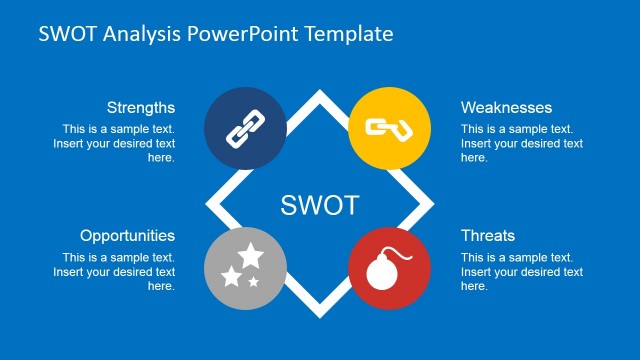
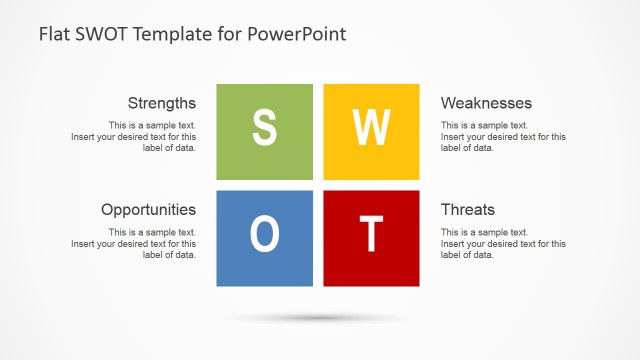
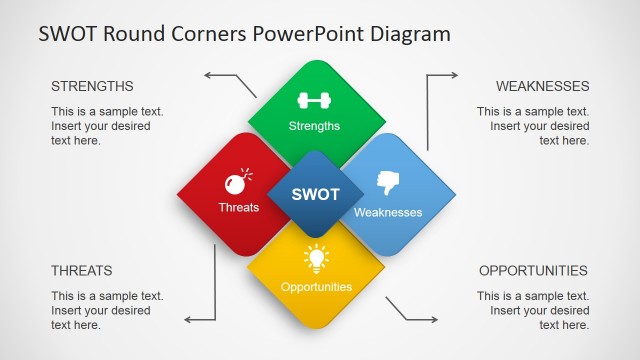
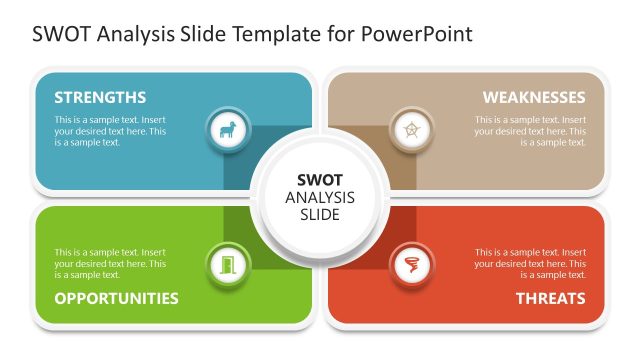
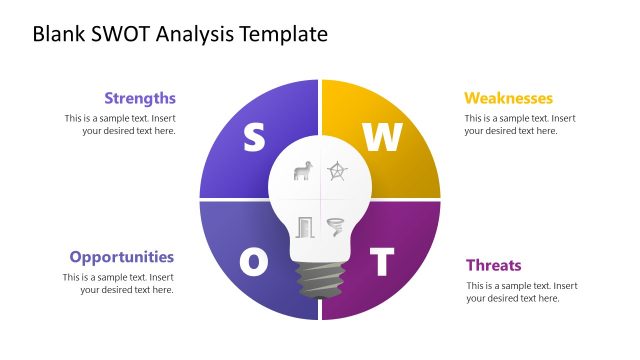
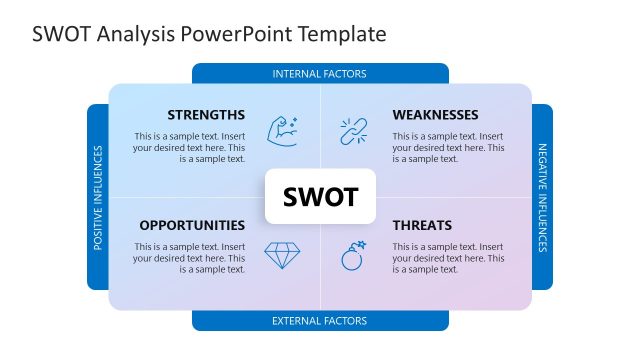
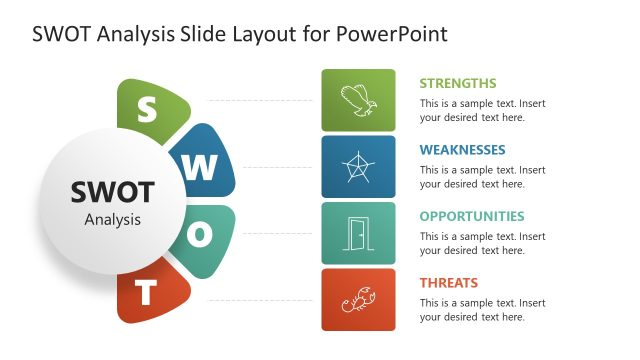
Flat SWOT PowerPoint Template is a professional and modern deck created for presenting SWOT Analysis conclusions and results. It is created with a professional Flat Design and PowerPoint Icons that appeals to global audiences. The SWOT Analysis template is 100% editable, allowing the user to fully customize its appearance just editing the PowerPoint Shapes properties.
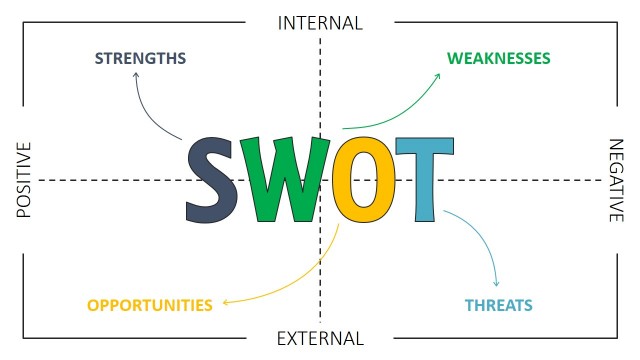
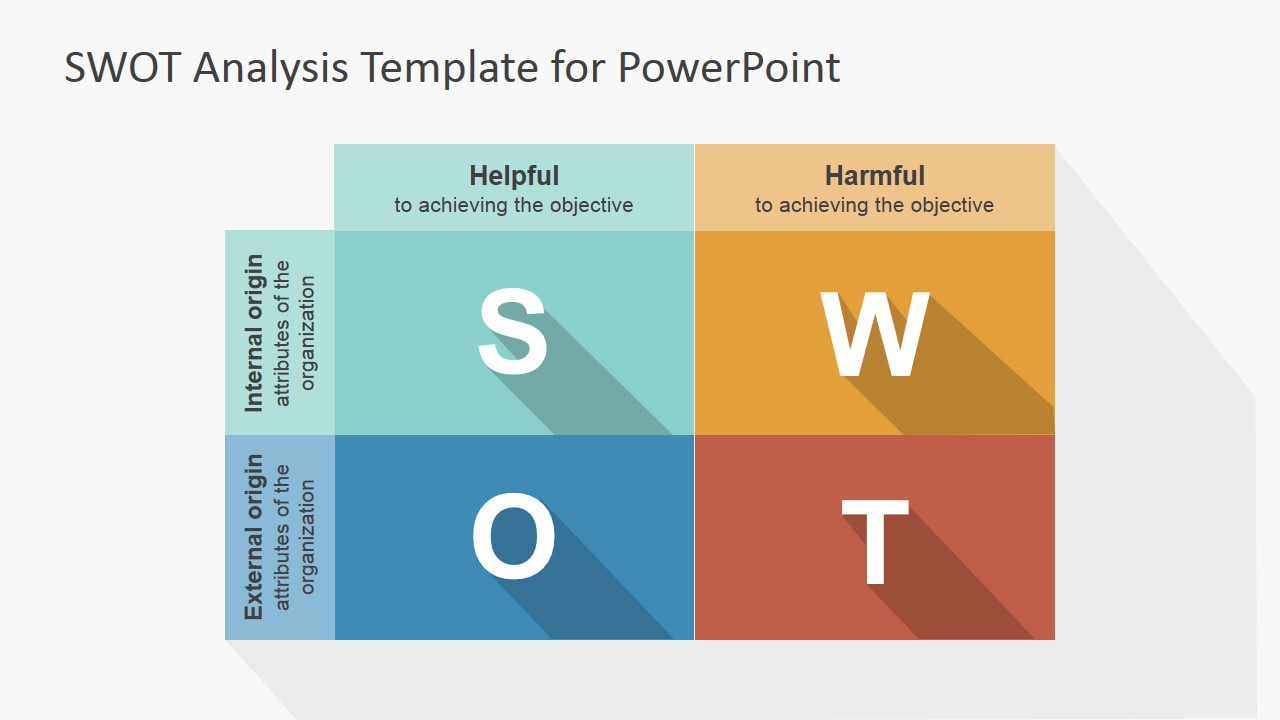
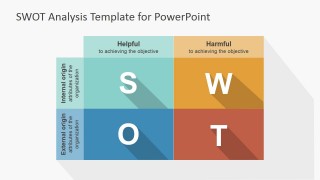
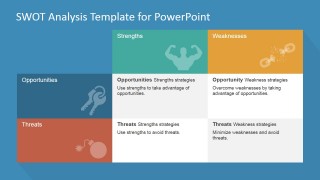
The Analysis of the internal and external environment is a key step in the process of strategic planning. In the Flat SWOT PowerPoint Template the main PowerPoint Diagram describes how Internal Environmental factors are classified as Strengths (S) or Weaknesses (W), and external factors can be classified as Opportunities (O) or Threats (T). This analysis is generally referred as SWOT (for its acronym).
SWOT Analysis is a simple and powerful technique for understanding your Strengths and Weaknesses and for identifying the Opportunities and Threats you might face. It provides information vital for matching the organization’s resources and capabilities to the competitive environment in which is immerse. The main objective of this technique is to provide a framework for analyzing your current strategic situation and help you develop a strong business strategy that takes advantages of your Strengths to tackle the Opportunities and provides insights on how to mitigate your Weaknesses and defend from the Threats.
The SWOT Analysis is a tool that can be used at any time, as an assessment exercise in order to evaluate the always changing environment and prepare yourself to respond proactively. For new organizations, the SWOT Analysis is a must have exercise during the Planning Process.
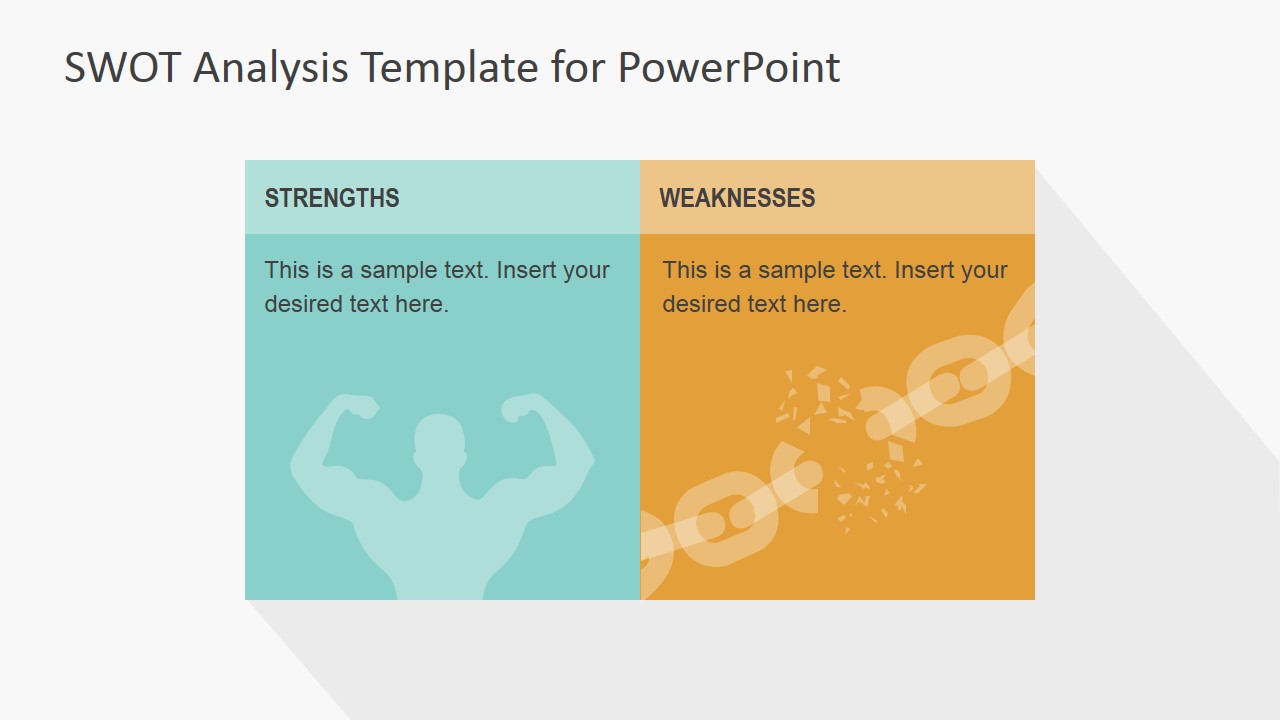
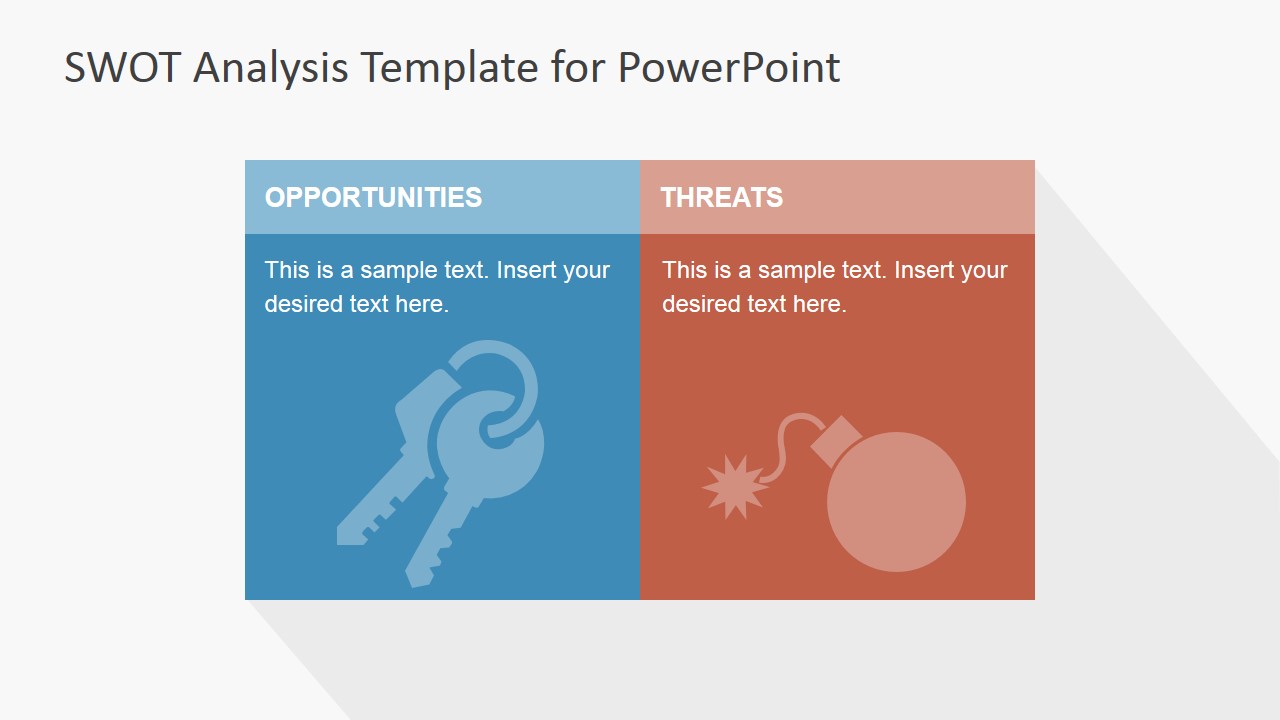
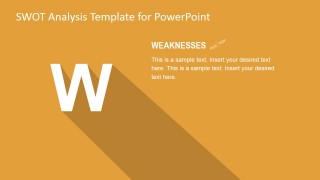
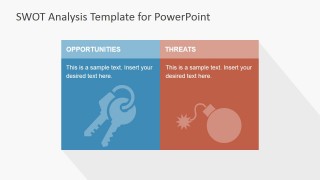
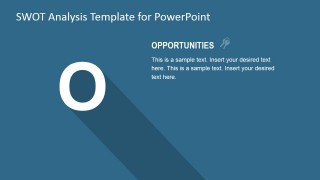
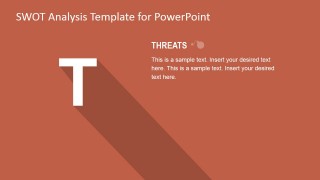
The Flat SWOT PowerPoint Template provides different slides according to the Environmental Scan flow of the SWOT Analysis Framework. Starting with the SWOT Matrix for an Executive Summary and following with specified Slides that focus on each Factor.
We provides a gallery with different SWOT Analysis Templates PPT that can match your theme. Impress your audience and engage with professional PowerPoint graphics designed for your purpose.
What’s inside this template
Example presentation scenarios
- A consultant can use the SWOT matrix to align a client leadership team on internal strengths, internal weaknesses, external opportunities, and external threats before recommending next steps.
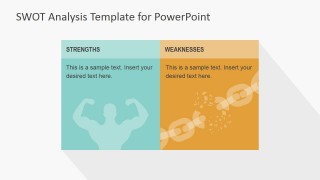
- A product manager can use the strengths and weaknesses comparison slide to brief stakeholders on product positioning and the internal constraints that affect the roadmap.
- A marketing leader can use the opportunities and threats comparison slide to frame market conditions, competitor pressure, and campaign risks in one focused discussion.
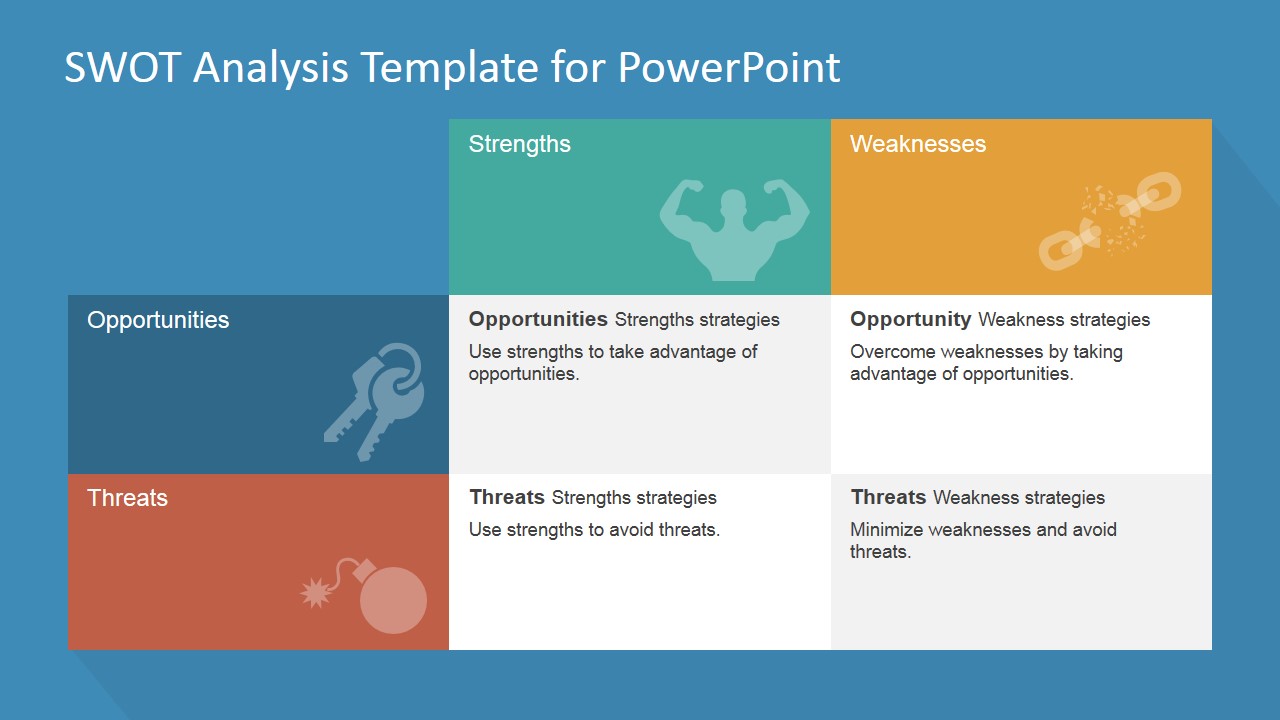
- An executive team can use the final SWOT strategy matrix to convert the analysis into strategic options that match strengths to opportunities and address weaknesses and threats.
Features
- 100% editable presentation template
- Compatible with Microsoft PowerPoint and Google Slides
- 16:9 aspect ratio slides
- Scalable vector shapes, icons and illustrations
- AI-Ready for Microsoft Copilot and Claude
- Instant access and download
Frequently asked questions
Q: How should a presenter explain SWOT findings without making the deck feel repetitive?
A: Start with the full SWOT matrix to give the audience the logic of the analysis, then use the individual factor spotlight slides only for the points that need evidence or discussion. Close with the strategy matrix so the presentation moves from observation to action instead of stopping at a list of strengths, weaknesses, opportunities, and threats.
Q: Who is this SWOT template best suited for?
A: This template fits strategy leads, consultants, product managers, and department heads who need to discuss a business situation with senior stakeholders. It is most useful when the goal is to compare internal capabilities against external market forces and then translate that diagnosis into strategy choices on the final matrix slide.
Q: Why does the quadrant structure work well for SWOT communication?
A: The four-quadrant metaphor helps audiences sort information by source and impact: internal versus external, helpful versus harmful. The flat tiles, large letters, and icons make each factor easy to identify at a glance, while the final strategy grid shows how the quadrants connect to decisions instead of remaining separate categories.






Flat SWOT PowerPoint Template
9-slide SWOT presentation template with matrix, factor spotlights, and strategy grid layouts
Flat SWOT PowerPoint Template is a 9-slide strategy presentation template for Microsoft PowerPoint and Google Slides. It contains a cover, classic SWOT matrix, paired factor comparison slides, individual strength, weakness, opportunity, and threat spotlight slides, and a SWOT strategy matrix for teams presenting internal and external analysis.
- Category
- Strategy
- Rating


 Loading...
- Aspect ratio
- 16:9
- Item ID
- 6991-01
- Colors
 Microsoft PowerPoint
  Microsoft Copilot
  Claude for PowerPoint
 Other formats supported
Subscribe today and get immediate
access to download our PowerPoint templates.