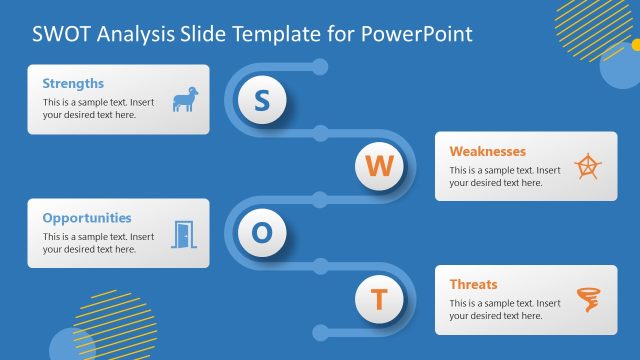
Present your business, project, or situation’s strengths, weaknesses, opportunities, and threats using our 100% editable SWOT Analysis PowerPoint Template. SWOT is an efficient analysis method for getting insights into the current situation. For instance, when starting a new business project, the executives must look into the available resources, limitations, options, and drawbacks. By knowing all these aspects, it will be far easier to establish a strong basis with controlled parameters in every respect. This analysis is good for business and can be used in real estate, investments, and technical initiatives. Professionals from every domain can customize this PPT template to present the four points of their SWOT analysis. All slides are customizable with PowerPoint, Google Slides, and Keynote.
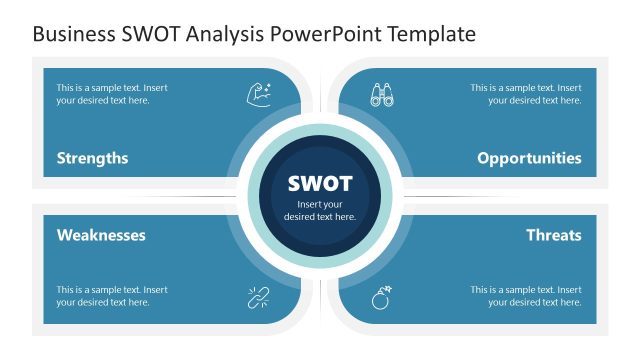
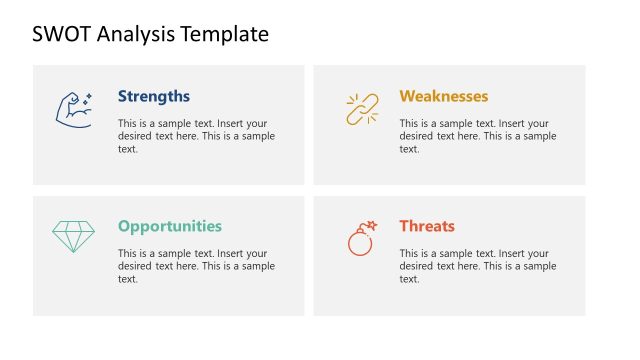
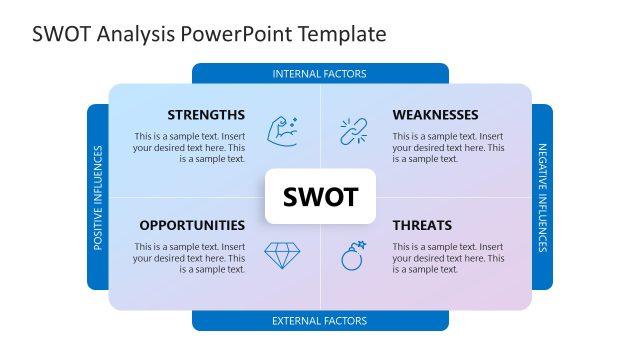
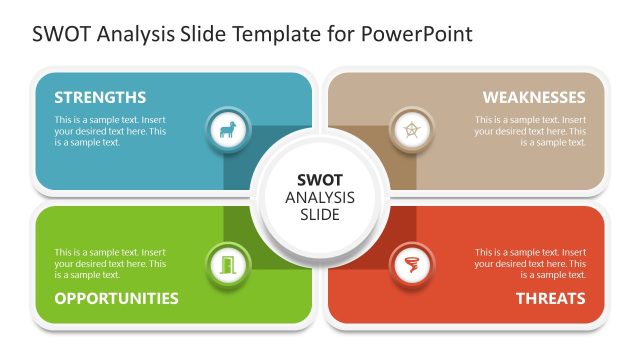
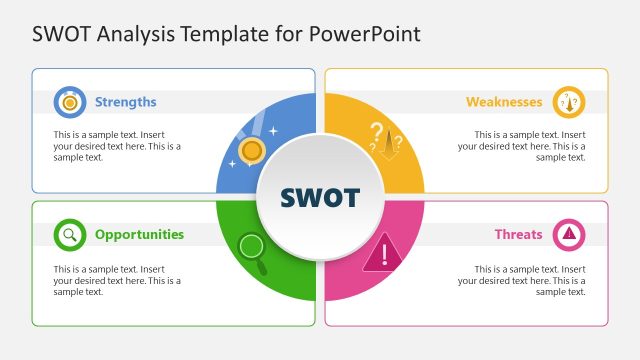
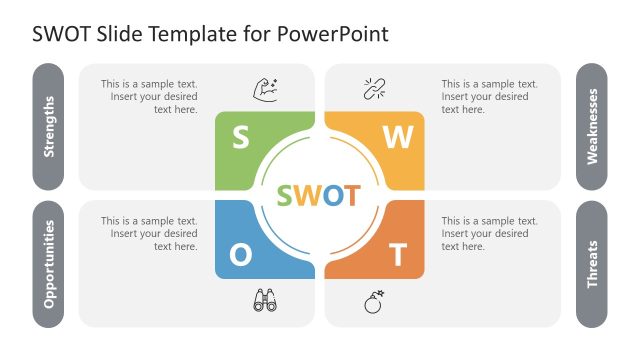
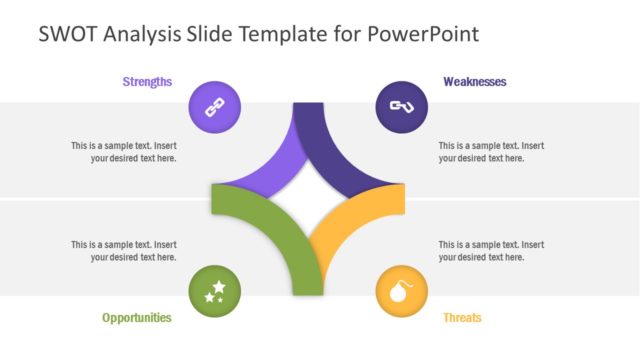
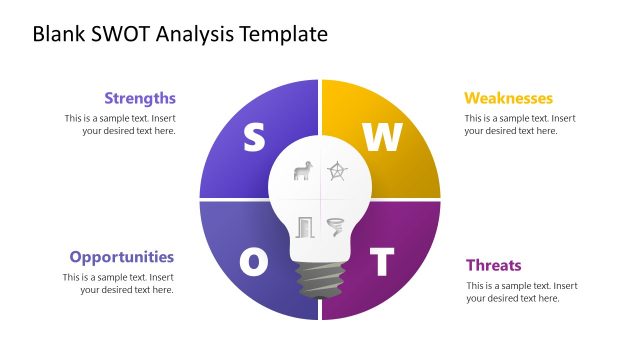
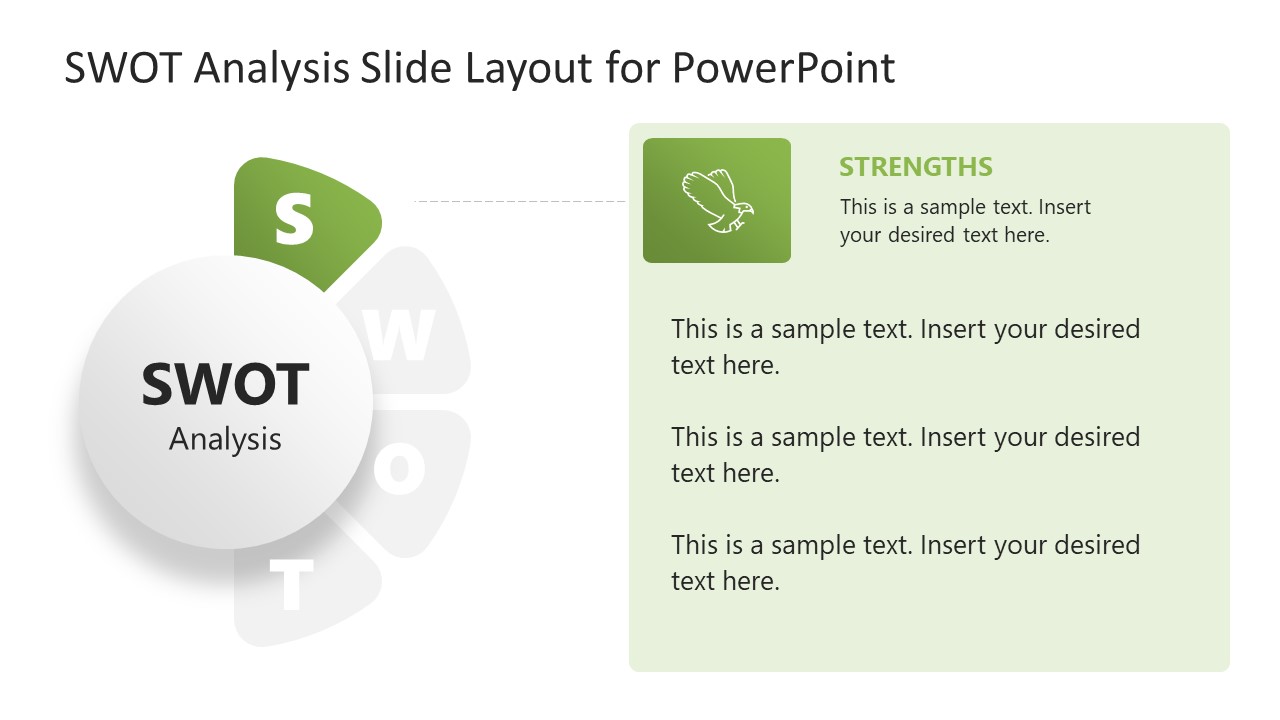
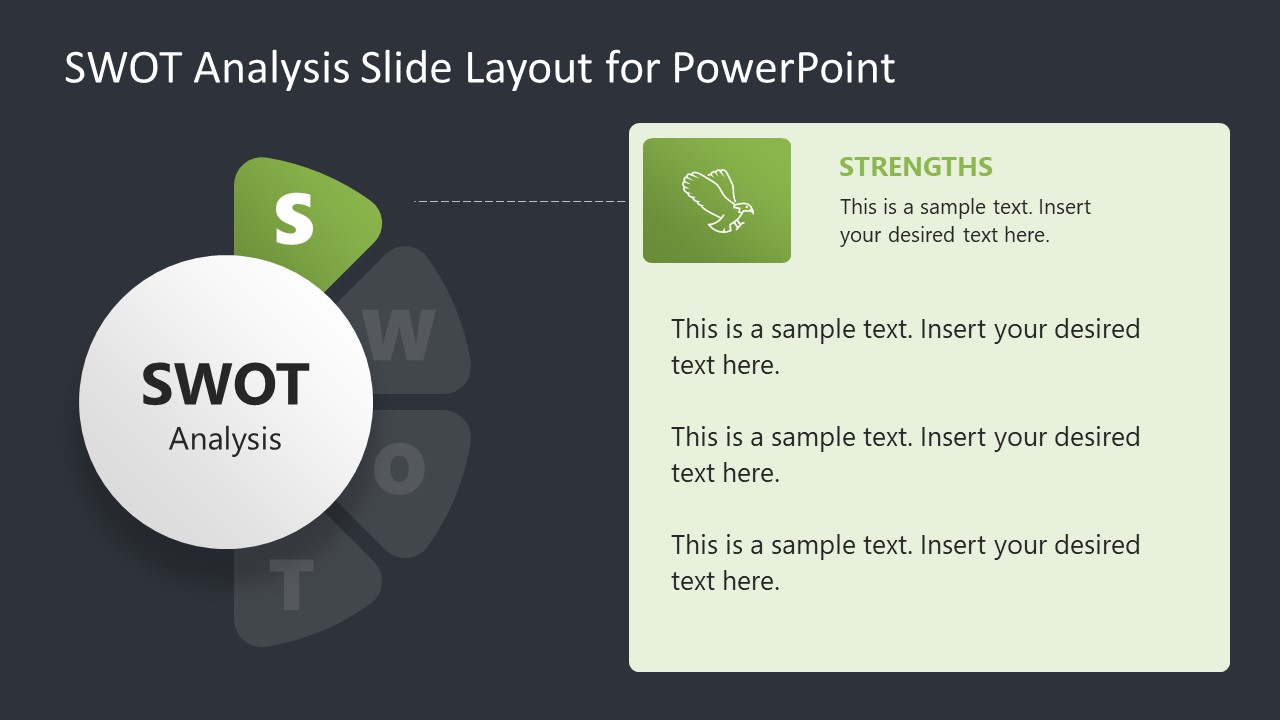
The SWOT Analysis PowerPoint Template features a modern diagram with four segments. The figure shows a circular core segment mentioning the topic of the presentation, and four fan-like projections are drawn on its side representing the four components of SWOT analysis (Strengths, Weaknesses, Opportunities, and Threats). These shapes are given specific colors and carry bold first-letter words. The first slide indicates the meanings of the four colors through color-coded text boxes added next to each PowerPoint shape. There are text boxes in corresponding colors on individual slides for these elements to mention relevant presentation points. Meaningful graphical icons are also added in these text boxes for visual representation. This spotlight effect on the segments can help professionals discuss each component of SWOT in detail. The same set of slides is also added with a black background setting. Users can choose from the provided slides and prepare their presentations in moments.
Professionals can create comprehensive SWOT analysis presentations using this pre-designed PPT template. It can also be customized by changing fonts, color schemes, background settings, and icons. Users can also add a company logo for personalization. Download and edit this interactive presentation template for your professional presentations now. Alternatively, other SWOT analysis templates can be used, with slides compatible with PowerPoint & Google Slides.
What’s inside this template
Example presentation scenarios
- A strategy consultant can use the SWOT overview slide to align executives on the main internal strengths and weaknesses before moving into individual detail panels.
- A project manager can present the opportunities and threats slides during a planning review to separate upside potential from delivery risks.
- A startup founder can use the strengths and weaknesses layouts to explain current capabilities and gaps to advisors or internal stakeholders.
- A business analyst can choose the dark overview and component slides for an executive briefing where the SWOT wheel needs strong contrast on screen.
Features
- 100% editable presentation template
- Compatible with Microsoft PowerPoint and Google Slides
- 16:9 aspect ratio slides
- Scalable vector shapes, icons and illustrations
- AI-Ready for Microsoft Copilot and Claude
- Instant access and download
Frequently asked questions
Q: How should a presenter structure the discussion with this SWOT template?
A: Start with the overview slide to define the four SWOT categories and preview the main points. Then use one detail slide per category, keeping each panel focused on a few clear statements. This sequence works well because the audience first sees the whole framework, then examines strengths, weaknesses, opportunities, and threats one at a time.
Q: Who is this template best suited for in a business setting?
A: This template fits presenters who need to explain a qualitative strategic assessment without building a full report deck. Consultants, project managers, founders, and business analysts can use the SWOT wheel to frame the conversation and the category detail panels to support planning, prioritization, or risk discussion with stakeholders.
Q: Why does the circular SWOT wheel help communicate the analysis?
A: The circular center acts as a visual anchor, while the four fan segments show that the analysis is balanced across related categories. Highlighting one segment on each detail slide reduces distraction and tells the audience exactly which lens to use. The repeated colors also make the framework easier to follow across the deck.





SWOT Analysis PowerPoint Template
10-slide SWOT analysis presentation template with SWOT wheel and strengths, weaknesses, opportunities, threats detail layouts
The SWOT Analysis PowerPoint Template is a 10-slide strategy deck for presenting strengths, weaknesses, opportunities, and threats. It includes a four-segment SWOT wheel, color-coded overview slide, focused component detail panels, and light and dark background versions for business, project, or planning discussions in PowerPoint and Google Slides.
- Category
- Strategy
- Rating


 Loading...
- Aspect ratio
- 16:9
- Item ID
- 22003-01
- Colors
 Microsoft PowerPoint
 Microsoft Copilot
 Claude for PowerPoint
Other formats supported
Subscribe today and get immediate
access to download our PowerPoint templates.