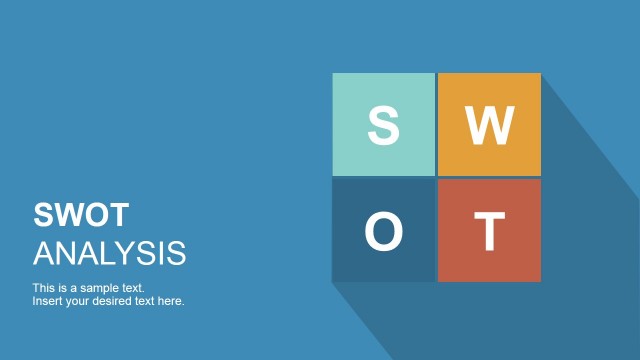
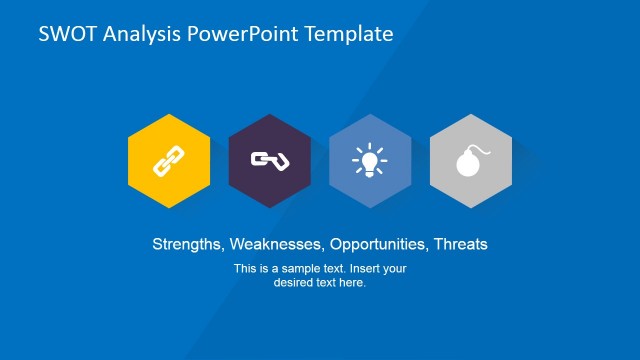
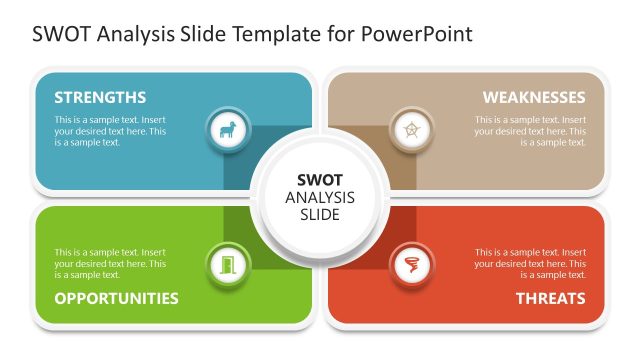
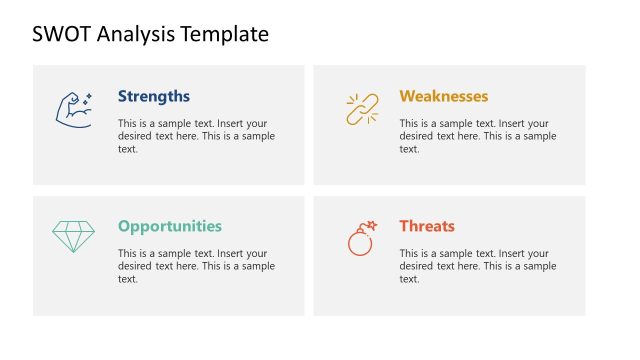
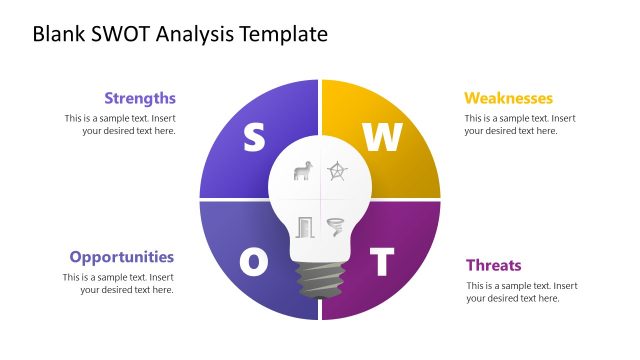
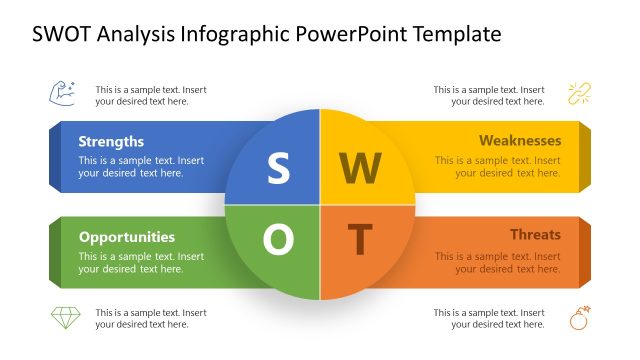
Flat SWOT Analysis PowerPoint Template is an analytical business diagram. Detailed and spontaneous are two main qualities of this PowerPoint design. Stimulate the audience with smart effects and simplicity.
The framework allows the user to identify 4 business components- strength, weaknesses, opportunities and threats. This planning method is used to prepare for a project or in evaluating a business. It is ideal to discover the factors that can affect the decision-making of an entity. Strengths refers to the positive aspects of a company. These points are harnessed for they can bring forth stability. Weaknesses are the areas that can be developed and avoided in order to improve or maintain the company standards. Opportunities are new possibilities that the business can take; like expansion or innovation for example. Threats are the hazards the firm is facing. This can come in forms of financial bankruptcy and internal disagreement, among others.
SWOT analysis is widely used in the business world. However, it is also a tool extremely important in psychology. It tackles on personality analysis and is applicable to situational concepts. The focus is to create a strategy to feature the business against competitors. In general, at any case that marketing is involved, this PowerPoint template is purely suitable.
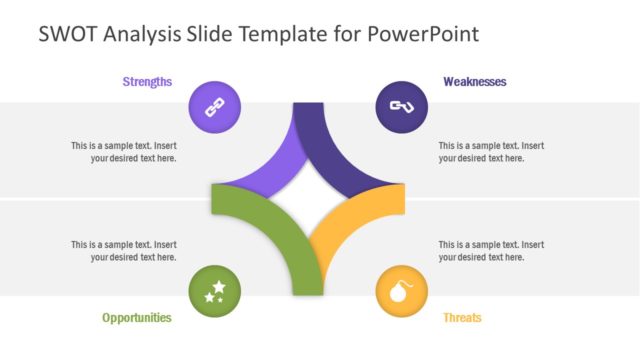
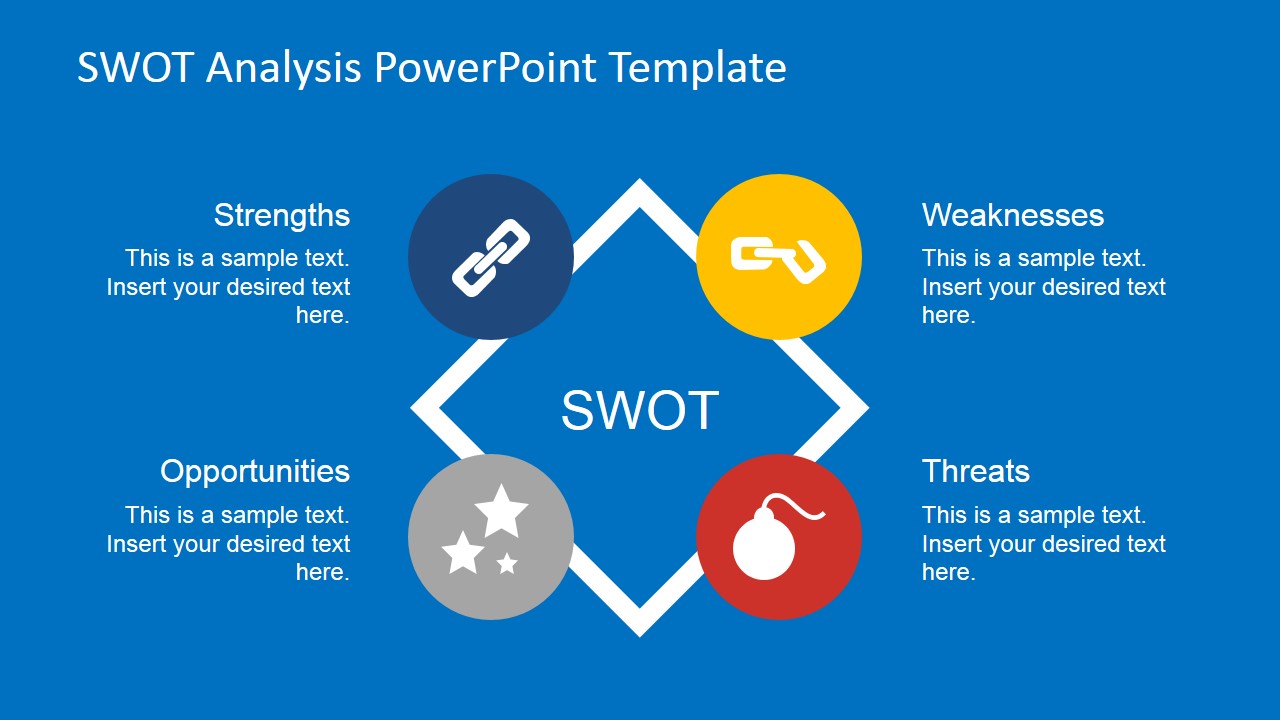
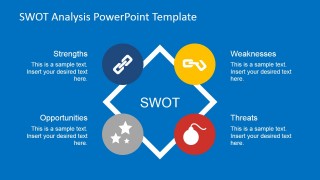
Four icons- namely chain, broken chain, stars and a bomb, can be found alongside a diamond shape in on the first slide. This is how the icons correspond to the elements of the SWOT framework accordingly:
- Strength- chain
- Weaknesses- broken chain
- Opportunities- 3 stars
- Threats- bomb
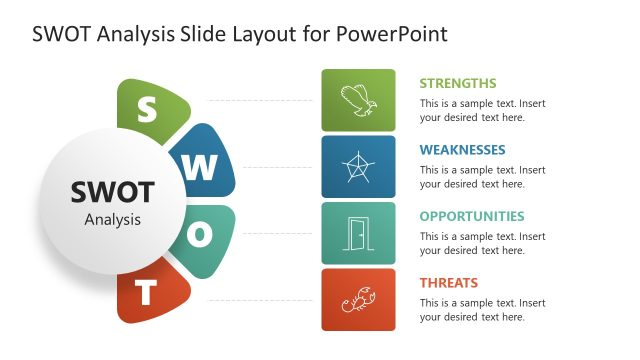
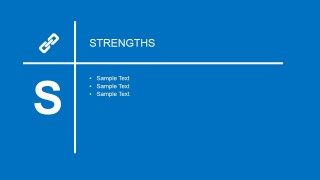
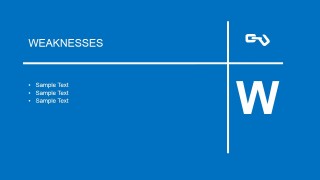
The user is given a chance to further elaborate at every element on the 3rd to 6th slides. Each one has a unique layout but they basically have the same components.
Entice your audience with Flat SWOT Analysis PowerPoint Template. Easy customisable design is ready made for the presenter. More SWOT PowerPoint Templates are downloadable from the SlideModel gallery.
What’s inside this template
Example presentation scenarios
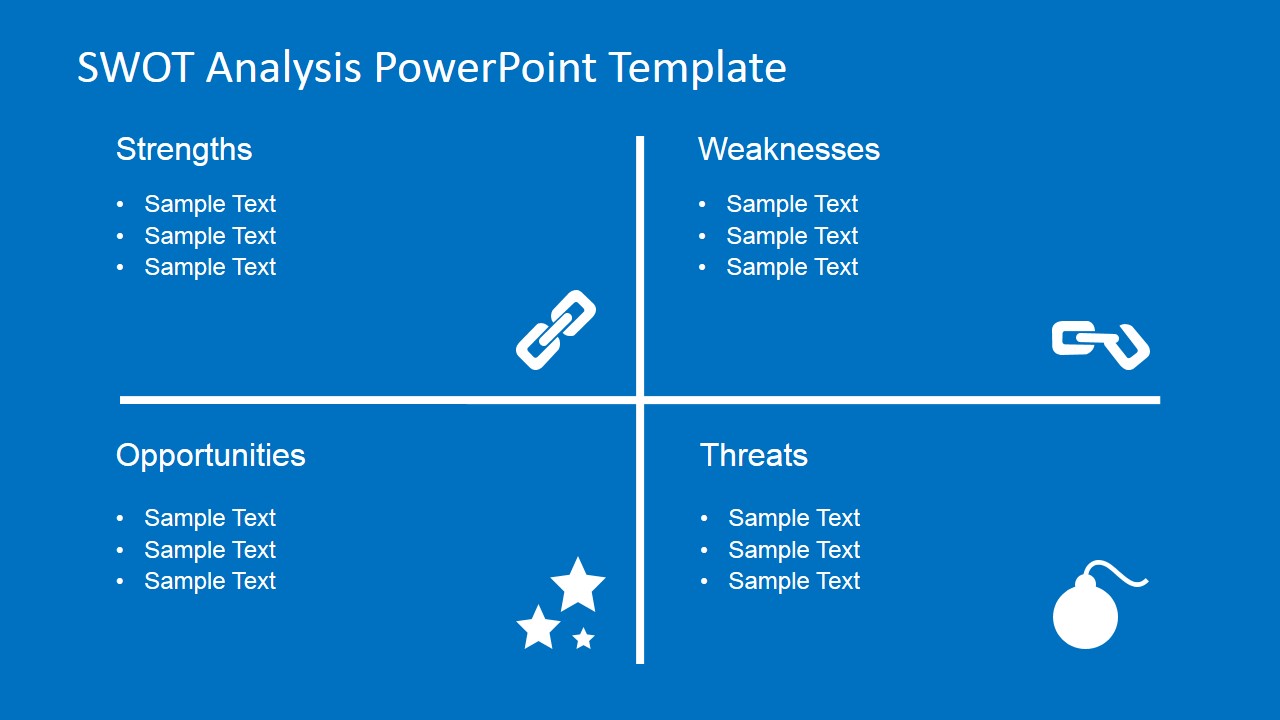
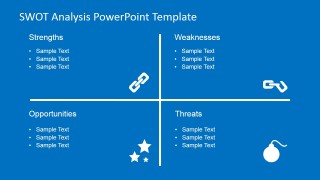
- A consultant can use the four-quadrant SWOT matrix to summarize a client's internal strengths and weaknesses against external opportunities and threats during a strategy readout.
- A marketing manager can use the diamond overview to introduce campaign planning factors before moving into focused detail slides for each SWOT category.
- A project manager can use the weaknesses and threats detail slides to guide a risk discussion and separate internal limitations from external hazards.
- An executive team can use the strengths and opportunities slides to align on advantages, growth options, and priority actions in a planning workshop.
Features
- 100% editable presentation template
- Compatible with Microsoft PowerPoint and Google Slides
- 16:9 aspect ratio slides
- Scalable vector shapes, icons and illustrations
- AI-Ready for Microsoft Copilot and Claude
- Instant access and download
Frequently asked questions
Q: How should a presenter structure the discussion with this SWOT template?
A: Start with the diamond overview to define the four SWOT categories and set common language. Then use the quadrant matrix to compare all findings at once. Close the discussion by visiting the separate strengths, weaknesses, opportunities, and threats slides only for the areas that need deeper explanation, decisions, or assigned follow-up.
Q: Who is this template best suited for?
A: This template fits consultants, strategy teams, marketing leads, and project managers who need to explain a qualitative business situation quickly. It is strongest when the presenter has concise bullet points for each SWOT factor and wants the audience to compare internal conditions with external market factors.
Q: Why do the icons and flat quadrant layout help the SWOT message?
A: The chain, broken chain, stars, and bomb icons give each SWOT category a quick visual cue without adding chart complexity. The quadrant lines create a clear comparison frame, while the large S, W, T, and O detail slides keep attention on one category at a time.




Flat SWOT Analysis PowerPoint Template
5-slide SWOT analysis presentation template with quadrant matrix, diamond diagram, and strategy icons
Flat SWOT Analysis PowerPoint Template is a 5-slide strategy diagram deck for presenting strengths, weaknesses, opportunities, and threats. Visible layouts include a central diamond SWOT overview, a four-quadrant matrix, and individual detail slides for each SWOT factor. It is designed for business planning in Microsoft PowerPoint and Google Slides.
- Category
- Strategy
- Rating


 Loading...
- Aspect ratio
- 16:9
- Item ID
- 6682-01
- Colors
 Microsoft PowerPoint
  Microsoft Copilot
  Claude for PowerPoint
 Other formats supported
Subscribe today and get immediate
access to download our PowerPoint templates.