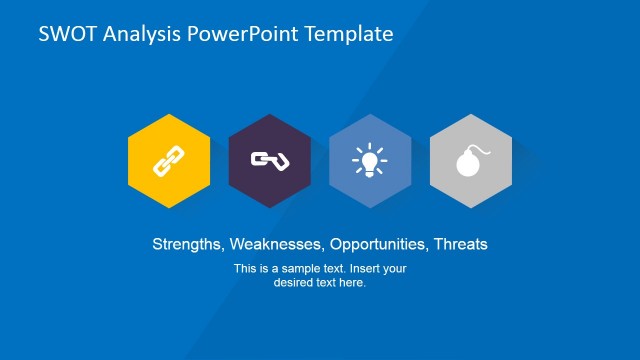
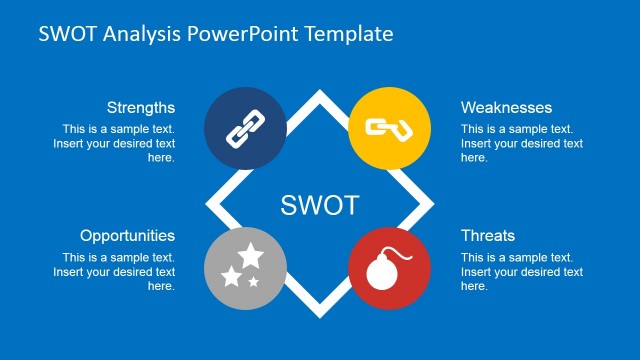
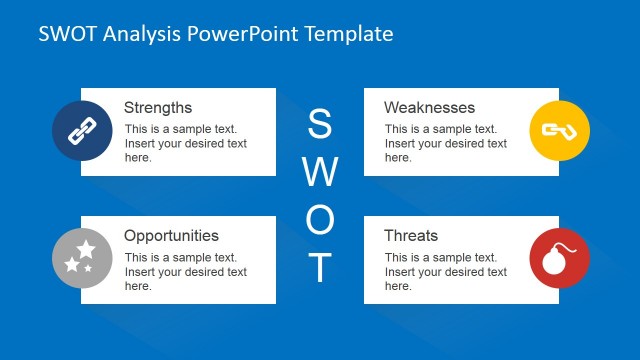
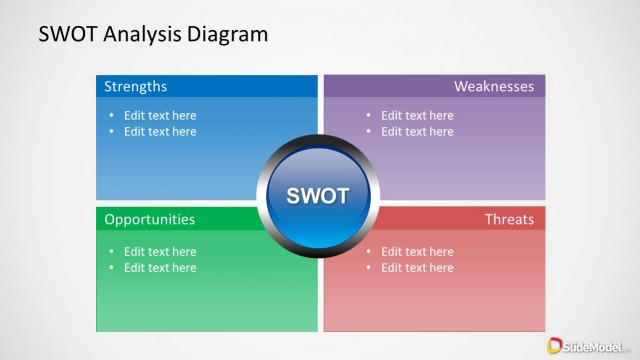
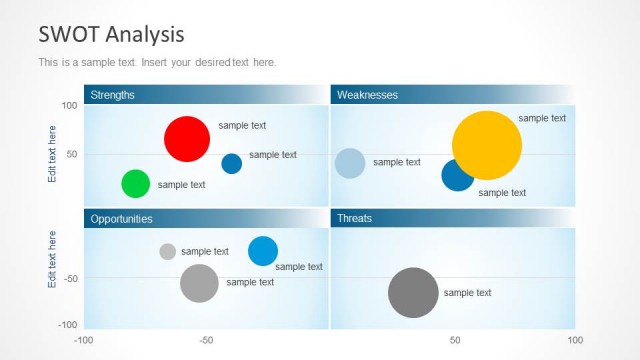
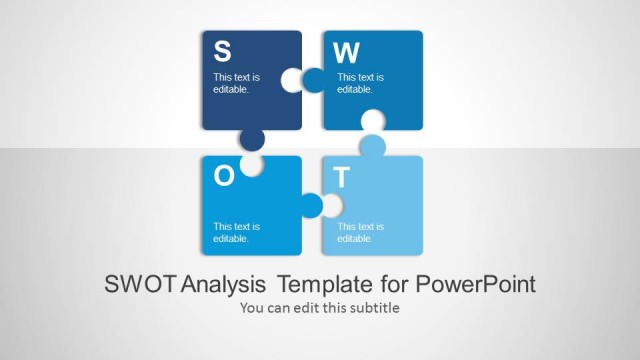
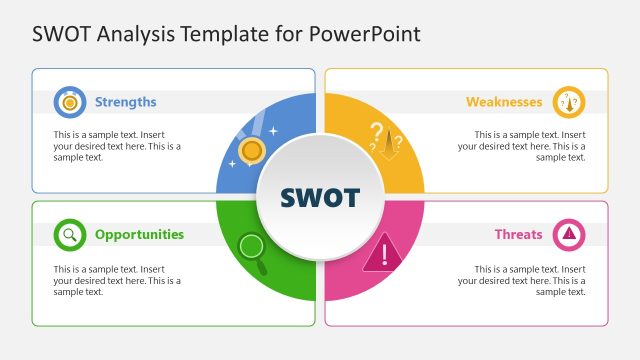
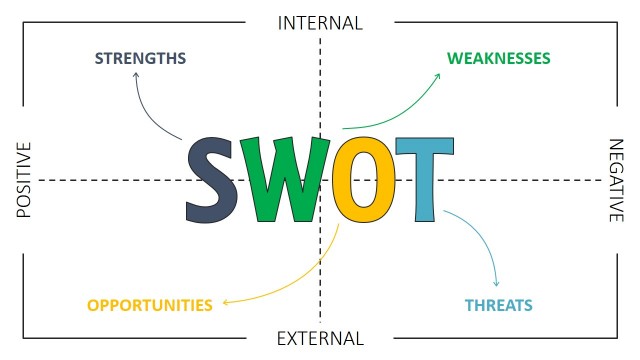
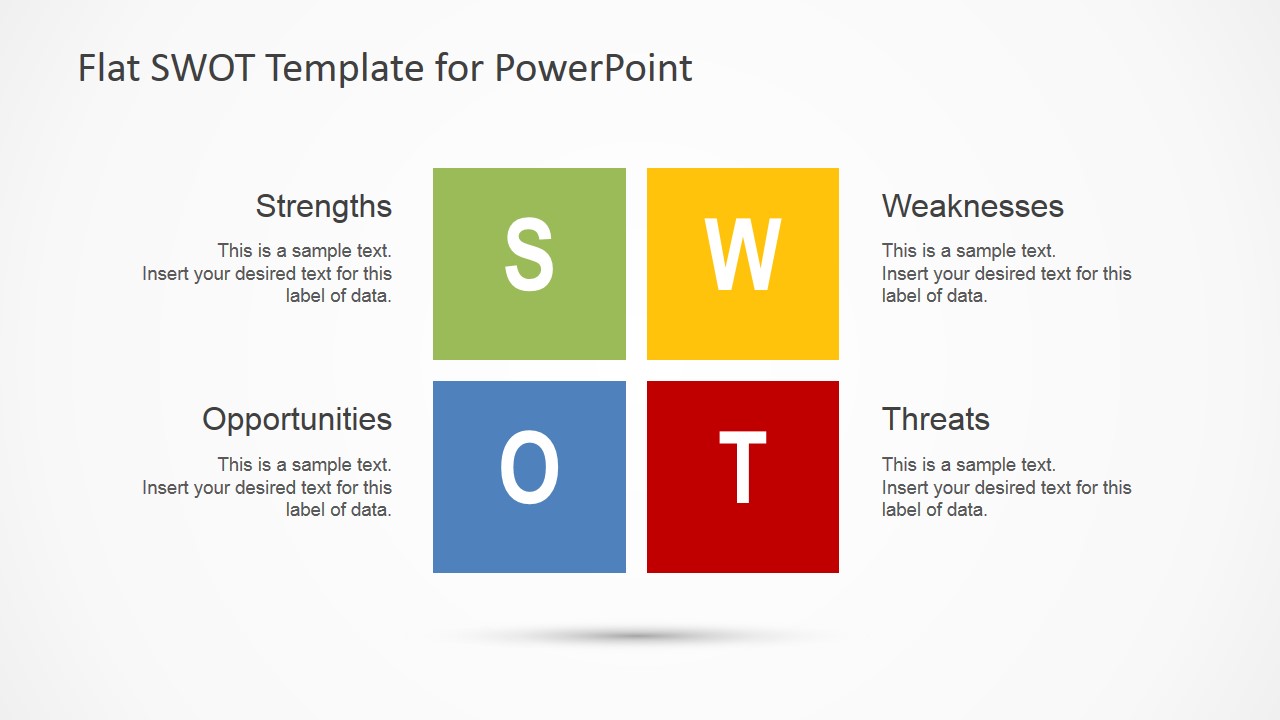
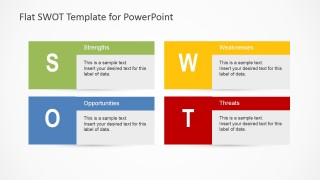
Flat SWOT Analysis Design for PowerPoint is a presentation design template for PowerPoint that you can use to present your business strengths, opportunities, weaknesses and threats using the popular SWOT matrix. Performing a SWOT analysis you can improve your business operations and decision making.
Alternatively you can download other SWOT model and slide designs for presentations or other presentation design templates for PowerPoint and Keynote including popular business diagrams. You can learn more about What is and How to Present a SWOT Analysis here.
What’s inside this template
Example presentation scenarios
- A strategy consultant can use the four-card SWOT matrix to compare internal strengths and weaknesses with external opportunities and threats during a client planning session.
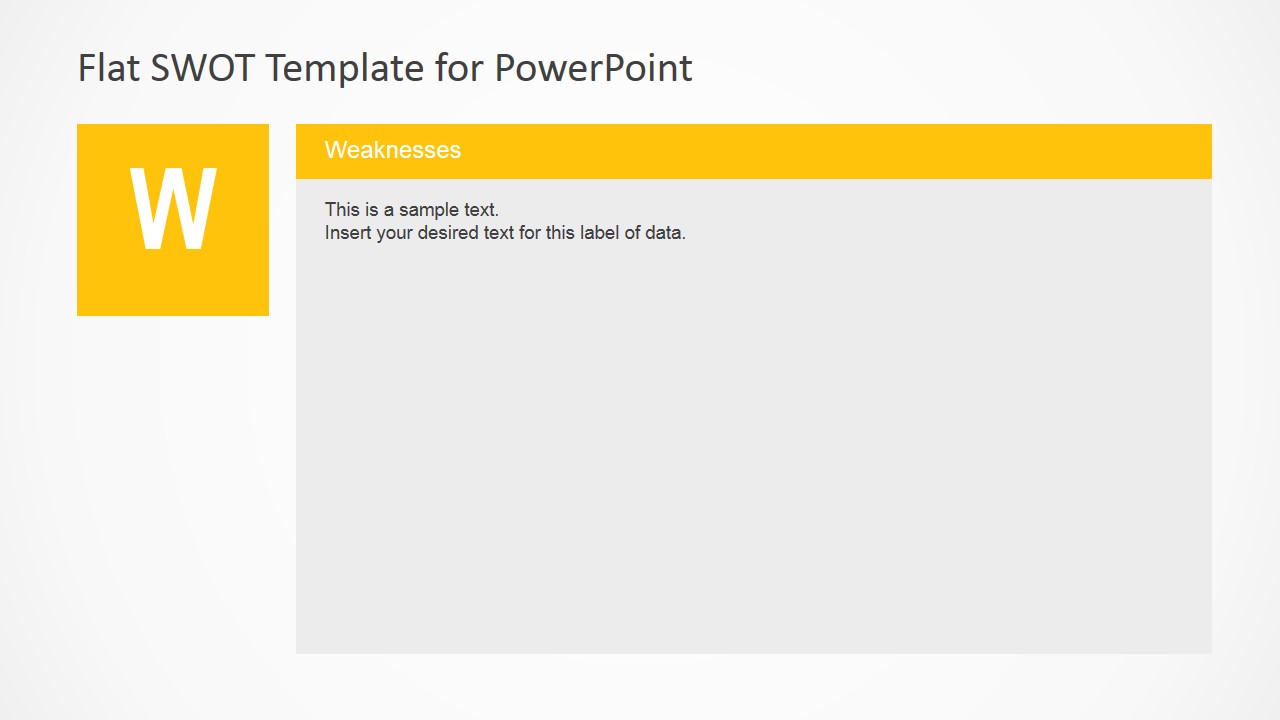
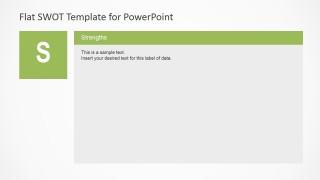
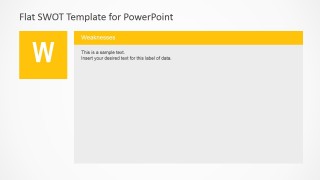
- An operations manager can use the single-factor detail slides to explain process strengths, operational gaps, market openings, and risk areas to leadership.
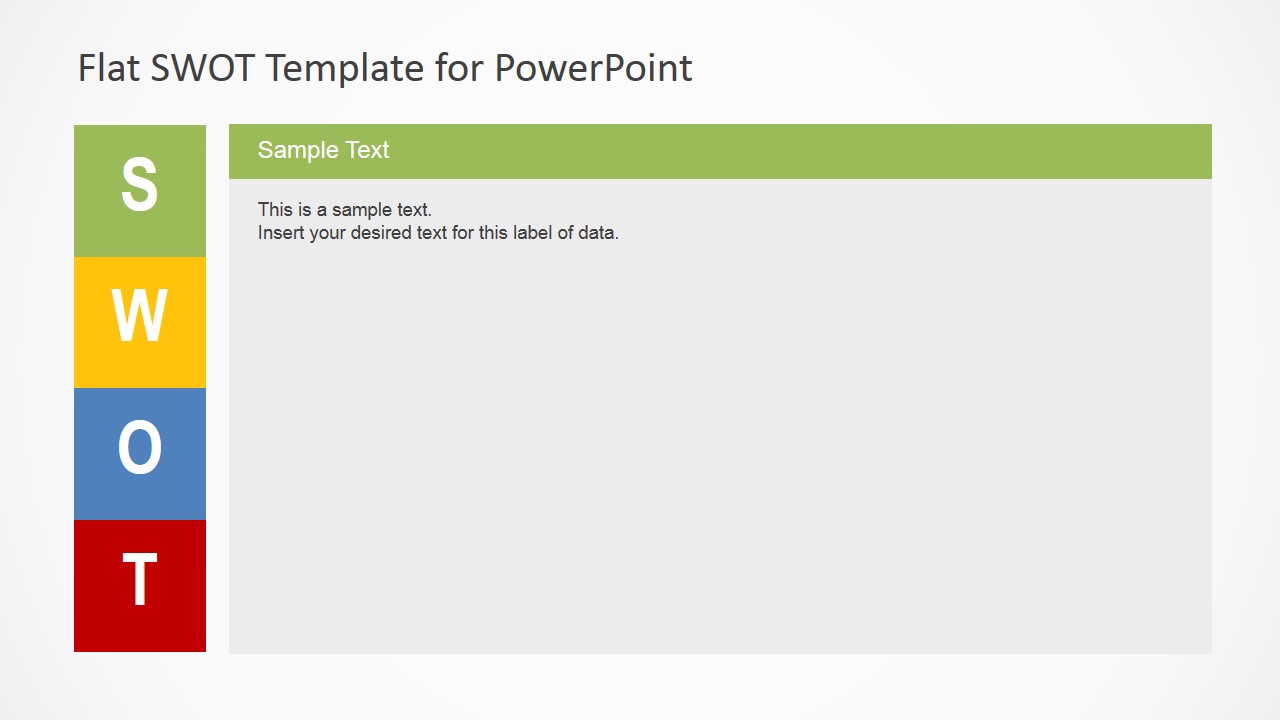
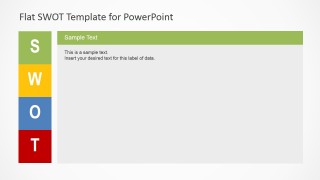
- A business analyst can use the stacked SWOT sidebar summary to present a concise assessment before moving into detailed recommendations.
- An executive presenter can use the four-tile overview slide to align stakeholders on the main findings before discussing decisions and next steps.
Features
- 100% editable presentation template
- Compatible with Microsoft PowerPoint and Google Slides
- 16:9 aspect ratio slides
- Scalable vector shapes, icons and illustrations
- AI-Ready for Microsoft Copilot and Claude
- Instant access and download
Frequently asked questions
Q: How should a presenter structure the SWOT discussion with this template?
A: Start with the full SWOT overview to establish the four categories, then use the dedicated Strengths, Weaknesses, Opportunities, and Threats slides for evidence and discussion. Keep each detail slide focused on a few clear points. End the discussion by returning to decisions, such as which strengths support opportunities and which threats require action.
Q: Who is this SWOT template best suited for?
A: This template fits consultants, analysts, managers, and executives who need a clear business assessment rather than a data-heavy report. It works well for strategic planning, operations reviews, market entry conversations, and decision workshops where the audience must compare internal capabilities against external conditions.
Q: Why does the design separate the SWOT overview from the four detail slides?
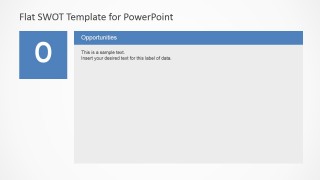
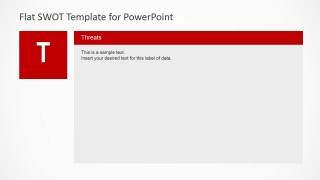
A: The overview slides give the audience the whole SWOT structure at once, while the detail slides reduce cognitive load by isolating one factor at a time. The colored S, W, O, and T blocks act as visual anchors, helping listeners remember which part of the analysis is being discussed.




Flat SWOT Analysis Design for PowerPoint
7-slide presentation template for business SWOT matrix analysis with factor detail slides
Flat SWOT Analysis Design for PowerPoint is a 7-slide SWOT analysis template for business strategy presentations. It includes a four-tile SWOT overview, a four-card matrix, a stacked sidebar summary, and single-factor detail slides for strengths, weaknesses, opportunities, and threats. It is for Microsoft PowerPoint and Google Slides.
- Category
- Strategy
- Rating


 Loading...
- Aspect ratio
- 16:9, 4:3
- Item ID
- 6184-02
- Colors
 Microsoft PowerPoint
  Microsoft Copilot
  Claude for PowerPoint
 Other formats supported
Subscribe today and get immediate
access to download our PowerPoint templates.