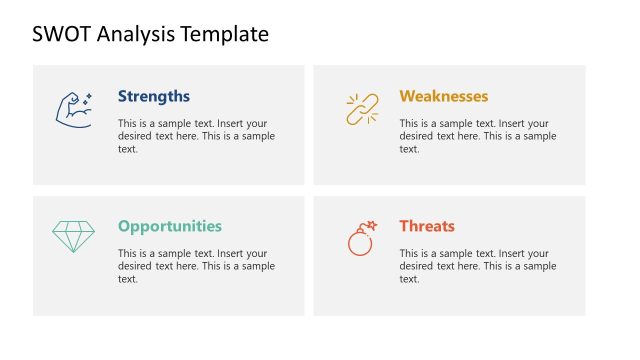
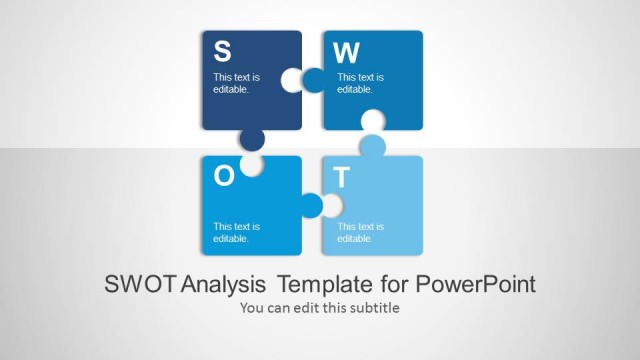
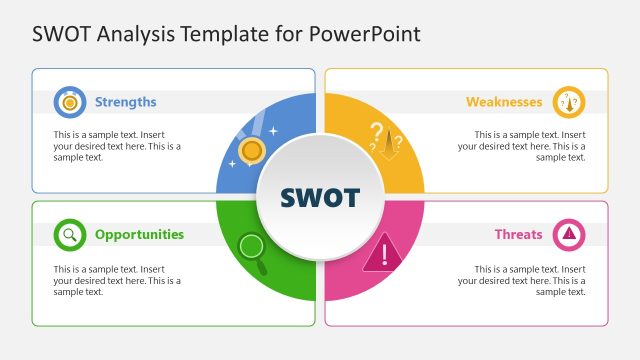
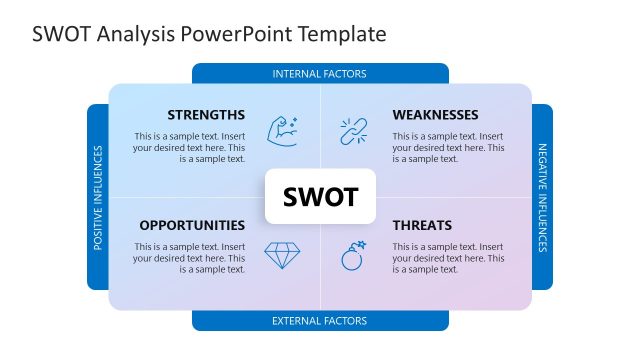
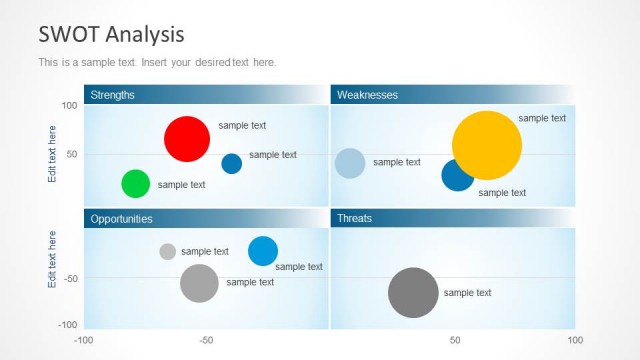
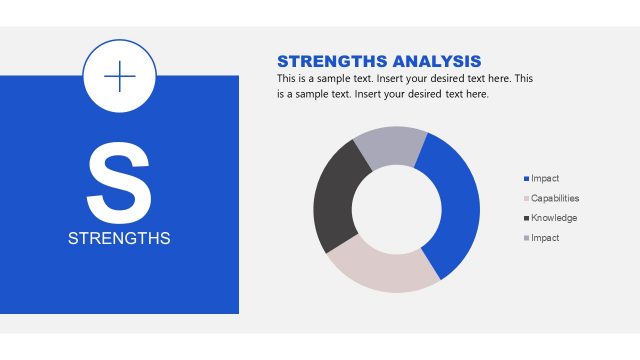
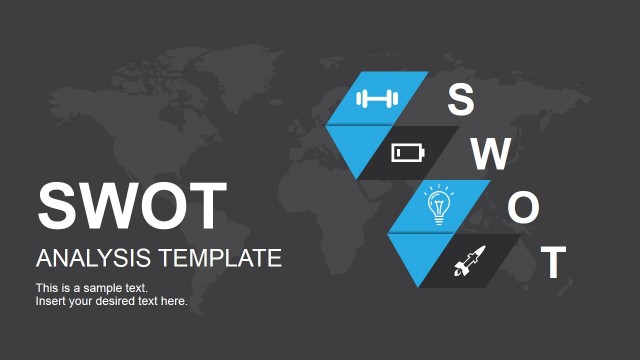
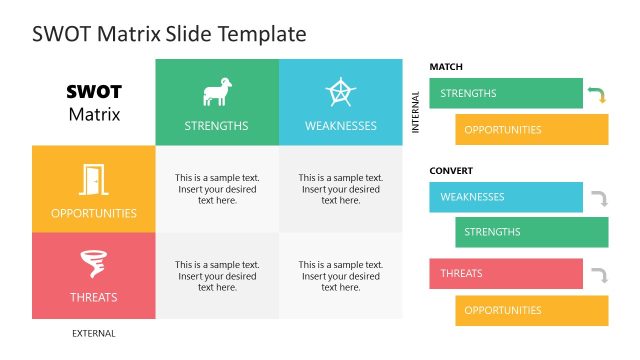
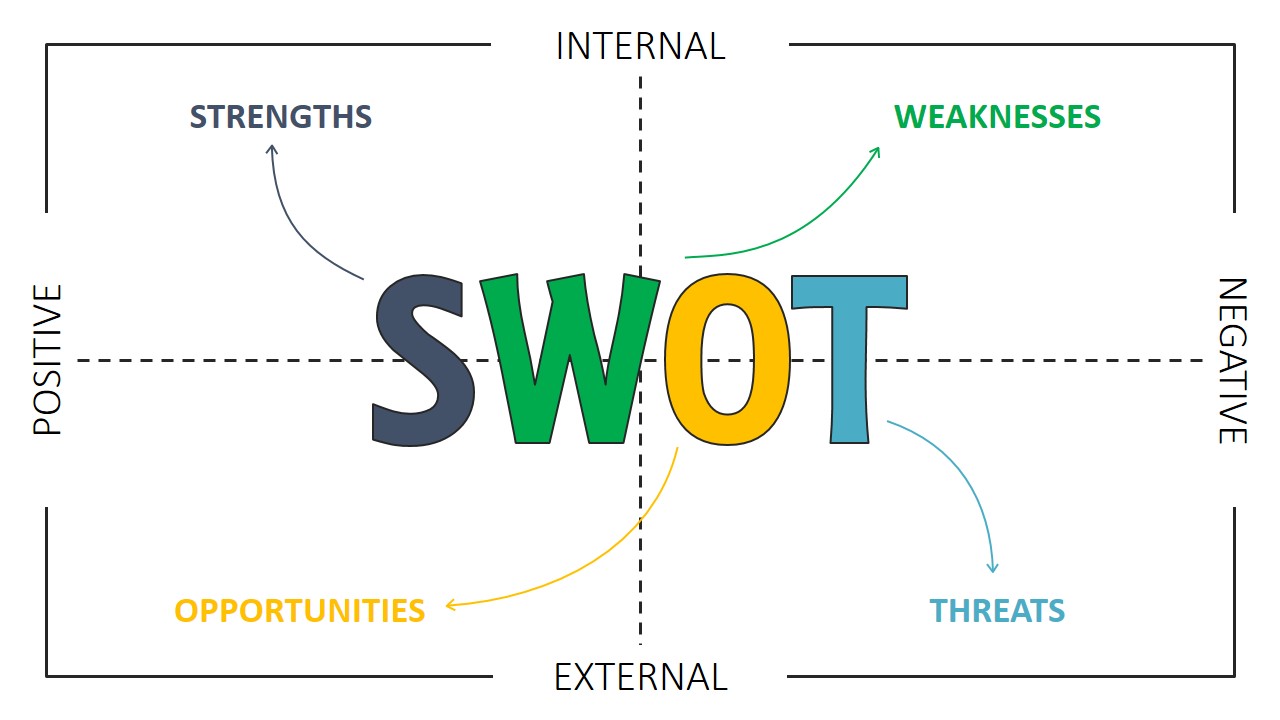
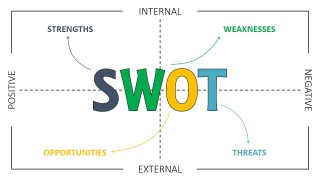
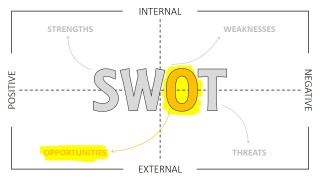
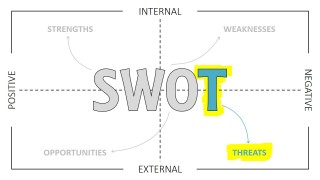
The SWOT Template for PowerPoint is a simple design, created with lines and a bold title, showing the SWOT Matrix, with explicative titles for each of its quadrants. In the outside borders, the matrix describes the sentiment of the factors (Negative and Positive) and their position within the analysis boundary (internal, external).
SWOT Analysis is one of the most powerful and widespread management techniques applied in modern organizations. It’s popularity is based on two pillars:
- The ease of use. The SWOT framework is based on the premise of multidisciplinary conversations between stakeholders of the organization. The selected team of analysts will identify the Strengths, Weaknesses of the organization and the Threats and Opportunities of the surrounding environment. The Analysis process is not guided, providing analysts to freely define their own factors and discuss them with the team, through their point of view.
- The applicability in the strategic planning process of the powerful insights extracted in the conclusions. Generally, the SWOT Analysis is one of the inputs of the Strategic Planning process of the organization. The insights derived from the factors are crucial to understand the current strategic positioning of the organization and which strategies replace or correct.
Using a swot analysis template during the analysis, not only provides several benefits for online documentation, but also, it forces the team to write down the factors and conclusions in a way that is easily presentable.
All the elements of the SWOT Template are created with PowerPoint objects, allowing the user to fully customize its appearance.
Impress your audience with a modern, minimalistic thin line design SWOT Analysis Template PPT.
What’s inside this template
Example presentation scenarios
- A strategy consultant can use the complete SWOT matrix to guide an executive team through the relationship between internal capabilities and external market conditions.
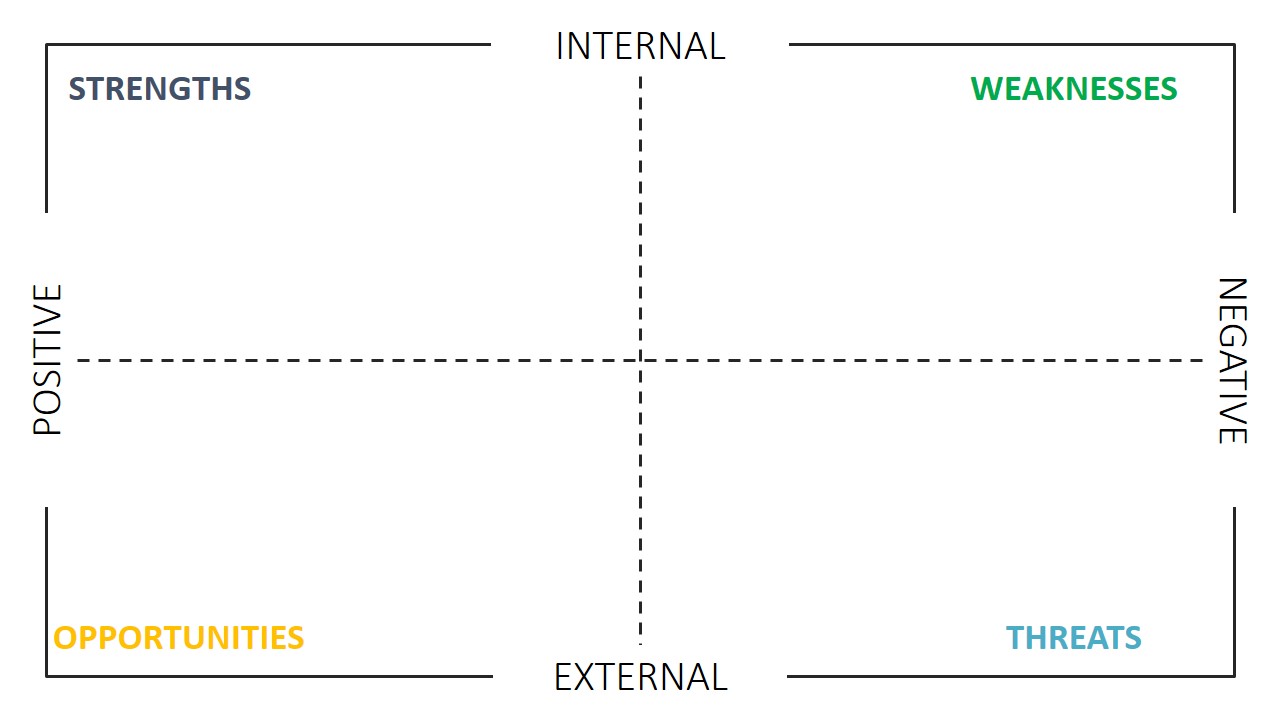
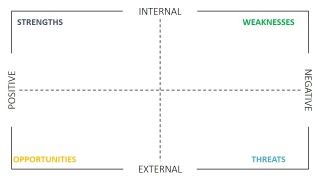
- A product manager can use the blank four-quadrant matrix to collect workshop inputs before turning them into an action-oriented product strategy discussion.
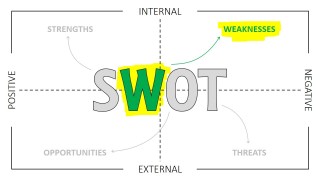
- A marketing leader can present the Strengths, Weaknesses, Opportunities, and Threats highlight slides one at a time to keep a competitive review focused.
- A project manager can use the Threats and Opportunities slides to separate external risks from growth possibilities during planning meetings.
Features
- 100% editable presentation template
- Compatible with Microsoft PowerPoint and Google Slides
- 16:9 aspect ratio slides
- Scalable vector shapes, icons and illustrations
- AI-Ready for Microsoft Copilot and Claude
- Instant access and download
Frequently asked questions
Q: How should a presenter guide the audience through the SWOT discussion with this template?
A: Start with the full SWOT matrix to define the four categories and the internal, external, positive, and negative axes. Then move through the focused S, W, O, and T slides to discuss one factor at a time. Use the blank matrix to capture final agreed points so the audience sees how the analysis came together.
Q: Who is this SWOT template best suited for?
A: This template works best for strategy leads, consultants, managers, and workshop facilitators who need a clear way to organize qualitative business inputs. It is especially useful when the goal is to align a group around strengths, weaknesses, opportunities, and threats before defining priorities, initiatives, or next-step decisions.
Q: Why does the thin-line matrix design help communicate SWOT analysis?
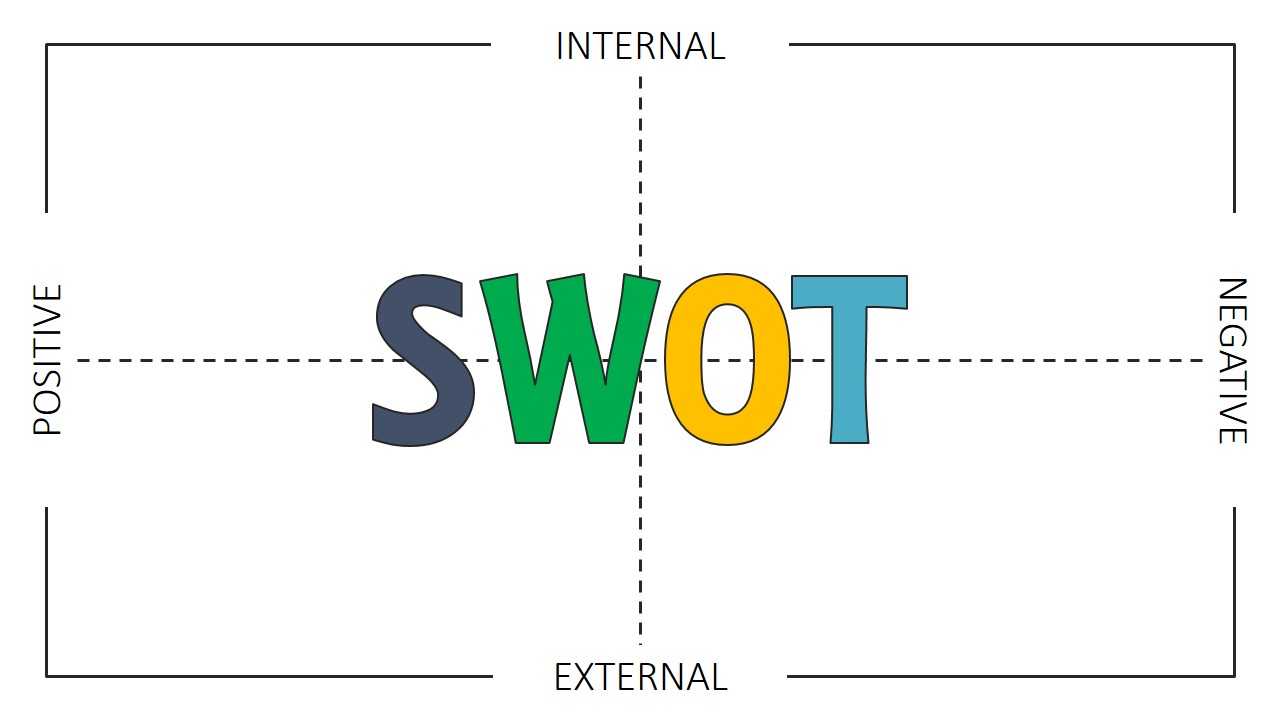
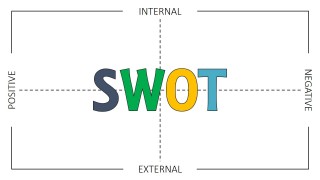
A: The matrix acts like a strategic map: internal and external factors are split vertically, while positive and negative forces are split horizontally. The large central SWOT letters create a single visual anchor, and the highlighted factor slides reduce distraction by making each quadrant feel like a separate discussion point.



SWOT Template for PowerPoint
7-slide SWOT presentation template with quadrant matrix and focused Strengths, Weaknesses, Opportunities, Threats slides
SWOT Template for PowerPoint is a 7-slide strategy diagram template for building and presenting SWOT analysis. It includes a four-quadrant SWOT matrix, a blank matrix frame, a central SWOT title layout, and single-factor highlight slides for Strengths, Weaknesses, Opportunities, and Threats. It is made for Microsoft PowerPoint and Google Slides.
- Category
- Strategy
- Rating


 Loading...
- Aspect ratio
- 16:9, 4:3
- Item ID
- 0040-01
- Colors
 Microsoft PowerPoint
  Microsoft Copilot
  Claude for PowerPoint
 Other formats supported
Subscribe today and get immediate
access to download our PowerPoint templates.