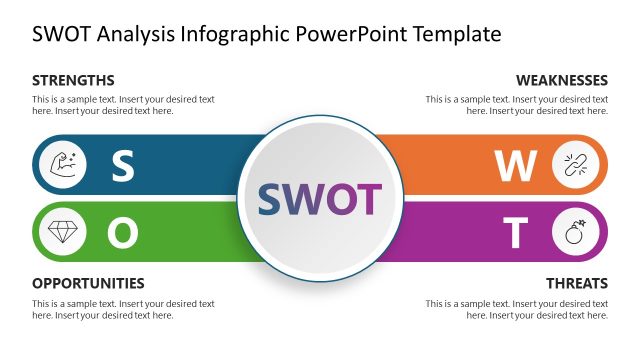
Download and create your presentation about SWOT analysis with our SWOT Analysis PowerPoint Template. SWOT is an effective analysis method to understand the strengths, weaknesses, and orientations. Businesses, companies, and operational departments can utilize this template to present the outcomes of the SWOT analysis in the stakeholder meetings. This allows decision-makers to understand the company’s dynamic and current position and improve strategies to overcome the weaknesses. The SWOT analysis template has fully editable PPT shapes. We have designed this template to be compatible with Google Slides, all PowerPoint versions, and Keynote. Users can also use this template to outline their personal strengths, shortcomings, and potential career opportunities that they can avail themselves of.
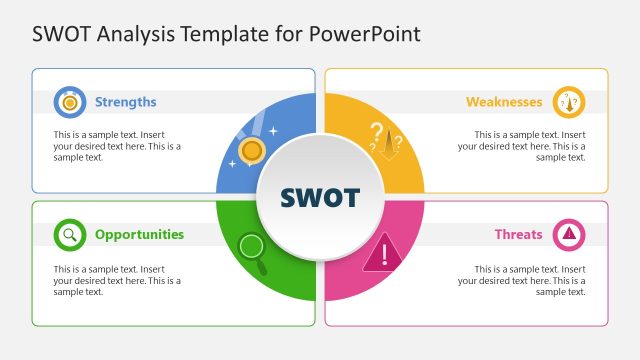
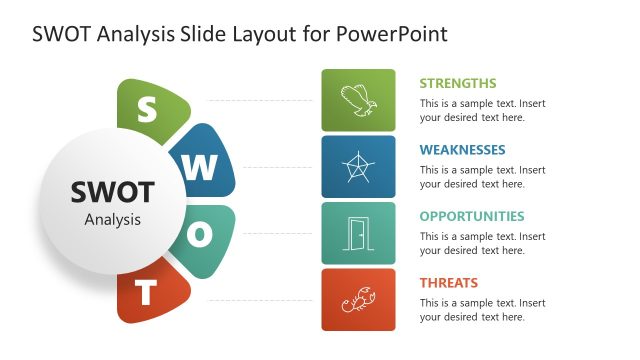
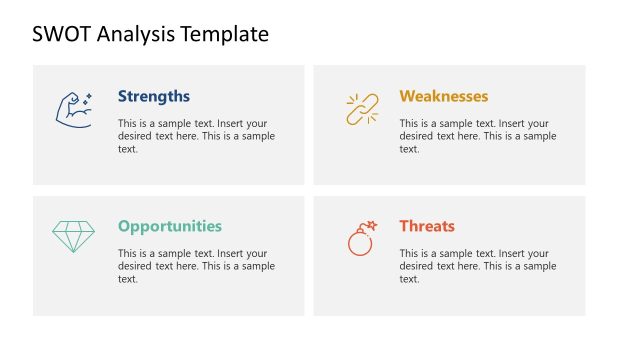
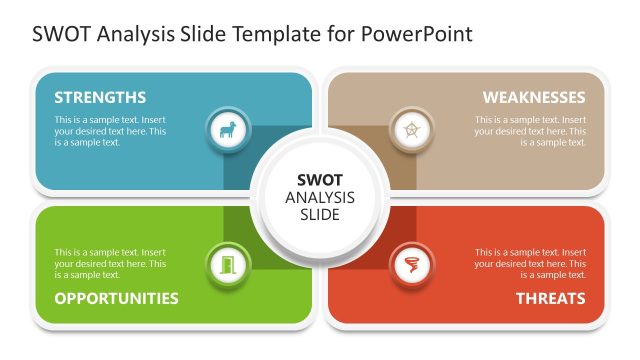
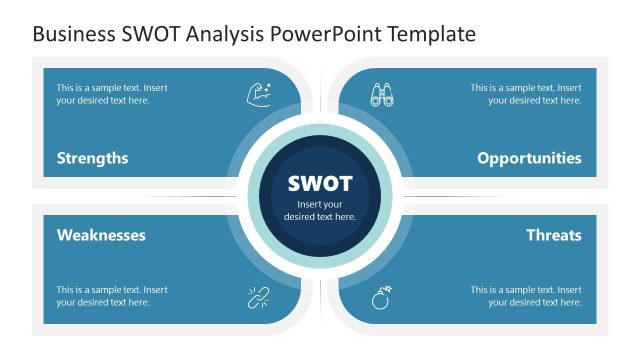
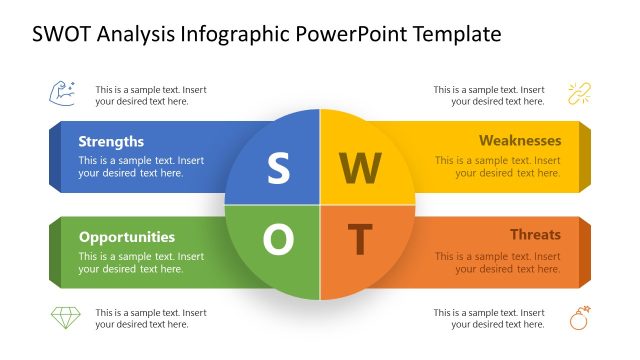
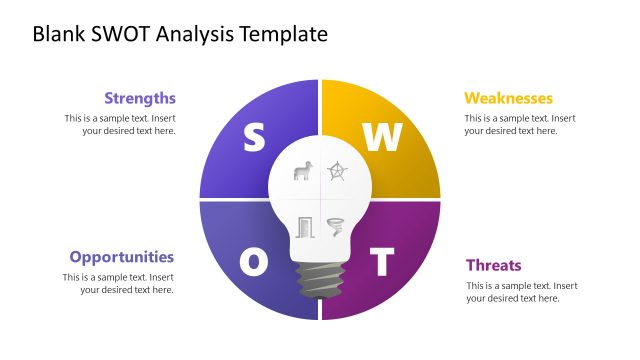
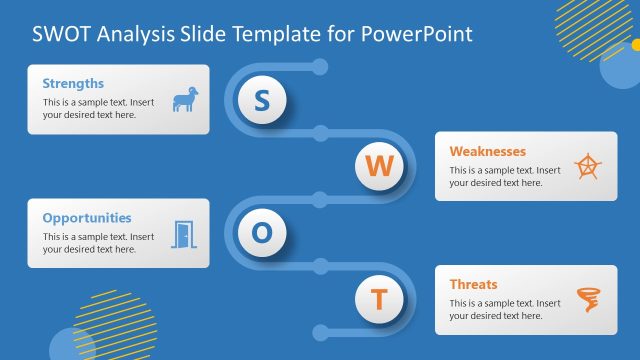
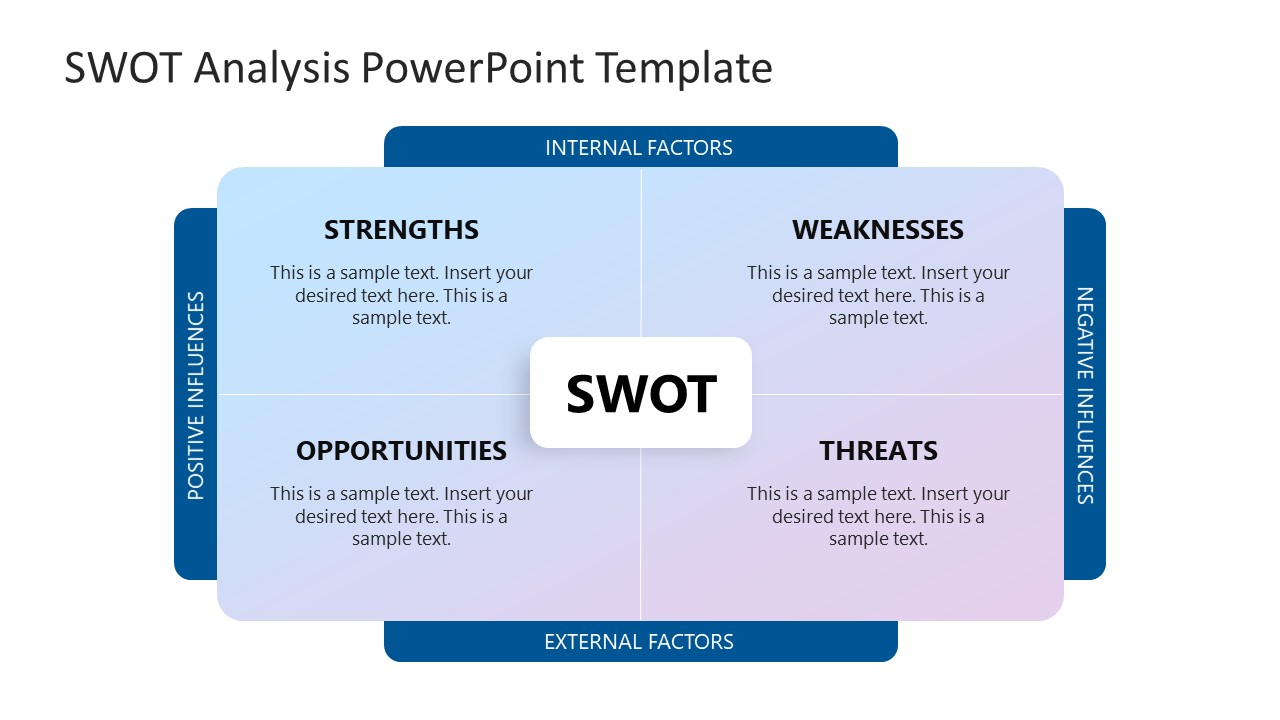
The SWOT analysis presentation slide template has three slides with the same diagram but contains slight variations. The diagram shows four rectangular boxes arranged as a quadrant diagram. There is a central box that contains the title text. The first slide has an infographic icon relevant to each part of the SWOT analysis that enhances the presentation’s visuals. In the second slide, there are no icons, whereas the third slide has a darker shade on the outer labels of each box shape. Professionals can edit the text sections to describe each SWOT component in detail. They can also discuss the following points in the quadrant diagram shown in the bar-shaped labels outside each box :
- Positive Influence
- Negative Influence
- Internal Factors
- External Factors
Furthermore, you can change the layout’s color scheme, infographic icons, and text fonts to fit your theme needs. Users can also repurpose it to illustrate the attributes of any other business model. Download our SWOT Analysis PowerPoint Template and customize it today! Also, check our collection of diagram templates and SWOT Analysis PPT templates.
What’s inside this template
Example presentation scenarios
- A consultant can use the icon-supported SWOT quadrant to summarize a client's strengths, weaknesses, opportunities, and threats before recommending strategic priorities.
- A department manager can use the clean no-icon SWOT slide to guide a leadership discussion about internal capabilities and external market pressures.
- A product marketing team can use the quadrant and influence labels to compare product advantages, competitive gaps, market openings, and risk factors.
- An educator or trainer can use the simplified SWOT diagram to teach how internal factors differ from external factors during a strategy workshop.
Features
- 100% editable presentation template
- Compatible with Microsoft PowerPoint
- 16:9 aspect ratio slides
- Scalable vector shapes, icons and illustrations
- AI-Ready for Microsoft Copilot and Claude
- Instant access and download
Frequently asked questions
Q: How should a presenter structure the message on a SWOT slide?
A: Start with the strategic question, then fill each quadrant with short, parallel statements rather than full paragraphs. Use strengths and weaknesses to explain the current internal position, then move to opportunities and threats to show the external landscape. The center SWOT label keeps attention on the comparison rather than on isolated lists.
Q: Who is this SWOT template best suited for?
A: This template fits managers, consultants, analysts, and educators who need to turn a qualitative assessment into a shared decision frame. It works best in planning, review, and workshop settings where the audience must compare internal capabilities against external conditions before discussing priorities or next steps.
Q: Why does the quadrant design improve the analysis?
A: The four-box structure makes the SWOT logic visible at a glance: strengths and weaknesses sit inside the organization, while opportunities and threats connect to outside conditions. The surrounding positive, negative, internal, and external labels act as a visual compass, helping audiences classify each point correctly during discussion.




SWOT Analysis PowerPoint Template
3-slide SWOT analysis presentation template with quadrant diagrams and internal-external factor labels
This 3-slide SWOT Analysis PowerPoint Template is a 16:9 Microsoft PowerPoint diagram deck for presenting strengths, weaknesses, opportunities, and threats. It includes three SWOT quadrant layouts with a central SWOT title, internal and external factor bars, positive and negative influence labels, and one icon-supported variation for business or team analysis.
- Category
- Diagrams
- Rating

 Loading...
- Aspect ratio
- 16:9
- Item ID
- 22830-01
- Colors
 Microsoft PowerPoint
 Microsoft Copilot
 Claude for PowerPoint
Other formats supported
Subscribe today and get immediate
access to download our PowerPoint templates.