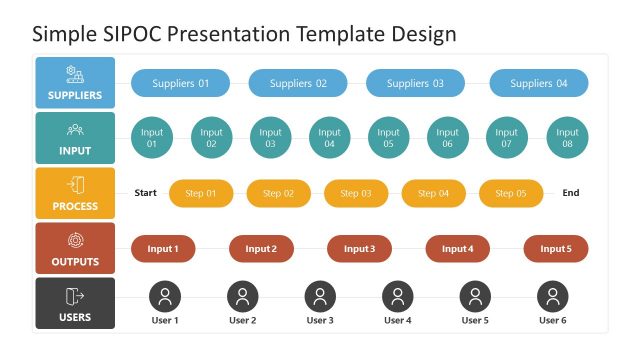
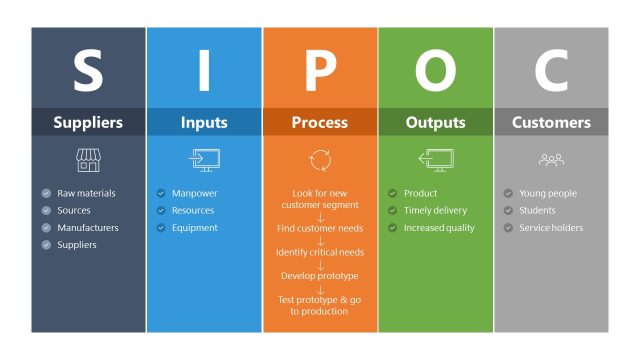
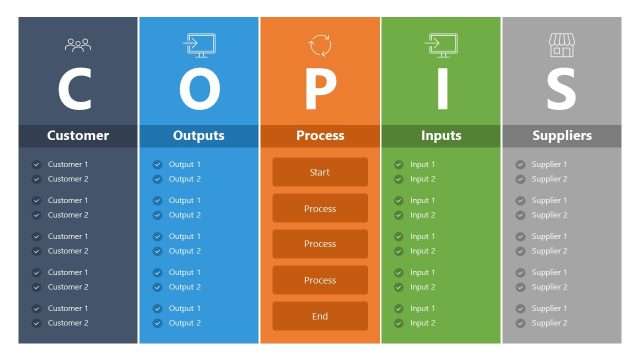
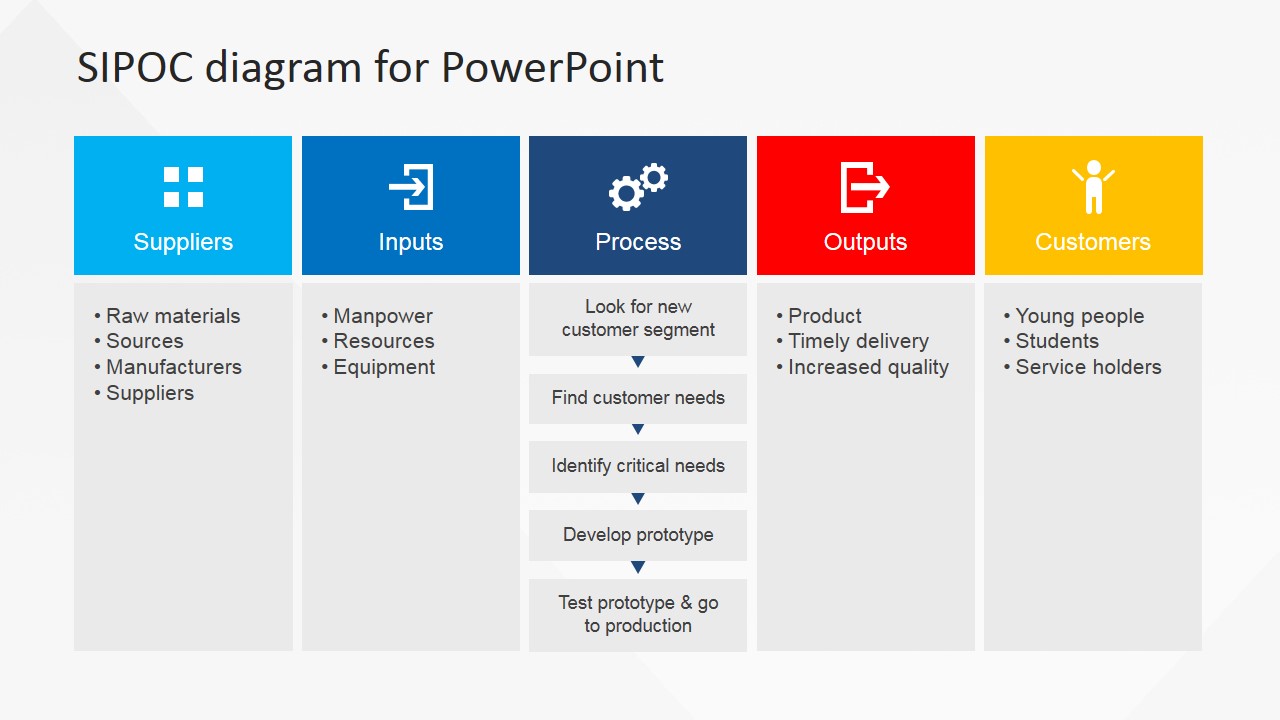
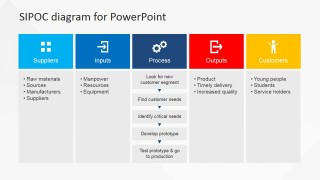
Make a highly influential business process seminar using a readily available presentation tool – the Flat SIPOC PowerPoint Diagram. This SIPOC template is a professionally designed SIPOC diagram composed of highly editable PowerPoint shapes in different colors. It is useful in both small to medium enterprise as well as in large companies. The SIPOC or COPIS diagram has high utility throughout any business practice. All business processes include the activities that are sorted out as Supplier, Input, Process, Output and Customer. SIPOC maps out the necessary activities in every step of a business process by categorizing them accordingly. This allows for an effective decentralization of responsibility where managers and supervisors can clearly acknowledge which part of the process is accountable to them. It also assists in a more efficient monitoring of activities where the responsible individuals can make sure that everything is done in order. Moreover, the tabulated form of SIPOC enables a straightforward assessment of the activities involved. This results in a more accurate evaluation and analysis for business improvement.
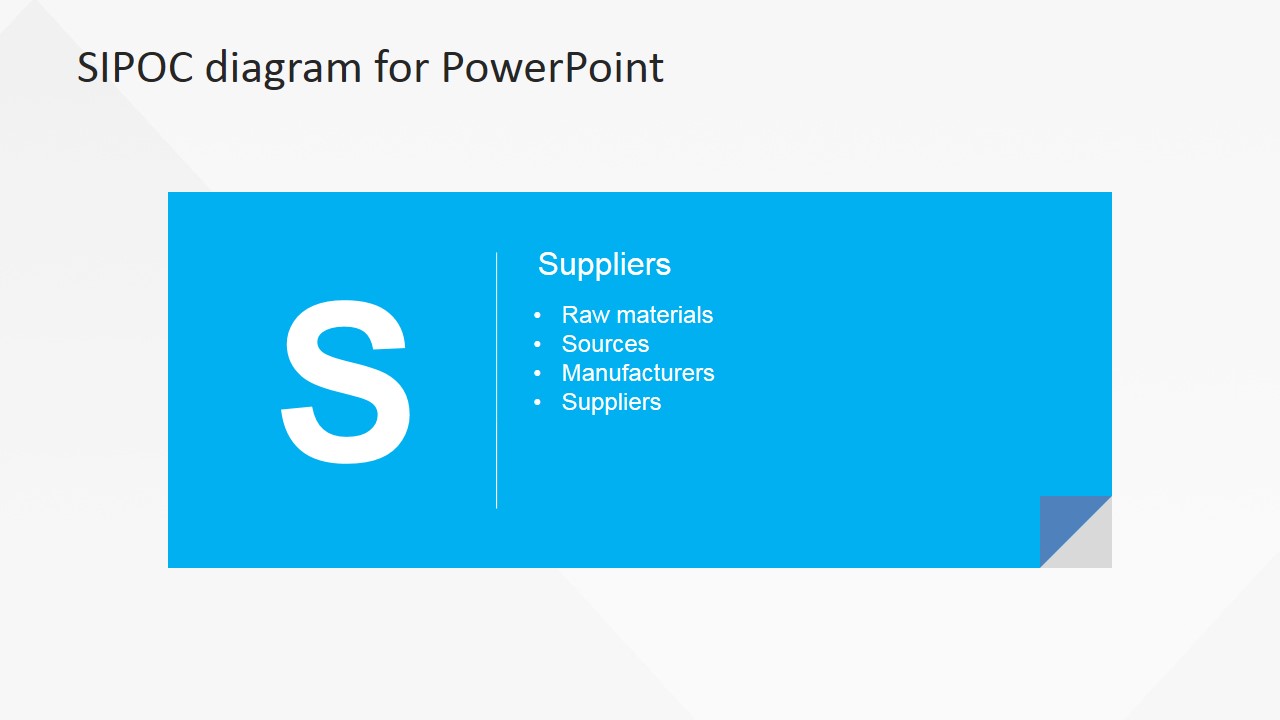
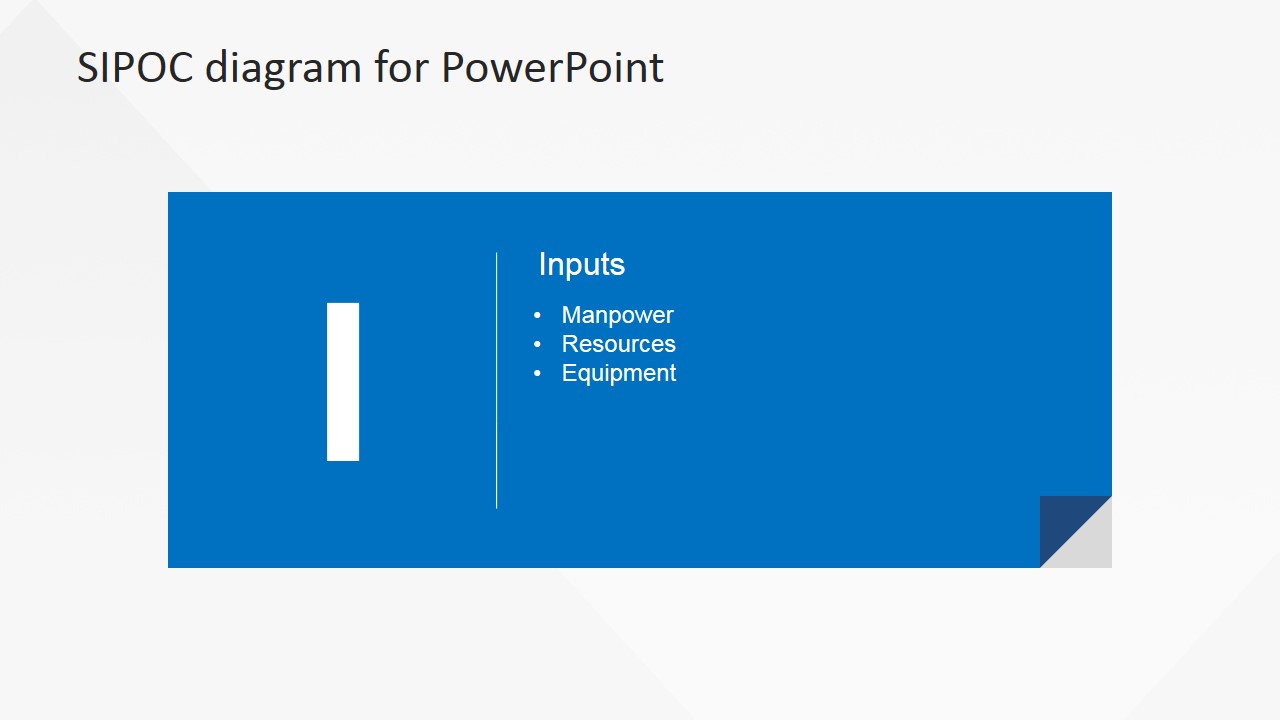
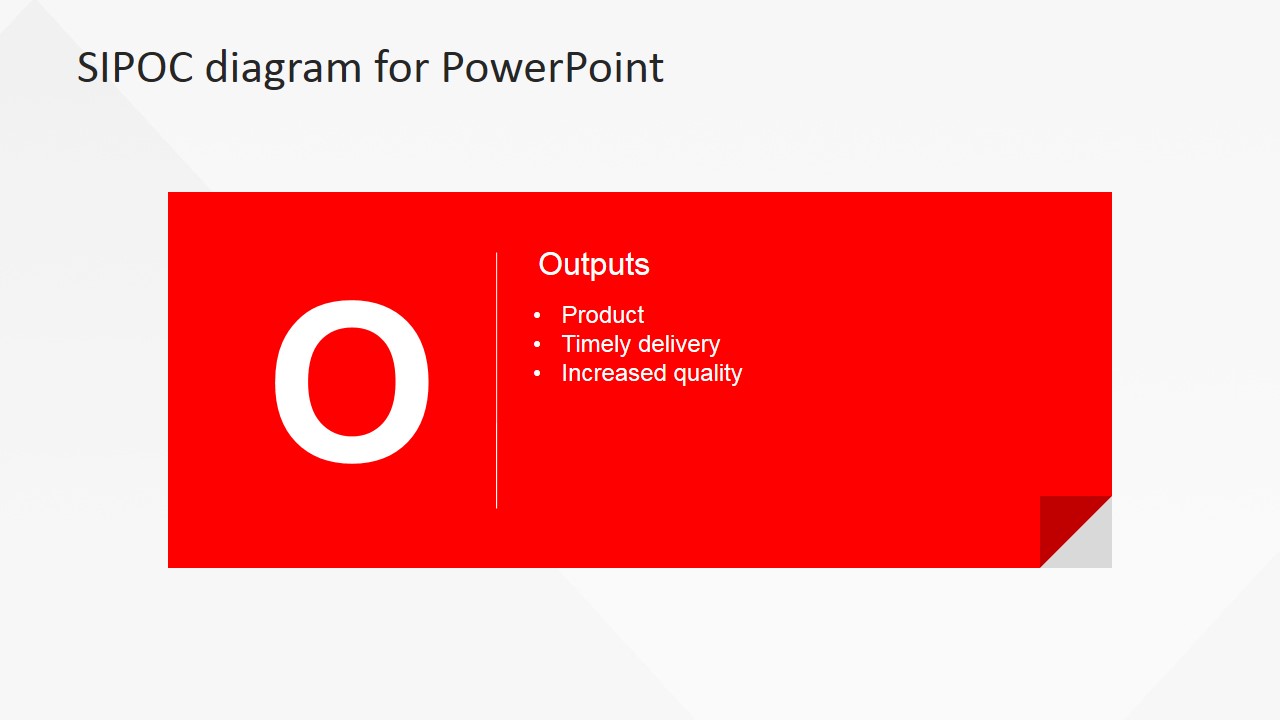
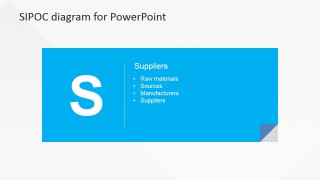
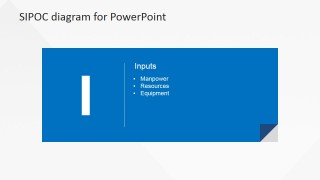
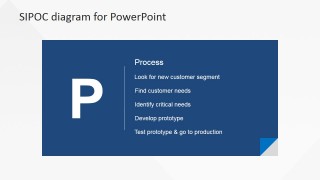
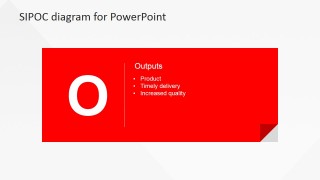
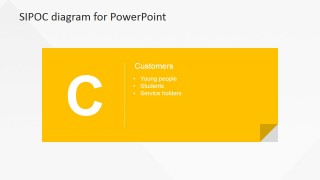
This PowerPoint Diagram can be edited in varied ways depending on the presenter’s ideas. As seen in this product snapshot presentation, each process panel can be used as a text box enumerating the activities involved in the steps it represent. However, it can also contain a mix of icons and shapes found in our PowerPoint Shapes page. The presenter can also combine striking animation effects for a better impact. Each template that highlights a particular step can also be presented with a big letter for the step’s initial along with a list of activities for it. Alternatively, the presenter can also present only the initial letter and surround it with animated shapes and text similar to an animated infographic presentation. The high quality design of this PowerPoint diagram can create numerous presentation concepts and styles and they are all up to the presenter’s visions and ideas.
What’s inside this template
Example presentation scenarios
- A Six Sigma facilitator can use the full SIPOC table to define project scope with a cross-functional team before starting root cause analysis.
- An operations manager can use the input and output detail slides to clarify what resources enter a process and what deliverables the team must produce.
- A quality leader can use the supplier and customer cards in a workshop to make upstream and downstream responsibilities visible to stakeholders.
- A consultant can use the process detail slide to document current-state steps and identify where handoffs or accountability need follow-up.
Features
- 100% editable presentation template
- Compatible with Microsoft PowerPoint and Google Slides
- 16:9 aspect ratio slides
- Scalable vector shapes, icons and illustrations
- AI-Ready for Microsoft Copilot and Claude
- Instant access and download
Frequently asked questions
Q: How should a presenter walk an audience through this SIPOC diagram?
A: Start with slide 1 to define the process boundary and show all five SIPOC categories at once. Then move through the supplier, input, process, output, and customer cards only as needed. Keep each bullet concrete, because the format is best for naming entities, materials, activities, deliverables, and customer groups rather than long explanations.
Q: Who is this SIPOC template best suited for?
A: This template fits process discovery sessions, Lean Six Sigma project charters, and quality reviews where the audience needs a shared vocabulary before analysis begins. It works well for facilitators, operations managers, or consultants who must make scope, handoffs, and accountability visible without starting with a dense flowchart.
Q: Why does the design separate the five SIPOC categories into individual card slides?
A: The design uses a table for the system view and colored card slides for focused discussion. The large initials act like visual anchors, so audiences can remember S, I, P, O, and C as separate roles in the process. The folded-corner card metaphor also signals that each category can be treated as a working note.
You may also like:


Flat SIPOC PowerPoint Diagram
6-slide SIPOC presentation template for process maps, suppliers, inputs, outputs, and customers
Flat SIPOC PowerPoint Diagram is a 6-slide process mapping template for Six Sigma, Lean, and quality teams. It includes a full SIPOC table plus individual supplier, input, process, output, and customer detail slides. The layout uses editable PowerPoint shapes and vector icons for Microsoft PowerPoint and Google Slides.
- Category
- Diagrams
- Rating


 Loading...
- Aspect ratio
- 16:9, 4:3
- Item ID
- 6683-01
- Colors
 Microsoft PowerPoint
  Microsoft Copilot
  Claude for PowerPoint
 Other formats supported
Subscribe today and get immediate
access to download our PowerPoint templates.