Flat Business PowerPoint Template is a Microsoft PowerPoint presentation template containing a full set of slide designs that you can use to make a business presentation in Microsoft PowerPoint and Google Slides.
This business presentation theme with flat style for PowerPoint combines blue and yellow colors and includes a full set of editable slide designs that you can customize with your own PowerPoint presentation content.
Inside this flat business PPT template you can find:
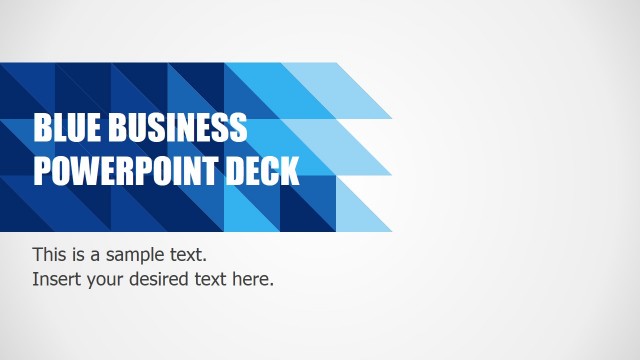
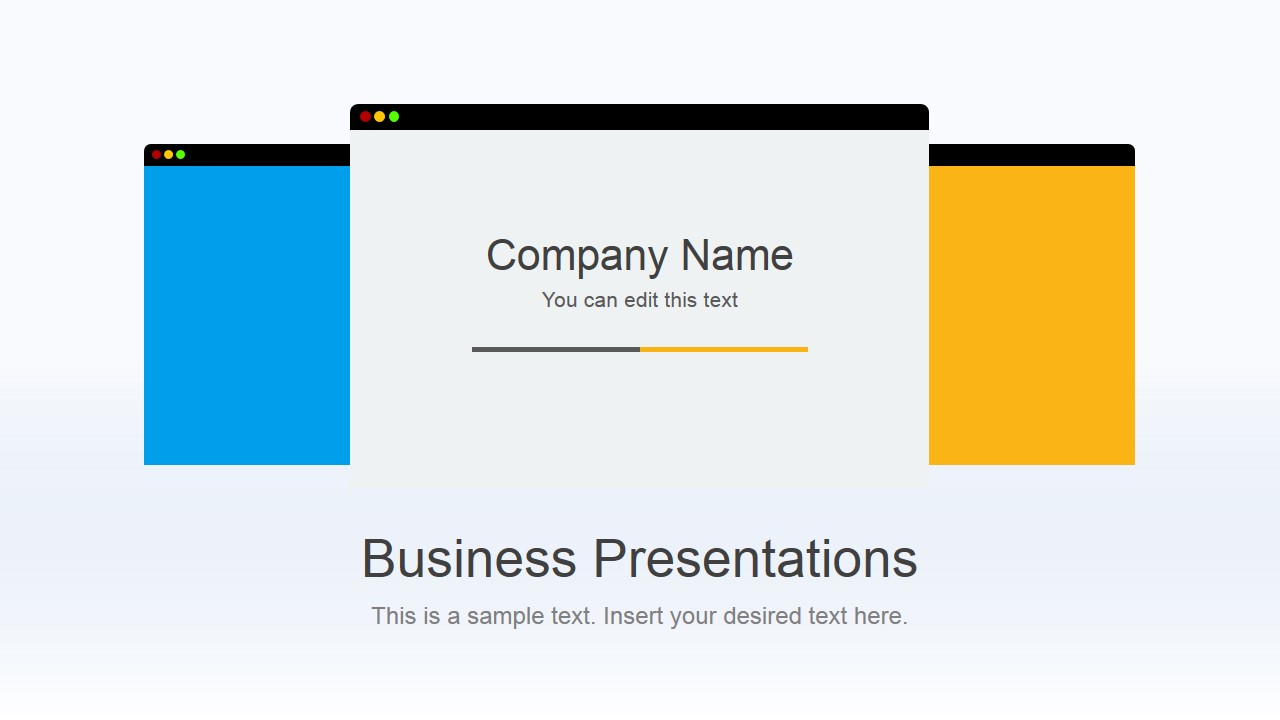
- A cover slide design with placeholder to enter your company name
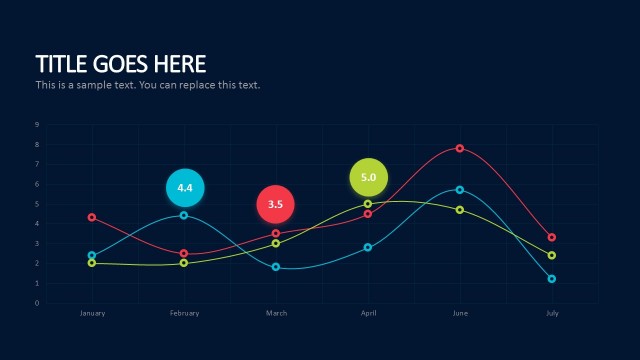
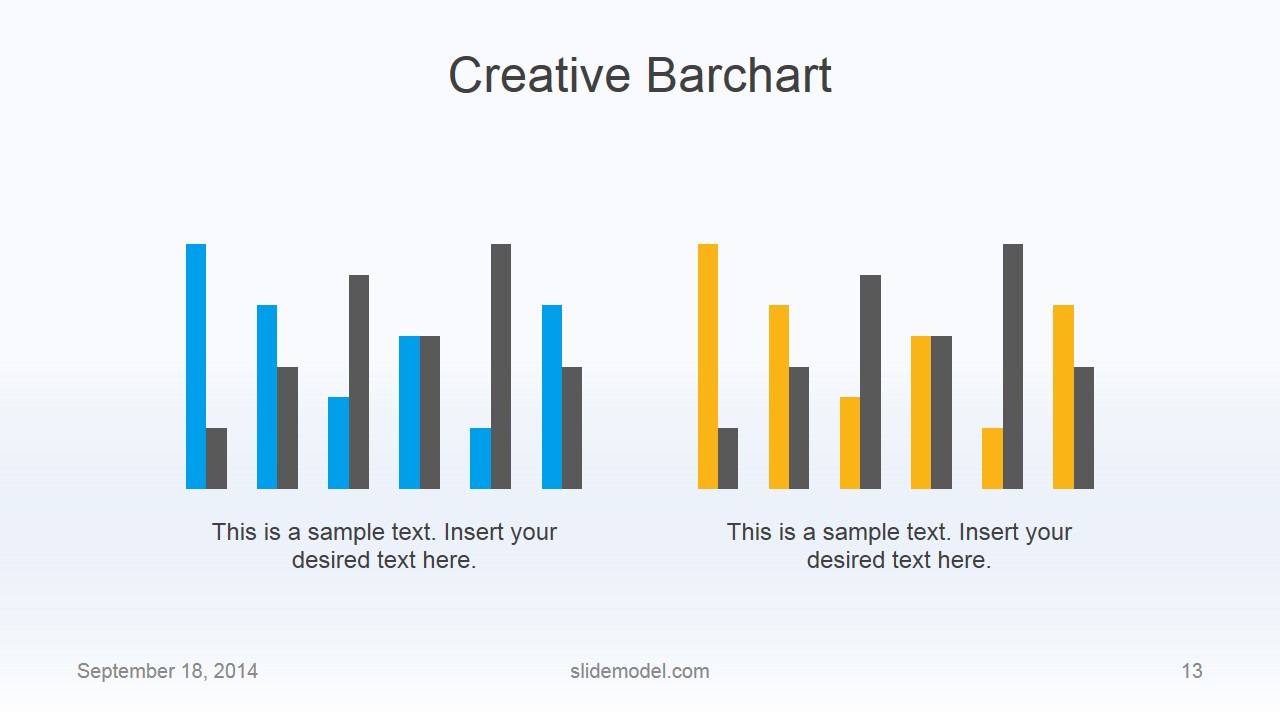
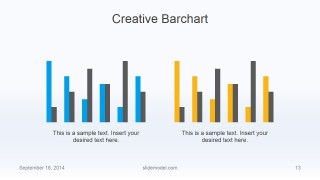
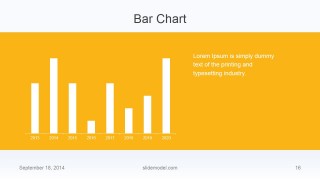
- Bar chart and other chart slide designs to present corporate data like sales report
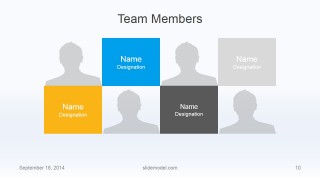
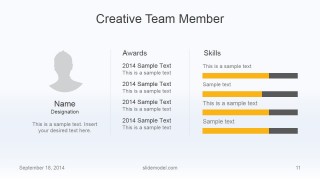
- Slide design to describe employee profile & skills
- Contact slide designs, Thank you slide design and last slide design
Download flat business PowerPoint template to make engaging PowerPoint presentations with original designs. Alternatively, you can download other business PPT templates with fully editable placeholders and creative layouts.
What’s inside this template
Example presentation scenarios
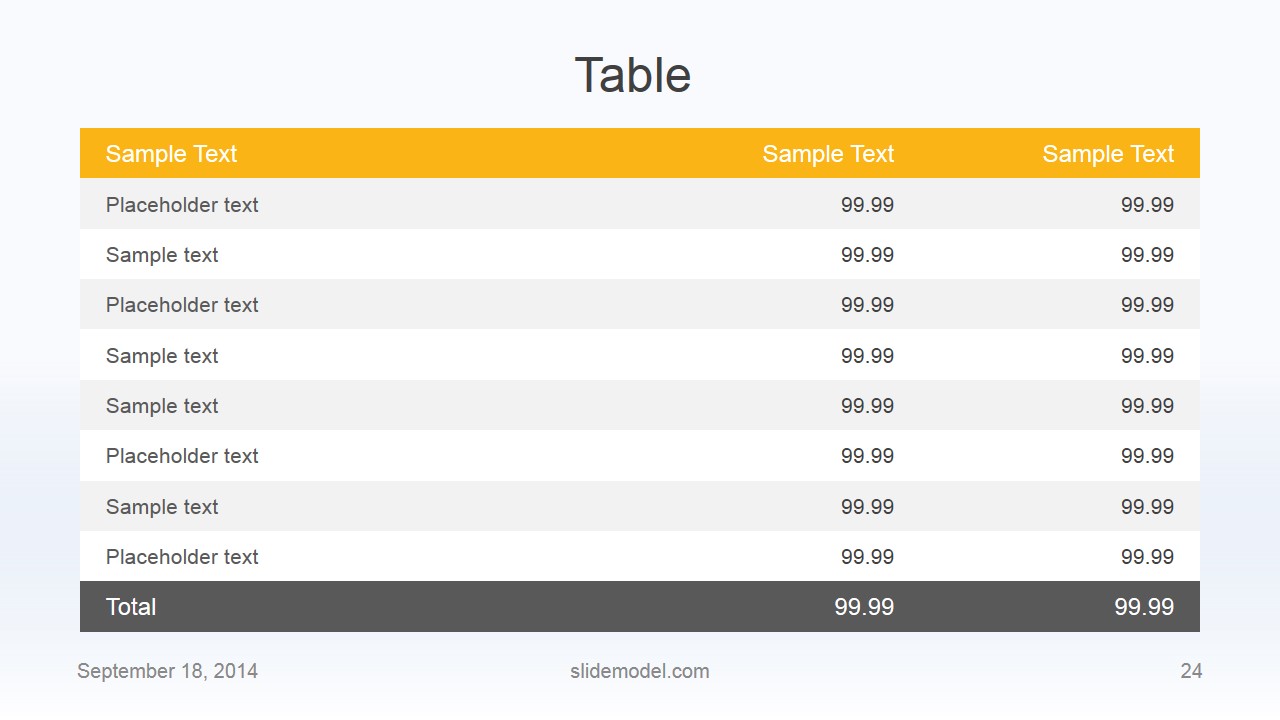
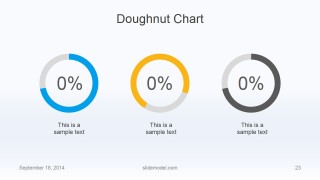
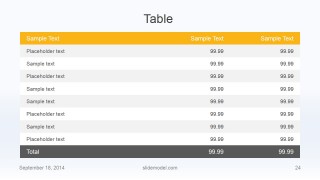
- A sales manager can present a monthly performance update by using the agenda, bar chart, doughnut chart, and table slides to move from talking points to measurable results.
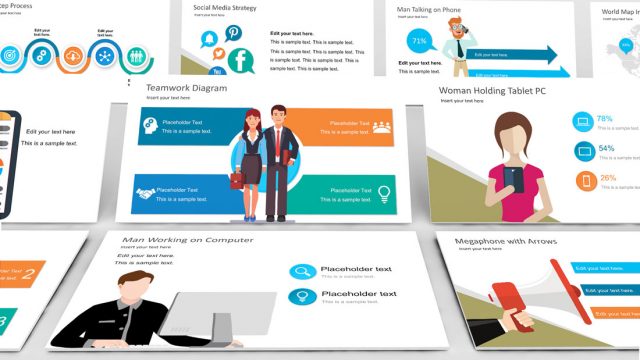
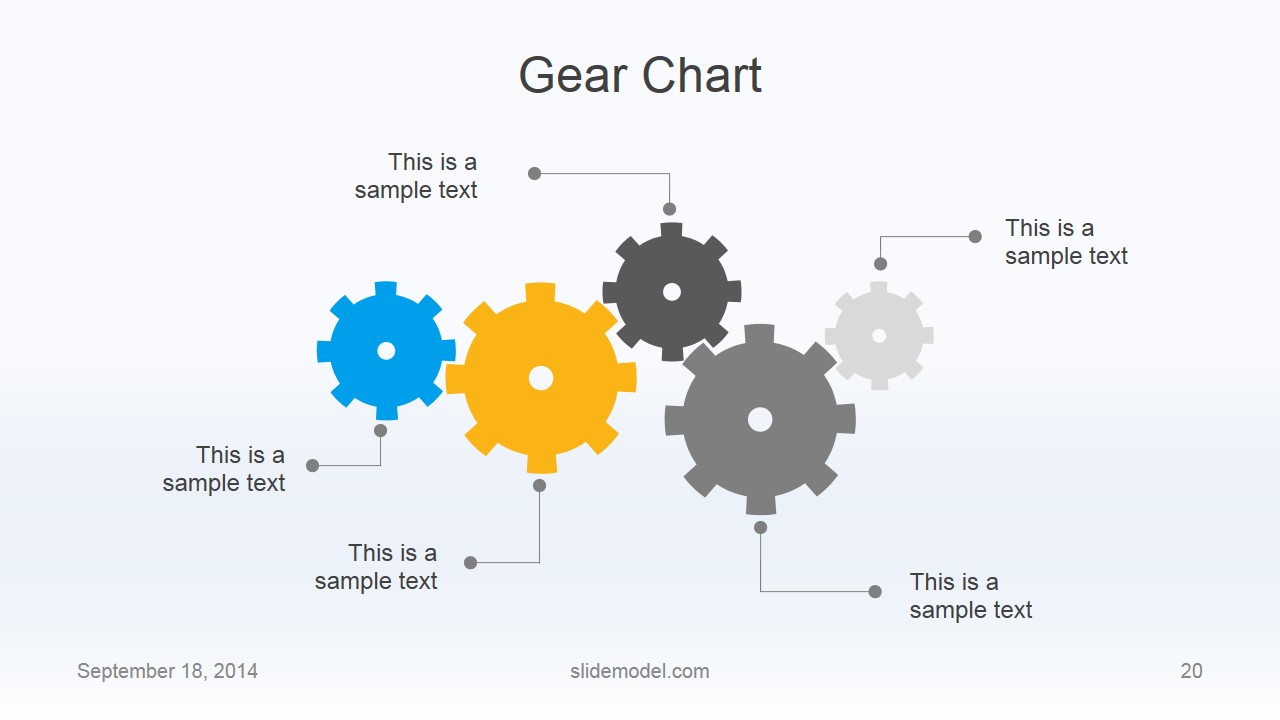
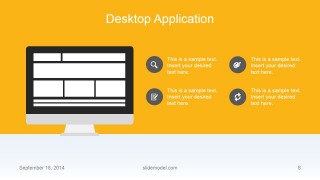
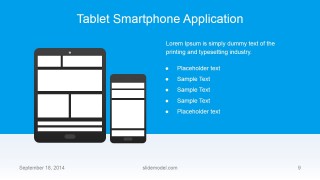
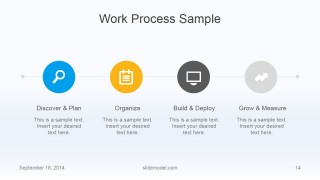
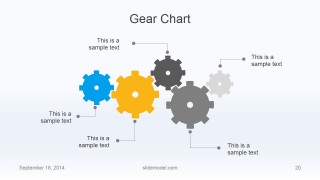
- A product team can explain a software or mobile app concept with the desktop application, tablet smartphone application, work process, and gear chart layouts.
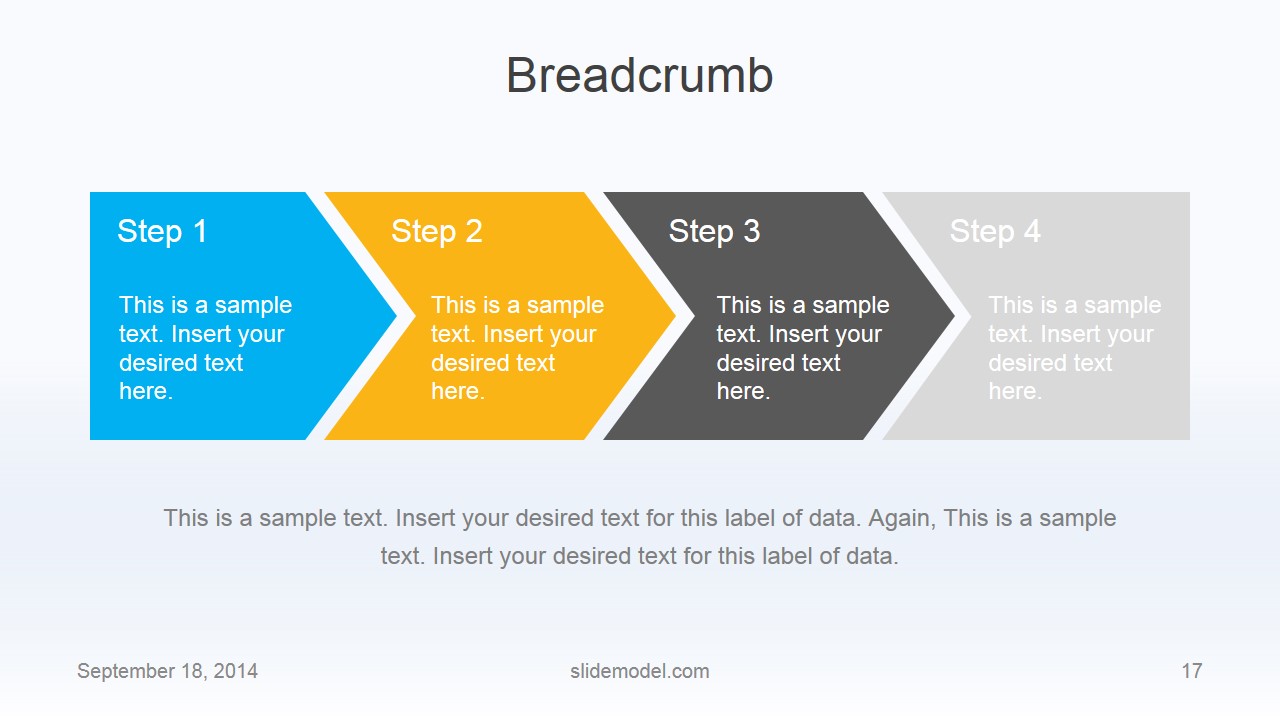
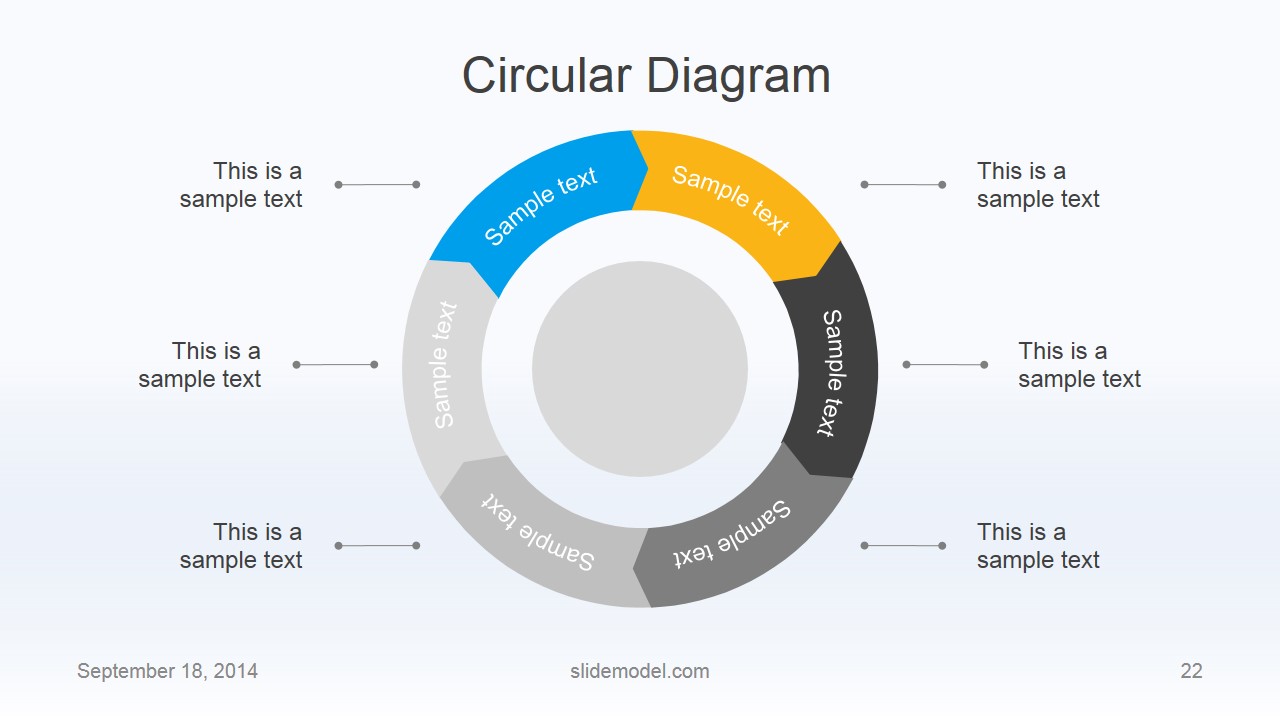
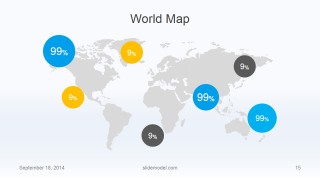
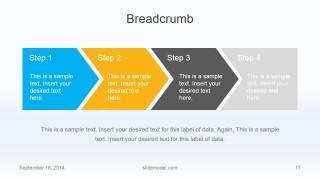
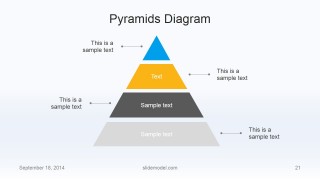
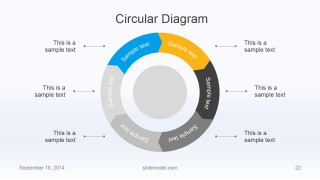
- A consultant can introduce an operating model by using the breadcrumb steps, pyramid diagram, circular diagram, and world map to organize recommendations and market context.
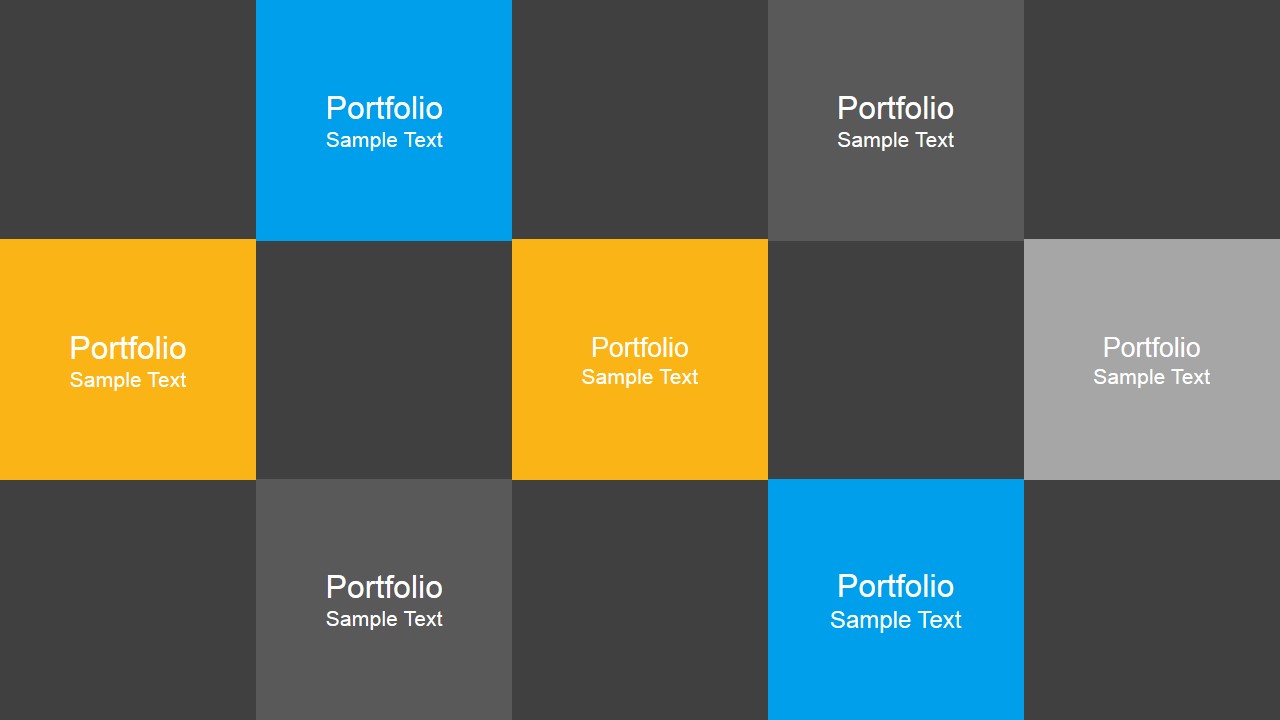
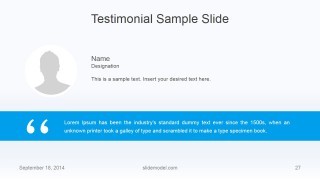
- A department leader can introduce staff and credibility with the team members, creative team member, portfolio grid, and testimonial sample slides.
- A presenter closing a client meeting can use the questions and answers, contact information, and thank you slides to invite discussion and provide follow-up details.
Features
- 100% editable presentation template
- Compatible with Microsoft PowerPoint and Google Slides
- 16:9 aspect ratio slides
- Scalable vector shapes, icons and illustrations
- AI-Ready for Microsoft Copilot and Claude
- Instant access and download
Frequently asked questions
Q: How should a presenter organize a business update with this template?
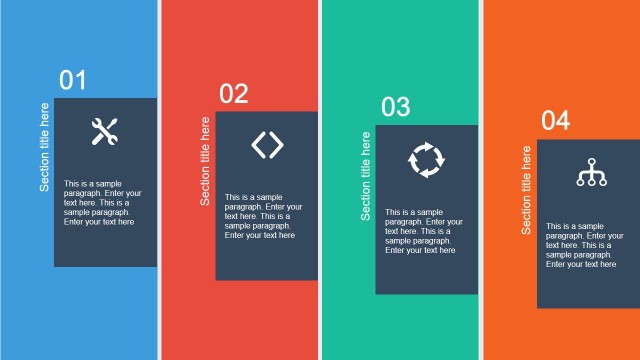
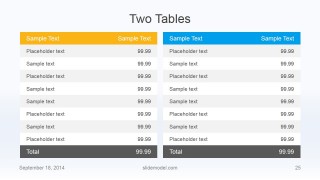
A: Start with the cover and agenda to frame the topic, then use the column slides for context before moving into evidence. Place the bar chart, doughnut chart, and tables near the middle where decisions are discussed. End with Q&A, contact information, and the thank you slide so the audience knows the next step.
Q: Who is this template best suited for in a business setting?
A: It fits managers, consultants, sales leads, and product teams that need to explain a business topic without building a custom deck from scratch. The application mockup slides suit product or software discussions, while the team profile, portfolio grid, testimonial, and contact slides support company introduction or client-facing meetings.
Q: Why do the flat diagrams and icons help the presentation message?
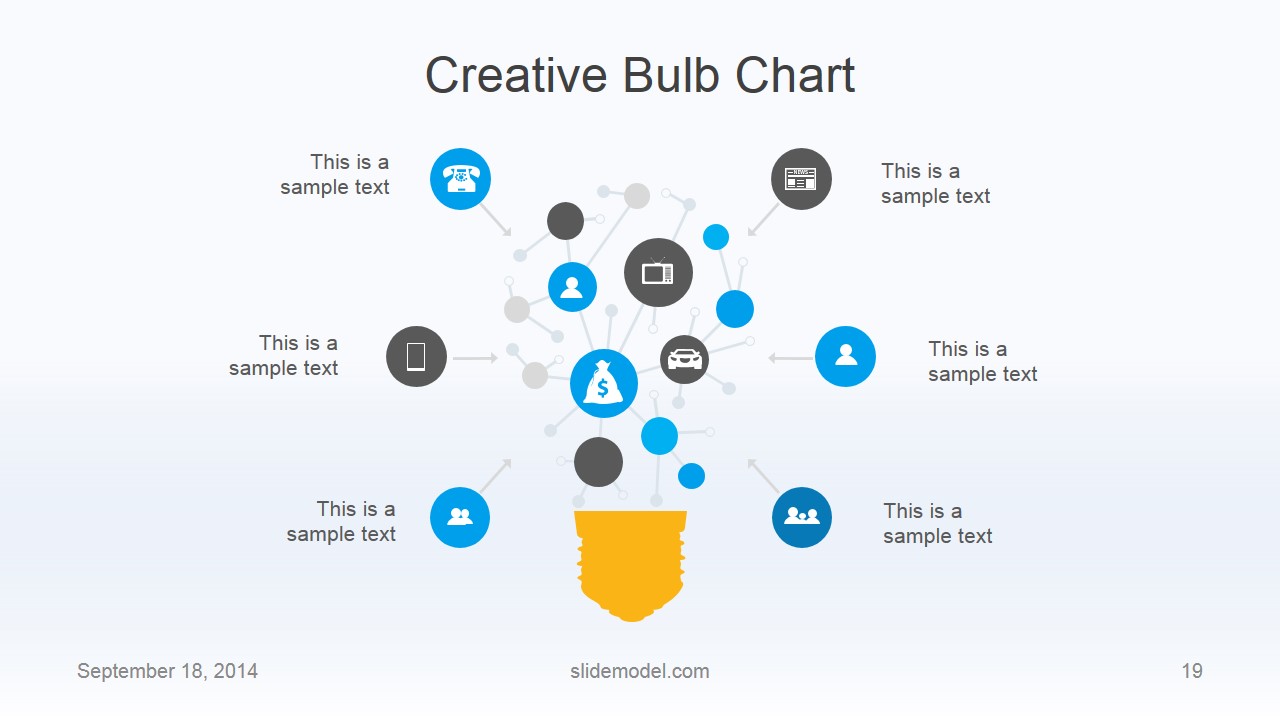
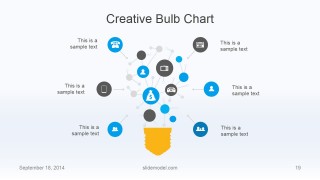
A: The flat style keeps attention on structure rather than decoration. Metaphors such as gears for operations, a light bulb for ideas, and a pyramid for hierarchy give the audience quick visual anchors. The repeated blue, yellow, gray, and white system also helps charts, process steps, and profile cards feel connected.












Flat Business PowerPoint Template
30-slide flat business presentation template with bar charts, timelines, tables, and profile slides.
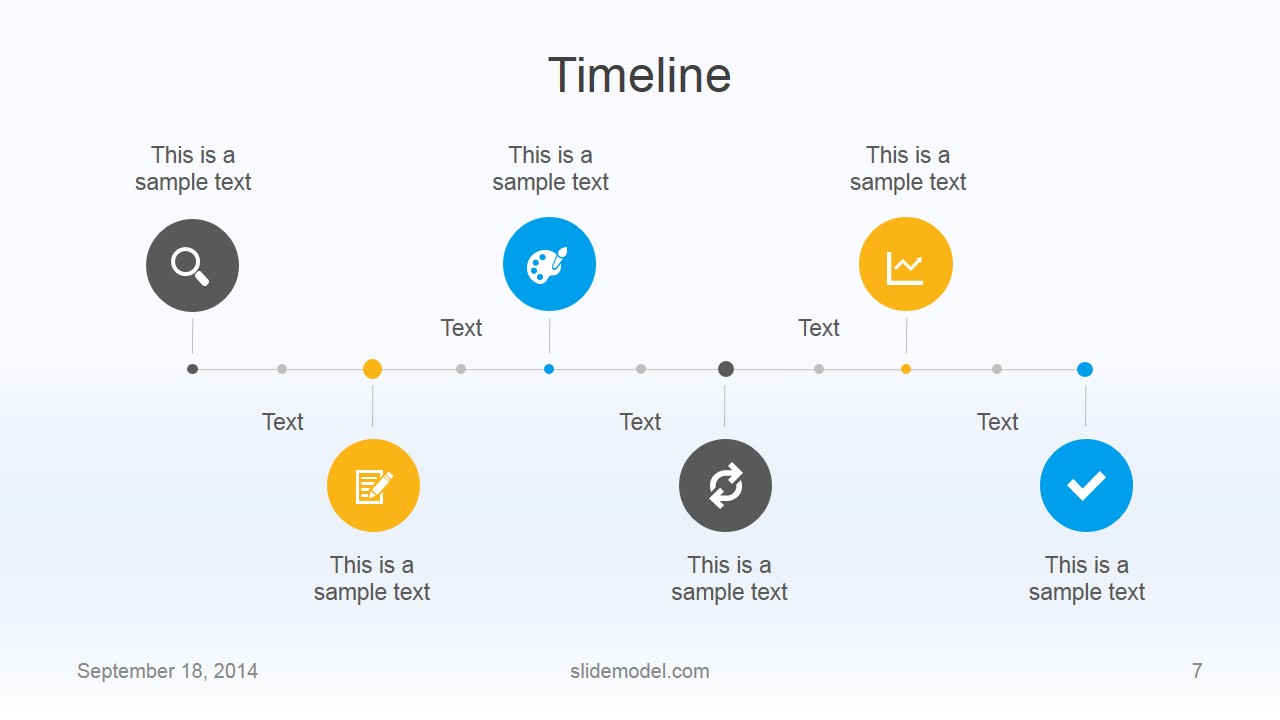
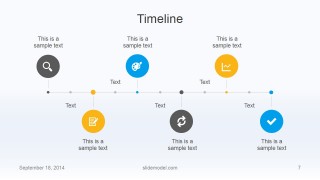
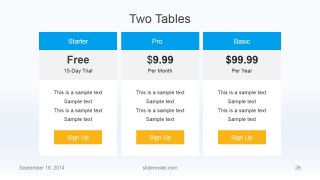
Flat Business PowerPoint Template is a 30-slide business presentation deck for Microsoft PowerPoint and Google Slides. It includes a cover, agenda, timeline, work process, map, bar charts, team profile, tables, pricing, testimonial, Q&A, contact, and thank you layouts. Chart data can be edited as an Excel spreadsheet in PowerPoint.
- Category
- Template Backgrounds
- Rating


 Loading...
- Aspect ratio
- 16:9
- Item ID
- 6612-02
- Colors
 Microsoft PowerPoint
  Microsoft Copilot
  Claude for PowerPoint
 Other formats supported
Subscribe today and get immediate
access to download our PowerPoint templates.