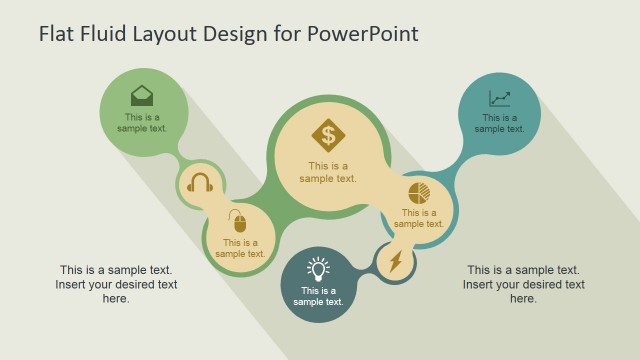
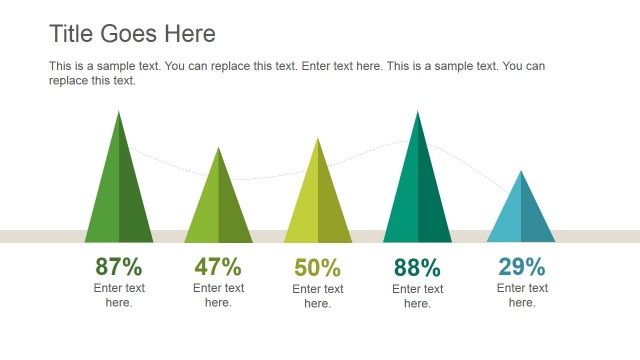
Flat Layout Template for PowerPoint is a presentation design containing useful slide layouts with flat style colors.
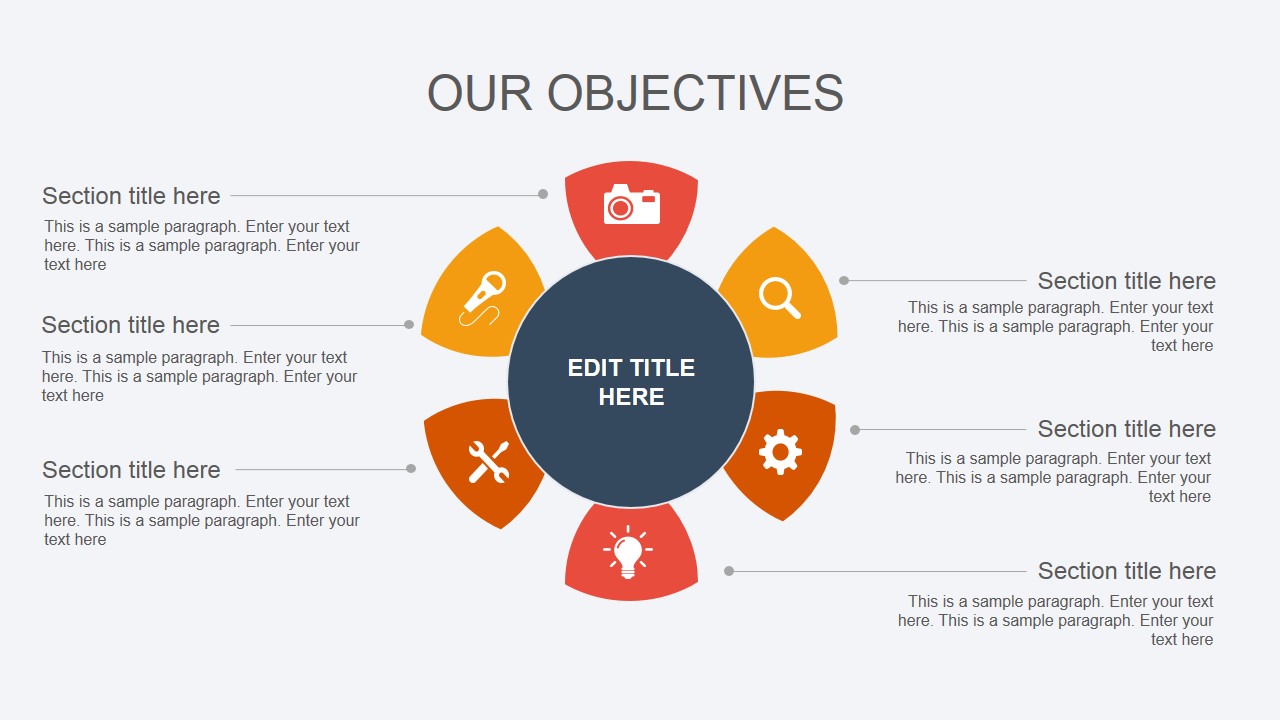
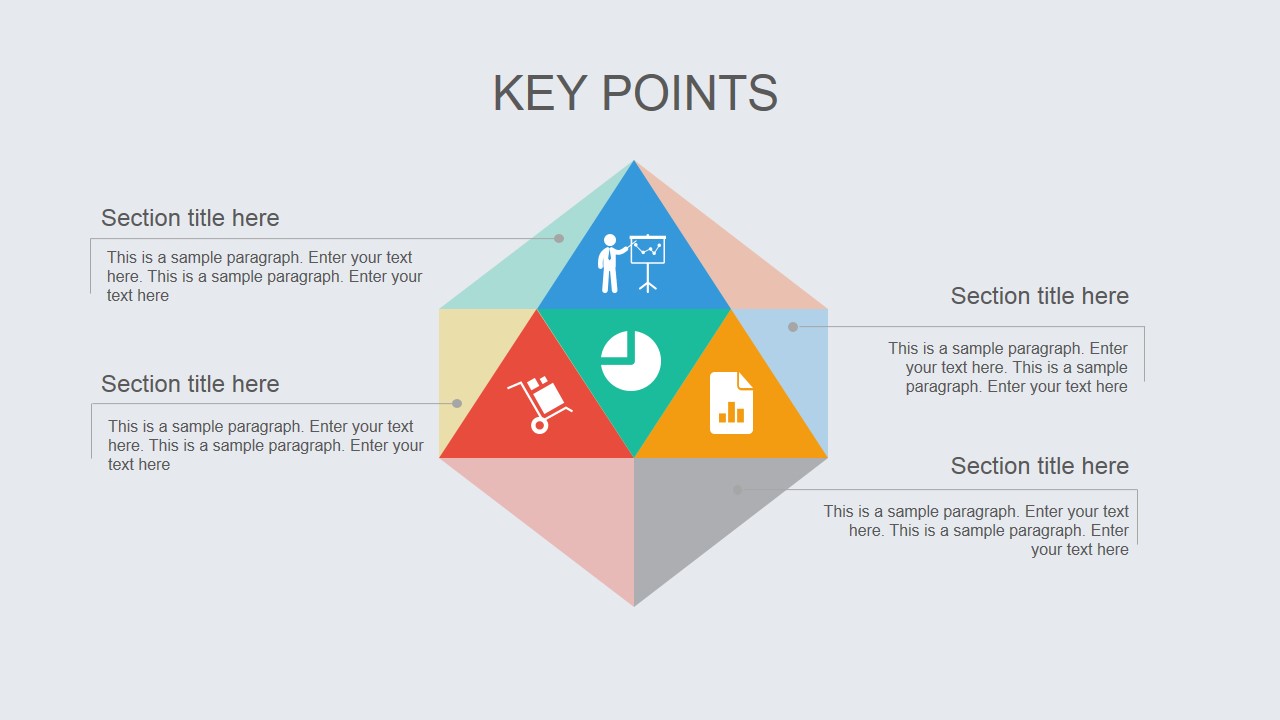
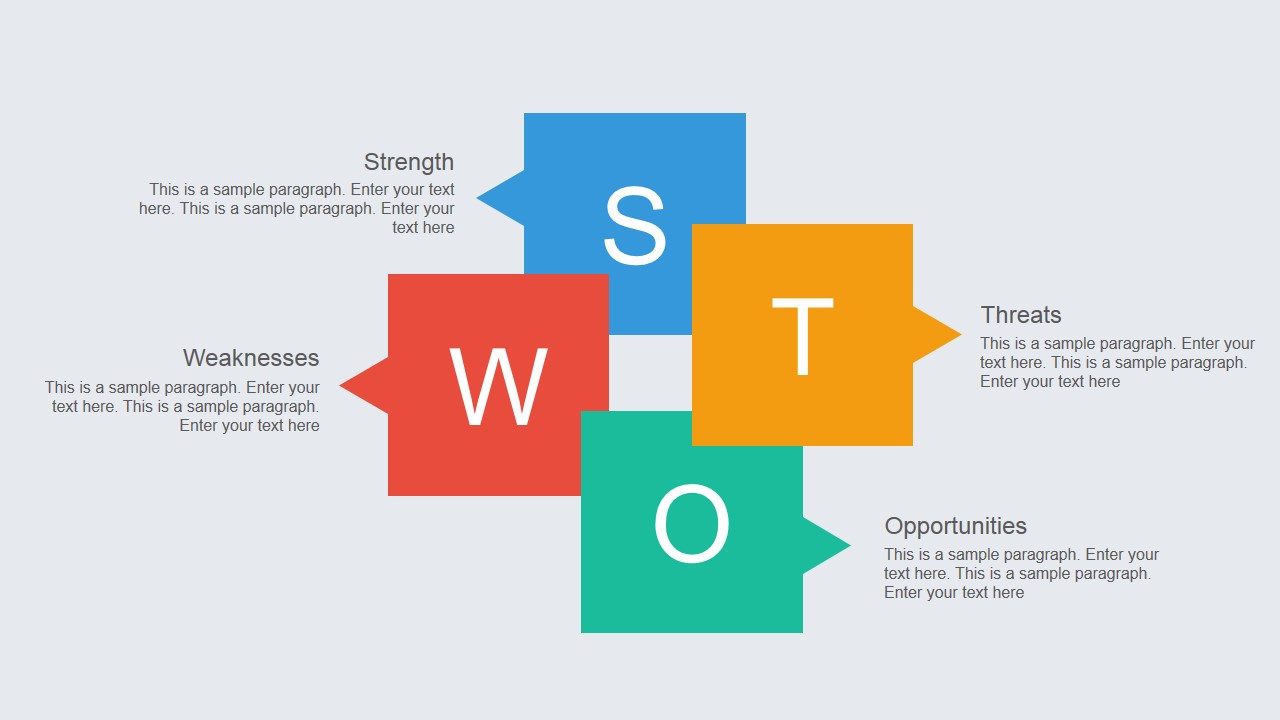
You can download this simple layout template for PowerPoint with flat design and matte colors and make modern presentations in PowerPoint. Inside this flat PowerPoint layout template you can find a few simple diagrams including a SWOT slide design, a circular diagram that you can use to present your corporate goals and objectives, and a 3D diagram design to present key points or concepts.
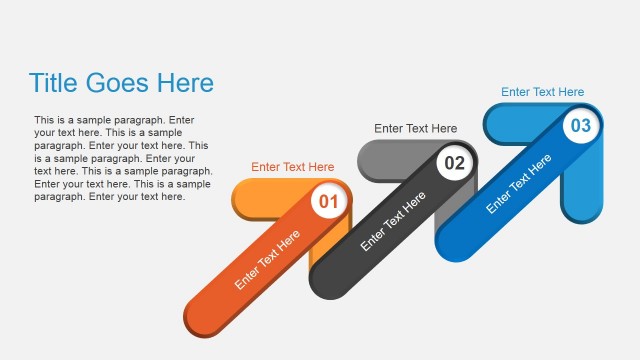
The last slide contains a 4 levels step stairs diagram in PowerPoint that you can use to describe a process of up to four steps or present a winner. This last slide contains subtle animations making each step appearing on the slide at a time.
What’s inside this template
Example presentation scenarios
- A strategy consultant can use the SWOT layout to guide a client workshop and summarize strengths, weaknesses, opportunities, and threats on one slide.
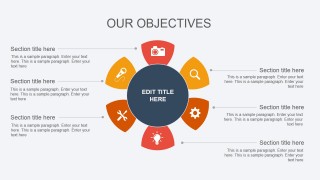
- A department manager can use the circular objectives diagram to present six goals, assign short explanations, and keep the discussion centered on one main objective.
- A project lead can use the winner step stairs slide to explain a four-stage improvement path and show how each stage moves the team closer to a result.
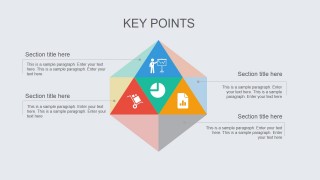
- A marketing presenter can use the key points pyramid to group supporting ideas around a central message and make the hierarchy easier for stakeholders to scan.
Features
- 100% editable presentation template
- Compatible with Microsoft PowerPoint and Google Slides
- 16:9 aspect ratio slides
- Scalable vector shapes, icons and illustrations
- Ready with Animations & Transitions in PowerPoint
- AI-Ready for Microsoft Copilot and Claude
- Instant access and download
Frequently asked questions
Q: How can a presenter make the most effective use of this short flat layout deck?
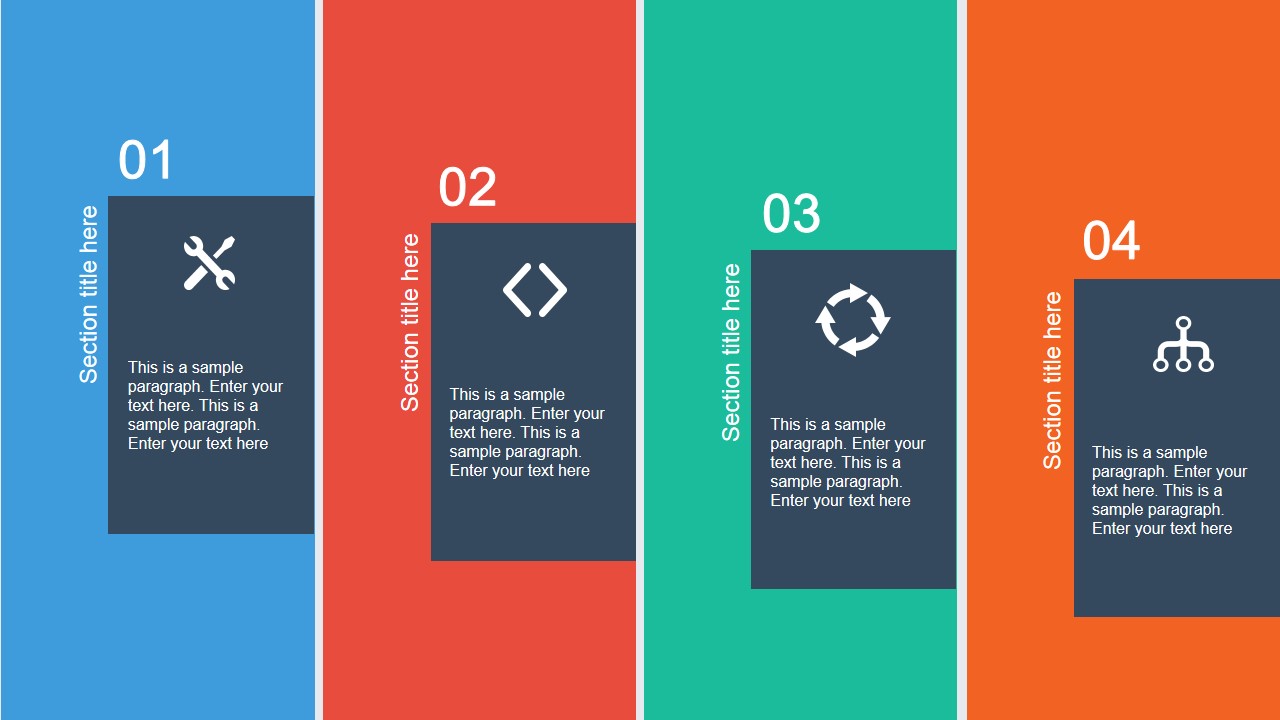
A: Use each slide for one communication job. Start with the four-panel section slide to orient the audience, then use the objectives circle for priorities, the pyramid for key messages, the SWOT slide for analysis, and the step stairs for the action path. Keep text short so the flat shapes carry the structure.
Q: Who is this template best suited for in a business presentation?
A: This template fits managers, consultants, and project leads who need to explain a plan or assessment without building a long deck. It works well for planning meetings, internal updates, and workshop recaps where objectives, key points, SWOT findings, and process stages must be understood quickly.
Q: Why do the pyramid, circular diagram, and winner stairs help the message land?
A: The diagrams use familiar visual metaphors. The circle suggests balanced objectives around a central theme, the pyramid implies hierarchy and prioritization, and the stairs with a trophy frames progress toward a desired outcome. These structures reduce interpretation effort because the audience can infer relationships before reading the text.




Flat Layout Template for PowerPoint
5-slide flat presentation template with SWOT, circular objectives, pyramid key points, and step stairs
Flat Layout Template for PowerPoint is a 5-slide presentation template for concise business communication. It includes a four-panel section cover, circular objectives diagram, pyramid key points diagram, SWOT layout, and winner step stairs. The deck is intended for managers, consultants, and teams using Microsoft PowerPoint or Google Slides.
- Category
- Template Backgrounds
- Rating


 Loading...
- Aspect ratio
- 16:9
- Item ID
- 4013-01
- Colors
 Microsoft PowerPoint
  Microsoft Copilot
  Claude for PowerPoint
 Other formats supported
Subscribe today and get immediate
access to download our PowerPoint templates.