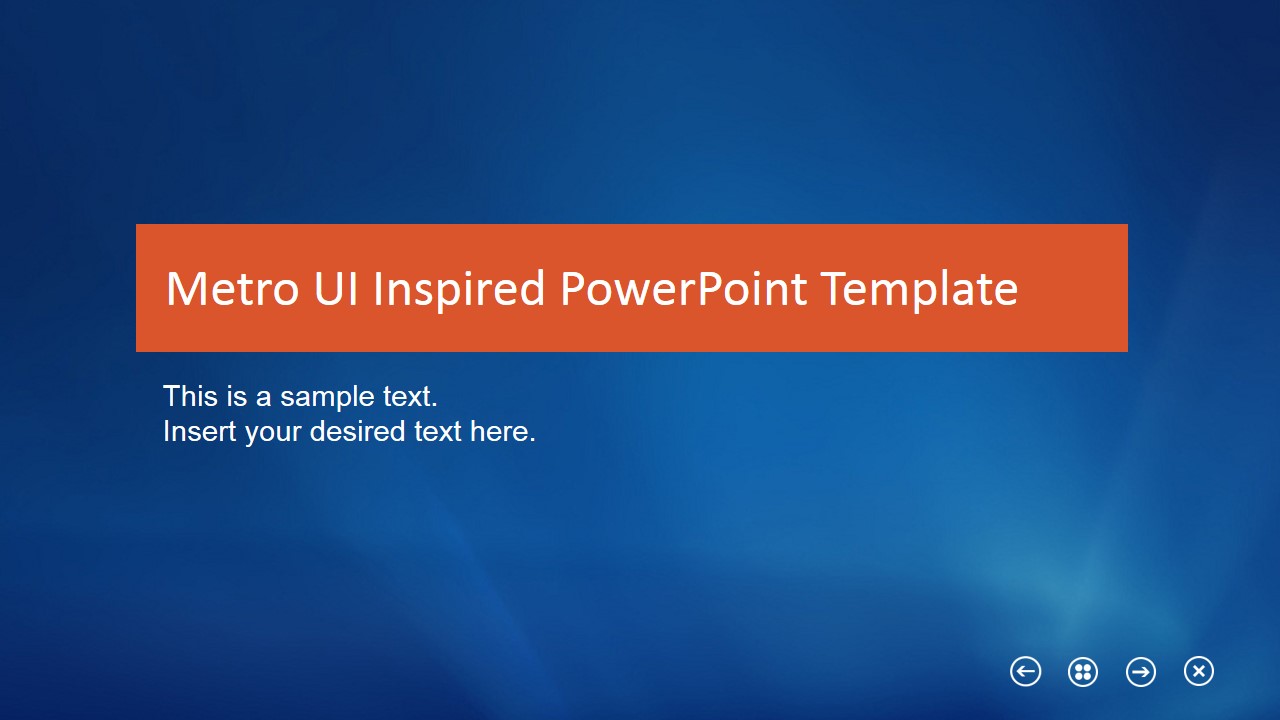
Metro Flat Business Template for PowerPoint is a presentation design inspired by Windows 8 Metro UI interface.
You can download this modern PowerPoint template with flat style to make stunning presentations using Microsoft PowerPoint in all of its versions.
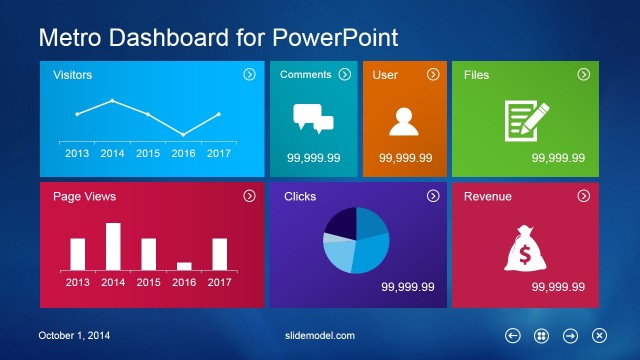
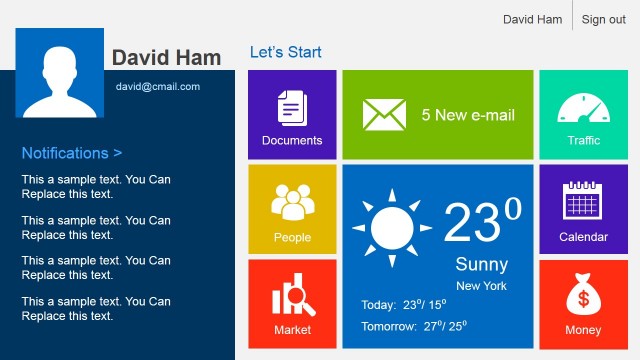
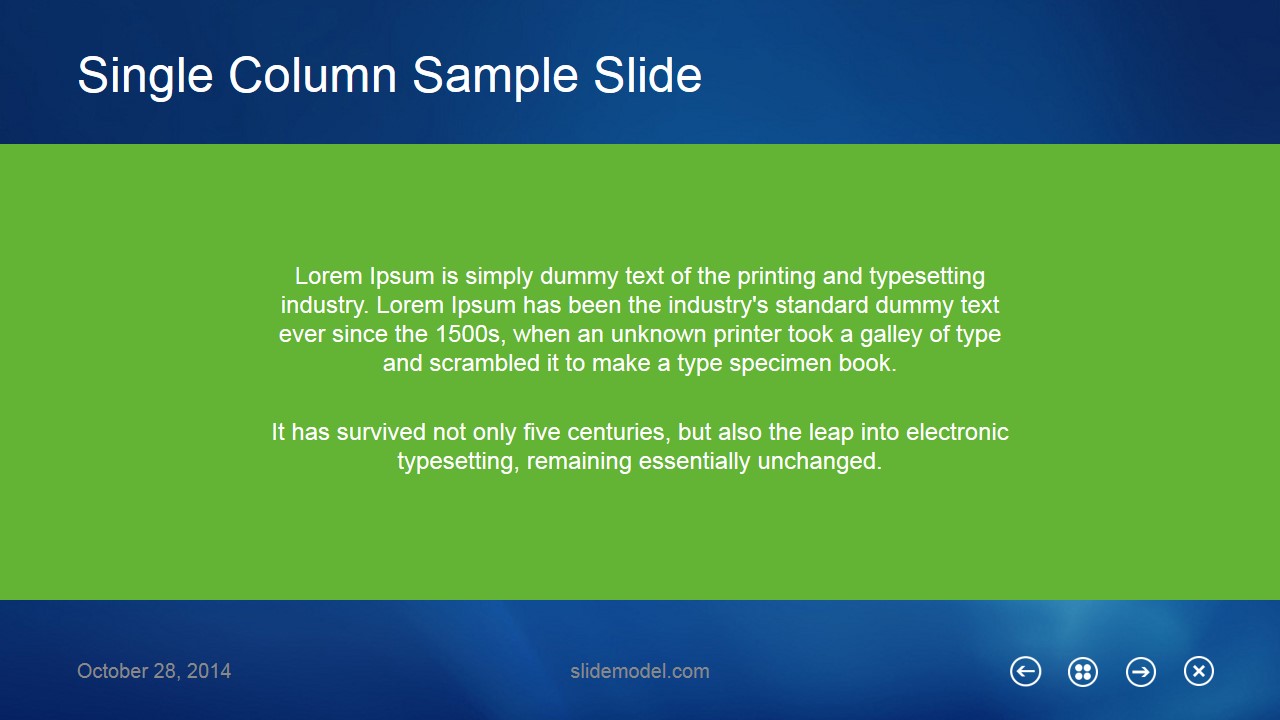
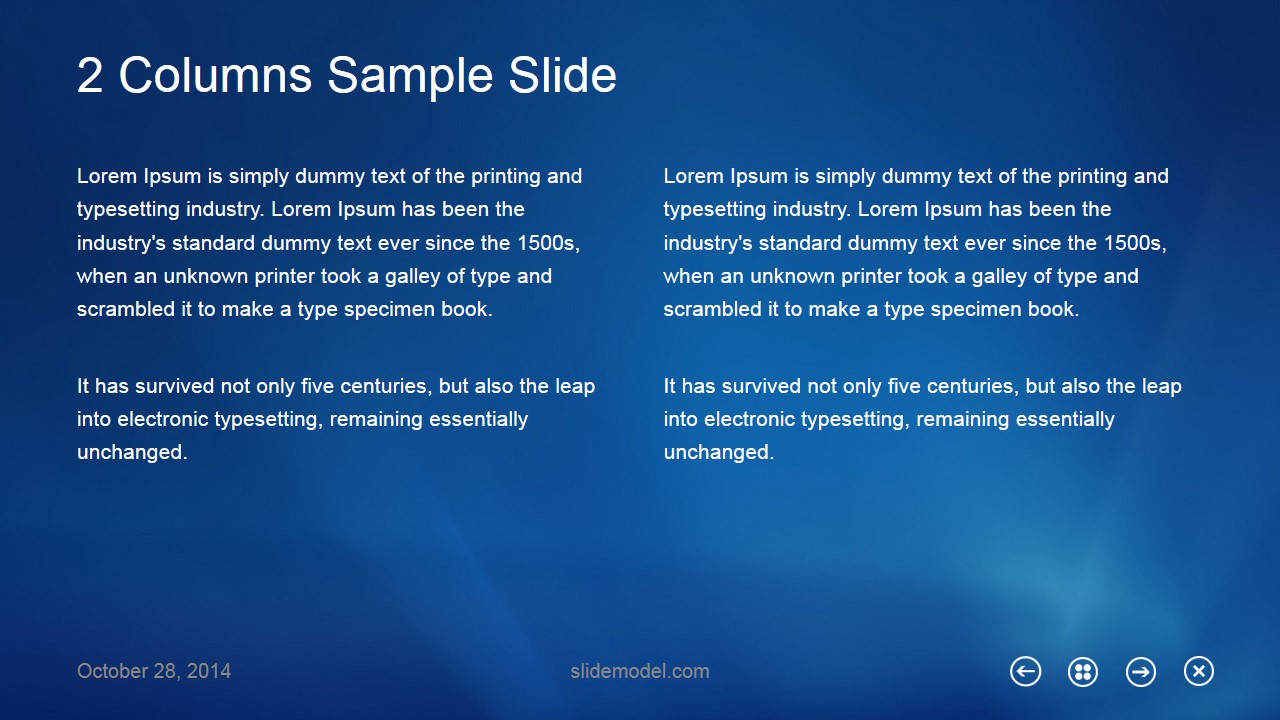
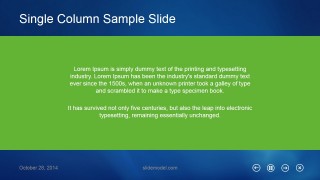
The Metro Flat Business Template for PowerPoint gives a familiar look in the presentation. The template is designed based on the common Windows Metro layout, with different applications shown as boxes of different sizes. This modern PowerPoint template is ideal for organizational and team projects. It covers all the possible combinations of text and figures to be presented. These possible combinations include text, pictures with text or only some figure. In addition to that, this ppt template also covers different text description styles, namely single column, 2 and 3 columns. These features makes it flexible for different speeches.
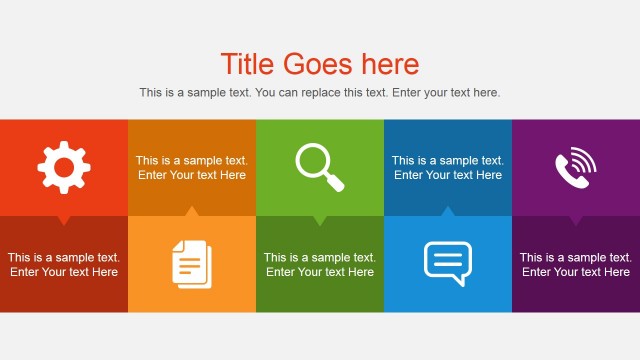
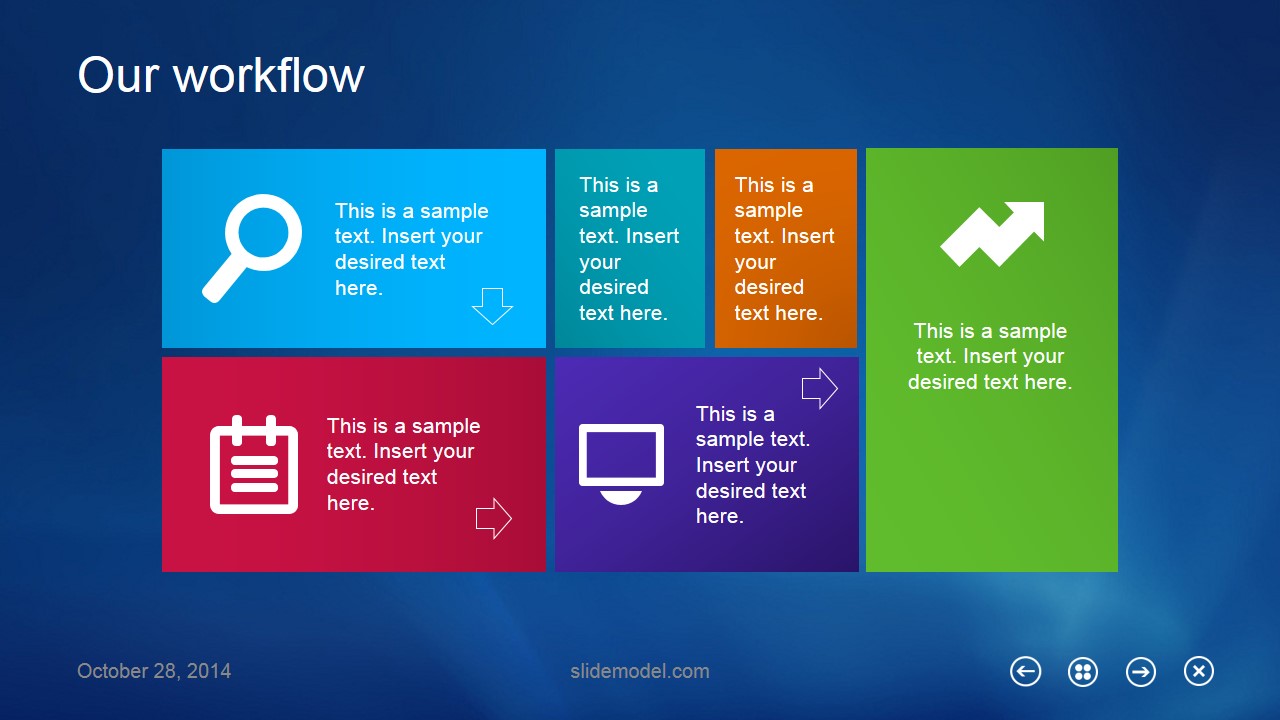
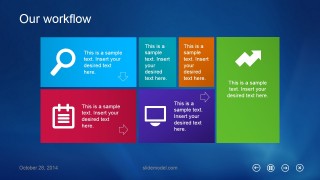
The flow of the Metro Flat Business Template for PowerPoint also covers the stages of a project perfectly. Whenever a project report is presented, it includes different background research and analysis work. This phase of the project can be displayed using the text and figures provided. The next phase of the project is performing some calculations and collecting data to analyze. This phase includes a lot of variations and the results are tabulated. This phase can be shown by the 2 and 3 column description slides included. This feature also enables it to be used as competitive analysis template for presenting results of different schemes.
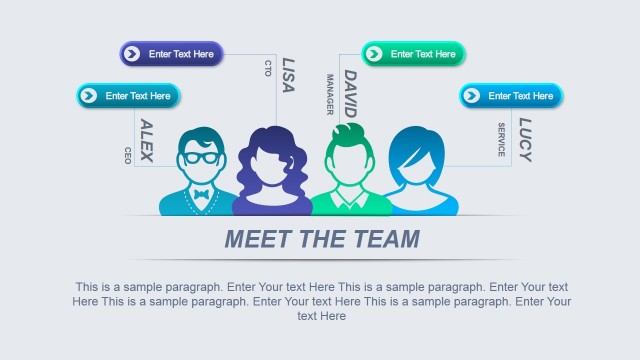
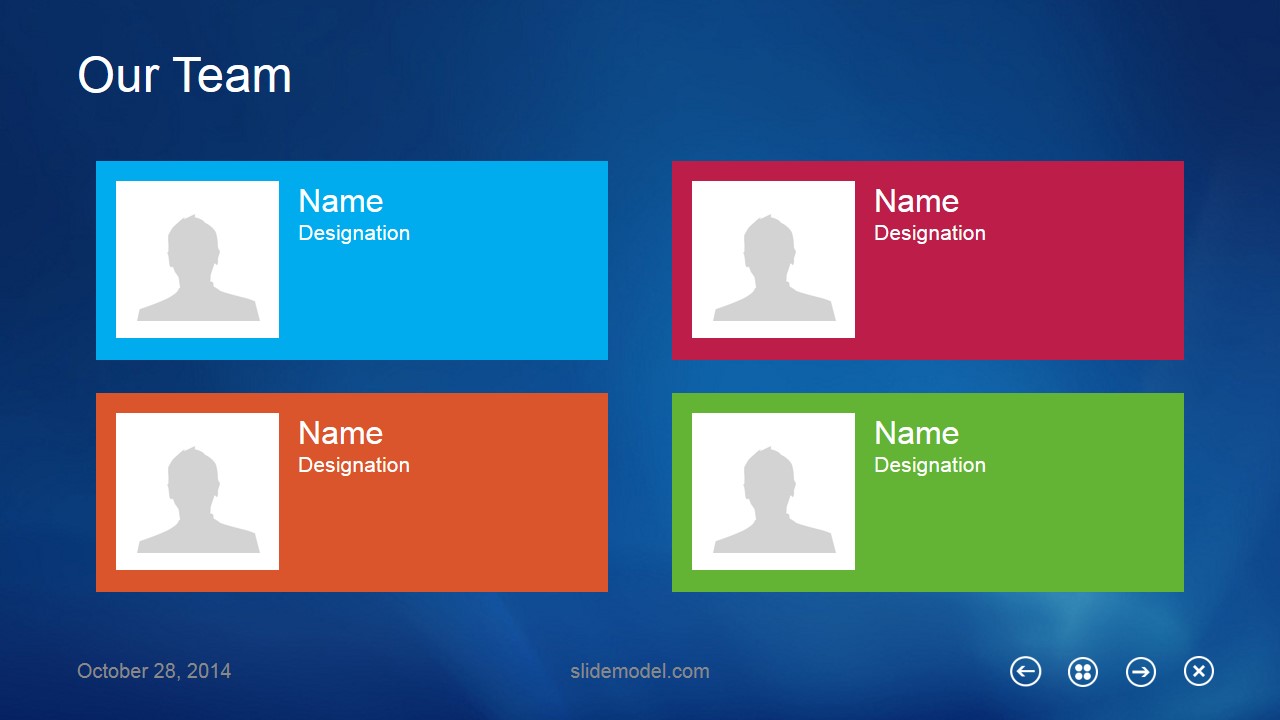
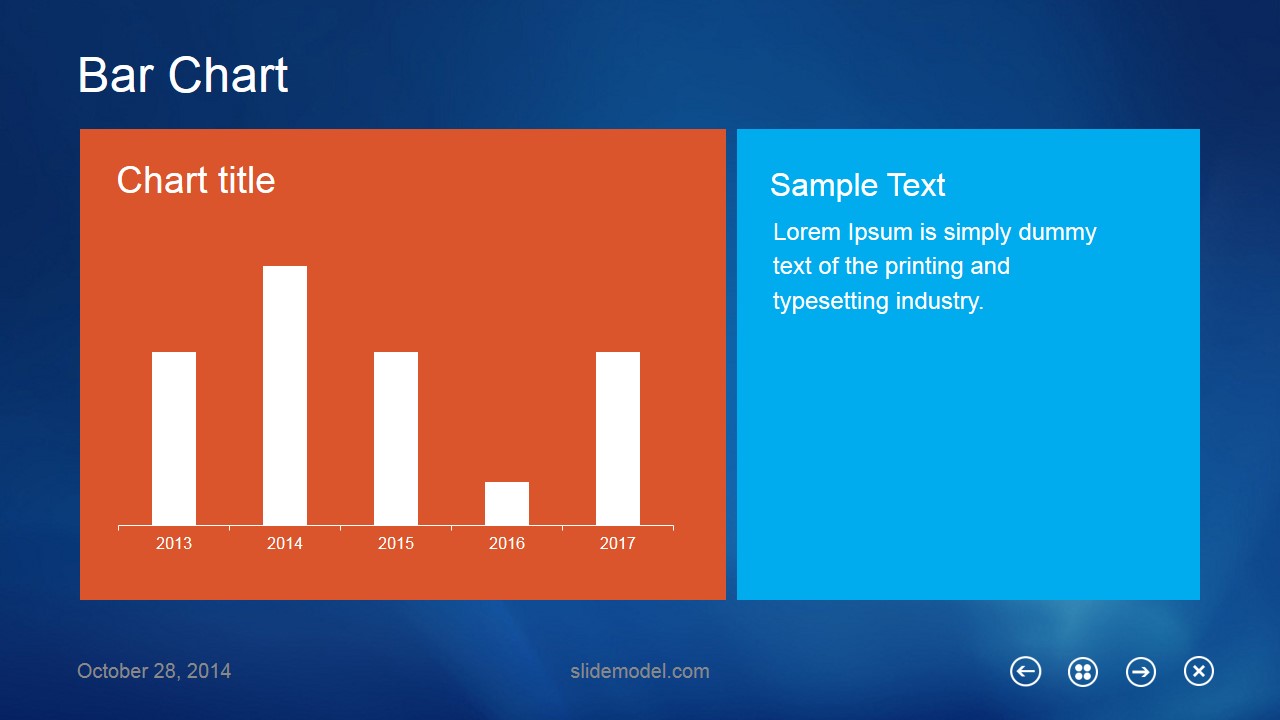
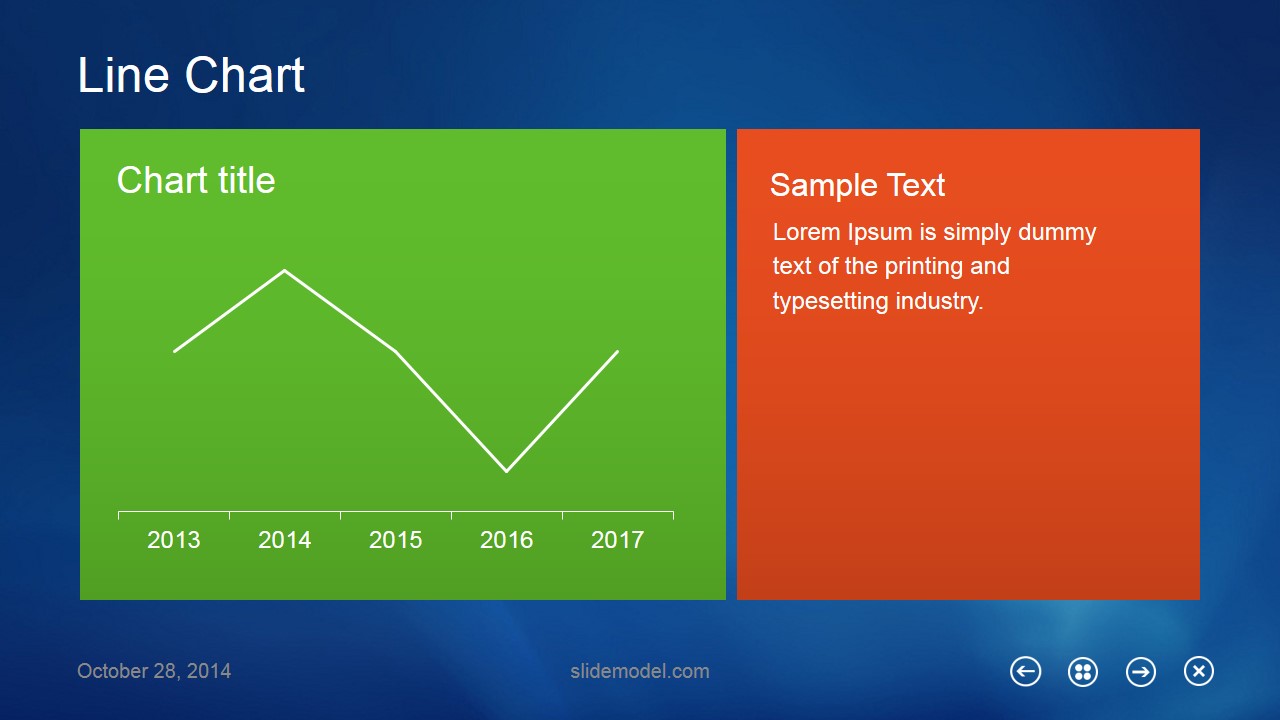
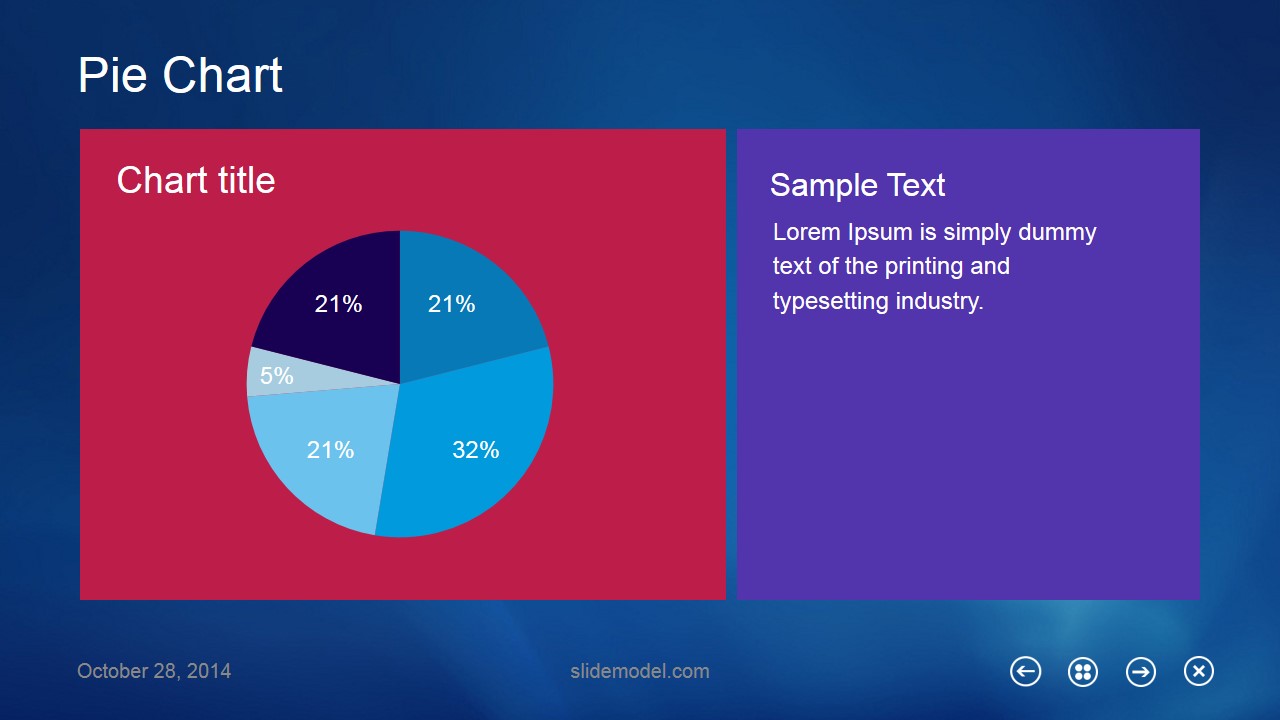
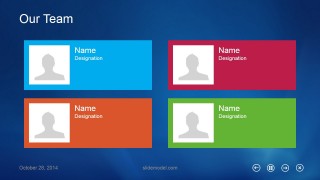
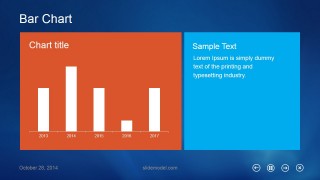
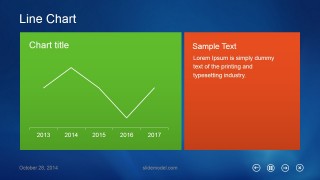
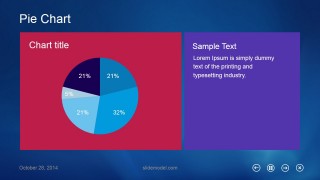
Whether it is an individual project or an organizational one, the results are mostly presented in graphical form and most commonly used graphs are bar charts, line graphs and pie charts. The Metro Business Template has all of them included in the template making it a very cool PowerPoint template to projects review meetings. Another extinguished feature of this amazing PowerPoint template is that it has a portion dedicated to the team. Every member of the team can be introduced to the audience. The template ends asking the audience if they have any questions and telling them the social platforms they can find the services and project making it an ideal business template for presentation.
What’s inside this template
Example presentation scenarios
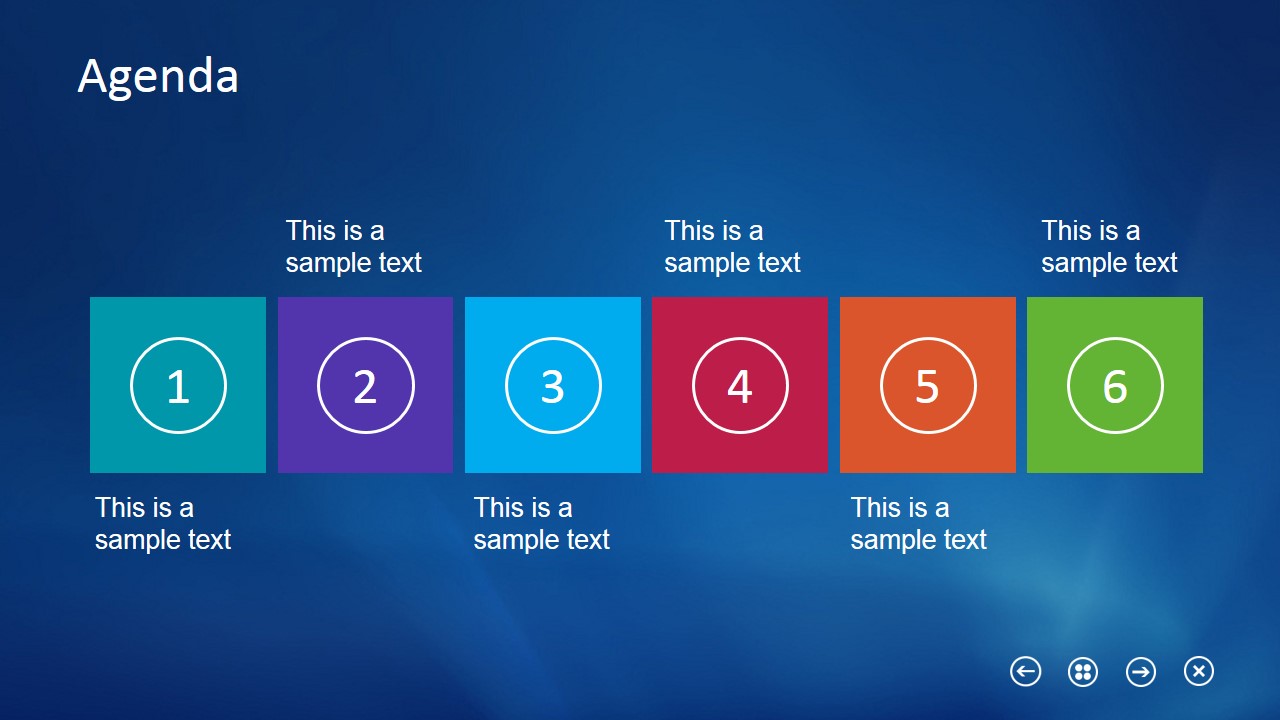
- A project manager can present a status review by opening with the agenda tiles, explaining the workflow slide, and then showing the bar, line, and pie chart layouts for progress and results.
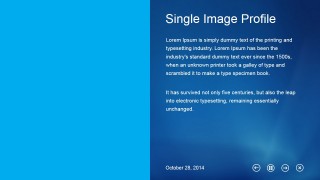
- A team lead can introduce contributors with the four-card team slide, then use the single image profile and text-column slides to explain each workstream or responsibility area.
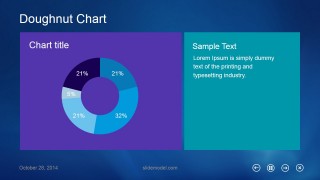
- A business analyst can compare metrics in a management update by using the bar chart, line chart, doughnut chart, and pie chart slides with short interpretation panels beside each visual.
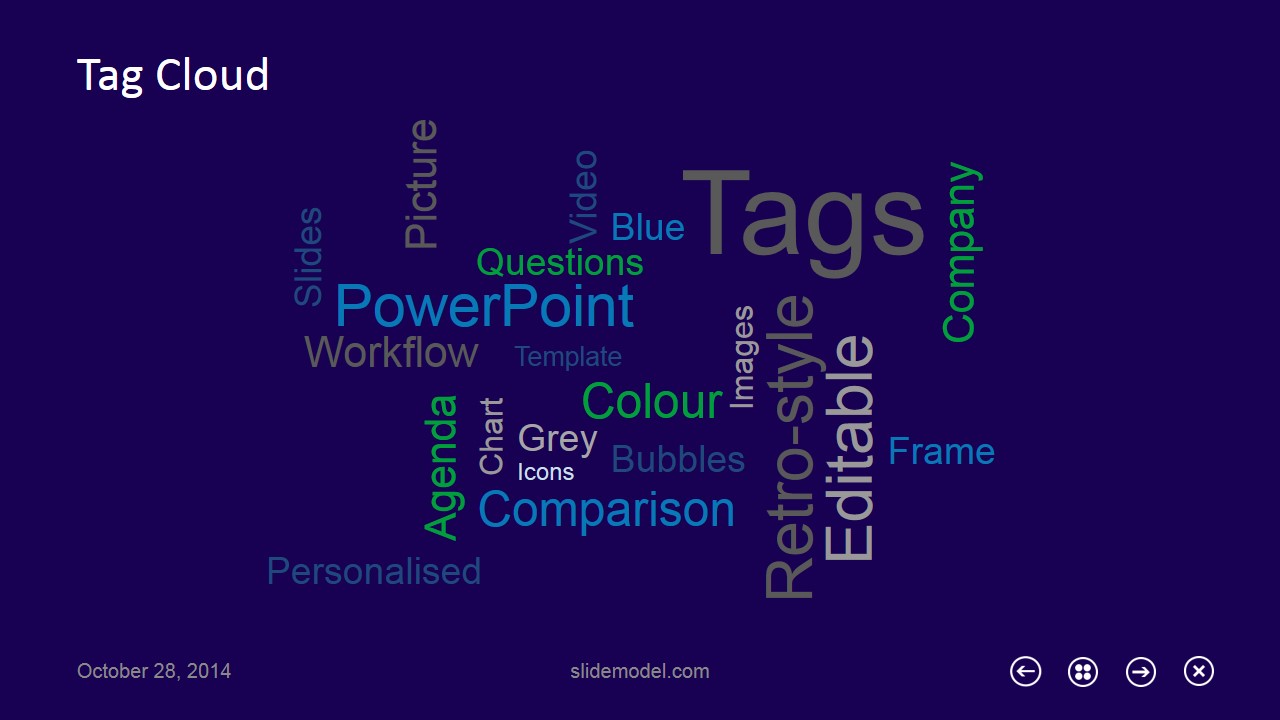
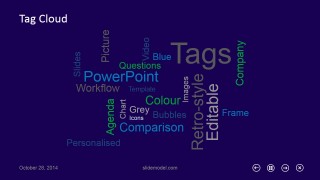
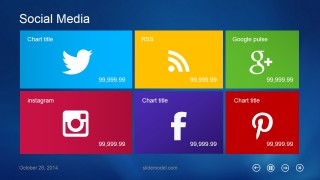
- A marketing presenter can summarize digital channels with the social media tile slide and use the tag cloud slide to reinforce campaign topics, product keywords, or audience themes.
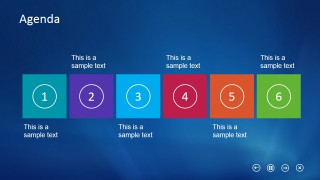
- A trainer can teach a process by using the six-step agenda, Metro workflow tiles, and questions slide to move participants from overview to explanation and discussion.
Features
- 100% editable presentation template
- Compatible with Microsoft PowerPoint and Google Slides
- 16:9 aspect ratio slides
- Scalable vector shapes, icons and illustrations
- AI-Ready for Microsoft Copilot and Claude
- Instant access and download
Frequently asked questions
Q: How should a presenter structure a project update with this template?
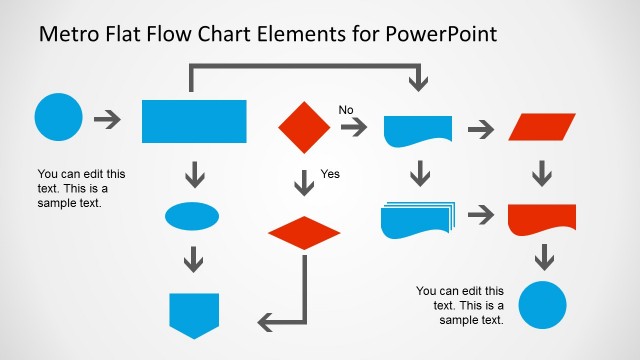
A: Start with the cover and title slide to set the topic, then use the six-tile agenda as the route map. Move into text-column slides for background, the team cards for ownership, and the workflow slide for process. Reserve the chart slides for evidence, then close with the questions and social media slides.
Q: What kind of business message fits this Metro flat design best?
A: This template works best for internal reports, project reviews, technology team updates, and marketing summaries where information must be organized into clear blocks. The Metro tiles, workflow layout, and chart slides help presenters show many short points without turning the deck into dense paragraphs.
Q: Why does the tile metaphor help the audience follow the content?
A: The Metro tile metaphor turns each idea into a distinct visual container, similar to an interface screen. That structure makes agendas, workflows, team roles, and social channels easier to scan. Because the colors separate topics, the audience can recognize sections quickly while the presenter controls the story one block at a time.




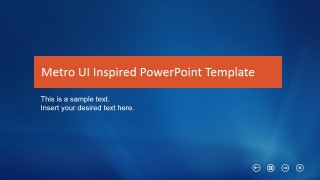
Metro Flat Business Template for PowerPoint
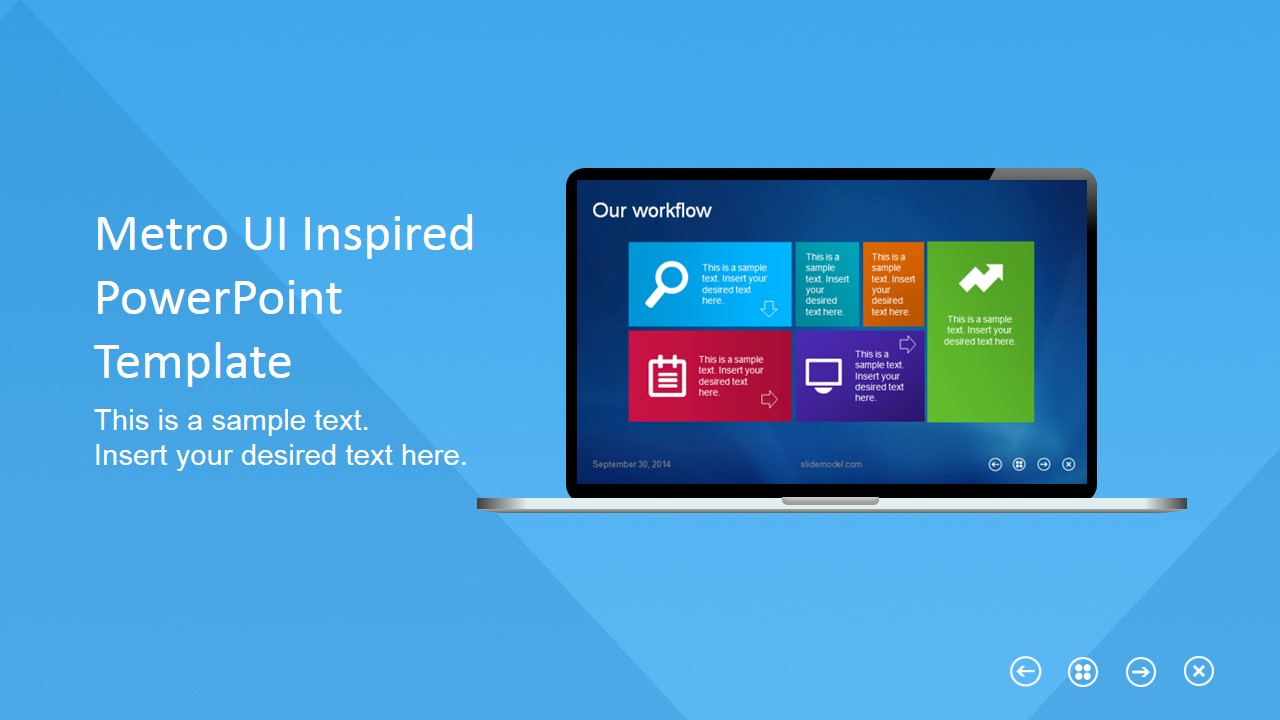
16-slide Metro UI presentation template with agenda, team, workflow, and chart layouts
Metro Flat Business Template for PowerPoint is a 16-slide, 16:9 presentation template inspired by Windows Metro UI tiles. It includes a cover, agenda, team grid, workflow tiles, bar chart, line chart, doughnut chart, pie chart, tag cloud, questions, and social media layouts for business reports in Microsoft PowerPoint and Google Slides. Chart data can be edited as an Excel spreadsheet in PowerPoint.
- Category
- Template Backgrounds
- Rating


 Loading...
- Aspect ratio
- 16:9
- Item ID
- 6633-01
- Colors
 Microsoft PowerPoint
  Microsoft Copilot
  Claude for PowerPoint
 Other formats supported
Subscribe today and get immediate
access to download our PowerPoint templates.