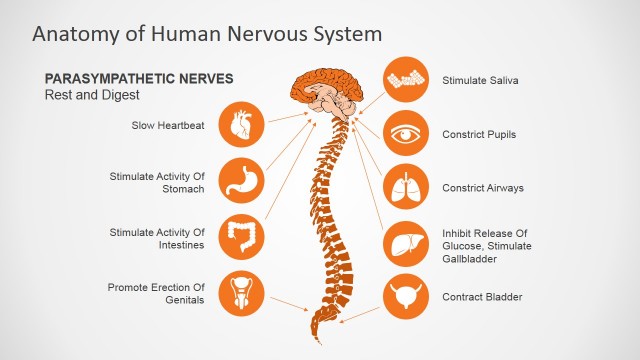
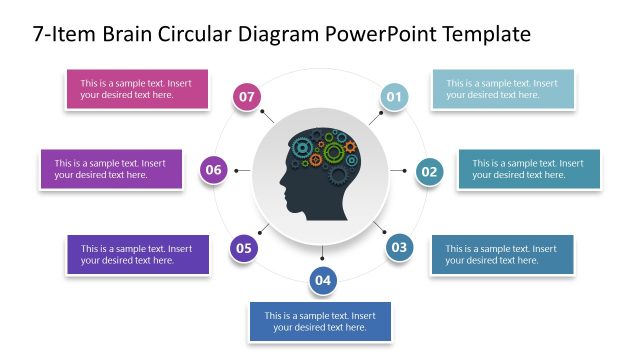
The central nervous system is the control center of the body. Its main components are:
- The brain,
- Spinal cord
- And the peripheral nervous system.
Working together in synch, this network of nerves controls every part of your daily life, from blinking, breathing and sweating to driving, reading and talking. These sensory nerves reach from your brain to each of your extremities – your hands, toes face, eyes and even your spinal cord and from there to the rest of your body. They gather information about the world around you and pass these sensory messages on to your brain. The brain then collates all of this data and motor neurons within deliver the necessary instructions from the constituent parts of the brain along the superhighway of the spinal cord to essential body parts.
The Flat Brain Lobes Diagram for PowerPoint brain is made up of three main parts with sub-parts.
- The forebrain,
- The cerebrum,
- The thalamus
- The hypothalamus
- The midbrain,
- The tectum
- The tegmentum
- The hindbrain (a.k.a. the brainstem)
- The cerebellum
- Pons
- Medulla
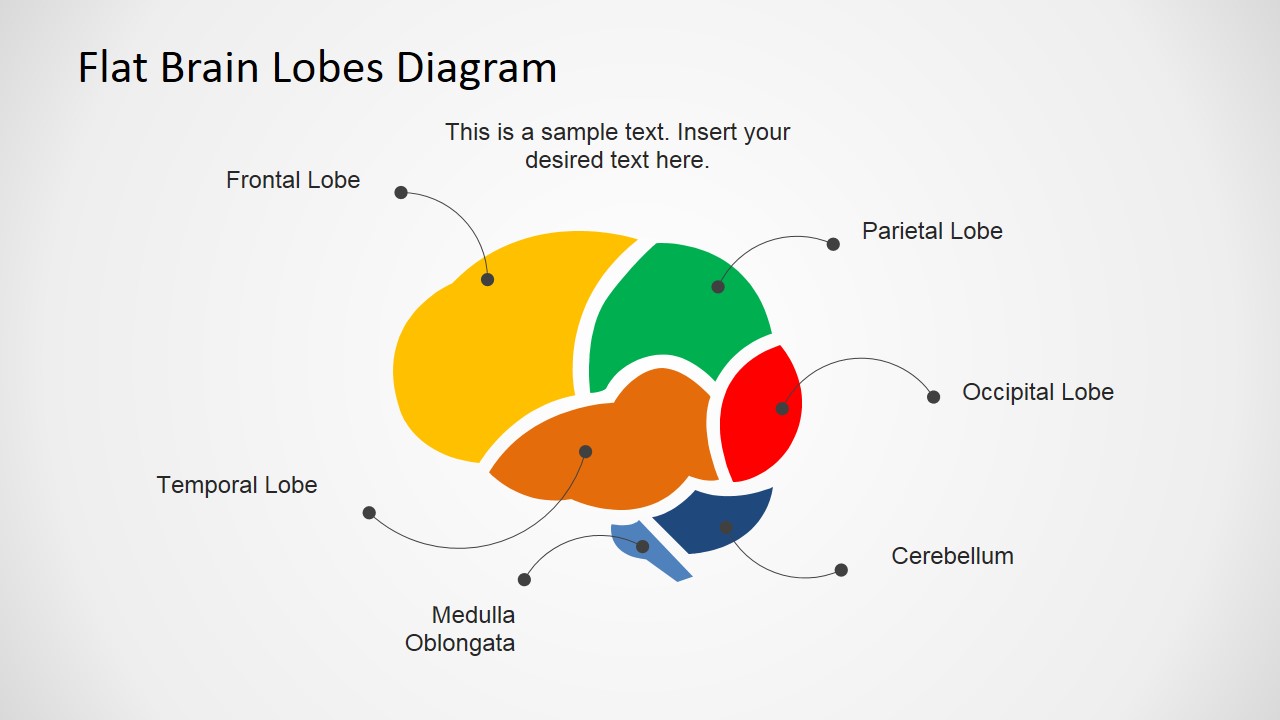
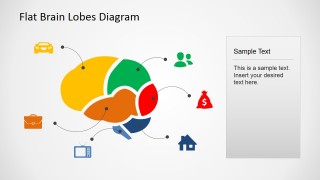
This set of slide templates contains fully editable composite images of the brain which have been color coded to allow presenters produce high quality PowerPoint presentations that can be used to educate patients or students in the science of the brain – specifically in the applications and functions of the six constituent lobes which together make up the human brain. It’s an ideal resource for anyone looking to prepare a presentation upon this topic. The enhanced functionality of this set of templates allows you the freedom to amend and customize your presentation for any eventuality – change the colors or the sizes of the shapes, it’s up to you.
What’s inside this template
Example presentation scenarios
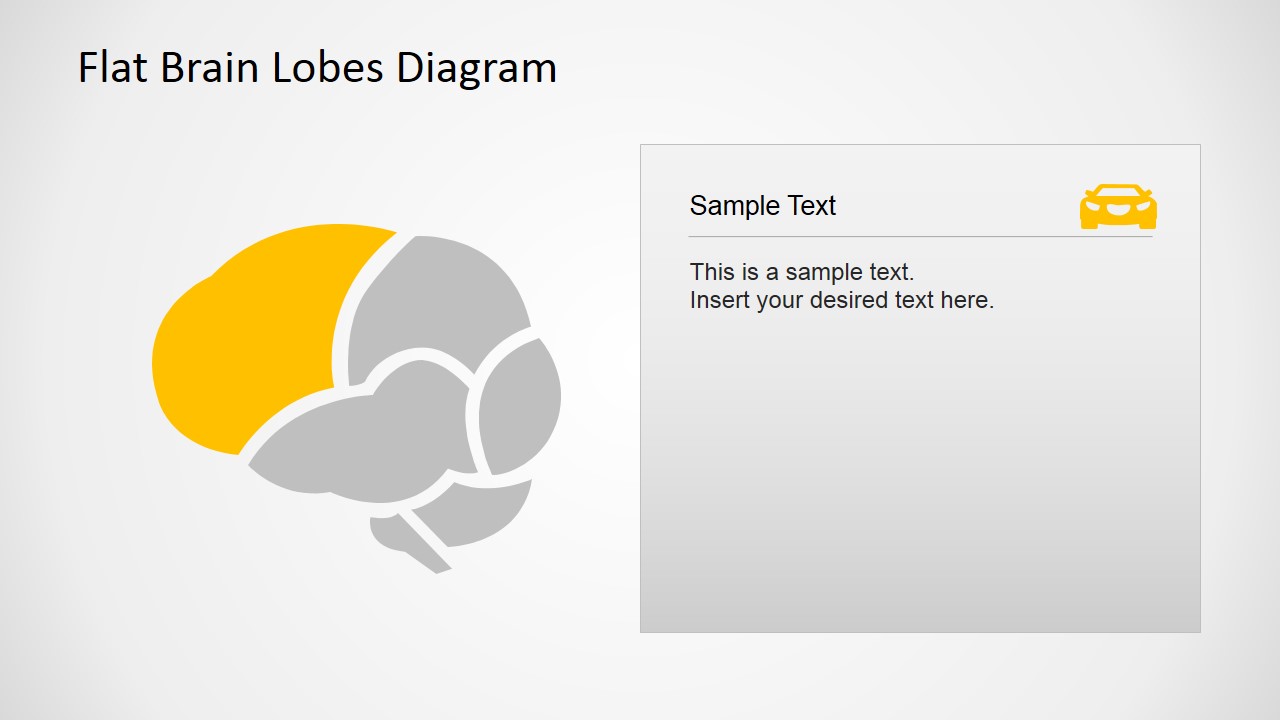
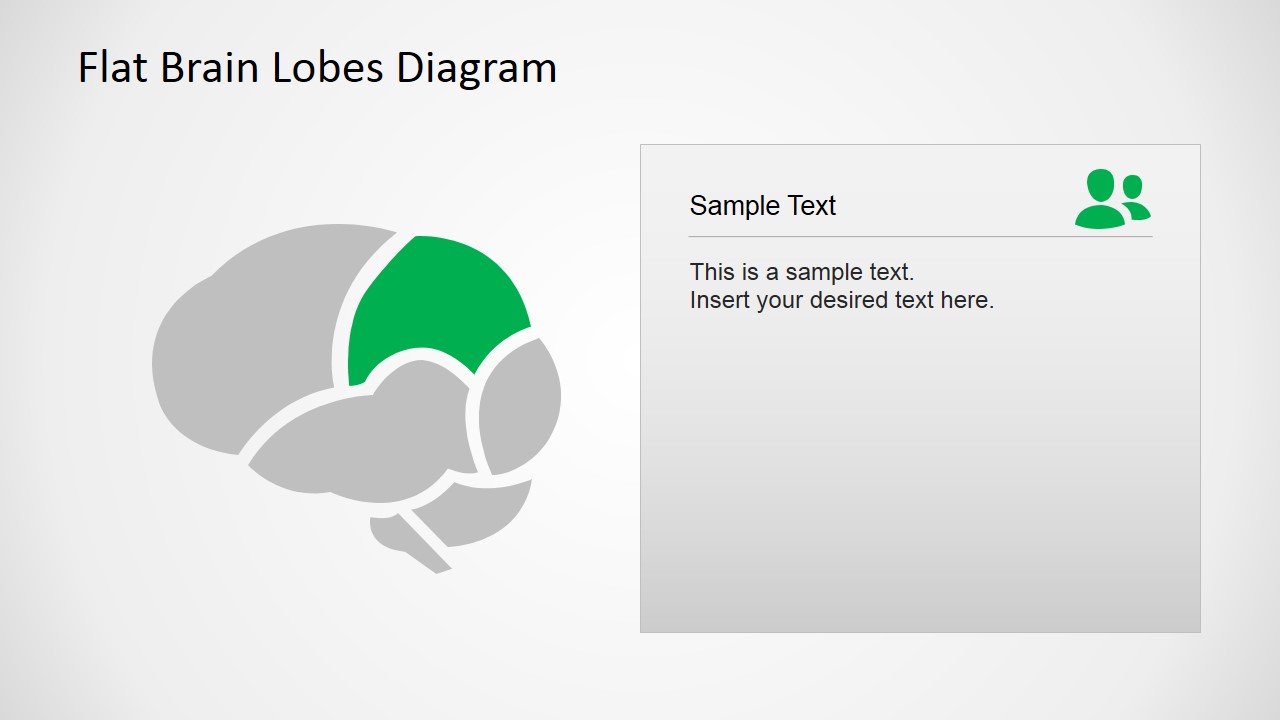
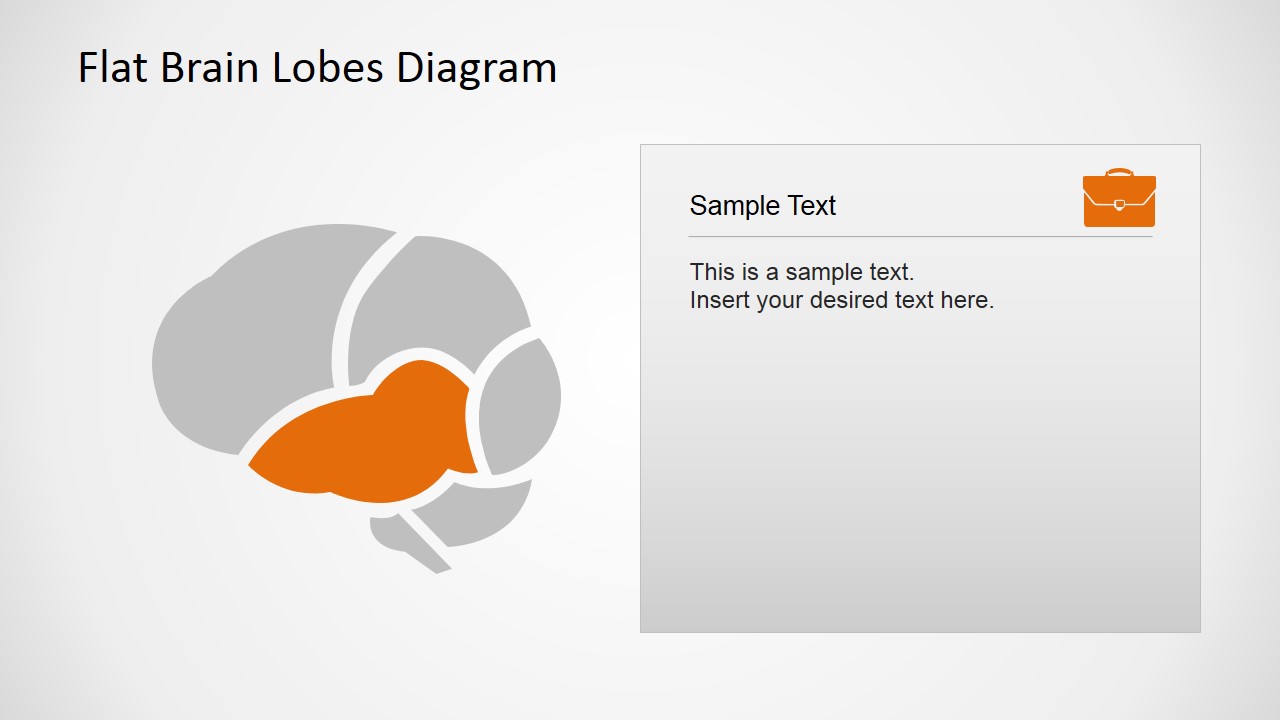
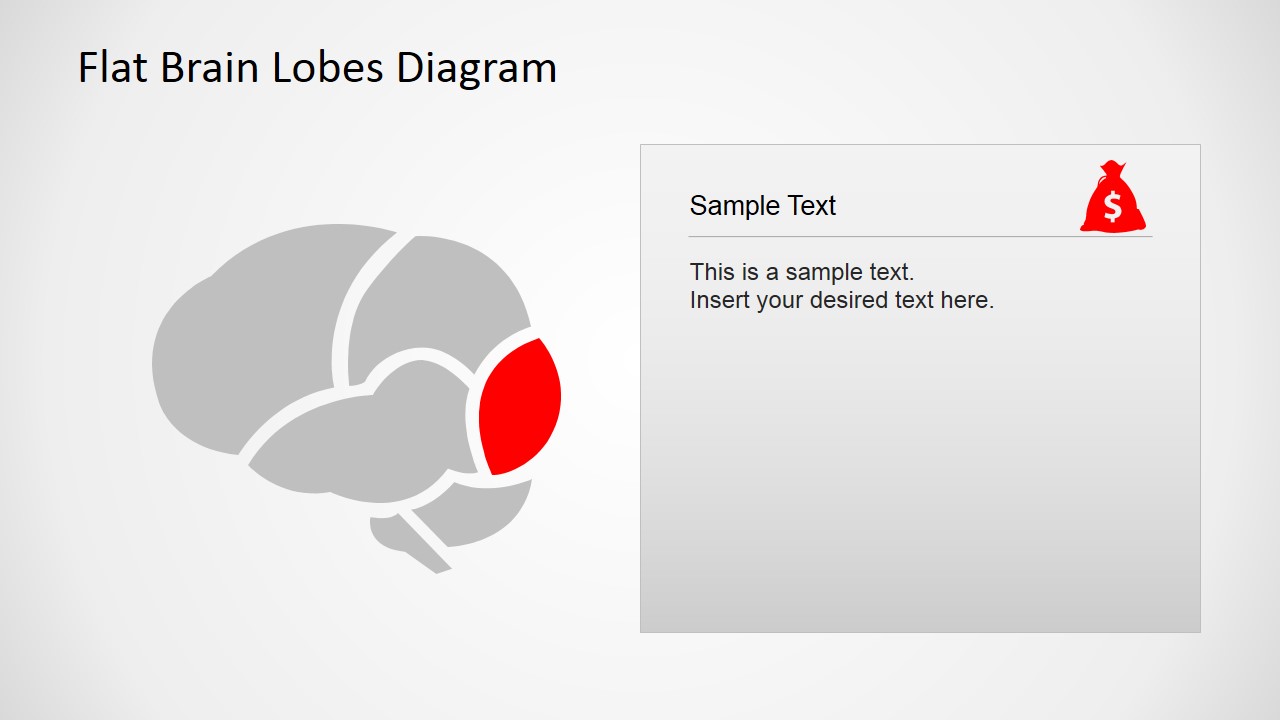
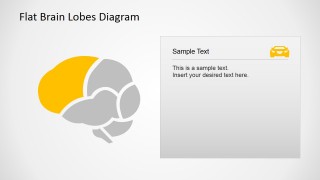
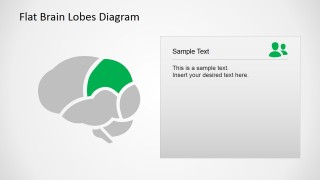
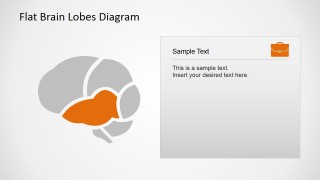
- A biology instructor can introduce the major brain lobes by starting with the labeled overview diagram and then moving through the single-lobe highlight slides for focused explanation.
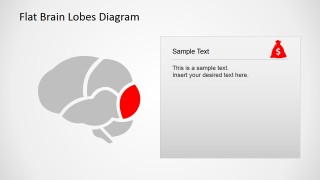
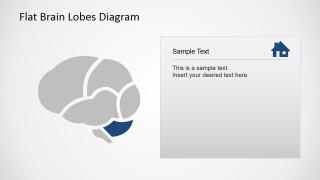
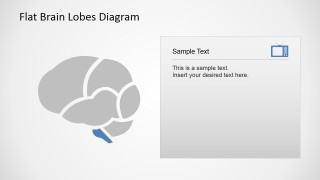
- A clinician can explain a patient-facing neurological topic by using the gray context brain and one colored lobe to keep attention on the relevant region.
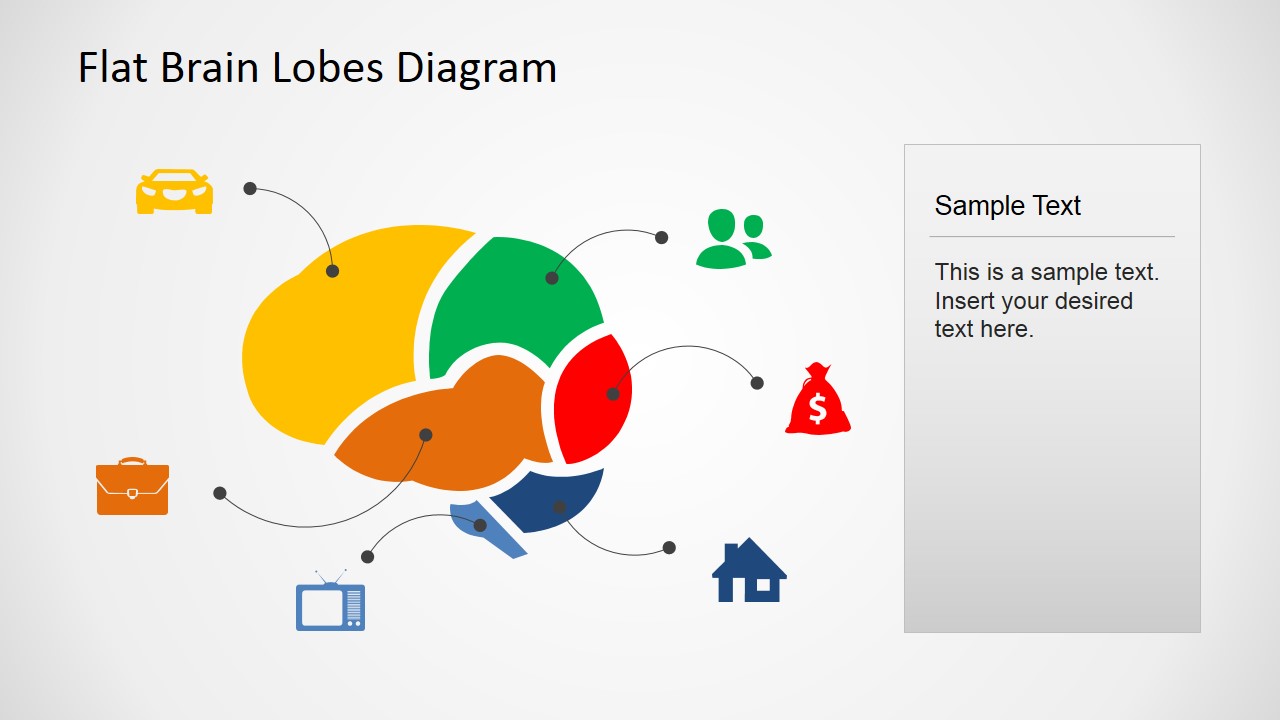
- A medical student can present a short anatomy assignment with the icon callout slide to connect brain regions to everyday functions or topic categories.
- A healthcare trainer can use the text-panel slides to explain frontal, parietal, temporal, occipital, cerebellum, and medulla oblongata concepts one section at a time.
Features
- 100% editable presentation template
- Compatible with Microsoft PowerPoint and Google Slides
- 16:9 aspect ratio slides
- Scalable vector shapes, icons and illustrations
- AI-Ready for Microsoft Copilot and Claude
- Instant access and download
Frequently asked questions
Q: How should a presenter explain the color-coded lobes without overwhelming nonmedical audiences?
A: Start with the labeled overview to establish the brain map, then use one highlight slide per region. Keep the right-side text panel to one main function, one simple example, and one takeaway. The gray context brain helps audiences see location while the colored lobe keeps the explanation focused.
Q: Who is this brain lobes diagram best suited for?
A: This template fits educators, clinicians, trainers, and students who need a simplified explanation of brain anatomy rather than a dense clinical image. It is especially useful for lessons, patient education, and introductory neuroscience talks where the goal is to name regions and connect them to understandable concepts.
Q: Why does the design isolate one lobe per slide after showing the full brain?
A: The sequence uses a map metaphor: first show the full territory, then zoom attention to one marked area. Graying the rest of the brain preserves anatomical context without visual competition. This makes it easier to discuss each lobe as a separate concept while keeping the full structure in view.


Flat Brain Lobes Diagram for PowerPoint
8-slide brain lobes diagram presentation template with labeled anatomy and lobe highlight layouts
Flat Brain Lobes Diagram for PowerPoint is an 8-slide medical diagram template for explaining brain anatomy in Microsoft PowerPoint and Google Slides. It includes a labeled lobe overview, an icon-based callout diagram, and single-lobe highlight slides for frontal, parietal, temporal, occipital, cerebellum, and medulla oblongata topics.
- Category
- Diagrams
- Rating


 Loading...
- Aspect ratio
- 16:9, 4:3
- Item ID
- 6579-01
- Colors
 Microsoft PowerPoint
  Microsoft Copilot
  Claude for PowerPoint
 Other formats supported
Subscribe today and get immediate
access to download our PowerPoint templates.