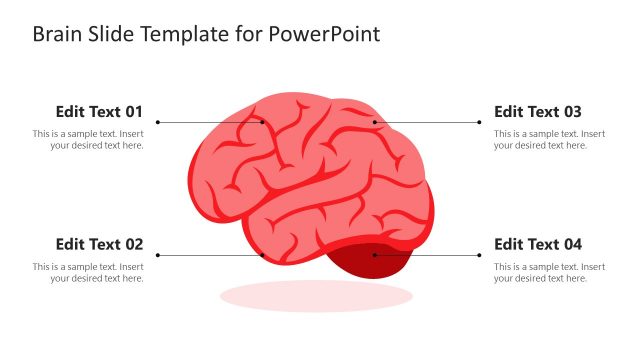
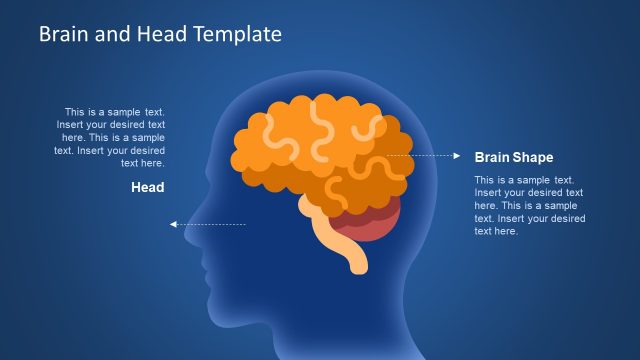
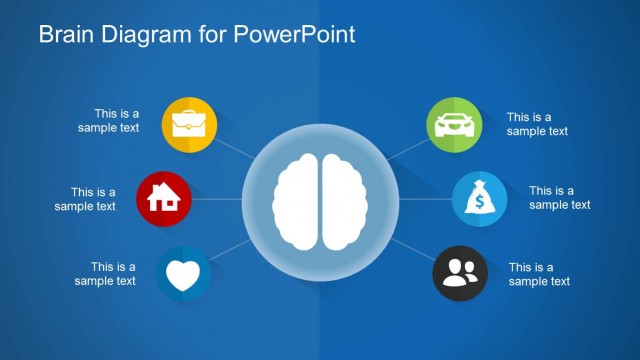
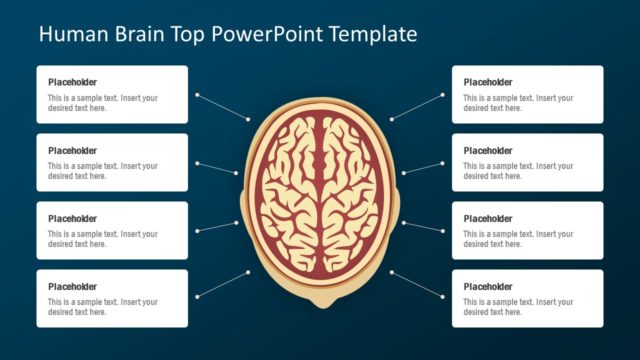
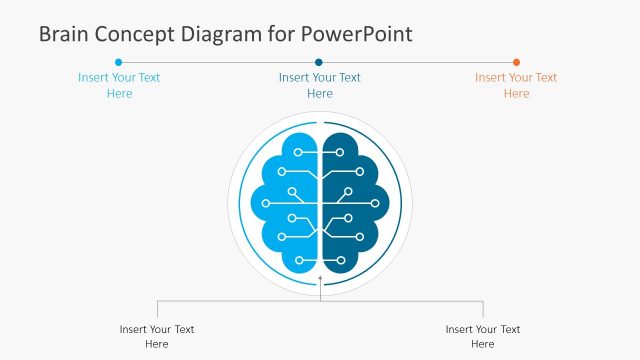
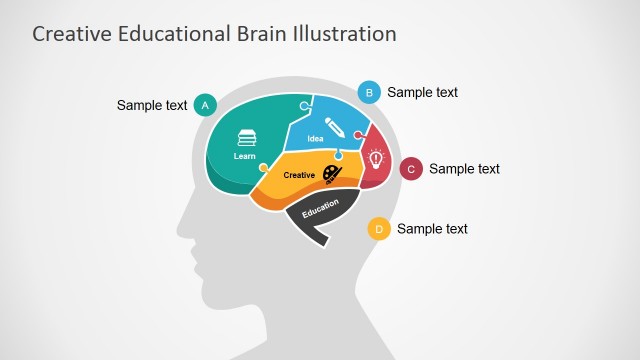
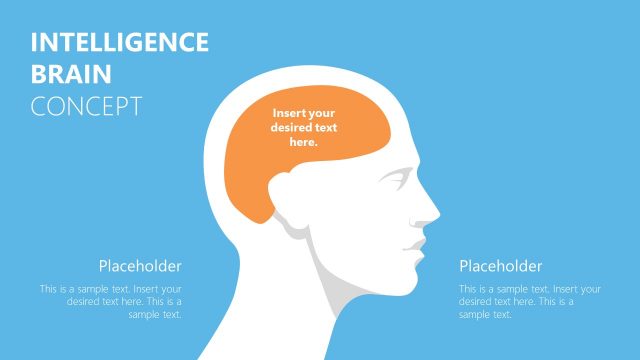
Brain Shapes for PowerPoint is an 8-slides presentation using a high quality brain vector PowerPoint Diagram. The PowerPoint presentation shows a clear illustration of the right and left brain hemisphere. The entire brain template is designed under a simple, clean approach. It uses flat images, fresh colors, easy to use text, and outlined textboxes. All these options are editable using PowerPoint built-in tools. The user can fairly well manage the content and layout in quick steps. They can simply ungroup the elements to move the objects, change the colors, and write descriptions. Users have the option to look first at the pieces and then putting them together to get the whole look they want.
The Brain PowerPoint template provides flexibility in terms of usage. As its visual content represents common symbols for clear illustrations or a comparison. For example, a medical student can use it for a school presentation. Referencing the right brain with creative processes. While the focus of the left brain is processing information in an analytical and sequential way. Otherwise, companies can use the template to point how they process information in different ways.
Further, SlideModel.com has developed a collection of Brain PowerPoint presentation graphics and Brain PowerPoint image backgrounds for every business need. Download them and save hours of work.
What’s inside this template
Example presentation scenarios
- An educator can use the left-right brain comparison layout to introduce analytical and creative thinking differences during a psychology or learning styles lesson.
- A business trainer can use the six-point callout diagram to explain how teams move from idea generation to structured decision making.
- A medical student can use the hemisphere highlight slides to describe one side of the brain while keeping the inactive side visually muted.
- A consultant can use the text panel layouts to compare client problem solving behaviors and connect each hemisphere to practical workplace examples.
Features
- 100% editable presentation template
- Compatible with Microsoft PowerPoint and Google Slides
- 16:9 aspect ratio slides
- Scalable vector shapes, icons and illustrations
- AI-Ready for Microsoft Copilot and Claude
- Instant access and download
Frequently asked questions
Q: How should a presenter explain the left and right brain comparison without oversimplifying the topic?
A: Use the brain diagram as a communication metaphor, not as a strict scientific claim. Label one side with analytical, sequential, or data-driven behaviors and the other with creative, visual, or associative behaviors. Then use the callout slide to connect each behavior to an example, decision, or team skill.
Q: Who is this template best suited for in a presentation setting?
A: This template fits educators, trainers, consultants, and medical students who need a quick visual explanation of thinking styles or cognitive functions. It works best when the goal is to compare concepts, explain reasoning patterns, or make an abstract mental process easier for a mixed audience to follow.
Q: Why does the deck repeat the brain in both overview and highlighted formats?
A: The repeated brain illustration creates continuity while the highlighted hemisphere slides narrow attention. The overview slides establish the full comparison, the callout diagrams show relationships, and the muted hemisphere versions let the presenter focus the audience on one side without changing the visual metaphor.


Brain Shapes for PowerPoint
8-slide presentation template with editable brain hemispheres, comparison callouts, and left-right cognition diagrams
Brain Shapes for PowerPoint is an 8-slide presentation template for explaining cognition, reasoning, skills, and idea processing. It includes left-right brain comparison layouts, dotted callout diagrams, single-hemisphere highlight slides, and text panel layouts. The deck is built for business, education, and medical presentations in Microsoft PowerPoint and Google Slides.
- Category
- Shapes
- Rating


 Loading...
- Aspect ratio
- 16:9
- Item ID
- 7032-01
- Colors
 Microsoft PowerPoint
 Microsoft Copilot
 Claude for PowerPoint
Other formats supported
Subscribe today and get immediate
access to download our PowerPoint templates.