Create a highly informative and academic presentation using the Anatomy of Human Nervous System Slide Design for PowerPoint. The detailed graphics and useful descriptions allow the presenter to show a professional presentation for medical analysis and biological education.
The human nervous system is widely considered as the most important biological system in the human body. It allows the movement of the limbs, retention of memory, regulation of involuntary reactions, and governs almost every other bodily function. By presenting this information, the management of a company – possibly specializing in pharmaceuticals and medical equipment – can evaluate its different projects and research to align with sound scientific studies. In addition, it informs members that are not medically inclined so that the team can have a common ground on the topic.
Using the presentation design, the user can highlight the different nerves involved in the nervous system. Additionally, the slides allow for the demonstration of two sets of nerves, namely, the sympathetic, and the parasympathetic nerves. The available diagrams are useful for presenting the physical locations of these nerves, as well as their various uses and functions in the nervous system.
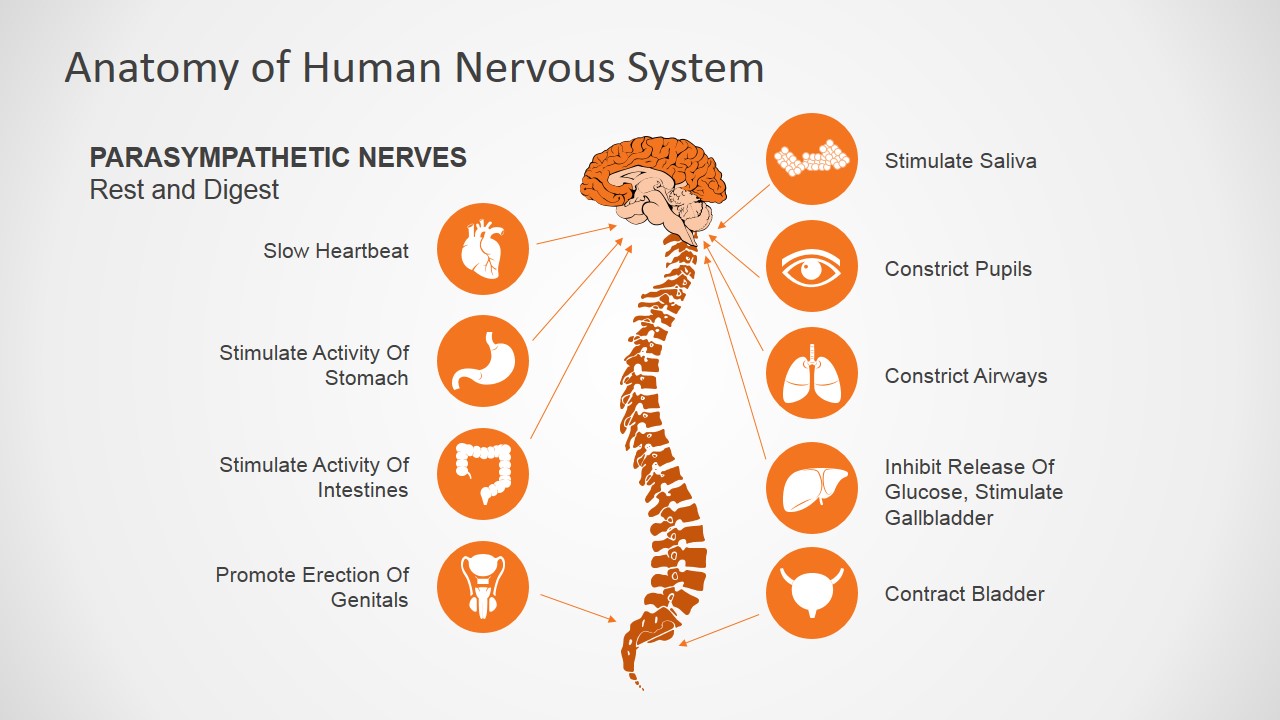
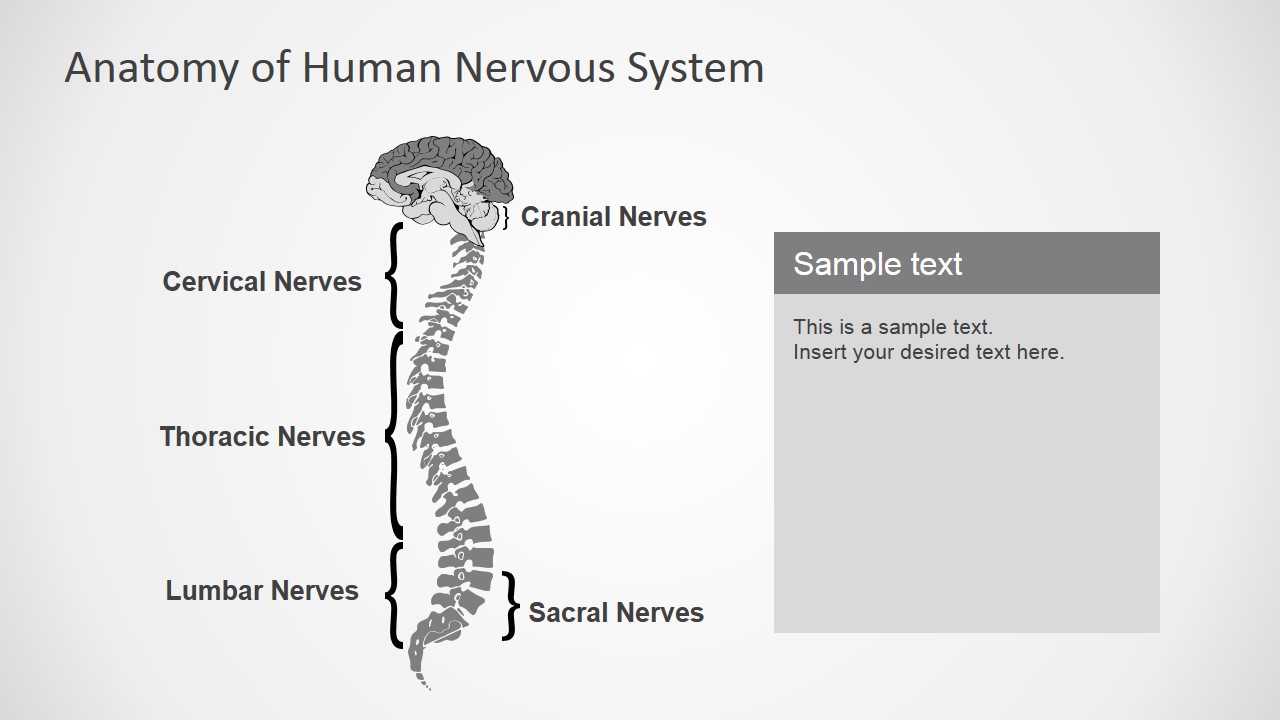
The PowerPoint template contains a detailed drawing of the nervous system, shown in three of the four slides. The first of these slides highlights the drawing in orange. This slide features the parasympathetic nerves that are related to rest and digestion. Minimalist vector icons can be found on both sides of the diagram. These icons represent different organs such as the stomach, the lungs, the heart, eyes, the large intestine, and the bladder. Beside these icons are descriptions of the effects on these organs, during the function of this specific set of nerve including the spinal nerve.
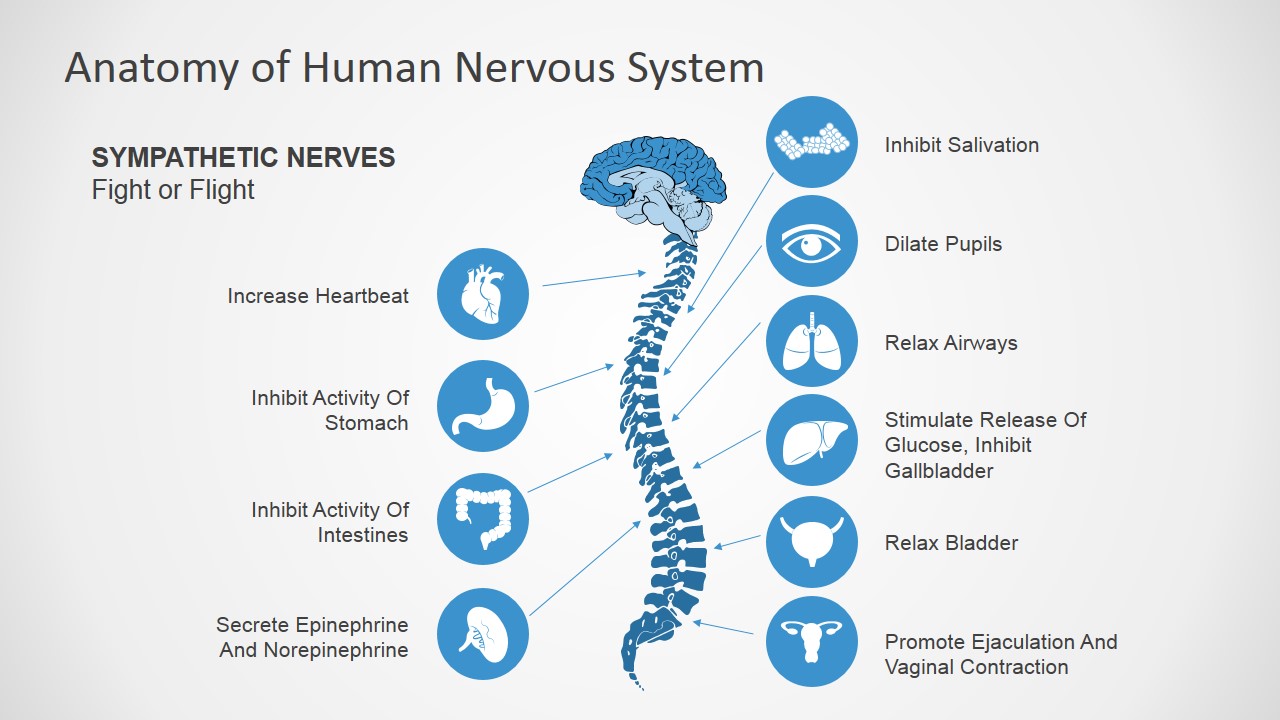
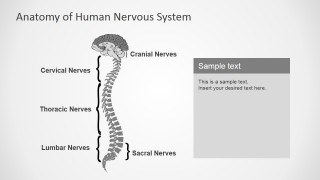
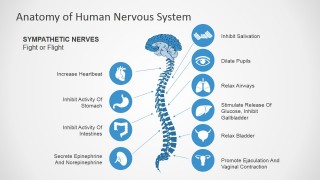
Another slide, representing the sympathetic nerves, contains the same diagram, but with additional icons. The icons and corresponding text placeholders reflect the effect of these nerves on the specific organs. One of the slides includes a gray version of the nervous system diagram. Brackets divide the nervous system into certain categories, such as cranial nerves, cervical nerves, thoracic nerves, lumbar nerves, and sacral nerves.
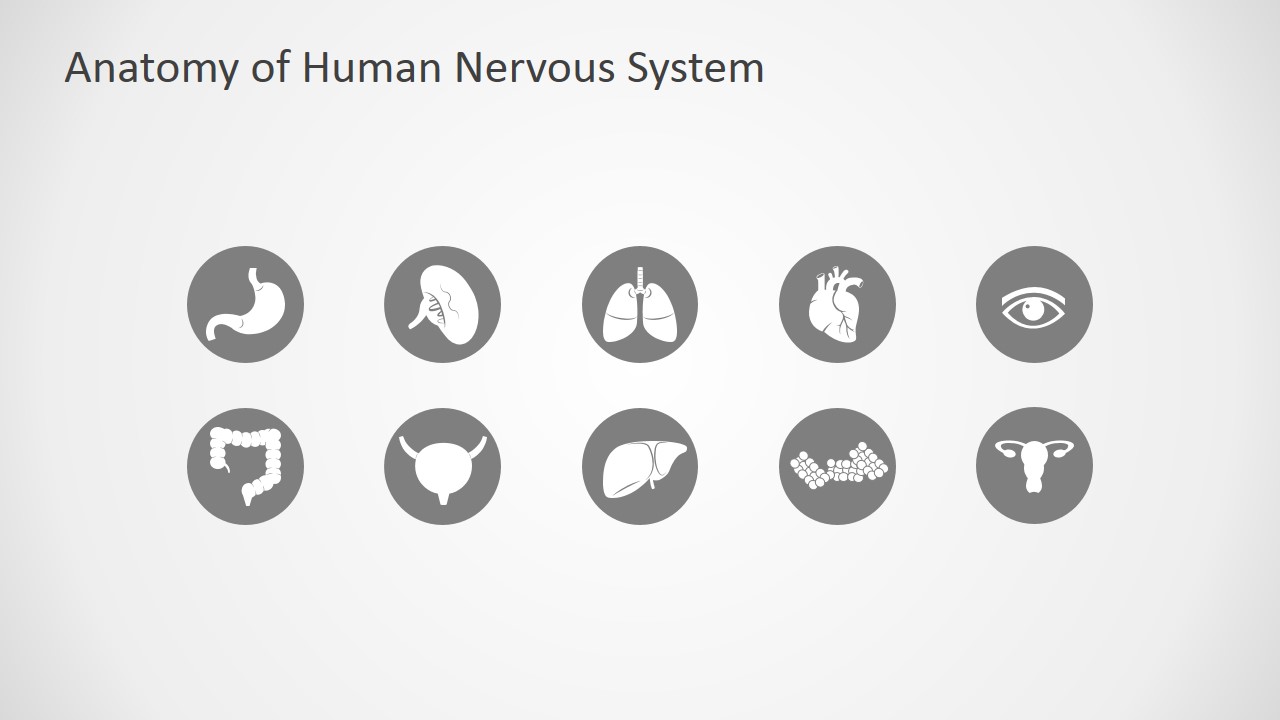
Perfect for medical demonstrations, the Anatomy of Human Nervous System Slide Design for PowerPoint contains creative PowerPoint icons that can be copied and pasted onto other slide designs for ease of presentation. The presenter can edit the position or arrangement of the PowerPoint icons depending on his preference. Any modification will not affect the image resolution of the design.
What’s inside this template
Example presentation scenarios
- A medical educator can use the parasympathetic nerves diagram to explain rest and digest responses to students while pointing to organ-specific icon callouts.
- A clinician can use the sympathetic nerves diagram to brief non-specialist healthcare staff on fight or flight effects across the heart, lungs, pupils, bladder, and digestive organs.
- A biology teacher can use the nerve classification slide to show cranial, cervical, thoracic, lumbar, and sacral nerve regions in a structured anatomy lesson.
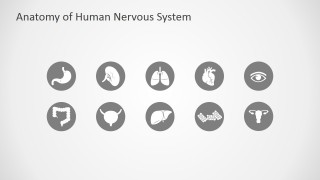
- A pharmaceutical or medical device presenter can use the organ icon library to build a focused explanation of how a therapy or device relates to specific body functions.
Features
- 100% editable presentation template
- Compatible with Microsoft PowerPoint and Google Slides
- 16:9 aspect ratio slides
- Scalable vector shapes, icons and illustrations
- AI-Ready for Microsoft Copilot and Claude
- Instant access and download
Frequently asked questions
Q: How should a presenter explain the parasympathetic and sympathetic slides without overwhelming the audience?
A: Start with the central brain and spine illustration, then move outward to one organ at a time. Treat each icon as a speaking cue rather than reading every label at once. This keeps attention on the nerve pathway first, then connects the pathway to practical body responses such as heartbeat, pupils, airways, digestion, and bladder activity.
Q: Who is this template best suited for in a medical or educational setting?
A: This template fits presenters who need to teach anatomy to mixed audiences, including students, healthcare staff, research teams, or business stakeholders in life sciences. It works well when the audience needs a shared visual reference for the nervous system before discussing clinical behavior, research direction, or product relevance.
Q: Why does the design use organ icons around the nervous system diagram?
A: The surrounding organ icons turn an abstract anatomy topic into a cause-and-effect map. Viewers can see the central nervous structure, follow connector lines, and associate each nerve branch with a body function. The orange and blue versions also create a clear visual contrast between rest and digest versus fight or flight states.
Anatomy of Human Nervous System Slide Design for PowerPoint
4-slide medical presentation template with nervous system diagrams, nerve classifications, and organ icon callouts.
This 4-slide medical anatomy template explains the human nervous system with parasympathetic and sympathetic nerve diagrams, a categorized spine and cranial nerve slide, and a reusable organ icon set. It is designed for clinicians, educators, and medical teams using Microsoft PowerPoint or Google Slides.
- Category
- Shapes
- Rating


 Loading...
- Aspect ratio
- 16:9, 4:3
- Item ID
- 7090-01
- Colors
 Microsoft PowerPoint
  Microsoft Copilot
  Claude for PowerPoint
 Other formats supported
Subscribe today and get immediate
access to download our PowerPoint templates.