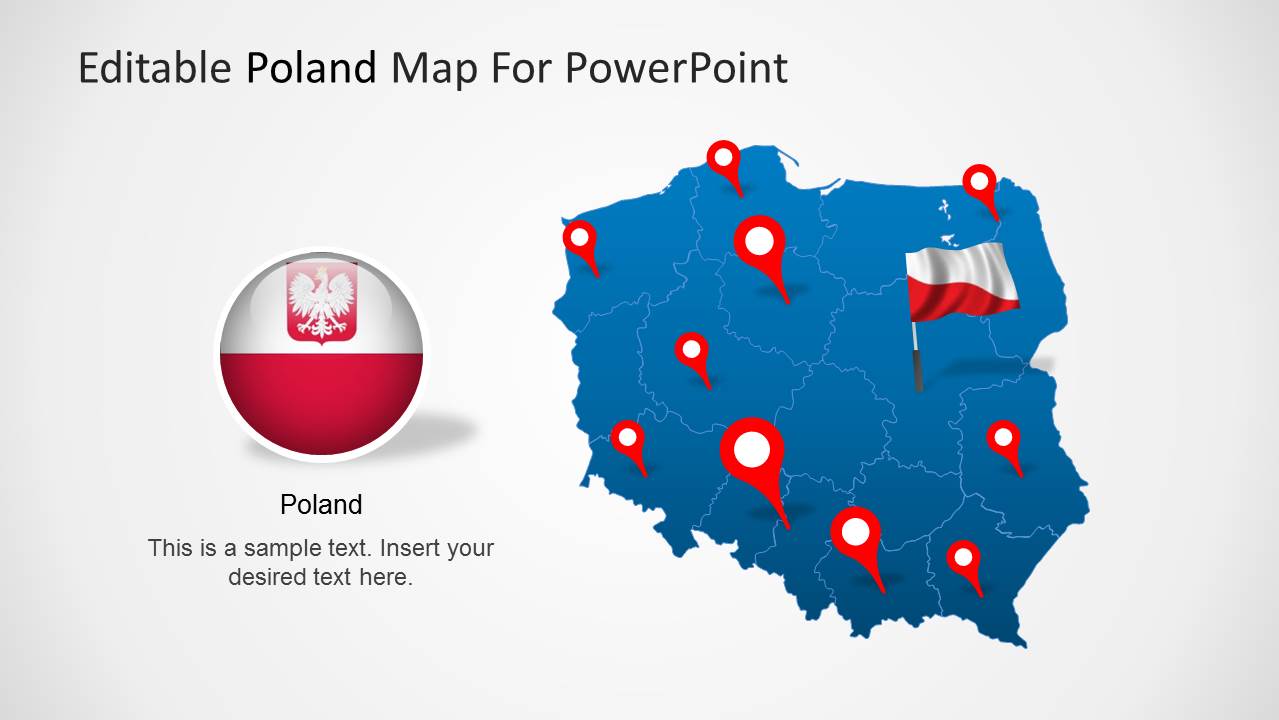
Download Editable Poland Map Template for PowerPoint. Display different areas of Poland in a comprehensive map template.
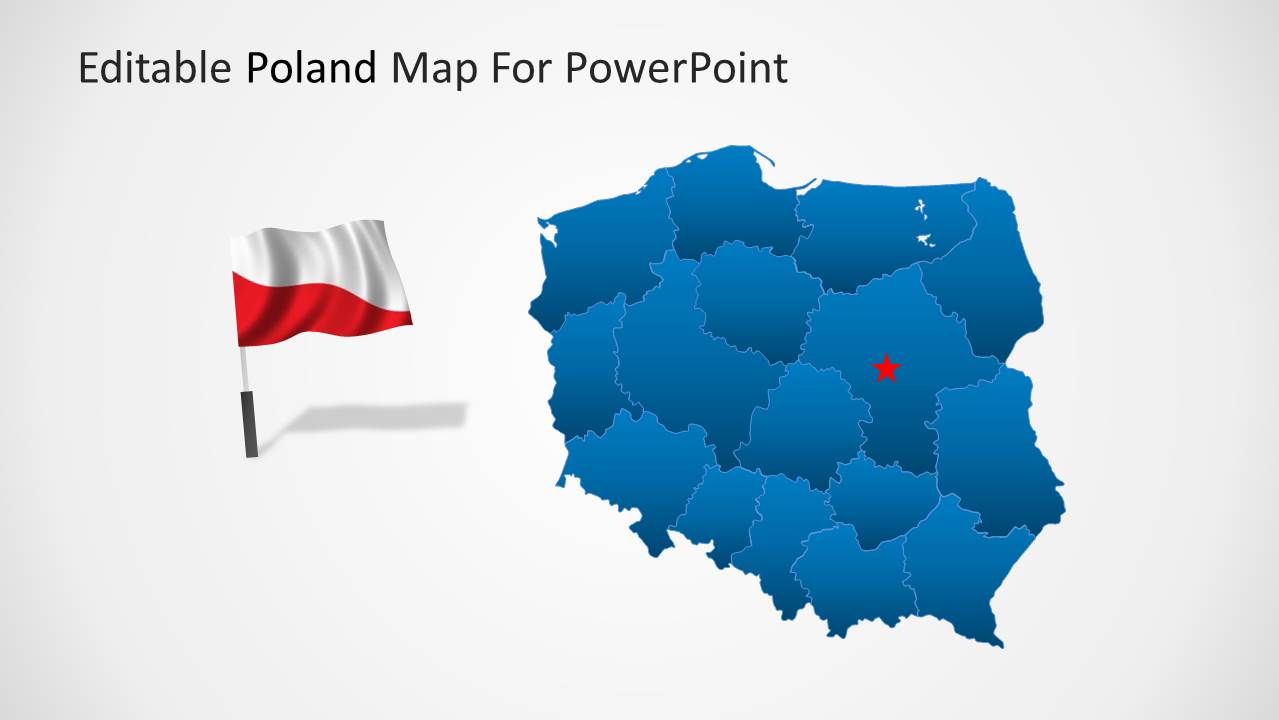
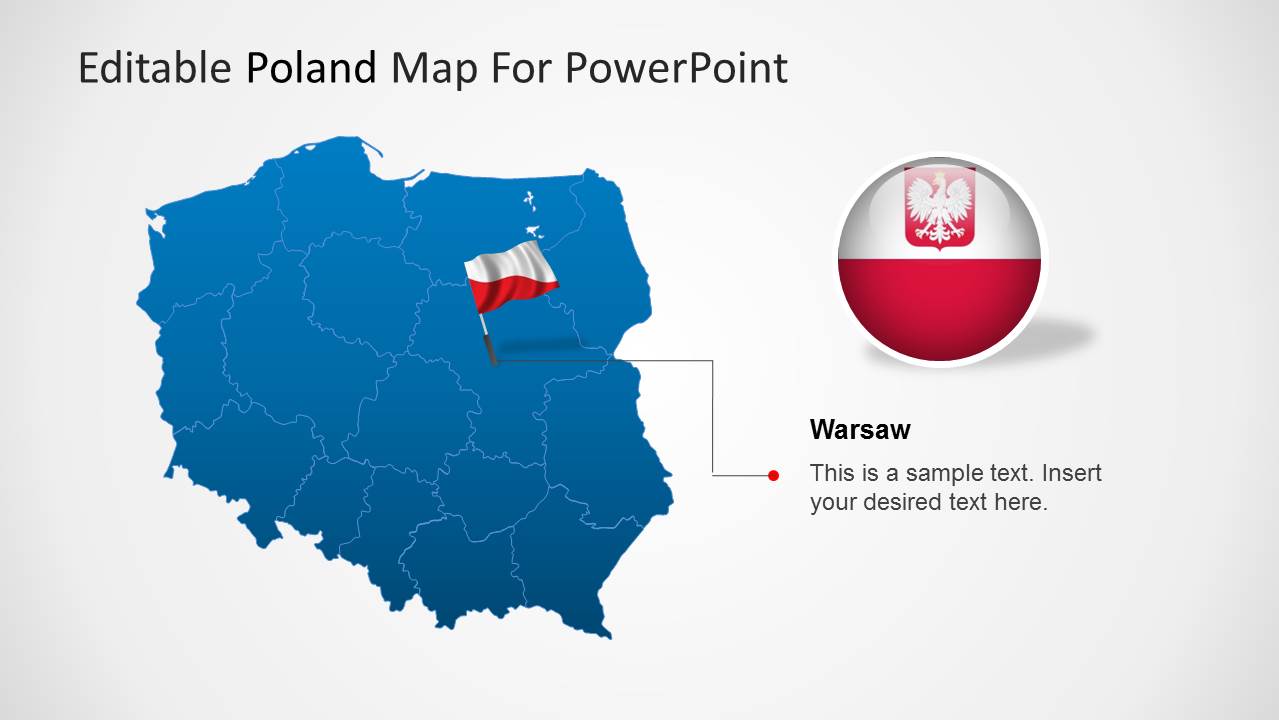
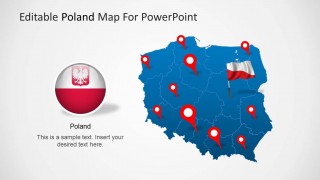
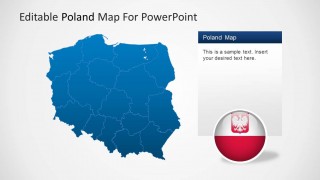
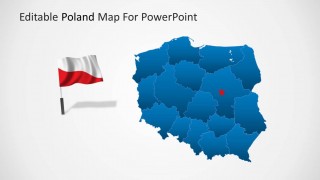
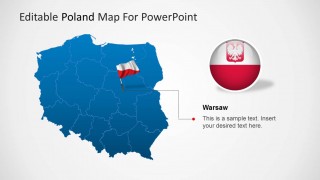
The Poland Map Template comes with editable map layouts and a flag of Poland. The template provides all major areas of the country in an editable composite map, from which you can separate other areas by dragging them out of the main map. The different areas available in the main map include; Greater Poland, Lesser Poland, Kuyavian-Pomeranian, Lower Silesian, Lublin, Lubusz, Masovian, Opole, Podlaskie, Pomeranian, Silesian, Subcarpathian, Warmian-Masurian, West Pomeranian and others.
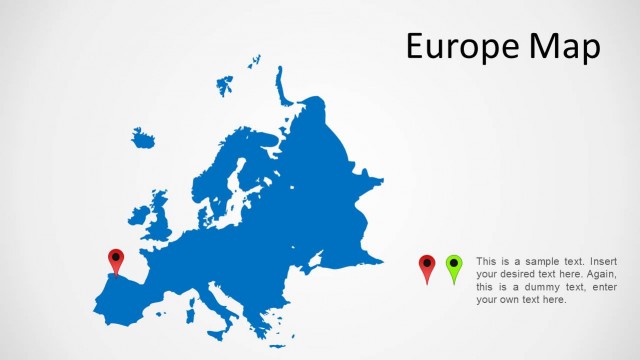
You can download other map templates for European countries from our collection of Europe Map Templates.
What’s inside this template
Example presentation scenarios
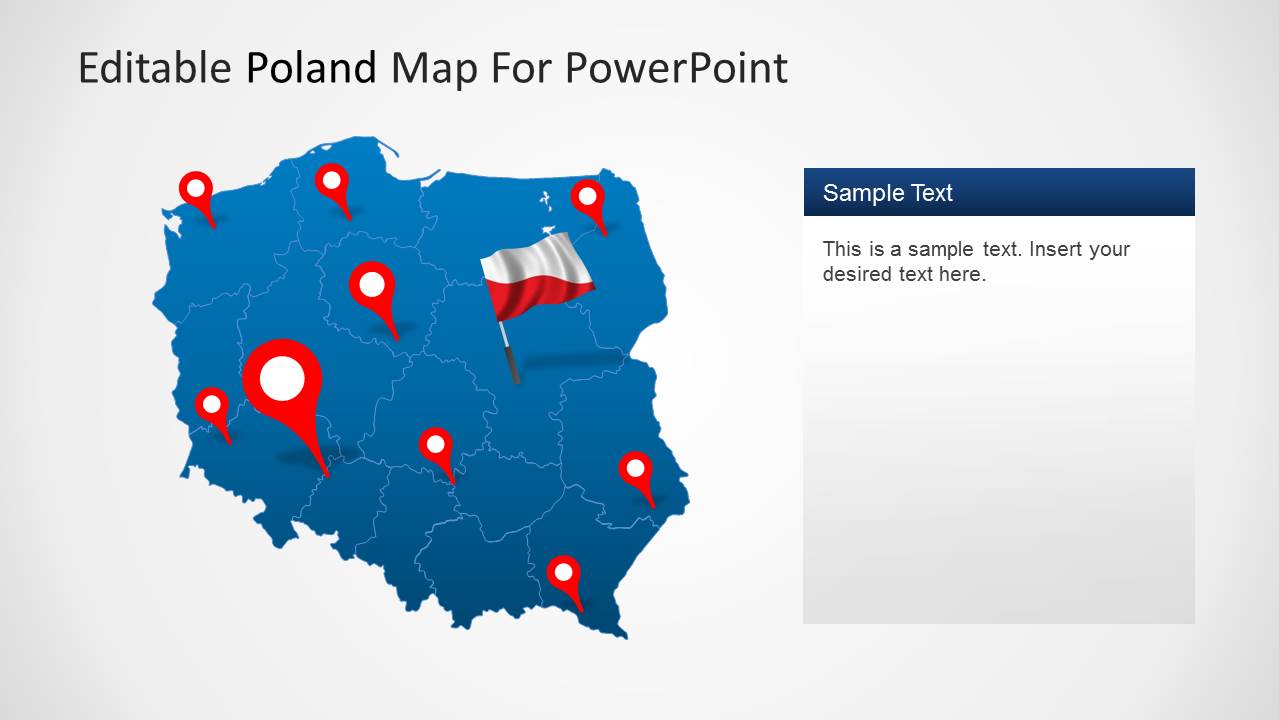
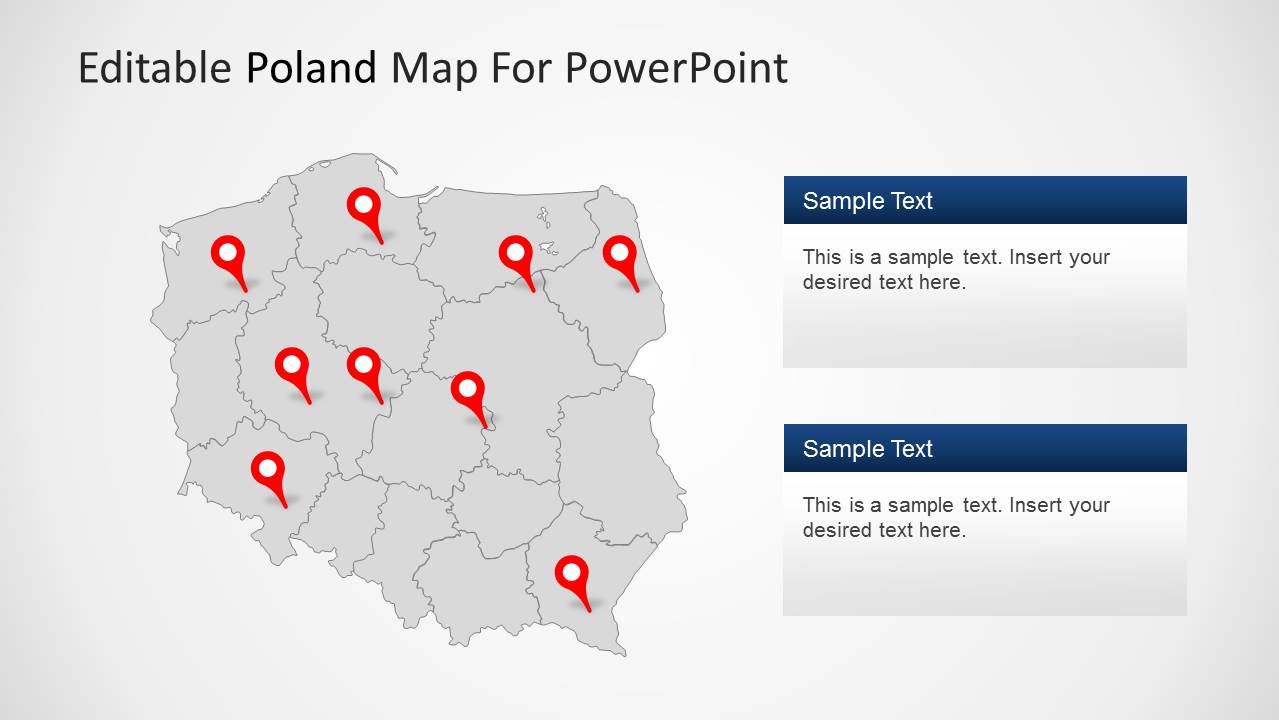
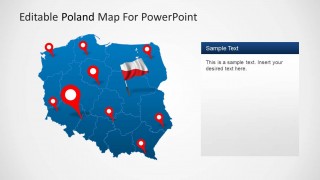
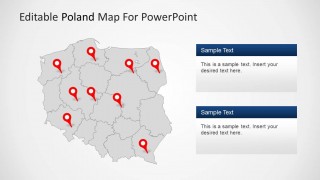
- A sales manager can present territory coverage across Poland by placing office or customer locations on the red pin map and adding commentary in the side text panels.
- A consultant can summarize a Poland market entry plan by using the province-shaded map to compare priority regions and the Warsaw callout to discuss headquarters or capital-city activity.
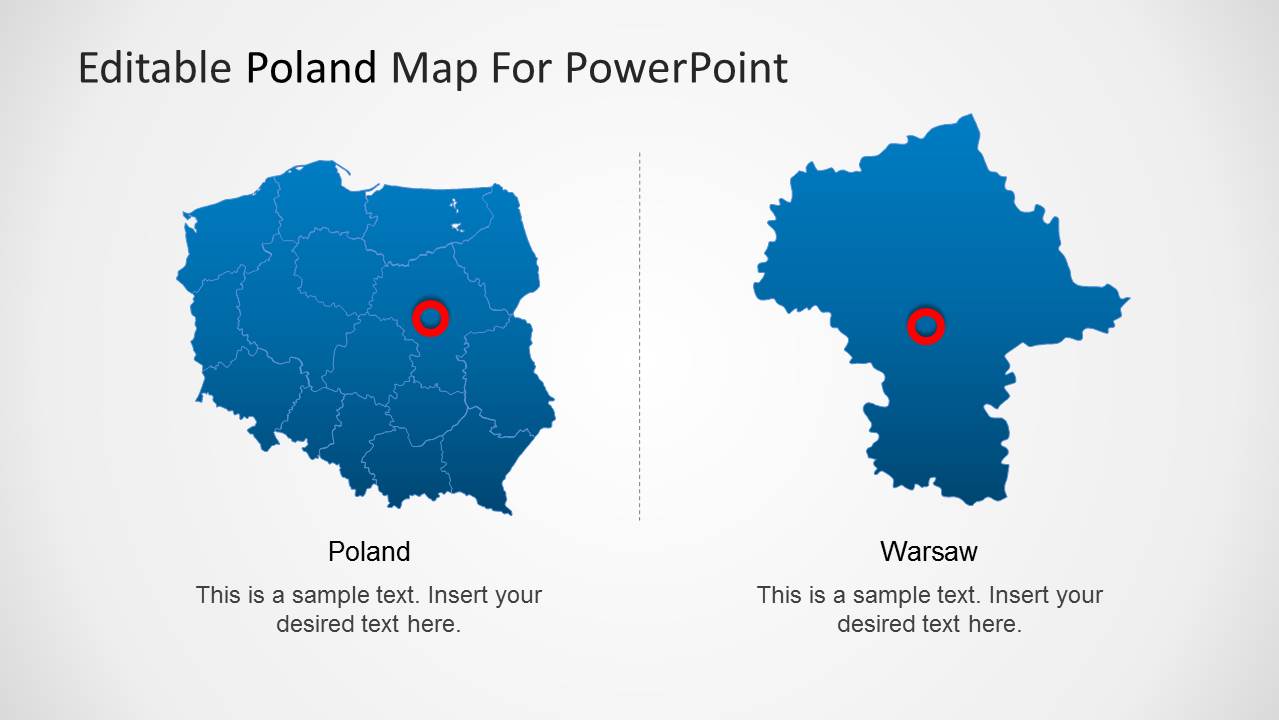
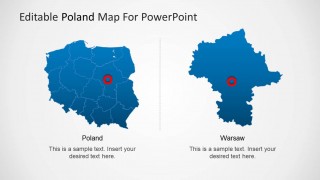
- An operations leader can explain branch, service, or logistics coverage with the two-map comparison slide that separates the national view from the Warsaw area view.
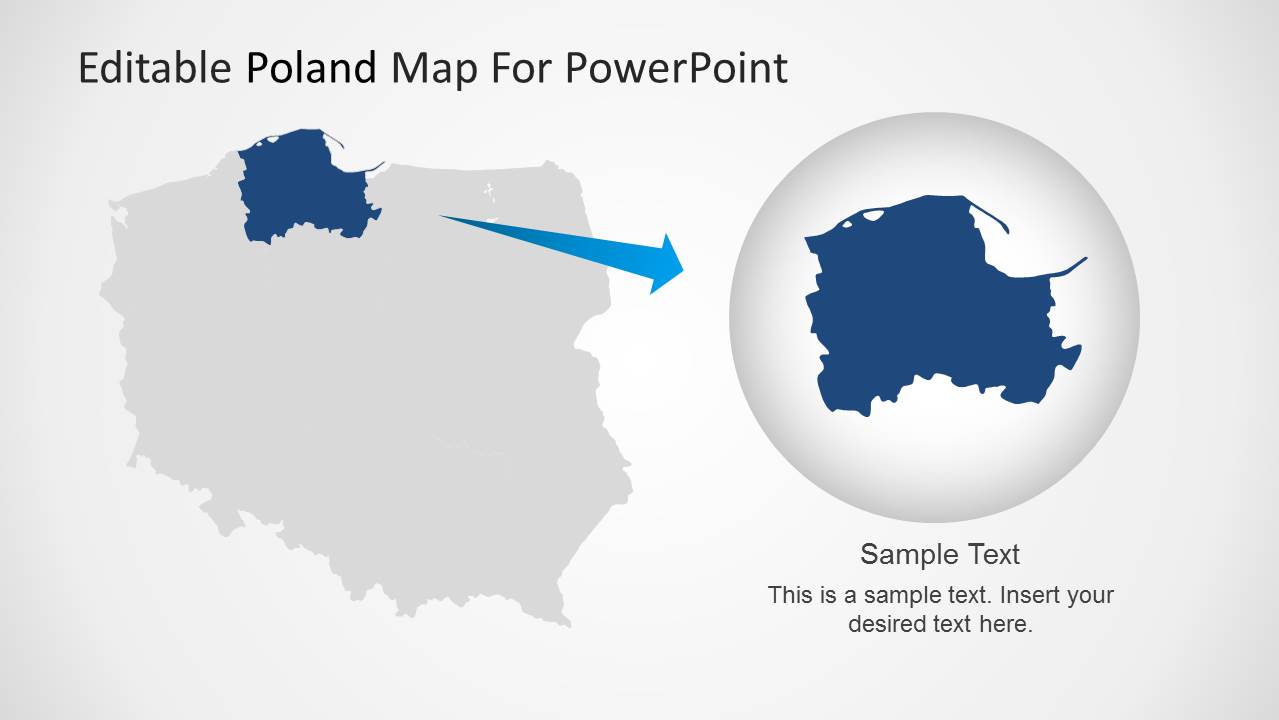
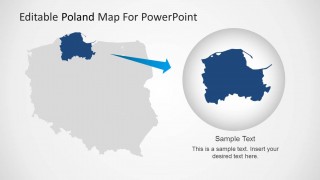
- A public sector presenter can focus attention on one voivodeship or northern region by using the highlighted region zoom and magnified bubble layout.
Features
- 100% editable presentation template
- Compatible with Microsoft PowerPoint and Google Slides
- Scalable vector shapes, icons and illustrations
- AI-Ready for Microsoft Copilot and Claude
- Instant access and download
Frequently asked questions
Q: How should a presenter make the Poland map message clear rather than simply showing a country outline?
A: Start with one geographic question per slide, such as where coverage exists, which region needs attention, or why Warsaw matters. Use the red pins for concrete locations, the shaded province map for regional comparison, and the text panels for interpretation. Avoid labeling every area at once; the map should direct attention, not become a directory.
Q: Who is this Poland map template best suited for?
A: This template is best for presenters explaining activity inside Poland, such as sales coverage, logistics routes, regional priorities, office locations, or public sector programs. It works well for managers, consultants, analysts, and planners who need a visual geographic reference before discussing actions, responsibilities, or regional differences.
Q: Why do the pin markers, flag graphics, and zoom bubble improve the communication?
A: The design uses familiar map metaphors to separate location, identity, and focus. Pins show specific places, the Poland flag reinforces national context, and the zoom bubble turns one selected region into the main subject. This visual hierarchy helps the audience understand whether the slide is about the whole country, a city, or a targeted area.

Editable Poland Map Template for PowerPoint
8-slide PowerPoint map template with Poland regions, location pins, flag graphics, and Warsaw callouts
This 8-slide PowerPoint map template presents Poland through editable country maps, regional province outlines, location pin maps, a Warsaw callout, and a regional zoom layout. It is designed for presenters who need to show Polish territories, office locations, market coverage, or geographic priorities using editable vector map shapes.


 Loading...
 Microsoft PowerPoint
  Microsoft Copilot
  Claude for PowerPoint
 Other formats supported
Subscribe today and get immediate
access to download our PowerPoint templates.