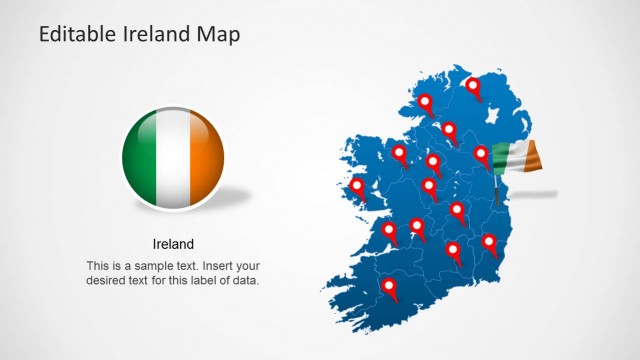
Editable Hungary Map Template for PowerPoint is a one of a kind template with the map of Hungry laid out with precision.
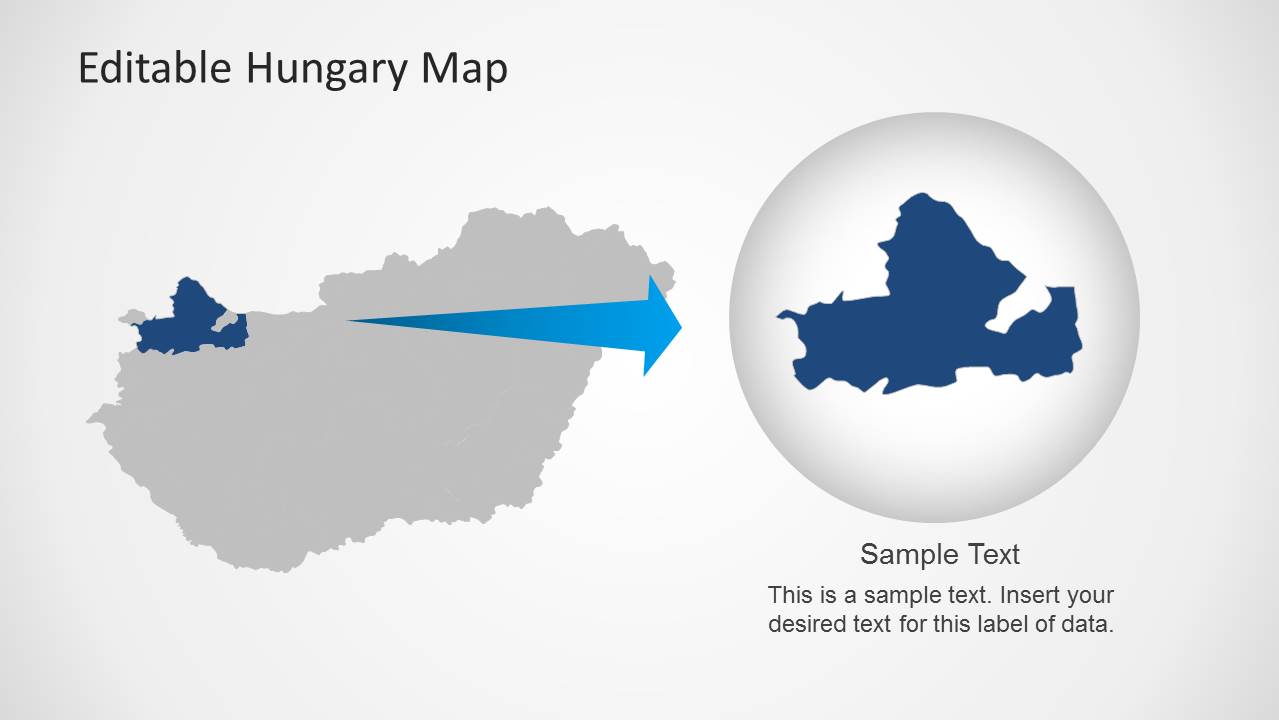
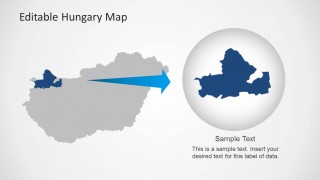
This template contains a main map, with extractable sub-maps for Hungry, from which you can extract maps for different administrative areas of the country, including; Central Hungary, Northern Great Plain, Northern Hungary, Western Transdanubia, Central Transdanubia, Southern Transdanubia and the Southern Great Plain.
Also check out our collection of Europe Maps for PowerPoint, including maps for UK, France, Germany, Denmark, Ireland, Italy, Sweden, Slovakia, Slovenia, Austria and other countries.
What’s inside this template
Example presentation scenarios
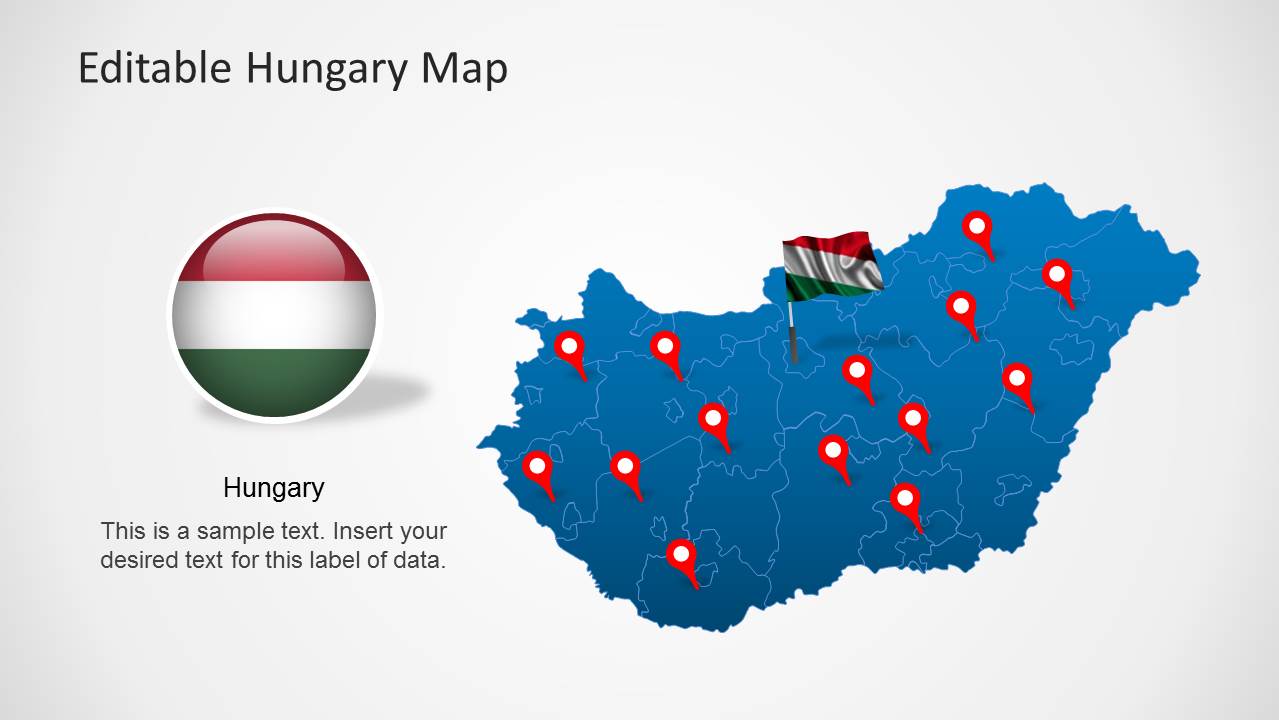
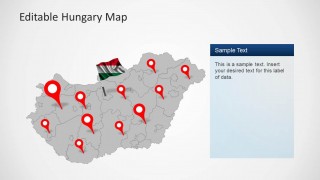
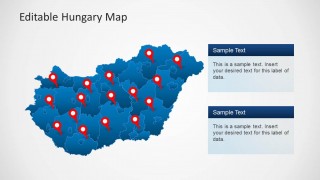
- A sales manager can present Hungary territory coverage by placing red pins on the full country map and using the two text panels to separate active markets from expansion areas.
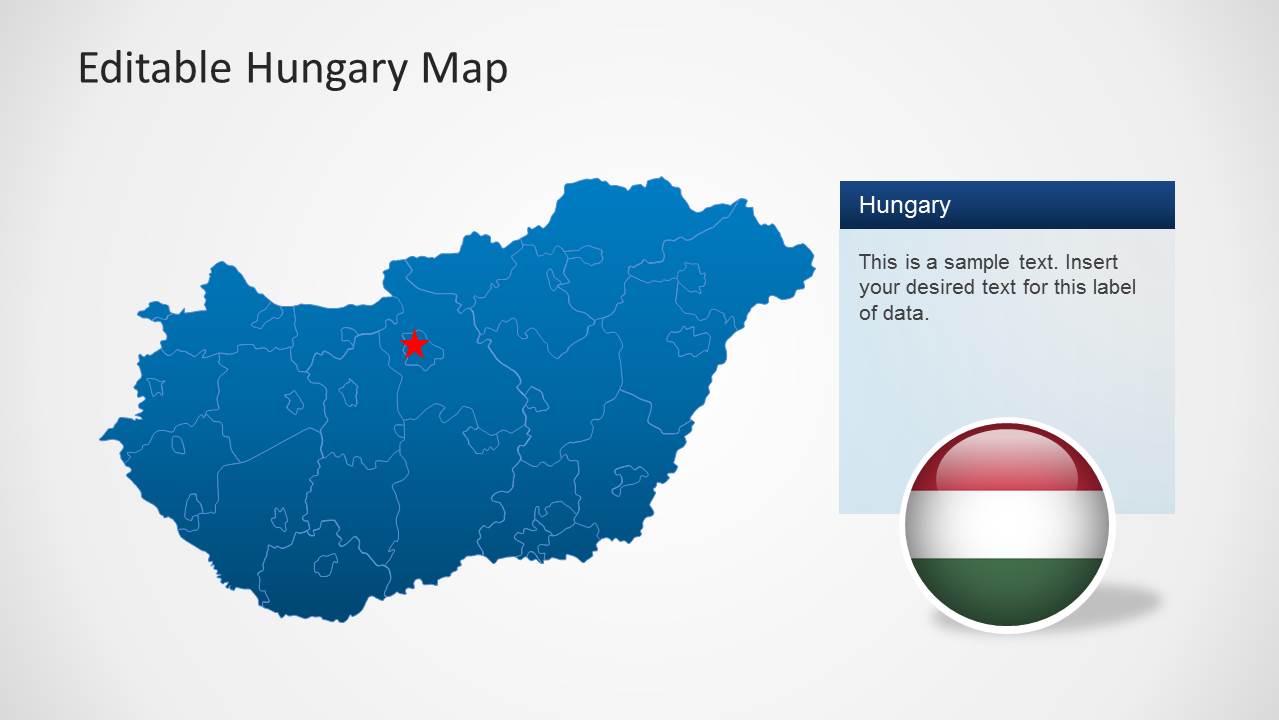
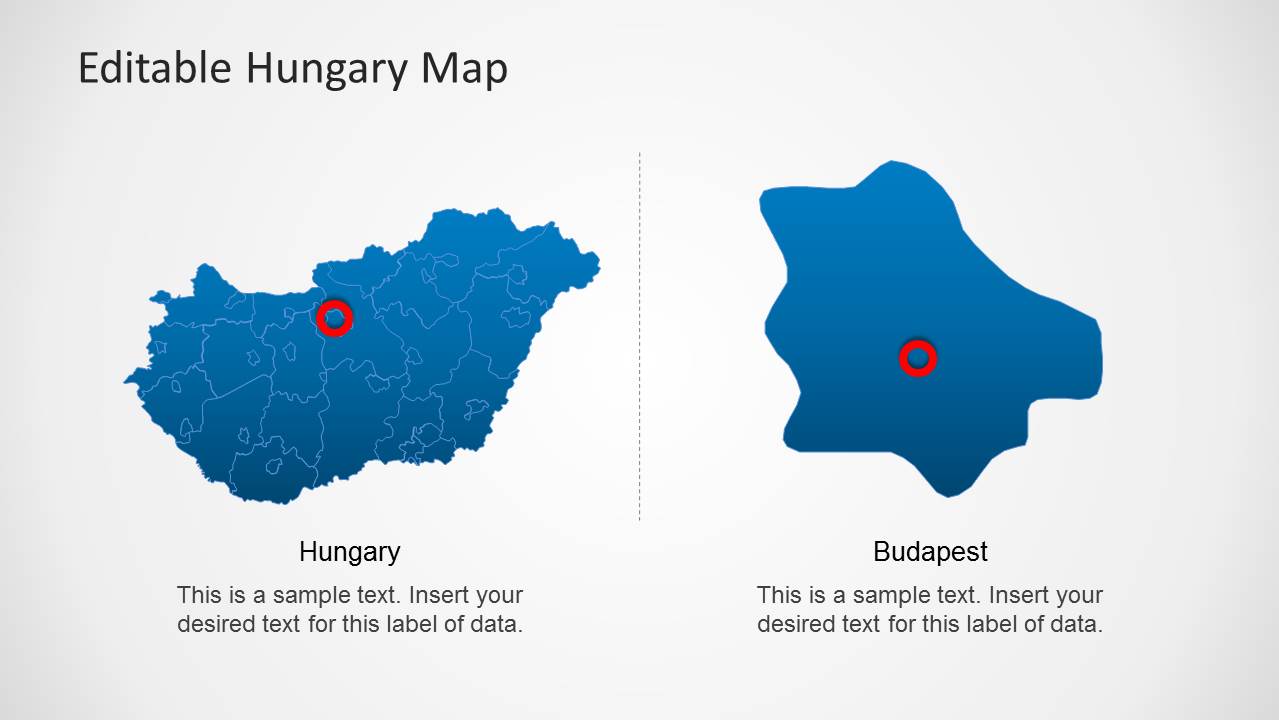
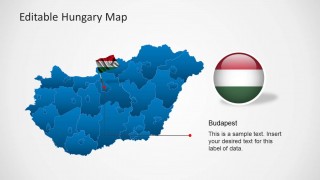
- A logistics planner can explain distribution points across Hungary with the pinned map layouts and use the Budapest detail slide to discuss a central hub or service zone.
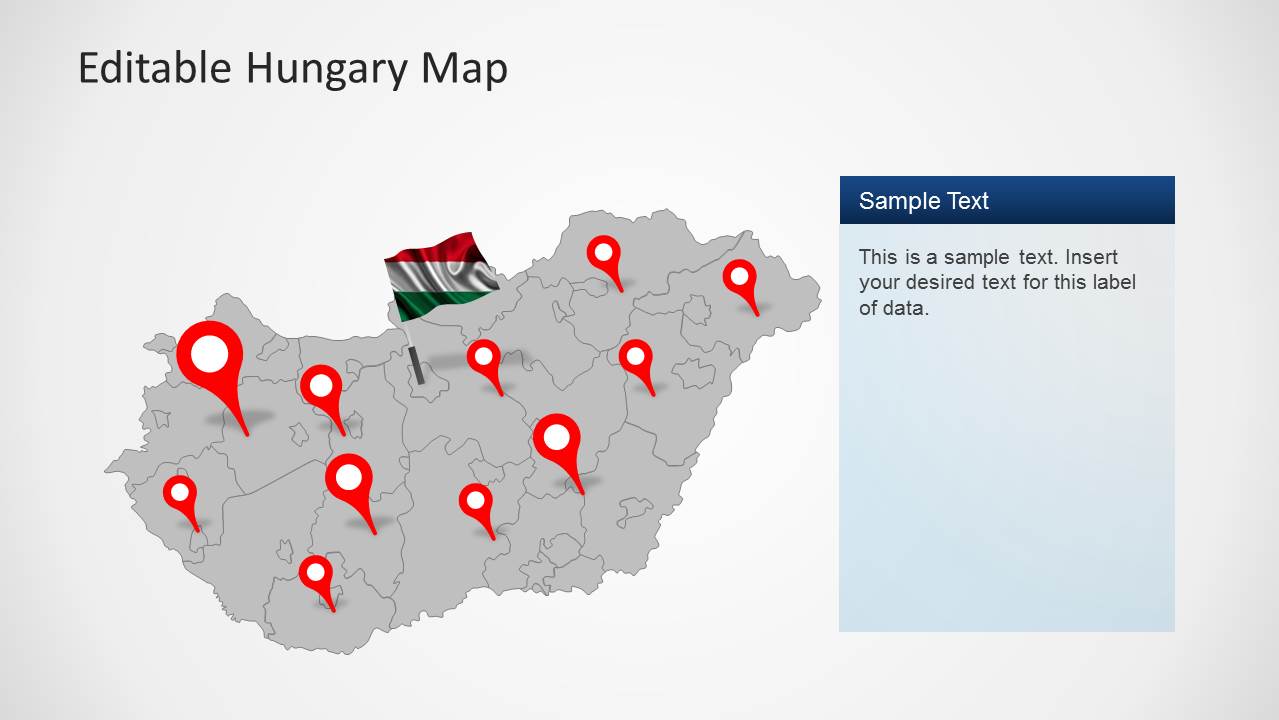
- A tourism presenter can introduce destination clusters by marking cities on the gray map and using the flag badge to keep the country identity visible.
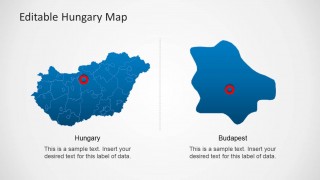
- An educator can teach Hungary geography by starting with the full outline map, then using the regional extraction slide to focus attention on one administrative area.
Features
- 100% editable presentation template
- Compatible with Microsoft PowerPoint and Google Slides
- Scalable vector shapes, icons and illustrations
- AI-Ready for Microsoft Copilot and Claude
- Instant access and download
Frequently asked questions
Q: How should a presenter use this template to explain Hungary coverage clearly?
A: Start with the full Hungary map to orient the audience, then move to the pinned map when discussing specific cities, offices, customers, or service points. Use the Budapest layout only when the capital needs separate attention. Keep each text panel focused on one decision, such as market priority, operating region, or planned expansion.
Q: Who is this Hungary map template best suited for?
A: This template fits presenters who need to discuss where activity happens inside Hungary rather than present abstract strategy. Sales teams, logistics planners, tourism groups, educators, and consultants can use the map pins, Budapest callout, and regional zoom to connect a plan or explanation to real geographic areas.
Q: Why do the pins, flag badges, and zoomed region improve the communication?
A: The red pins create immediate visual anchors on the map, while the flag badges reinforce that the discussion is country-specific. The zoomed region slide works as a visual magnifier, helping the presenter shift from national context to a single area without losing the audience in dense boundary details.


Editable Hungary Map Template for PowerPoint
7-slide Hungary map presentation template with editable region maps, location pins, and flag badges
Editable Hungary Map Template for PowerPoint is a 7-slide map deck for presenting Hungary locations, regions, and Budapest callouts. Visible layouts include a full country map, pinned location map, Budapest detail slide, and regional zoom diagram. It suits business, tourism, logistics, education, and territory planning presentations.


 Loading...
 Microsoft PowerPoint
  Microsoft Copilot
  Claude for PowerPoint
 Other formats supported
Subscribe today and get immediate
access to download our PowerPoint templates.