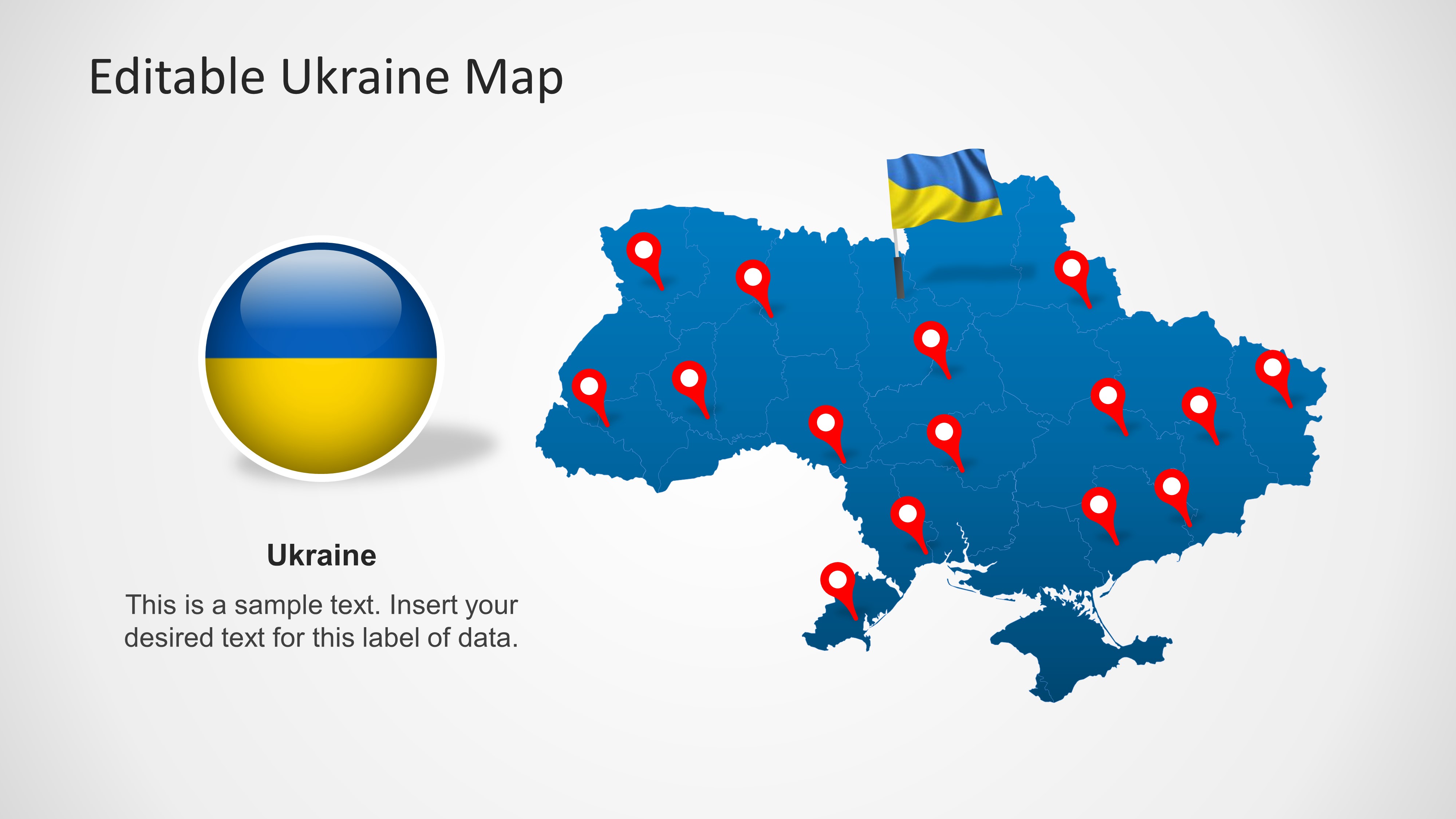
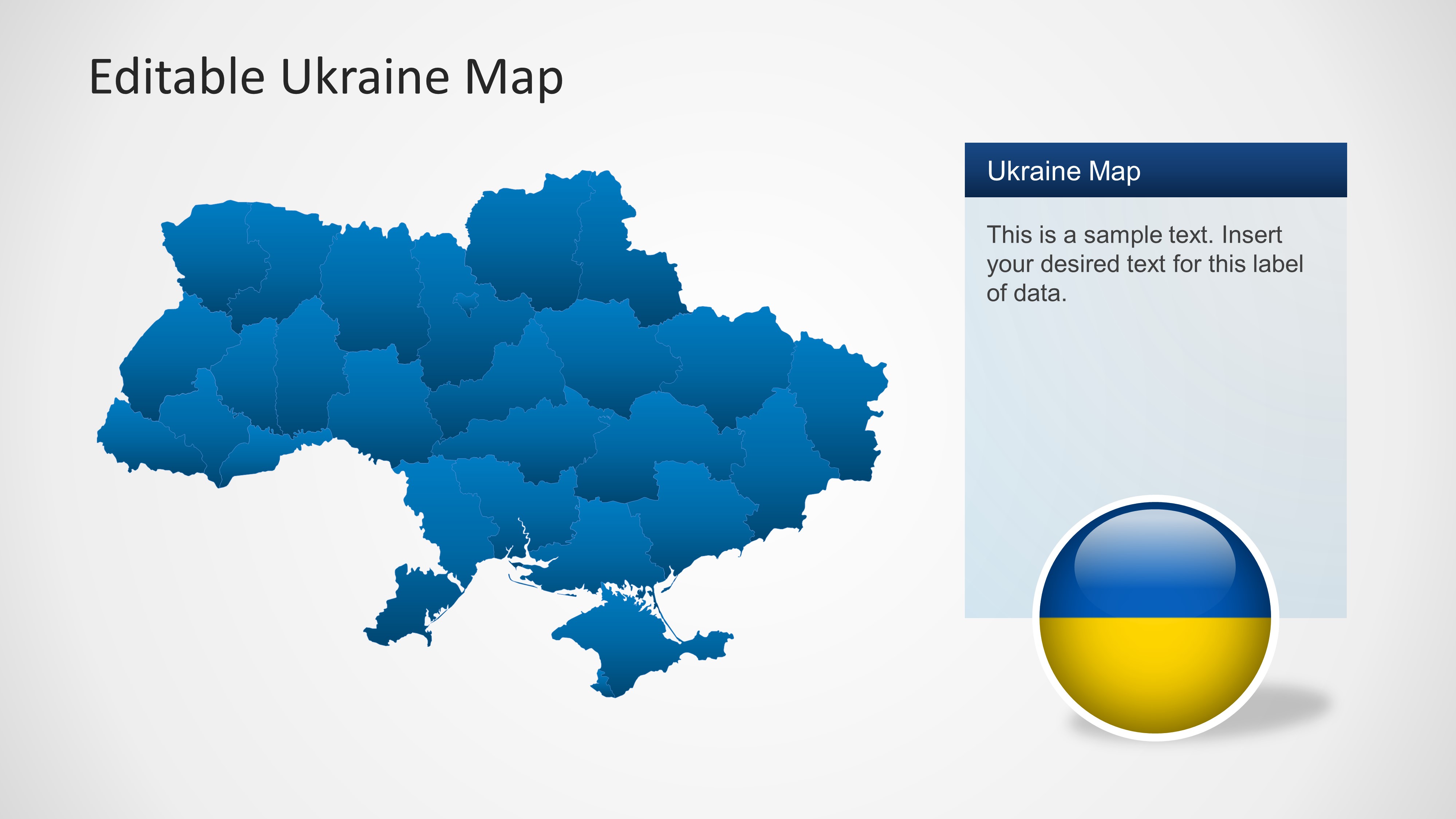
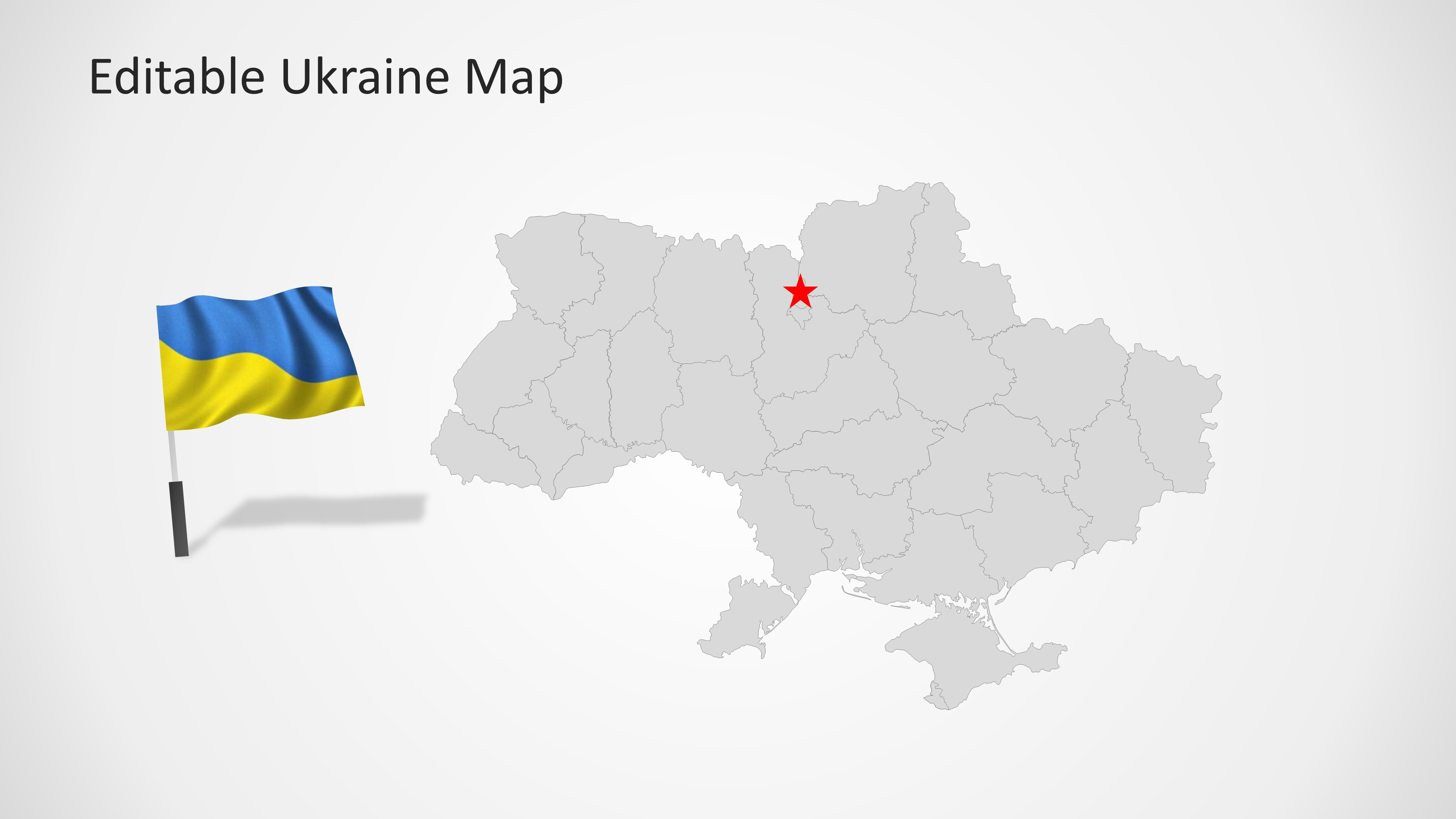
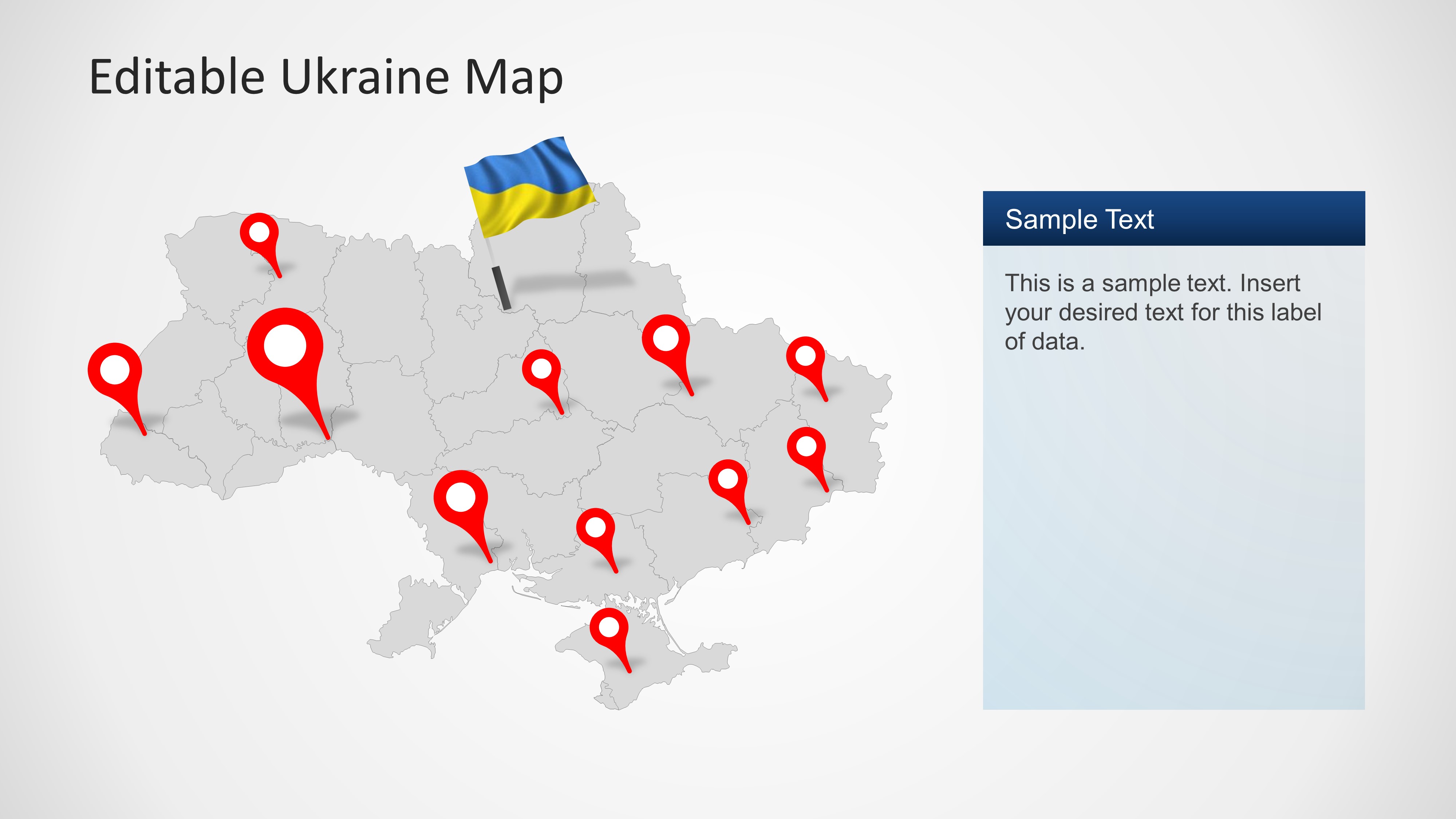
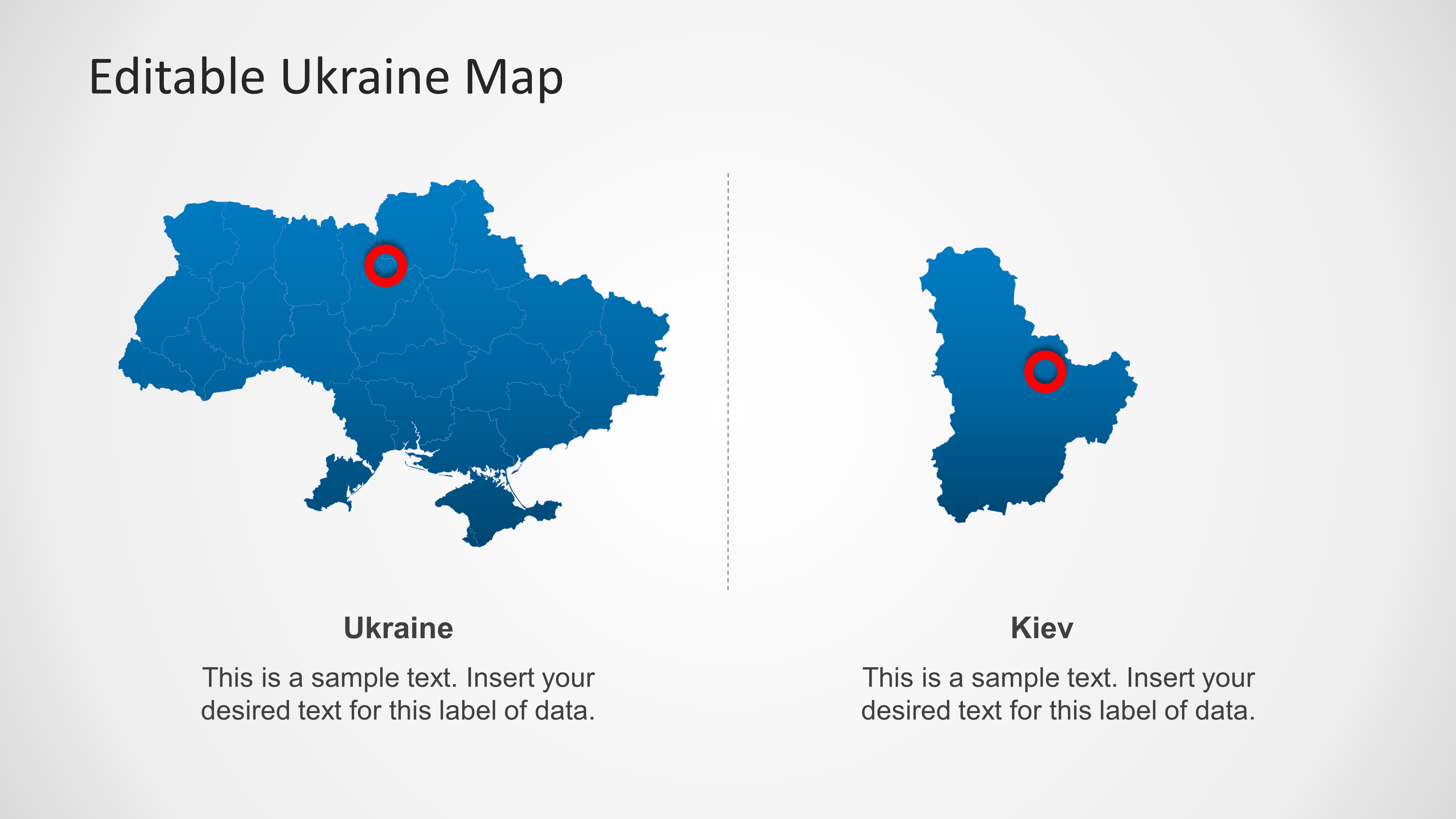
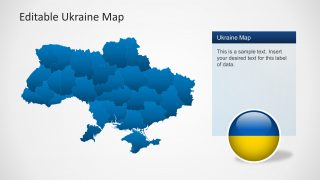
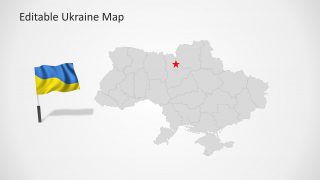
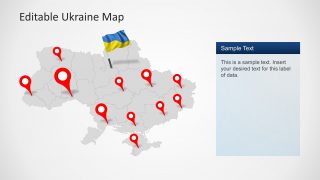
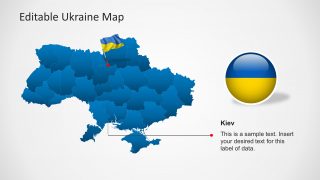
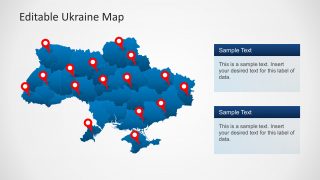
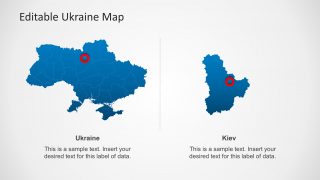
Ukraine Map Template for PowerPoint is a presentation with editable Ukraine geographical shapes. This presentation is ideal for location references or educational lectures. The template contains Ukraine outline and political boundaries, its flag as an editable object, national colors, a specific slide with reference to Ukraine capital (Kiev) and several location icons across the map. Ukraine is located in Eastern Europe and borders with Russia, Belarus, Poland, Slovakia, Hungary, Romania, and Moldova.
The map is presented with different backgrounds and contains a plain shape (separated in states) that allows the user to change the map colors. You can download this PowerPoint template and manipulate states as individual objects, that can be then used independently. The presentation provides highlight frames and icons for creating references to specific locations across the map.
Test Boxes are provided across the slides as a side bar columns or below the main map shape. This text boxes match the presentation layout and palette giving the flexibility of adding custom text.
Ukraine Map Template is compatible with Microsoft PowerPoint 2010 and 2013.
What’s inside this template
Example presentation scenarios
- An educator can use the political boundary maps and flag visuals to introduce Ukraine geography, regional divisions, and the capital city in a classroom lecture.
- A business analyst can use the pin-marker maps and two text panels to show office locations, field activity, or market coverage across Ukraine.
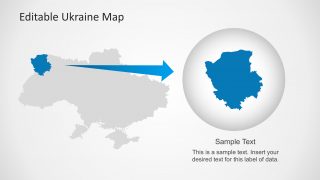
- An NGO program manager can use the Kiev callout and regional zoom layout to explain where a project is centered and how it relates to the national map.
- A logistics or operations presenter can use the map pins and region comparison slide to discuss service points, routes, or priority areas within Ukraine.
Features
- 100% editable presentation template
- Compatible with Microsoft PowerPoint and Google Slides
- Scalable vector shapes, icons and illustrations
- AI-Ready for Microsoft Copilot and Claude
- Instant access and download
Frequently asked questions
Q: How should a presenter structure a clear Ukraine location briefing with this template?
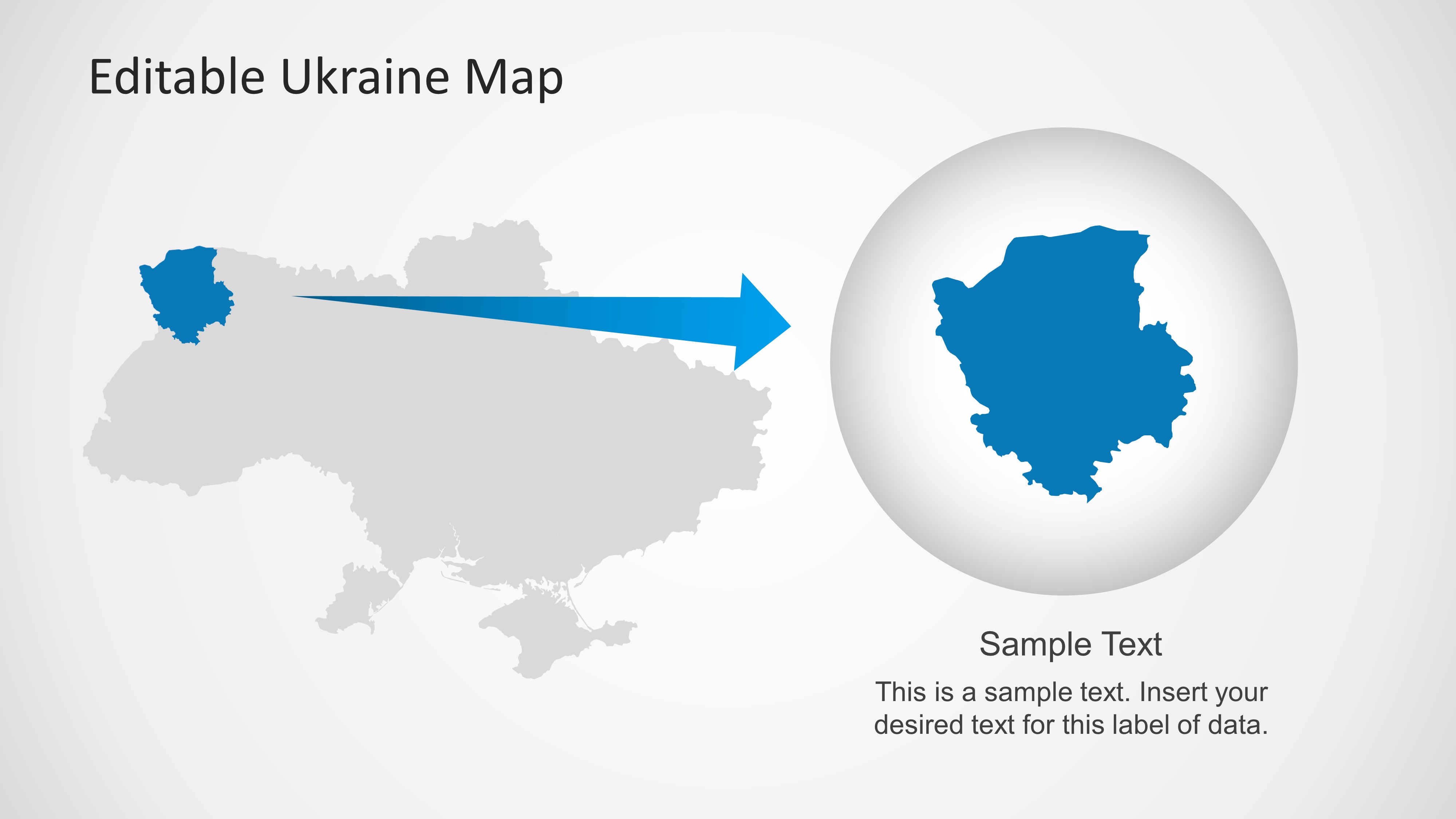
A: Start with a national map to orient the audience, then move from general context to specific points. Use the blue pin-marker map for multiple locations, the Kiev callout for capital-centered detail, and the region zoom to isolate one area. Keep each text panel tied to a visible marker so the audience never has to infer the geography.
Q: Who is this template best suited for, and when is it the right choice?
A: This template is best for educators, analysts, government teams, NGOs, and regional managers who need to explain where activities, assets, or events are located in Ukraine. It fits briefings where geography is the organizing idea, such as territory coverage, capital references, program locations, or a focused discussion of one highlighted region.
Q: Why do the map pins, flag symbols, and zoom view help the message land faster?
A: The design uses familiar geographic cues instead of long explanations. Pins answer the question of where, the flag reinforces national context, and the circular zoom turns one selected region into the main subject. This visual hierarchy helps the presenter move from national orientation to local detail without crowding the slide with text.


Ukraine Map Template for PowerPoint
8-slide PowerPoint map template with Ukraine regions, location pins, flags, and Kiev callout layouts
Ukraine Map Template for PowerPoint is an 8-slide map presentation with editable Ukraine political boundaries, region-filled maps, pin-marker maps, a Kiev callout, flag graphics, and a highlighted region zoom. It is built for educators, analysts, and business presenters who need geographic references in PowerPoint.


 Loading...
 Microsoft PowerPoint
  Microsoft Copilot
  Claude for PowerPoint
 Other formats supported
Subscribe today and get immediate
access to download our PowerPoint templates.