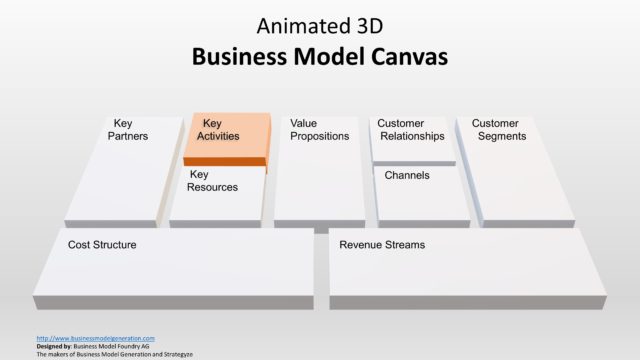
Editable Business Model Canvas PowerPoint Template is a profesional presentation representing the Business Model Canvas in “board” format.
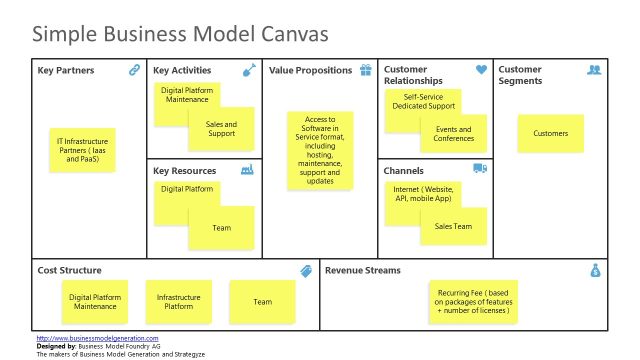
The Business Model Canvas was created by www.businessmodelgeneration.com and distributed with a Creative Commons license. Users can use this business PowerPoint template to interactively work with the canvas, using the “post-it” method, in order to represent the each item for the business model analysis.
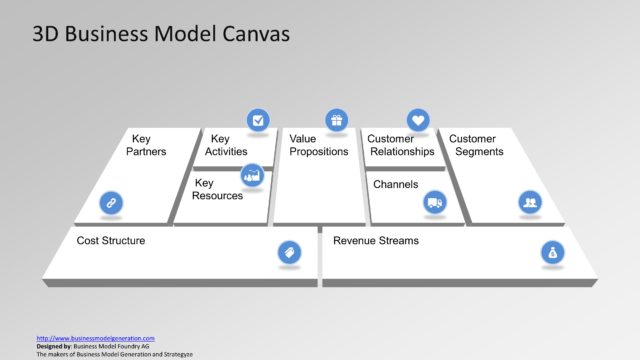
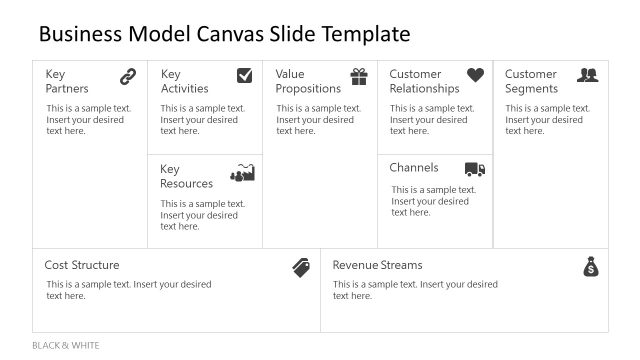
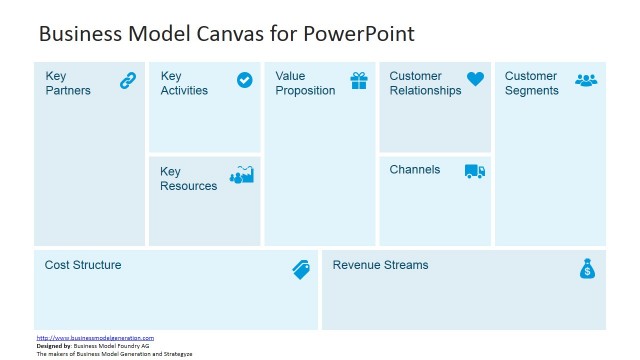
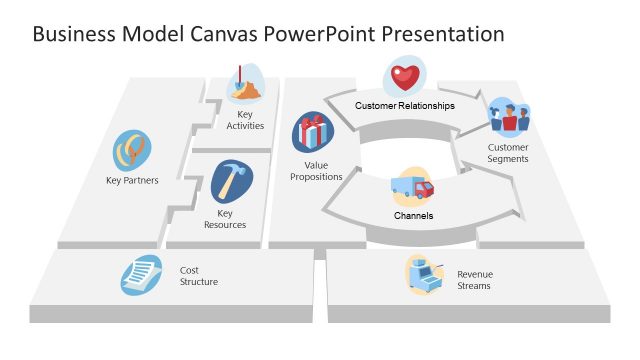
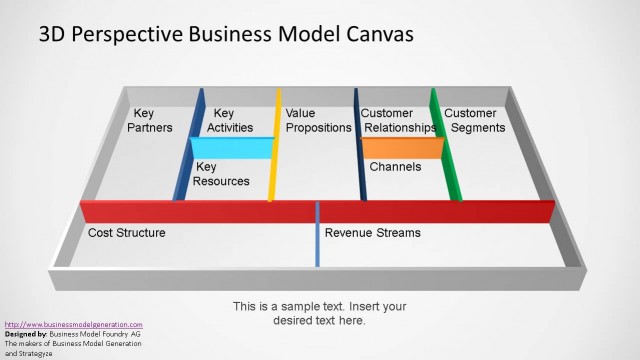
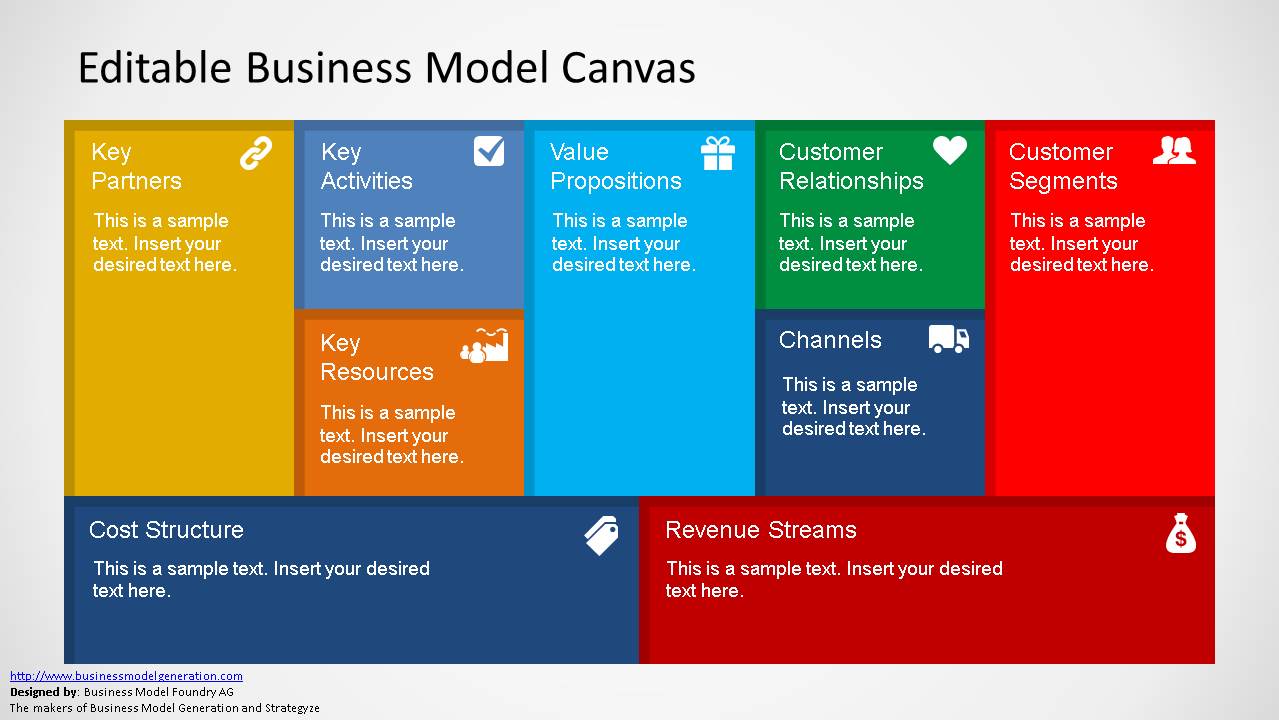
The first and second slides describes the canvas in different themes, with each of its areas highlighted. The Business Model Canvas template for PowerPoint and Google Slides includes representations of the following components:
- Value Proposition component
- Customer Relationships components
- Distribution Channels
- Customer Segments
- Revenue Streams
- Key Activities
- Key Resources
- Key Partners
- and the Cost Structure
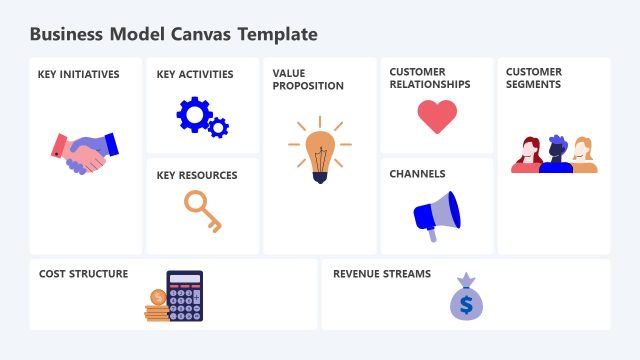
The third slide of the Business Model Canvas presentation design is completely editable and the user can move, or add, post-its like text boxes to work with the canvas. We recommend you see some Business Model Canvas examples in our Complete Guide. Alternatively, individuals can download other canvas templates including Lean Model canvas slides for PowerPoint and Google Slides.
Amuse your audience and interactively work with your team over the Business Model Canvas board. Alternatively, check out our collection of business model PowerPoint templates.
What’s inside this template
Example presentation scenarios
- A startup founder can use the full-color canvas board to present the business model components before discussing assumptions with investors or advisors.
- A strategy consultant can use the muted worksheet to guide a client team through partners, resources, customer segments, costs, and revenue streams during a planning session.
- A product manager can use the post-it workspace to collect hypotheses about value propositions, channels, and customer relationships in a collaborative workshop.
- An entrepreneurship instructor can use the labeled canvas sections to teach students how business model elements connect before assigning team exercises.
Features
- 100% editable presentation template
- Compatible with Microsoft PowerPoint and Google Slides
- 16:9 aspect ratio slides
- Scalable vector shapes, icons and illustrations
- AI-Ready for Microsoft Copilot and Claude
- Instant access and download
Frequently asked questions
Q: How should a presenter explain the canvas without overwhelming the audience?
A: Start with the value proposition in the center, then move outward to customers, channels, relationships, activities, resources, partners, costs, and revenue. This sequence keeps the audience anchored on customer value before the operating model. Use the first slide for explanation, then move to the post-it slide for discussion.
Q: Who benefits most from using this canvas format?
A: This template fits founders, consultants, product teams, and educators who need to make a business model visible in one shared workspace. It is especially useful when the goal is not to show finished financials, but to align people around assumptions, customer segments, value propositions, and operating choices.
Q: Why does the board and post-it metaphor work for business model planning?
A: The board layout makes the business model feel like a working surface rather than a static report. The post-it slide signals that ideas can be moved, grouped, and revised. That visual metaphor supports workshop behavior: compare assumptions, test weak areas, and keep the conversation focused on the full model.


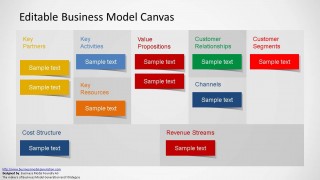
Editable Business Model Canvas PowerPoint Template
3-slide business model canvas presentation template with board layout and post-it planning workspace
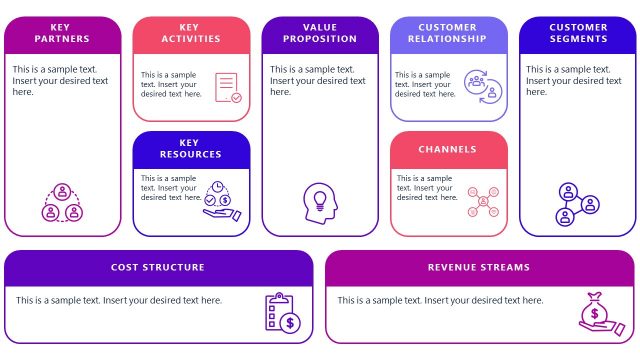
Editable Business Model Canvas PowerPoint Template is a 3-slide 16:9 presentation template for mapping business models in Microsoft PowerPoint and Google Slides. It includes a full-color canvas board, a muted canvas worksheet, and a post-it style working canvas covering partners, activities, value propositions, customers, costs, and revenue.
- Category
- Models
- Rating


 Loading...
- Aspect ratio
- 16:9
- Item ID
- 6432-02
- Colors
 Microsoft PowerPoint
  Microsoft Copilot
  Claude for PowerPoint
 Other formats supported
Subscribe today and get immediate
access to download our PowerPoint templates.