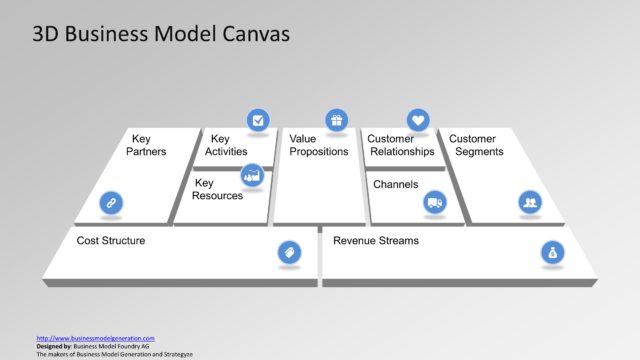
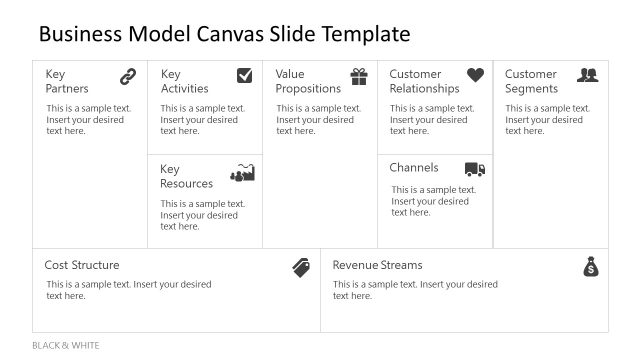
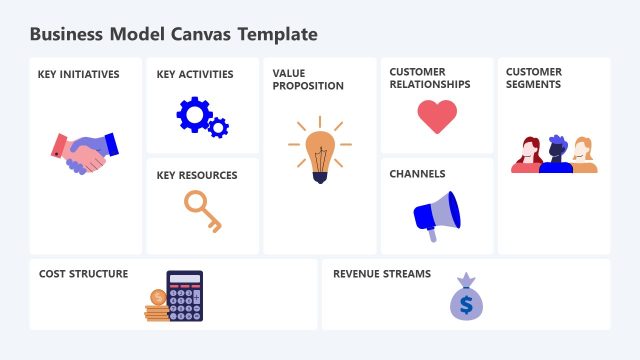
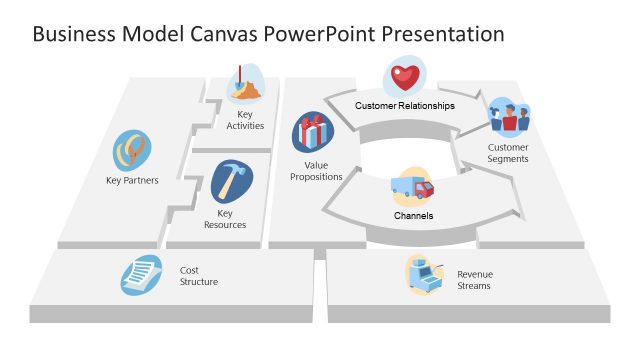
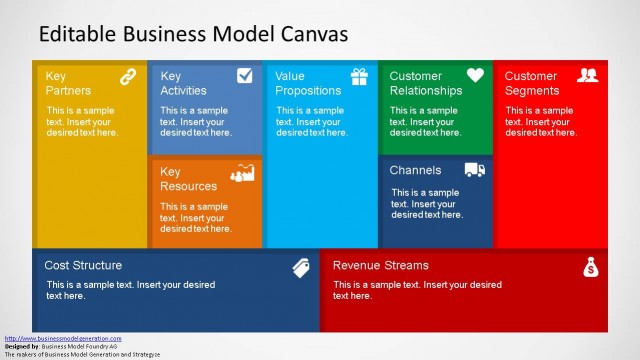
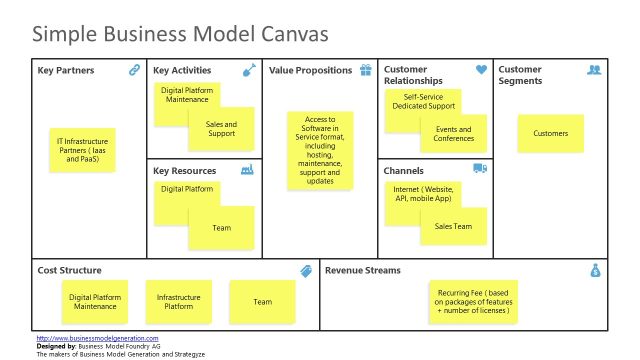
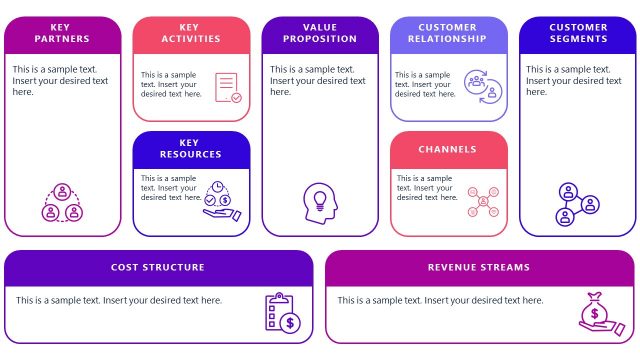
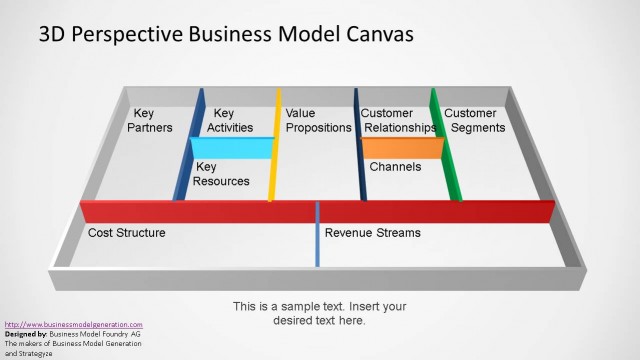
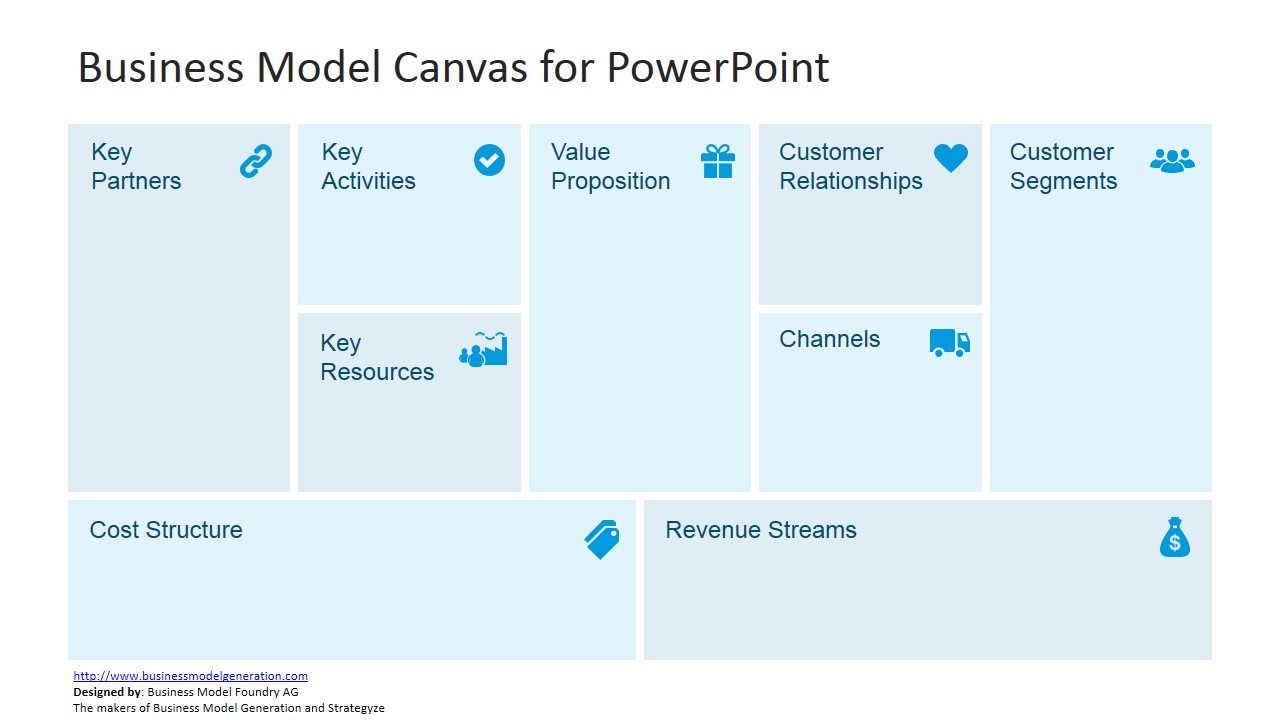
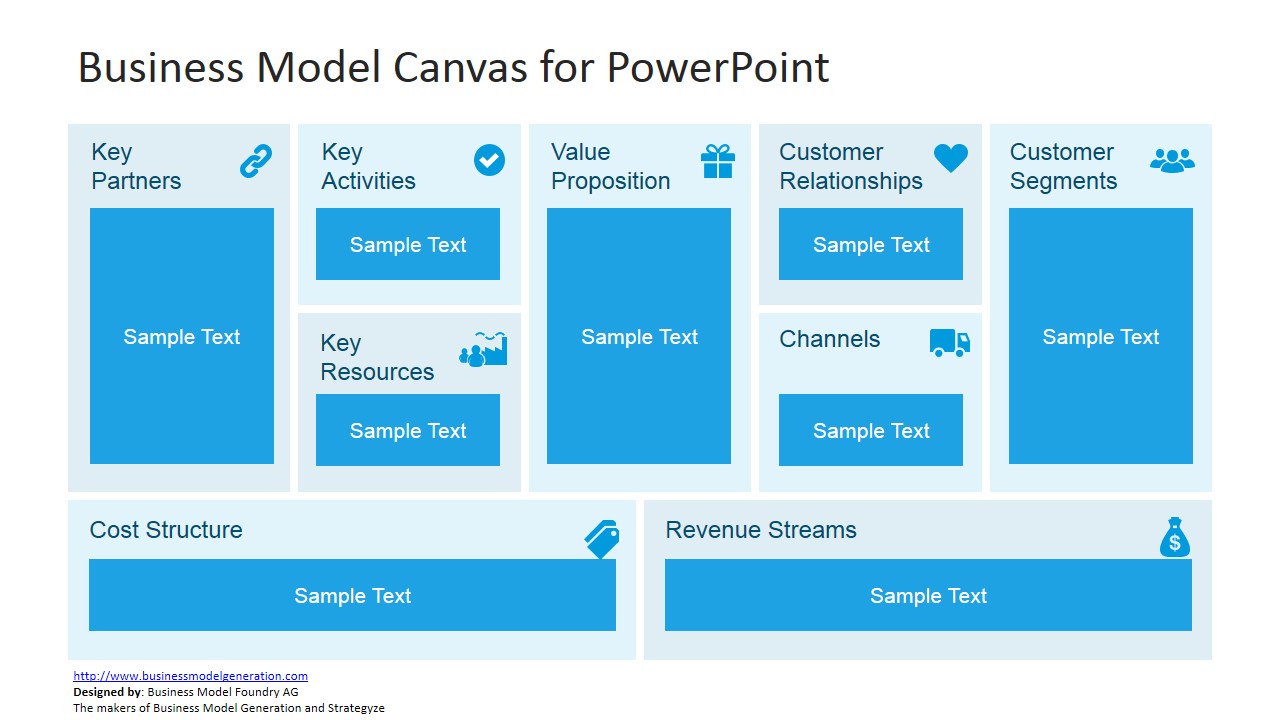
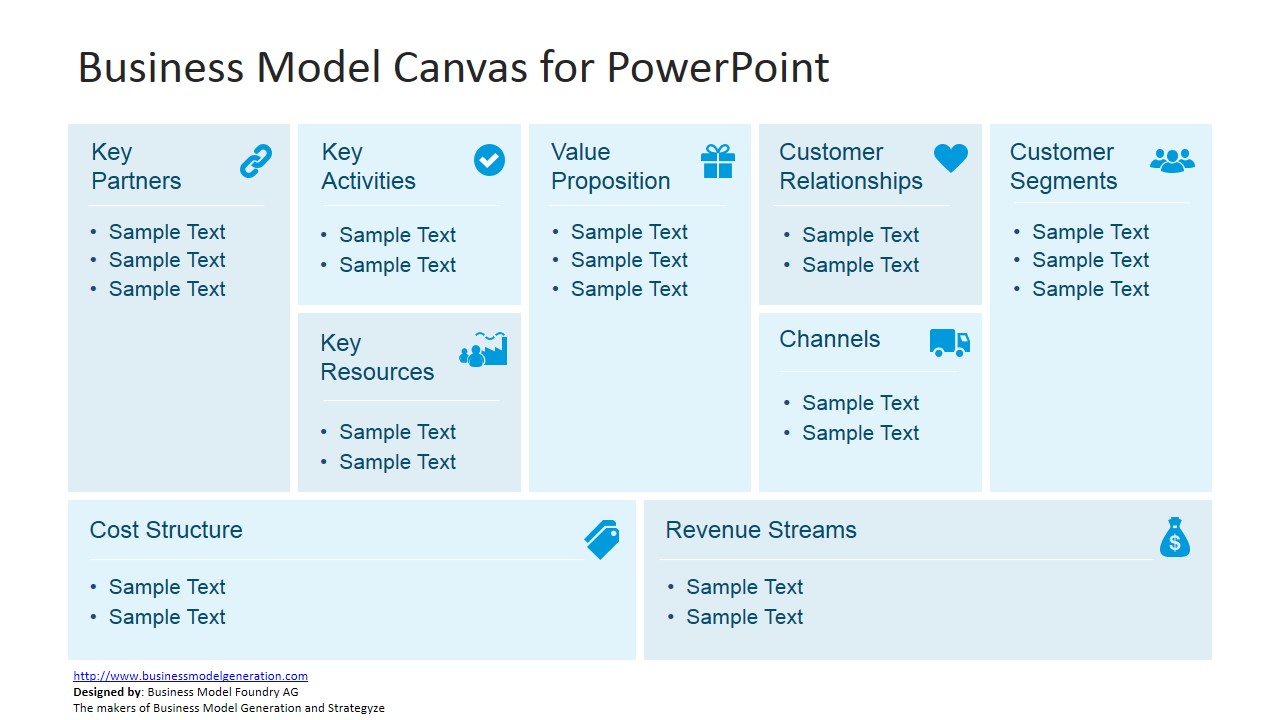
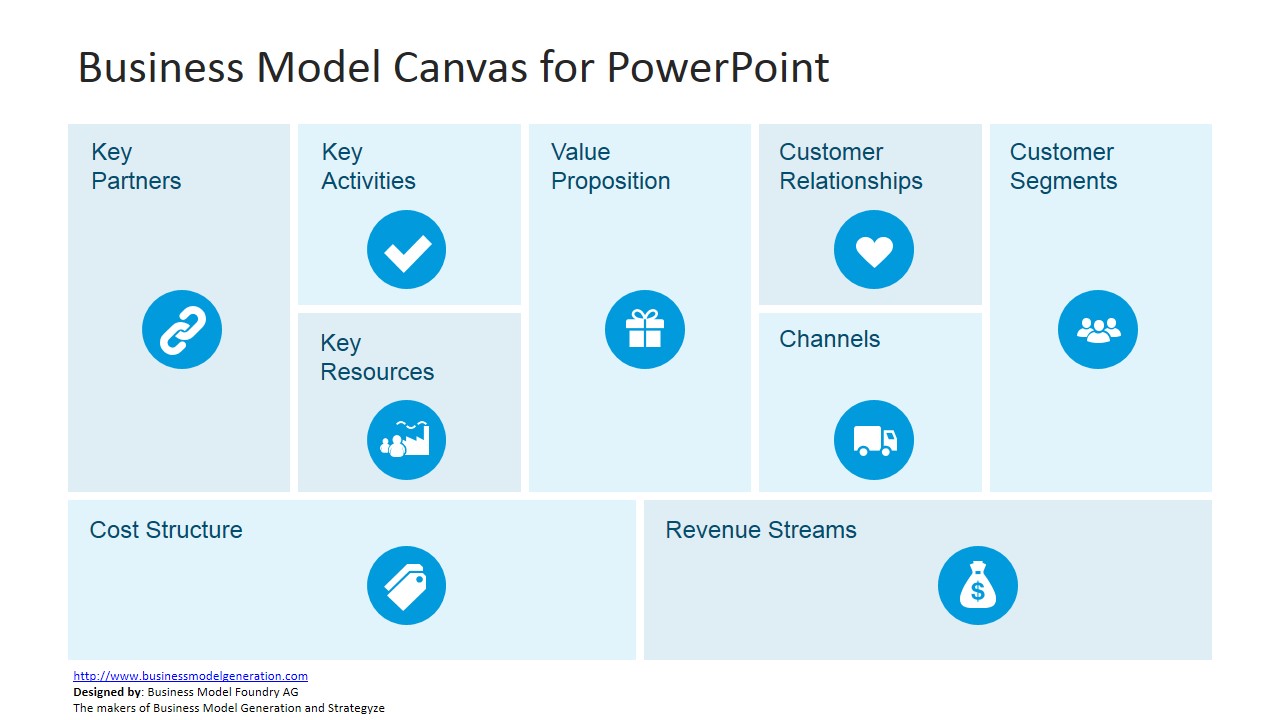
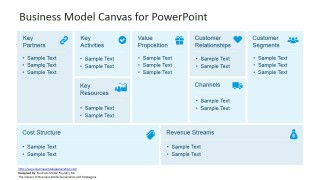
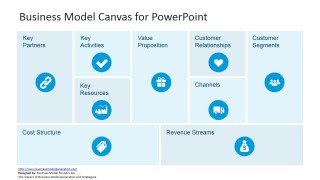
Business Model Canvas or just BMC is a strategic management and entrepreneurial tool created by Alex Osterwalder that can be used to develop new or documenting existing business models. By using the Business Model Canvas to document your business models you can easily share the key concepts behind your business model using visual elements. This Canvas Slides contains nine components: Key Partners, Key Activities, Key Resources, Value Proposition, Customer Relationships, Customer Segments, Channels and then two additional components to document your Cost Structure and Revenue Streams.
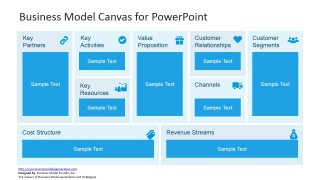
This is an editable Business Model Canvas template for Microsoft PowerPoint that can be edited with your own content by replacing the text placeholders on each Business Model Canvas component. We have designed this variant to propose a new style and look for the original business model canvas that can help you to make creative presentations while presenting your business ideas or projects to an investor or Venture Capital firm. If you are preparing a Business Model Canvas for an existing business then you can use this editable Business Model Canvas template to document your current business model. Additionally, in this guide you will find some Business Model Canvas examples that will be of great help to create your own plan.
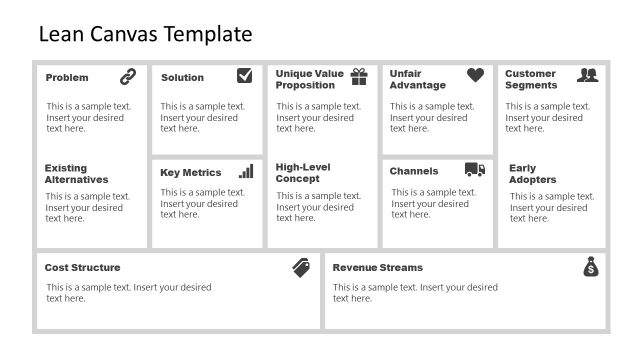
The Lean Canvas variant was proposed by Ash Maurya as an alternative to the original Business Model Canvas with a main objective of making it as actionable as possible while staying entrepreneur-focused.
You can combine this Business Model template for PowerPoint with other creative shapes and PowerPoint graphics like the post-it or sticky notes template. Alternatively, check out our collection of business model PowerPoint templates.
What’s inside this template
Example presentation scenarios
- A startup founder can present the business model to investors by filling the nine-block canvas with partners, customer segments, value proposition, cost structure, and revenue streams.
- A product manager can run a planning workshop by using the bullet-list canvas to capture assumptions, risks, and decisions for each business model component.
- A consultant can document an existing client's operating model by comparing customer relationships, channels, key resources, and revenue streams in the same canvas view.
- An innovation facilitator can open a strategy session with the icon-centered canvas to explain the meaning of each block before participants add details.
Features
- 100% editable presentation template
- Compatible with Microsoft PowerPoint and Google Slides
- 16:9 aspect ratio slides
- Scalable vector shapes, icons and illustrations
- AI-Ready for Microsoft Copilot and Claude
- Instant access and download
Frequently asked questions
Q: How should a presenter explain the canvas without reading every block?
A: Start with the value proposition in the center, then move outward to customers, channels, and relationships before covering the operational side with partners, activities, and resources. Close with cost structure and revenue streams. This route helps the audience understand the business logic instead of treating the canvas as nine unrelated boxes.
Q: When is this template a better choice than a full business plan deck?
A: Use it when the audience needs a concise model of how the business creates, delivers, and captures value. It fits founder discussions, strategy workshops, and consulting sessions where decisions depend on alignment across the nine canvas components, not on long market, financial, or implementation sections.
Q: Why does the grid-and-icon design work well for business model discussions?
A: The nine-block grid keeps every business model element visible at once, so gaps and dependencies are easier to spot. The icons act as quick visual anchors for partners, resources, channels, customers, costs, and revenue. This makes the slide useful for group discussion because people can refer to areas by position and symbol.
Business Model Canvas Template for PowerPoint
4-slide presentation template for Business Model Canvas workshops, value proposition mapping, and revenue streams
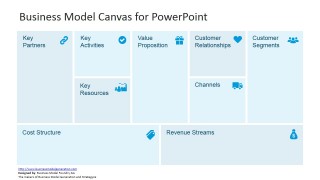
This 4-slide Business Model Canvas template presents Alex Osterwalder's model as editable PowerPoint and Google Slides layouts. It includes a blank nine-block canvas, filled sample-text canvas, bullet-list canvas, icon-centered canvas, and supporting vector icons for entrepreneurs, product teams, consultants, and strategy facilitators.
- Category
- Business PowerPoint Templates
- Rating


 Loading...
- Aspect ratio
- 16:9
- Item ID
- 6746-02
- Colors
 Microsoft PowerPoint
  Microsoft Copilot
  Claude for PowerPoint
 Other formats supported
Subscribe today and get immediate
access to download our PowerPoint templates.