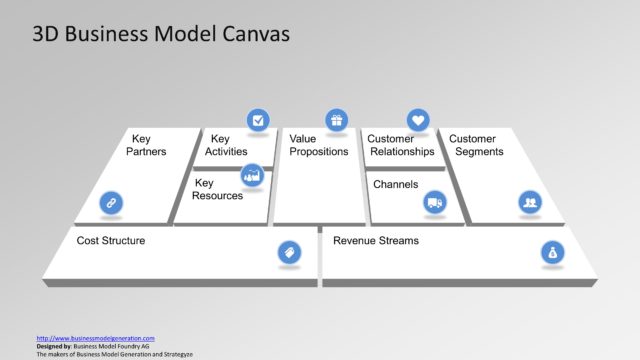
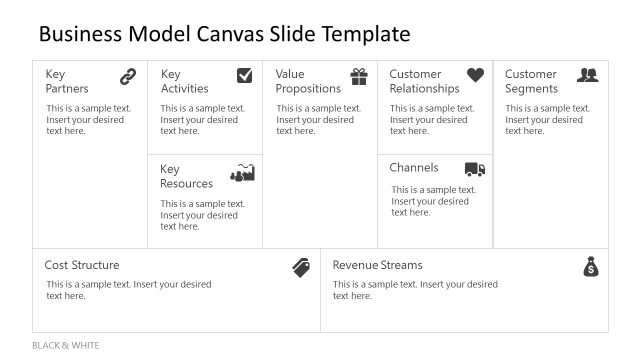
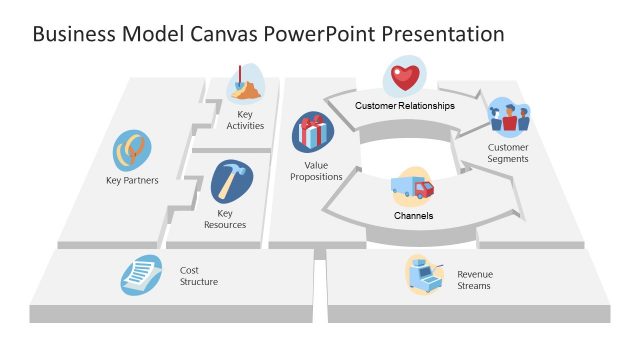
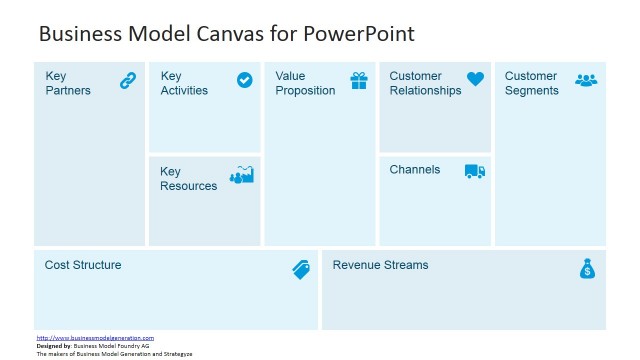
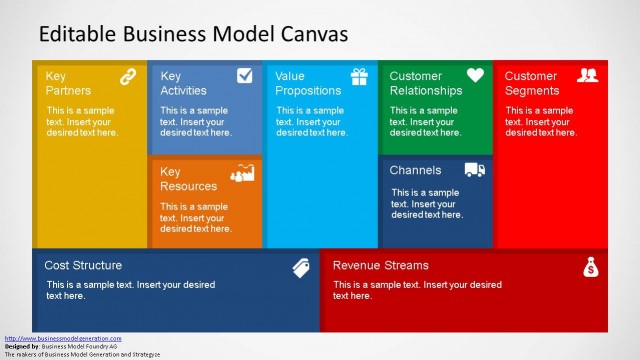
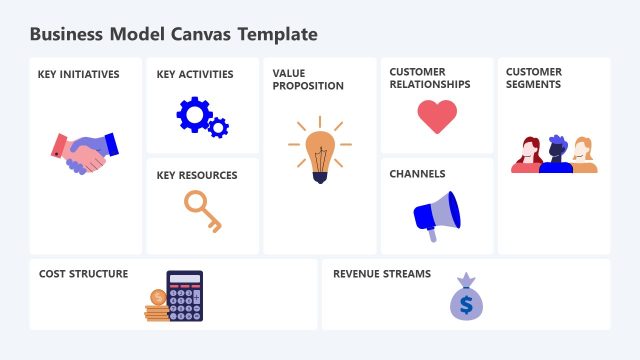
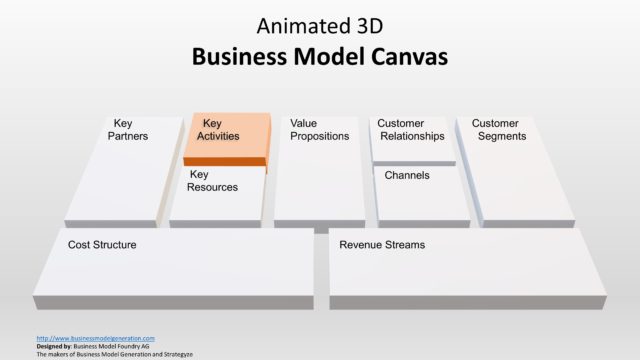
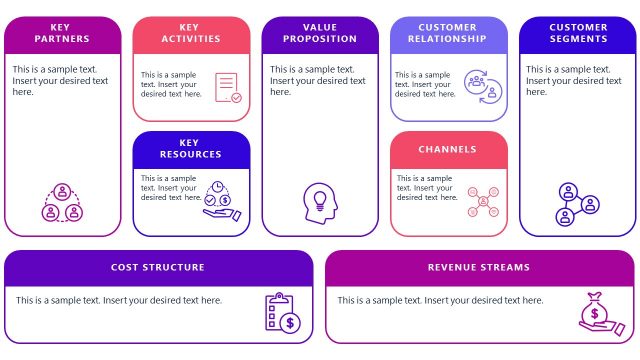
The Simple Business Model Canvas Template for PowerPoint features the design of a sticky note. The template of business canvas visualizes the building blocks of a business model on one pager PowerPoint. It is a grid layout template containing key business components. These include key partners, key activities, resources, value proposition, customer relationships, customer segments, channels, cost structure, and revenue streams. Business model canvas PowerPoint assists business professionals to focus on each segment of business for strategy and planning. The business model canvas enables businesses to customize the template to their needs. Professionals in all kinds of industries can take advantage of the business model canvas template to present their plans.
The Simple Business Model Canvas Template for PowerPoint presents two ready-to-use slides. An option of white and black canvas background enables users to copy slides with minimum customizations. Users can also change the background colors to match the colors of existing PowerPoint theme. The sticky notes contain text placeholders to add key points to the presentation. The slides of business model canvas also include clipart icons for a visual representation of each business segment.
A business model canvas is a framework for mapping business models in a straightforward and structured way. It gives an insight into customers’ needs and value offered through different channels. The business model canvas also covers the financial aspects of the business while addressing the needs of all customer segments. Business model canvas template ppt assists in assessing and describing the model in a visual manner. The template of business model canvas assists in a brainstorming session to compare ideas and discuss their implementation. If you are looking for more information, we recommend our section on Business Model Canvas Examples.
What’s inside this template
Example presentation scenarios
- A startup founder can use the Business Model Canvas grid to explain customer segments, channels, cost structure, and revenue streams during an investor or accelerator discussion.
- A product manager can use the sticky-note placeholders to compare value propositions, key resources, and customer relationships during a product business model review.
- A strategy consultant can guide a client workshop by filling each canvas block with assumptions, dependencies, and open questions for group discussion.
- An innovation team can use the white or black canvas version to capture new venture ideas and organize them into partners, activities, resources, and financial logic.
Features
- 100% editable presentation template
- Compatible with Microsoft PowerPoint and Google Slides
- 16:9 aspect ratio slides
- Scalable vector shapes, icons and illustrations
- AI-Ready for Microsoft Copilot and Claude
- Instant access and download
Frequently asked questions
Q: How should a presenter guide the audience through this Business Model Canvas?
A: Start with the value propositions block so the audience understands the central offer, then move outward to customer segments, channels, and relationships. After that, explain the operating side through partners, activities, and resources. Close with cost structure and revenue streams so the canvas ends with the financial logic behind the model.
Q: Who is this template best suited for?
A: This template fits founders, consultants, product managers, and strategy teams that need a fast, shared view of how a business works. It is strongest in workshops and early planning sessions where people must compare assumptions across customers, delivery channels, resources, partners, costs, and revenue rather than read a long strategy document.
Q: Why does the sticky-note canvas format work well for business model discussions?
A: The sticky-note metaphor signals that the model is open to testing and revision. Each yellow note keeps points short, while the grid prevents the conversation from drifting away from the nine core business model areas. The white and black versions also let presenters choose either a workshop-board look or a higher-contrast executive view.


Simple Business Model Canvas Template for PowerPoint
2-slide presentation template for Business Model Canvas planning with sticky notes and framework grids
The Simple Business Model Canvas Template for PowerPoint is a 2-slide business framework template for mapping a business model on one page. It includes white and black Business Model Canvas grids, sticky-note text placeholders, section icons, and labeled areas for partners, activities, resources, value proposition, customers, costs, and revenue.
- Category
- Business PowerPoint Templates
- Rating

 Loading...
- Aspect ratio
- 16:9
- Item ID
- 21188-01
- Colors
 Microsoft PowerPoint
 Microsoft Copilot
 Claude for PowerPoint
Other formats supported
Subscribe today and get immediate
access to download our PowerPoint templates.