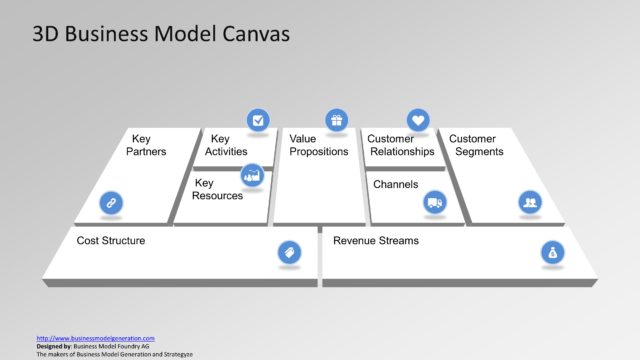
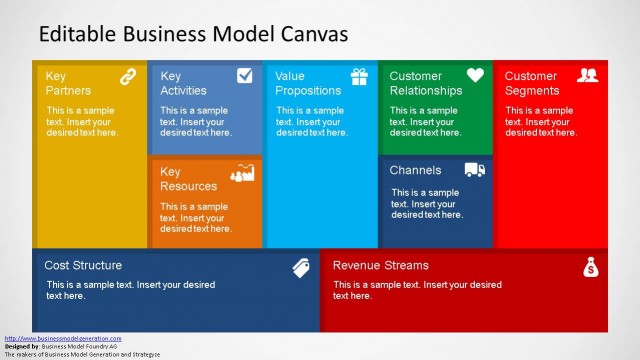
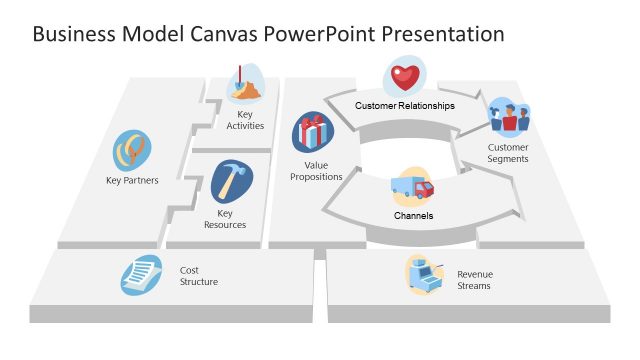
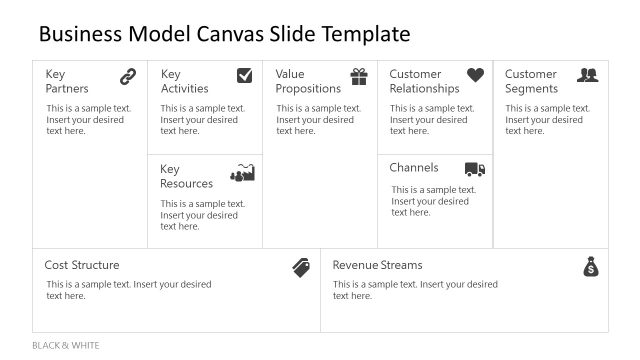
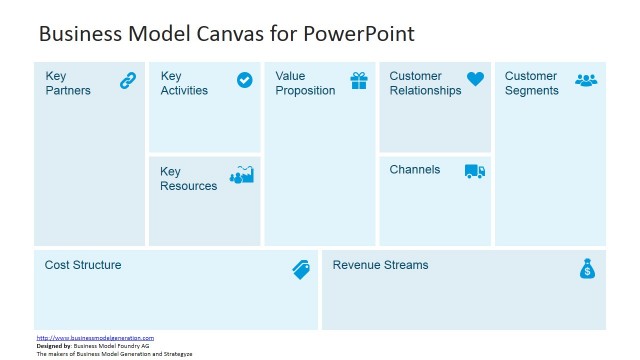
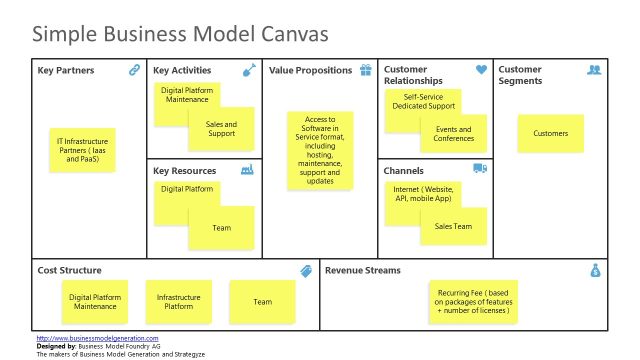
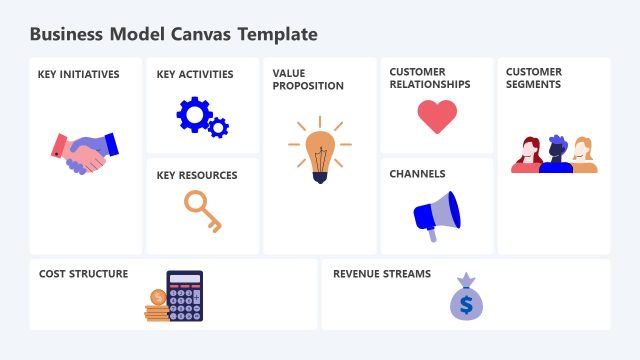
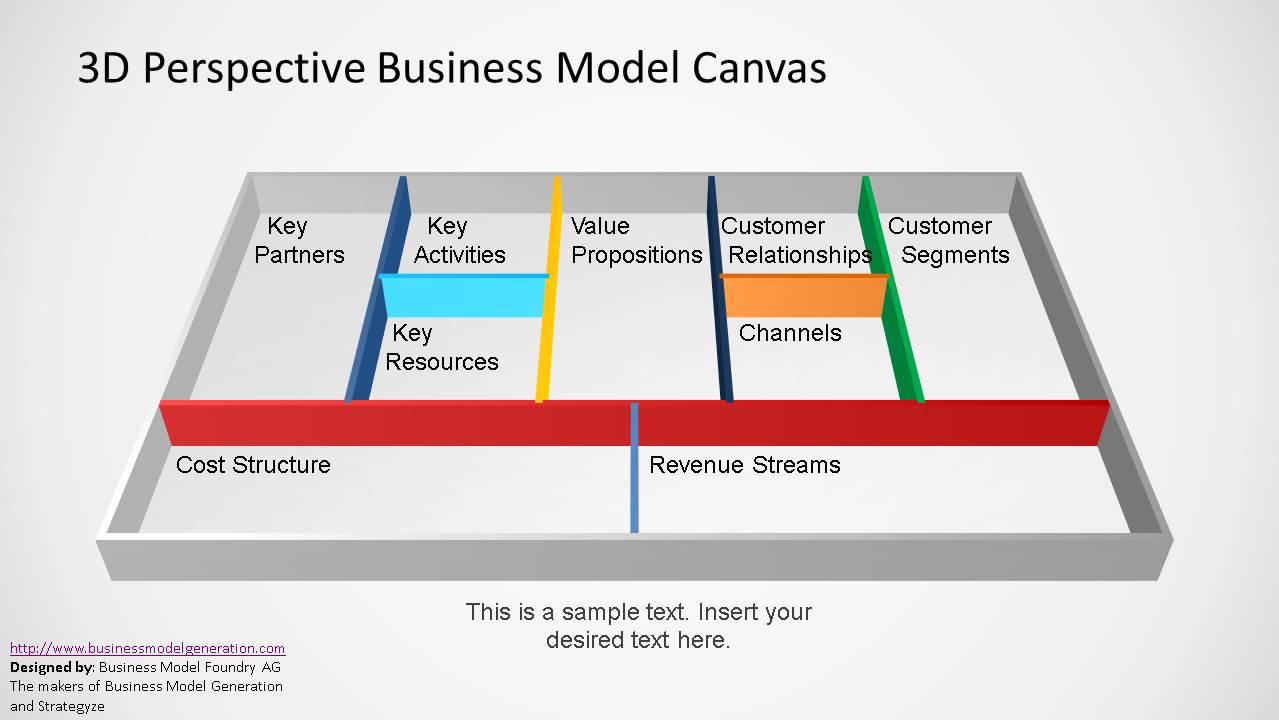
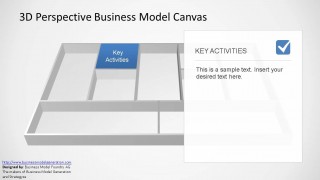
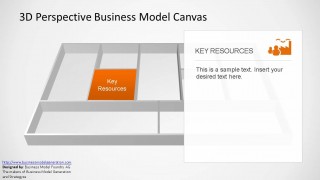
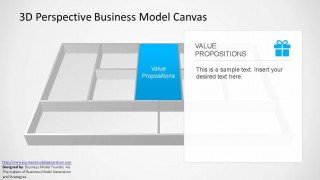
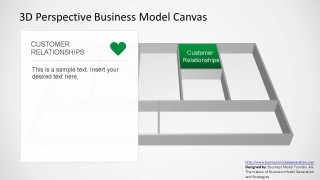
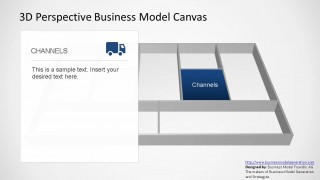
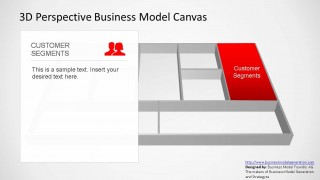
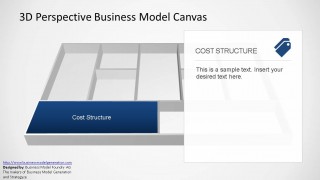
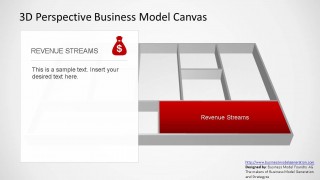
3D Perspective Business Model Canvas PowerPoint Template is an outstanding 45 degree representation of Alexander Osterwalder’s Business Model Canvas. The Business Model Canvas is a strategic management template for developing and documenting business models. Graphically represents the elements that describe a firm’s value proposition. The components represented are: Value Proposition, Customer Relationships, Customer Segments, Channels,Revenue Streams, Key Activities, Key Resources, Key Partners and Cost Structure.
This model was designed by businessmodelgeneration.com and is under the Commons Attribution-ShareAlike 3.0 Unported (CC BY-SA 3.0). It has gain respect under the Entrepreneurial environment as being powerful for Startups. Combine this tool with Strategy Canvas and Porter’s Generic Forces models for consulting analysis.
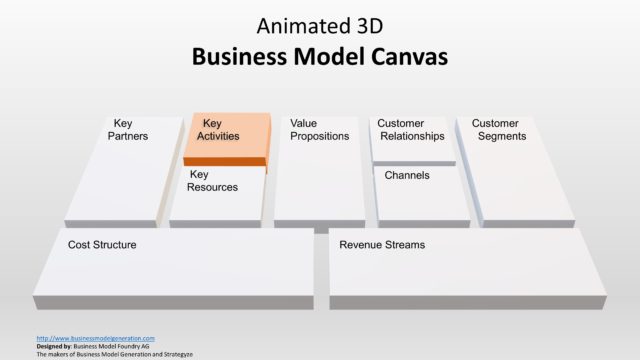
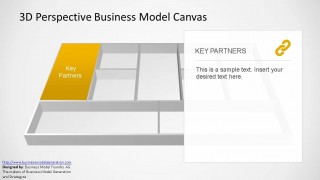
The user will be able to customize every items of the Business Model Canvas Template as every slide is created from individual PowerPoint objects. The first slides shows the clean canvas, and the following slides focus in one specific area.
Impress your audience with the 3D Perspective Business Model Canvas PowerPoint Template. Additionally, find more information and Business Model Canvas examples in our article.
What’s inside this template
Example presentation scenarios
- A startup founder can use the full canvas overview and value proposition spotlight to present a new venture model to advisors or early investors.
- A strategy consultant can guide a client workshop by moving through the key partners, key activities, cost structure, and revenue streams spotlight slides.
- A product manager can explain customer development assumptions using the customer segments, customer relationships, and channels slides.
- A business instructor can teach the Business Model Canvas framework by showing the 3D overview first and then isolating each block for discussion.
Features
- 100% editable presentation template
- Compatible with Microsoft PowerPoint and Google Slides
- 16:9 aspect ratio slides
- Scalable vector shapes, icons and illustrations
- AI-Ready for Microsoft Copilot and Claude
- Instant access and download
Frequently asked questions
Q: How should I present the canvas so the audience does not get lost in the framework?
A: Start with the full 3D canvas overview to orient the audience, then move one block at a time through the spotlight slides. Keep each callout panel limited to the core assumption, decision, or risk for that block. This turns the canvas from a dense framework into a guided explanation of how the model fits together.
Q: Who is this template best suited for in a business model discussion?
A: This template fits founders, consultants, product managers, and instructors who need to explain a business model rather than only document it. The component spotlight slides are useful when the audience must compare assumptions across value proposition, customer segments, channels, partners, costs, and revenue before making a strategic decision.
Q: Why use the 3D perspective canvas instead of a flat nine-block grid?
A: The 3D board metaphor makes the canvas feel like a working model laid out on a table. Highlighted blocks create a clear visual path from the whole system to one component. That helps the presenter discuss relationships without redrawing the framework, while the callout panel keeps the explanation readable.


3D Perspective Business Model Canvas PowerPoint Template
11-slide presentation template for Business Model Canvas strategy with 3D perspective blocks and component callouts
The 3D Perspective Business Model Canvas PowerPoint Template is an 11-slide strategy deck showing a 45-degree Business Model Canvas. It includes a full canvas overview, individual component spotlight slides, white text callout panels, and icon markers for founders, consultants, product teams, and educators using Microsoft PowerPoint or Google Slides.
- Category
- Models
- Rating


 Loading...
- Aspect ratio
- 16:9, 4:3
- Item ID
- 6432-01
- Colors
 Microsoft PowerPoint
  Microsoft Copilot
  Claude for PowerPoint
 Other formats supported
Subscribe today and get immediate
access to download our PowerPoint templates.