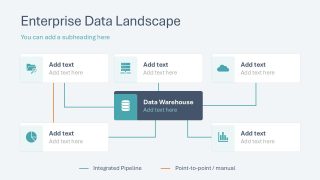
Present your organization’s data management strategy in your executive presentations with our Data Lineage PowerPoint Template. Companies analyze data to make informed business decisions, identify patterns, and determine trends. This helps them make better strategies for upcoming events or actions. So, storing and managing data on products, services, customers, sales, costs, and profits is essential. Data engineers use this template to showcase the business process overview and to discuss the enterprise data landscape in full. This PPT template features multiple diagrams, flowcharts, and graphs to help business analysts effectively share data lineage frameworks. In employee training presentations, data science trainers use multiple visualizations to convey the significance of data and data management strategies.
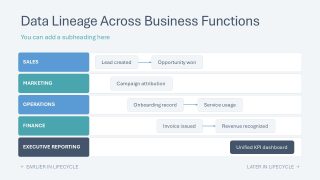
The data consultants who conduct the mentorship programs use this Data Lineage PowerPoint Template in their workshops to discuss the data modernization roadmap effectively. They show how data flows from operational systems to data warehouses, then through various pipelines and semantic layers for effective AI development and analytics. The data lineage template has a minimal design that makes the text more prominent to the audience. Some of the key slides that our users edit for their data lineage presentations are:
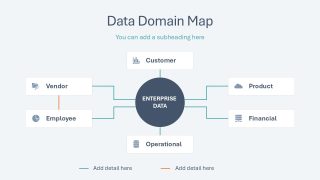
- Data Domain Map
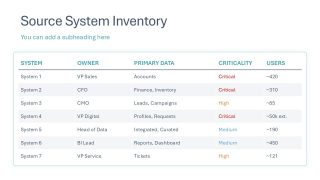
- Source System Inventory
- Data Lineage Across Business Functions
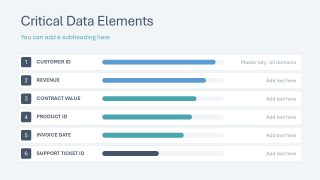
- Critical Data Elements
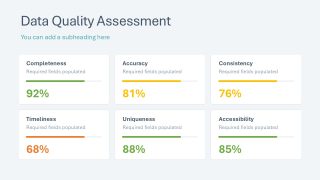
- Data Quality Assessment
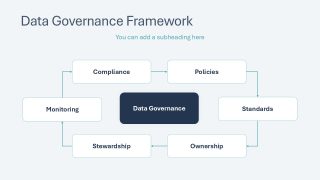
- Data Governance Framework
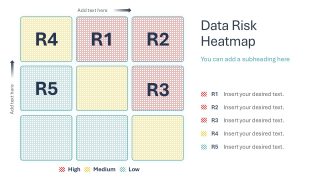
- Data Risk Heatmap
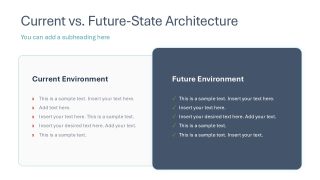
- Current vs. Future-State Architecture
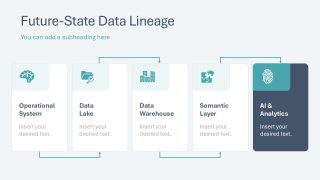
- Future-State Data Lineage
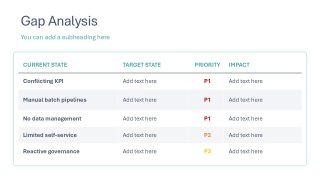
- Gap Analysis
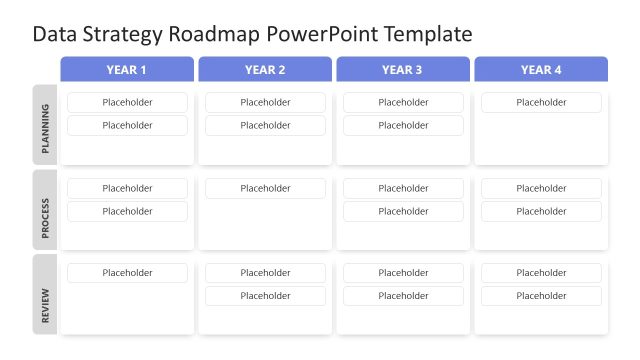
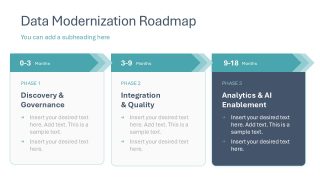
- Data Modernization Roadmap
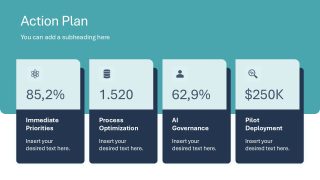
- Action Plan
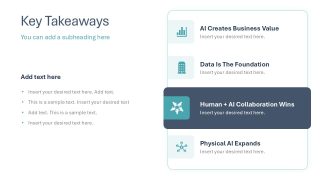
- Key Takeaways
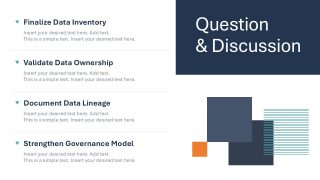
- Question & Discussion
In addition, users can adjust the design and graphical elements to perfectly match their needs. Download the data lineage PPT template for your stakeholder presentations to clearly showcase the future-state data architecture.
What’s inside this template
Example presentation scenarios
- A data governance lead can use the governance framework and source system inventory table to align business owners on accountability, criticality, and reporting responsibilities.
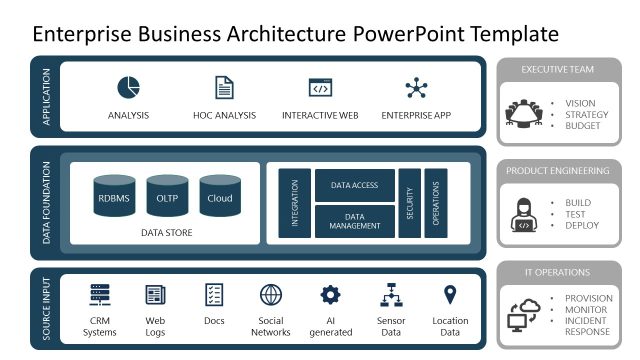
- A data architect can present the enterprise data landscape, data domain map, and future-state lineage diagram to explain how information moves from operational systems to analytics.
- A business analyst can use the quality assessment cards, critical data elements slide, and gap analysis table to report data issues and their operational impact.
- A consulting team can run a modernization workshop using the workshop objective slide, risk heatmap, roadmap, action plan, and discussion slide to move from assessment to decisions.
Features
- 100% editable presentation template
- Compatible with Microsoft PowerPoint and Google Slides
- 16:9 aspect ratio slides
- Scalable vector shapes, icons and illustrations
- AI-Ready for Microsoft Copilot and Claude
- Instant access and download
Frequently asked questions
Q: How should a presenter explain data lineage without overwhelming a mixed business and technical audience?
A: Start with the workshop objective and business process overview to define the business context before showing architecture. Then move into the enterprise data landscape, data domain map, and source inventory table. This order lets nontechnical stakeholders understand why systems, ownership, and quality matter before the discussion shifts to risk, gaps, and modernization.
Q: Who is this template best suited for, and what decision does it help drive?
A: This template fits data governance leads, data architects, consultants, and business analysts who need agreement on how data is owned, assessed, and improved. The risk heatmap, gap analysis table, and modernization roadmap help convert a complex data management review into prioritized actions that executives and delivery teams can discuss.
Q: Why do the map, heatmap, and roadmap layouts work well together for a data lineage message?
A: The deck uses a mapping metaphor first, then an assessment view, then a forward plan. The data domain map shows relationships, the risk heatmap makes exposure easy to compare, and the roadmap turns findings into phased work. This sequencing helps the audience move from understanding to judgment to action.
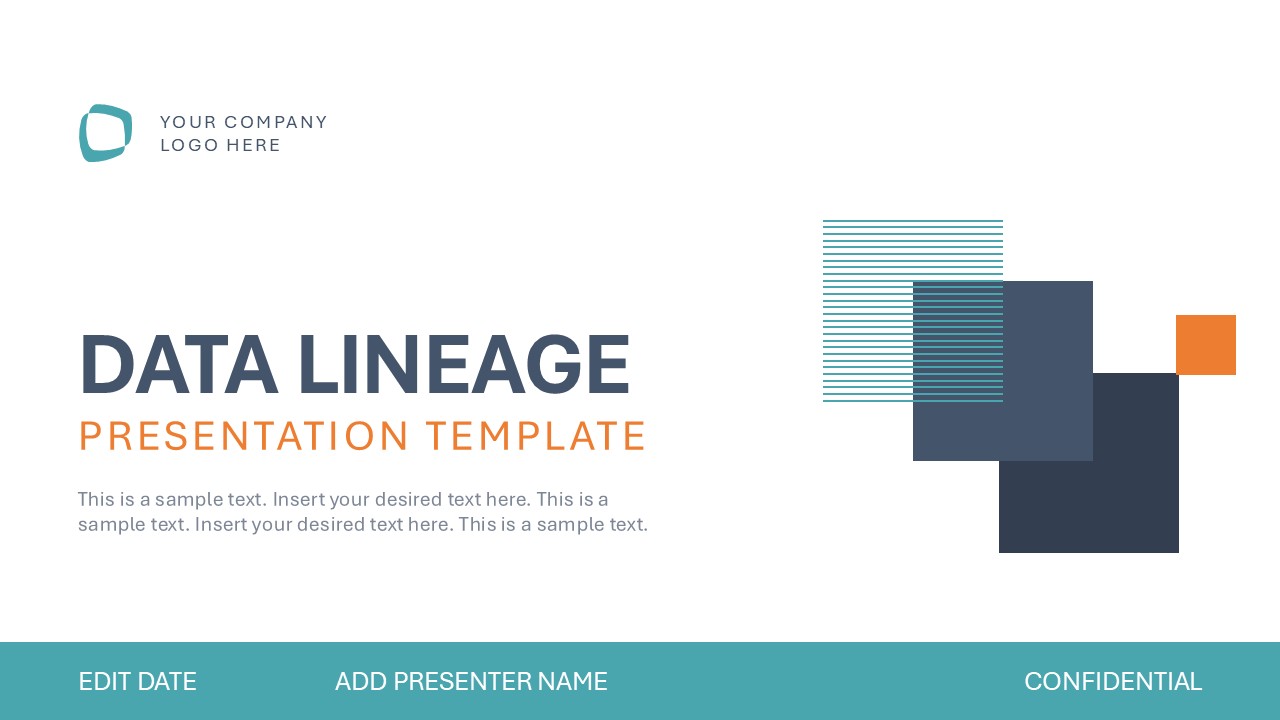


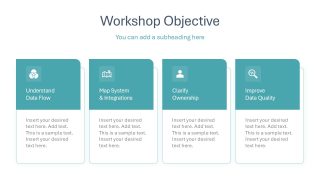
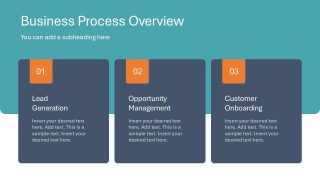
Data Lineage PowerPoint Template
19-slide data lineage presentation template with architecture diagrams, risk heatmap, roadmap, and governance framework
Data Lineage PowerPoint Template is a 19-slide business presentation template for explaining data flow, ownership, quality, and modernization work. Visible layouts include a data domain map, source system inventory table, data risk heatmap, governance framework, gap analysis table, and modernization roadmap for Microsoft PowerPoint and Google Slides.
- Category
- Business PowerPoint Templates
- Rating

 Loading...
- Aspect ratio
- 16:9
- Item ID
- 94222-01
- Colors
 Microsoft PowerPoint
  Microsoft Copilot
  Claude for PowerPoint
 Other formats supported
Subscribe today and get immediate
access to download our PowerPoint templates.