Slide 14 of 20 from Data Lineage PowerPoint Template
Current vs. Future-State Architecture Comparison Layout Slide
Current vs. Future-State Architecture Slide
- Diagram
- Comparison Split
- Strategic Analysis Slide
- 16:9
- 100% Editable
The Current vs. Future-State Architecture slide from the Data Lineage PowerPoint Template offers a clear visual comparison ideal for strategic analysis in business presentations. This slide template features editable shapes and vector icons to highlight key differences between existing and planned environments, supporting effective communication in corporate presentations and pitch deck templates focused on project transitions and modernization.
What’s on This Slide
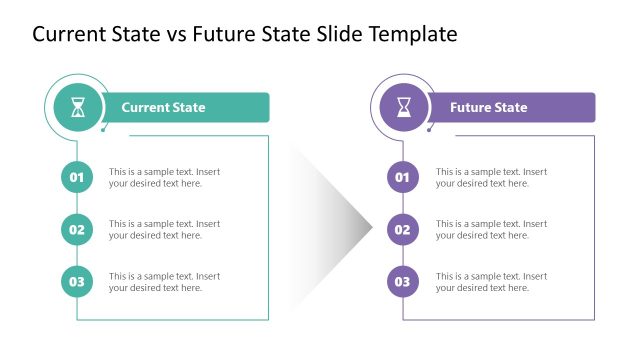
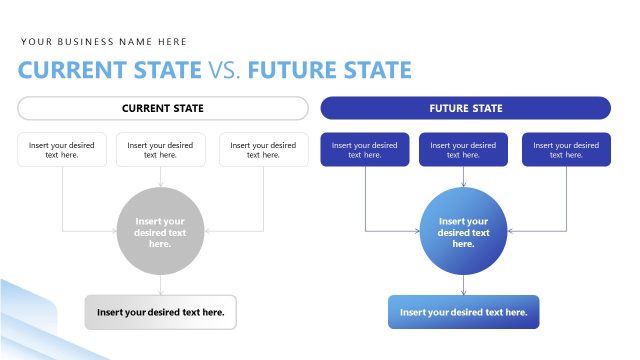
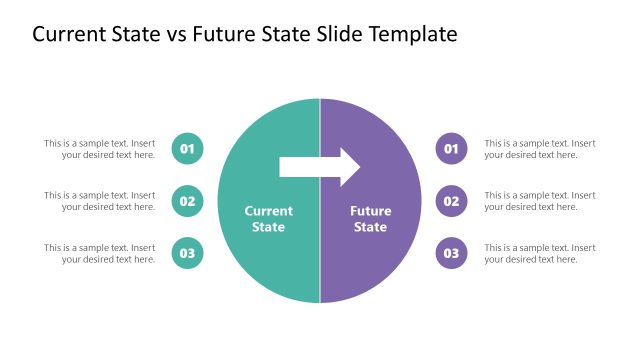
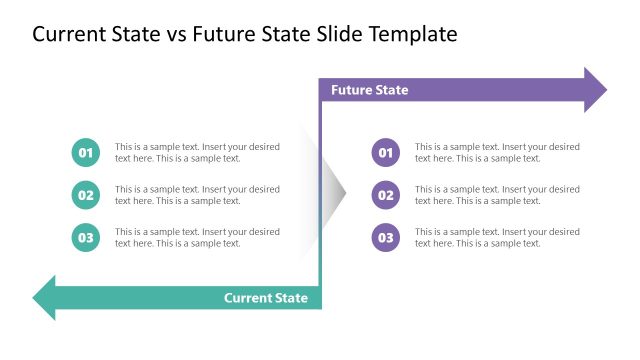
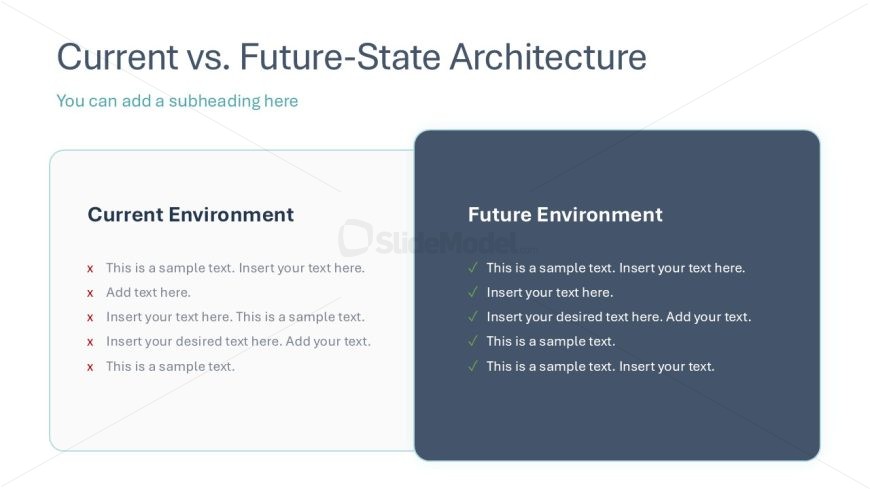
The layout features two side-by-side sections for comparison. The left section is labeled 'Current Environment' and contains five text placeholders aligned vertically. Each placeholder has an 'x' symbol indicating points to be addressed. The right section is labeled 'Future Environment' and includes five text placeholders with checkmarks, indicating positive aspects. The overall background is light with a contrasting dark background for the future section. A title is positioned at the top center, with a subheading below it, creating a clear visual hierarchy.
How to Use It
This layout serves as a comparative analysis tool, contrasting the current and future states of a business or project. It is suitable for presentations discussing transitions in data architecture, highlighting changes in processes, or outlining improvements. This slide fits well in a sequence following problem identification, leading into strategic planning or modernization discussions. It can be used in business meetings, stakeholder presentations, or project updates.
Text Placeholders & Capacity
Keep your copy within these limits so it fits without resizing. Node body slots can hold up to 50 characters each.
| Placeholder | Count | Max characters (approx.) |
|---|---|---|
| Slide title | 1 | 40 |
| Subtitle | 1 | 60 |
| Item body | 10 | 50 |
Slide Keywords
Download unlimited PowerPoint templates, charts and graphics for your presentations with our annual plan.
DOWNLOADReturn to Data Lineage PowerPoint Template.