Slide 19 of 20 from Data Lineage PowerPoint Template
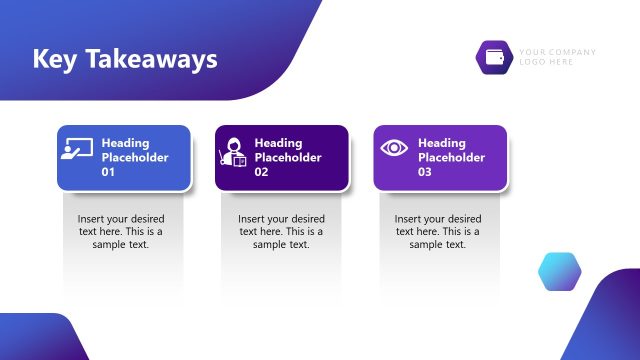
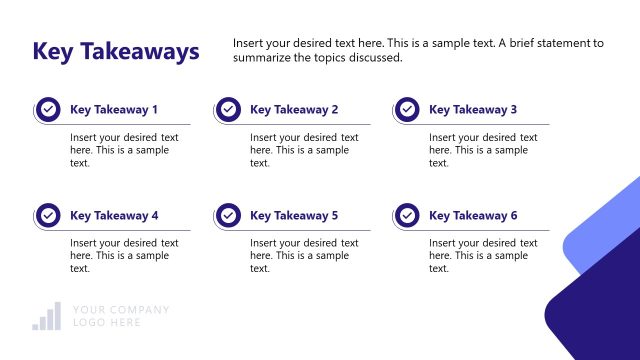
Key Takeaways Checklist for Data Lineage Presentation
Key Takeaways Slide for Data Lineage Presentation
- Text Layout
- List Blocks
- Summary Slide
- 16:9
- 100% Editable
The Key Takeaways Layout from the Data Lineage PowerPoint Template offers a structured summary slide ideal for business presentations. This slide template features editable shapes and vector icons arranged to highlight essential conclusions and insights clearly. Its clean design supports effective communication in corporate presentations, making it a practical choice for pitch decks and strategic meetings that require concise recap of key points.
What’s on This Slide
The slide features a left-aligned title reading 'Key Takeaways' and a subheading positioned below it. On the right, there are four rectangular sections stacked vertically, each containing an icon and a title. The first three sections are visually lighter, while the fourth section is darker, emphasizing 'Human + AI Collaboration Wins.' Below these sections, there is a left-aligned text area with bullet points for additional content. The overall layout uses a clean design with a light background and a structured visual hierarchy, guiding the viewer's attention from the title to the key points.
How to Use It
This layout serves as a summary slide, ideal for highlighting key insights or conclusions in a presentation. It fits well towards the end of a presentation, providing a recap of essential points discussed. This structure is useful in business contexts such as project reviews, strategic meetings, or data analysis presentations, where summarizing findings or recommendations is necessary. It allows for clear communication of crucial takeaways to the audience.
Text Placeholders & Capacity
Keep your copy within these limits so it fits without resizing. Body slots can accommodate roughly 15-20 words each.
| Placeholder | Count | Max characters (approx.) |
|---|---|---|
| Slide title | 1 | 30 |
| Subtitle | 1 | 50 |
| Item heading | 4 | 30 |
| Body paragraph | 4 | 100 |
Slide Keywords
Download unlimited PowerPoint templates, charts and graphics for your presentations with our annual plan.
DOWNLOADReturn to Data Lineage PowerPoint Template.