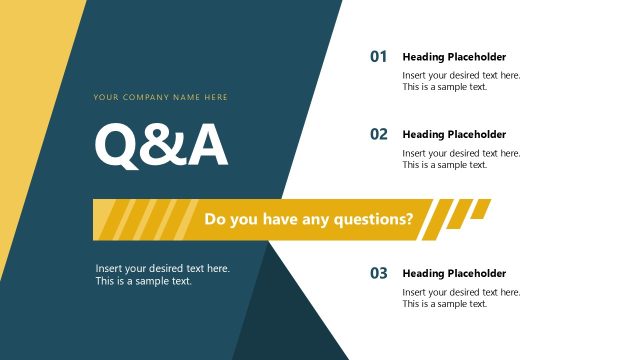
Slide 20 of 20 from Data Lineage PowerPoint Template
Questions & Discussion Closing Slide Data Lineage Template
Question and Discussion Slide for Data Lineage
- Text Layout
- Other
- Closing Slide
- 16:9
- 100% Editable
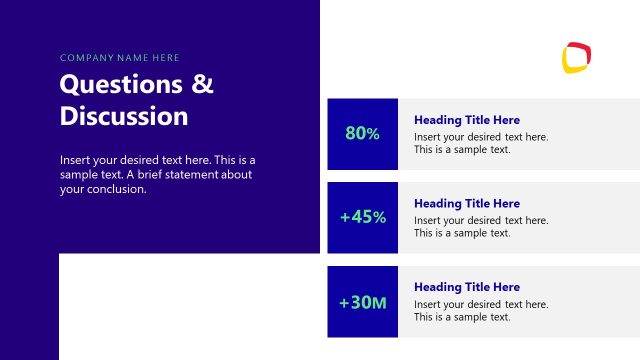
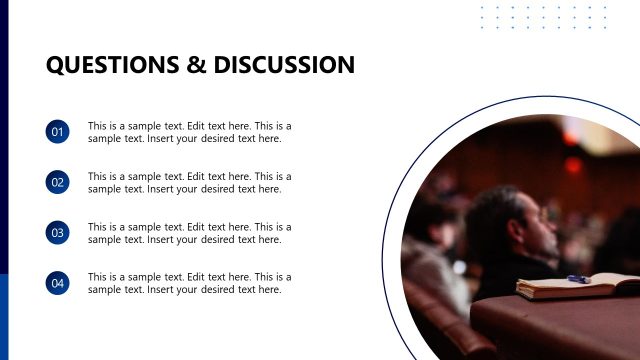
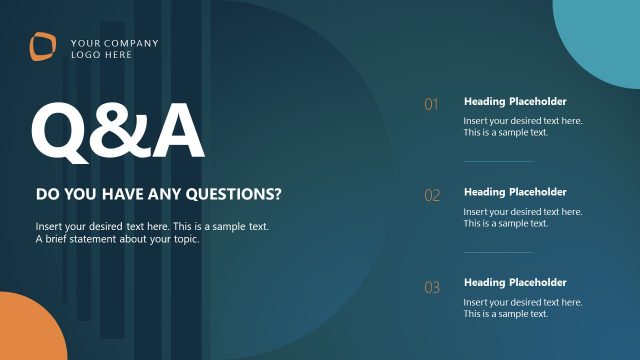
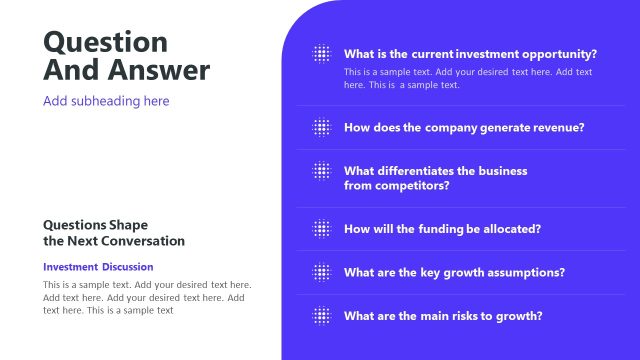
The Question and Discussion slide from the Data Lineage PowerPoint Template provides a structured closing layout ideal for summarizing key points and facilitating Q&A sessions. This slide layout supports business presentations focused on data governance and management, featuring editable shapes and vector icons to enhance clarity. It is designed to encourage audience interaction and feedback, making it a practical choice for corporate presentation slide decks that require a comprehensive discussion summary.
What’s on This Slide
The layout features a right-aligned title section labeled 'Question & Discussion' in a large font. Below, there are four vertical sections, each containing a heading with a downward arrow icon. The headings include 'Finalize Data Inventory', 'Validate Data Ownership', 'Document Data Lineage', and 'Strengthen Governance Model'. Each section has placeholder text aligned left, indicating where additional information can be inserted. The background is predominantly white with a dark blue block on the right side, accompanied by geometric shapes in various colors, enhancing the visual hierarchy and separation of content.
How to Use It
This layout serves as a concluding slide for discussions or Q&A sessions, effectively summarizing key topics for audience engagement. It fits at the end of a presentation, allowing for interaction and feedback on the presented material. This structure is useful in business contexts where data management, governance, and lineage discussions are critical, fostering dialogue and clarifying concepts presented earlier in the deck.
Text Placeholders & Capacity
Keep your copy within these limits so it fits without resizing. Node body slots can accommodate about 15-20 words each.
| Placeholder | Count | Max characters (approx.) |
|---|---|---|
| Slide title | 1 | 30 |
| Item heading | 4 | 40 |
| Item body | 4 | 100 |
Slide Keywords
Download unlimited PowerPoint templates, charts and graphics for your presentations with our annual plan.
DOWNLOADReturn to Data Lineage PowerPoint Template.