Slide 15 of 20 from Data Lineage PowerPoint Template
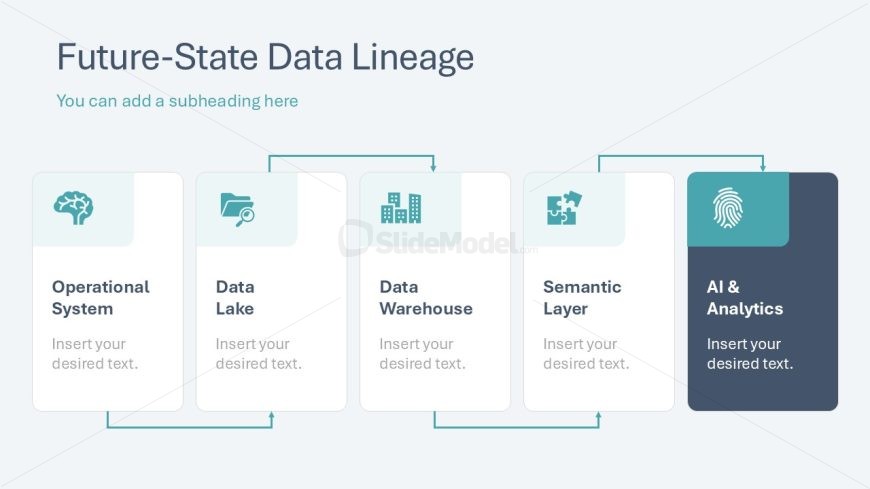
Future-State Data Lineage Process Flow Diagram PPT Layout
Future-State Data Lineage Overview
- Diagram
- Process Flow
- Process Slide
- 16:9
- 100% Editable
The Future-State Data Lineage slide from the Data Lineage PowerPoint Template offers a clear process flow diagram ideal for data architecture discussions and modernization strategy meetings. This slide layout uses editable shapes and vector icons to visually represent the sequence of data movement across operational systems, data lakes, warehouses, semantic layers, and AI analytics. It integrates seamlessly into business presentations and pitch deck templates focused on data management, providing a structured way to communicate complex data relationships.
What’s on This Slide
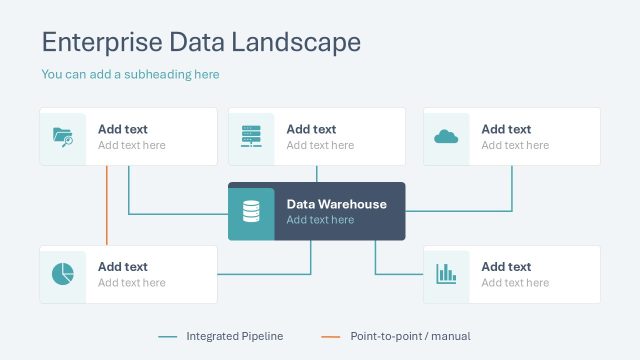
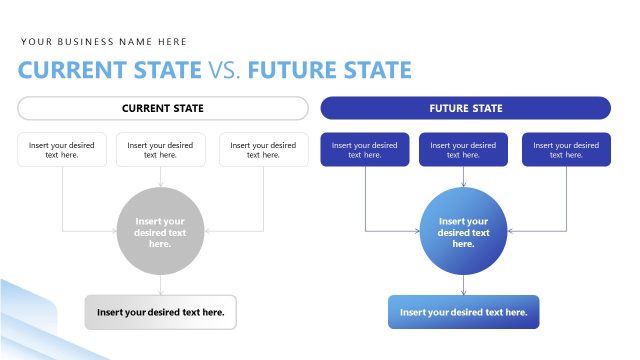
The slide features a horizontal layout with five rectangular nodes arranged in a row. Each node contains an icon and a text placeholder for titles and descriptions, aligned centrally. The first node on the left is labeled 'Operational System,' followed by 'Data Lake,' 'Data Warehouse,' 'Semantic Layer,' and 'AI & Analytics' on the right. Connecting arrows flow between the nodes, indicating a sequence. The background is light, and the overall color scheme is soft with a focus on teal and gray. A title and a subheading are positioned at the top.
How to Use It
This layout serves as a process flow diagram, illustrating the future-state data lineage in a business context. It fits well in a presentation sequence that discusses data architecture or modernization strategies. This structure is useful for visualizing data movement through various systems, making it applicable for data management discussions, strategy meetings, or stakeholder presentations. It can effectively communicate the relationship between different data components in a clear and organized manner.
Text Placeholders & Capacity
Keep your copy within these limits so it fits without resizing. Node labels can accommodate up to 20 characters each.
| Placeholder | Count | Max characters (approx.) |
|---|---|---|
| Slide title | 1 | 30 |
| Subtitle | 1 | 40 |
| Item heading | 5 | 20 |
| Item body | 5 | 50 |
Slide Keywords
Download unlimited PowerPoint templates, charts and graphics for your presentations with our annual plan.
DOWNLOADReturn to Data Lineage PowerPoint Template.