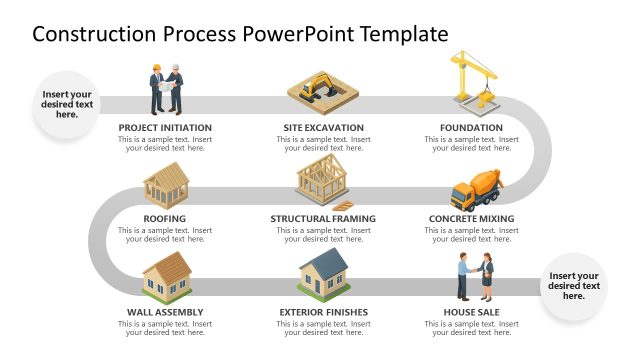
The meaning of Construction is the term given to the planning and production of buildings and building systems. The professionally designed Construction Workflow Layout for PowerPoint is a beautifully produced template that provides presenters with an easily understandable and attractively navigable system for educating lecture, seminar and lesson attendees in the processes that constitute this industry.Also, it can be used under construction projects to denote each stage of the creation and commercialization of a building.
A typical construction project will typically begin with at the planning stage before proceeding to the design stage, then the financing stage and continues until the building or structure is deemed suitable for either occupation or unveiling – depending on the purpose of the building.
Far from being a constrained to a single activity, large scale construction is fundamentally a feat of monumental human multitasking. In much the same manner as ants constructing a nest, for humans to create some of the high rise megastructures which we are familiar with a great deal of collaboration is required. Usually the process of construction is monitored and controlled by a project manager, supervised by a construction manager. On top of the construction process a civil engineer, construction engineer or buildings architect oversees the process. For the successful execution of a project, effective planning is essential. Construction has been one of the disciplines which more contributed to formalizing project management and governance practices.
The beautifully produced Construction Workflow Layout for PowerPoint features a fully editable four step plan which can be used by design engineers, construction engineers or project architects to demonstrate their proposed ideas for a designated construction project.
Alternatively, you can download other construction PPT templates for PowerPoint & Google Slides, or other creative slide deck templates for your presentations.
What’s inside this template
Example presentation scenarios
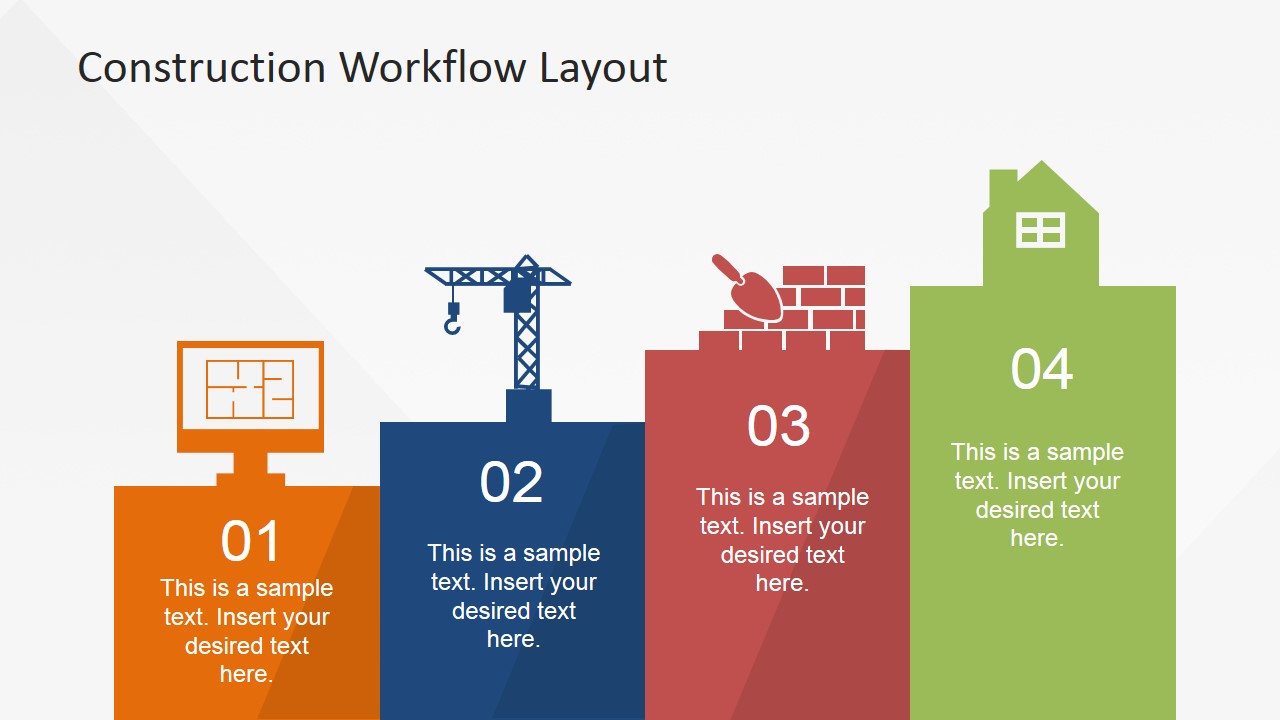
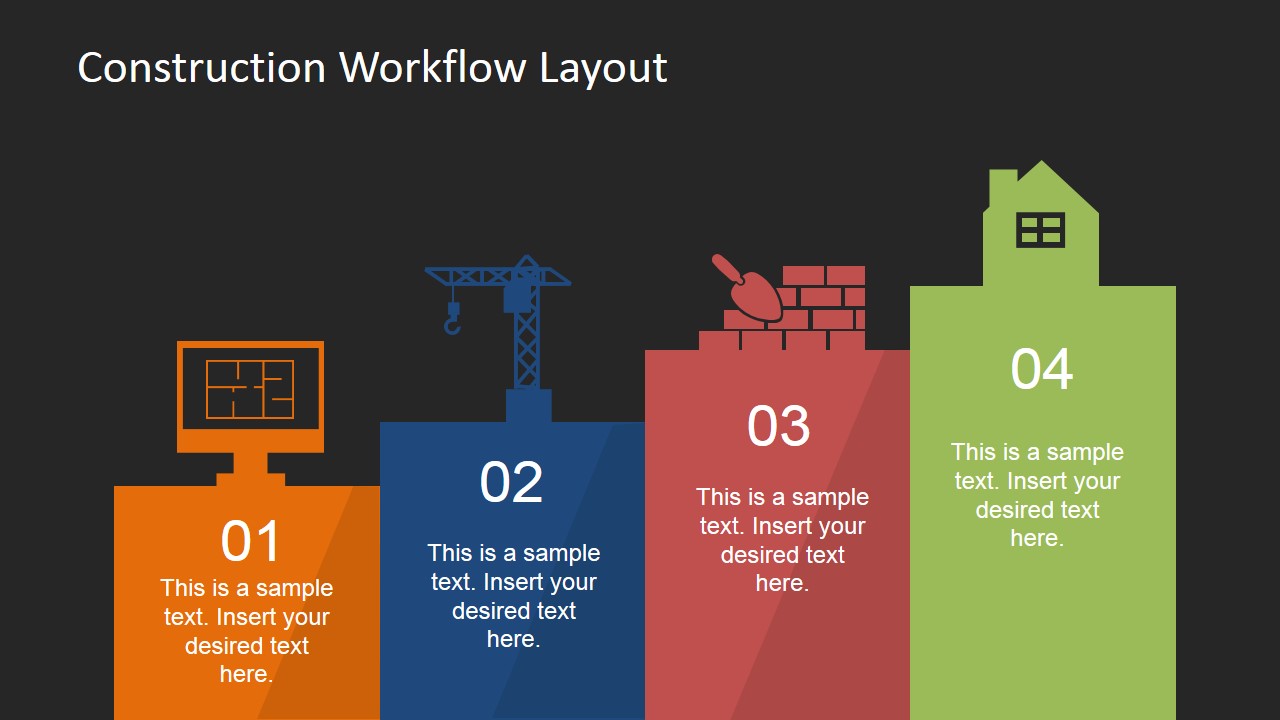
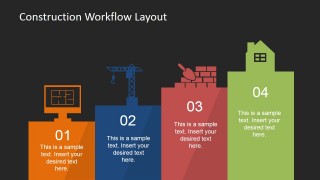
- A construction project manager can present the project lifecycle to stakeholders using the four-step stair workflow to show how planning, equipment, masonry, and completion connect.
- An architect can brief clients on a proposed building process by using the single-step detail slides to discuss each phase without crowding one slide.
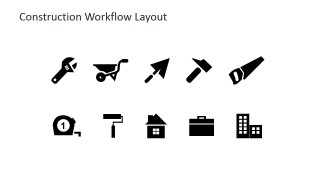
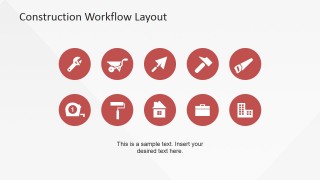
- A civil engineering instructor can teach construction sequence basics with the horizontal icon process and the editable tool icon set as visual anchors.
- A real estate development team can explain property readiness milestones by adapting the house, crane, and brickwork layouts to match acquisition, build, inspection, and handover stages.
Features
- 100% editable presentation template
- Compatible with Microsoft PowerPoint and Google Slides
- 16:9 aspect ratio slides
- Scalable vector shapes, icons and illustrations
- AI-Ready for Microsoft Copilot and Claude
- Instant access and download
Frequently asked questions
Q: How should a presenter explain the four-step construction workflow without making it feel too simple?
A: Use the stair workflow as the executive overview, then move to the individual step slides for context, decisions, and responsibilities. Treat each icon as a phase marker rather than a complete explanation. This lets the audience remember the process visually while still hearing the operational details behind planning, construction equipment, masonry, and completion.
Q: Who is this construction workflow template best suited for?
A: It works best for project managers, architects, engineers, trainers, and real estate teams who need to explain a high-level building process. The layouts are strongest when the message is about sequence, roles, or phase readiness, not detailed scheduling. The icon sheets also support workshops where construction terms need quick visual labels.
Q: Why use building and tool icons instead of a text-only process slide?
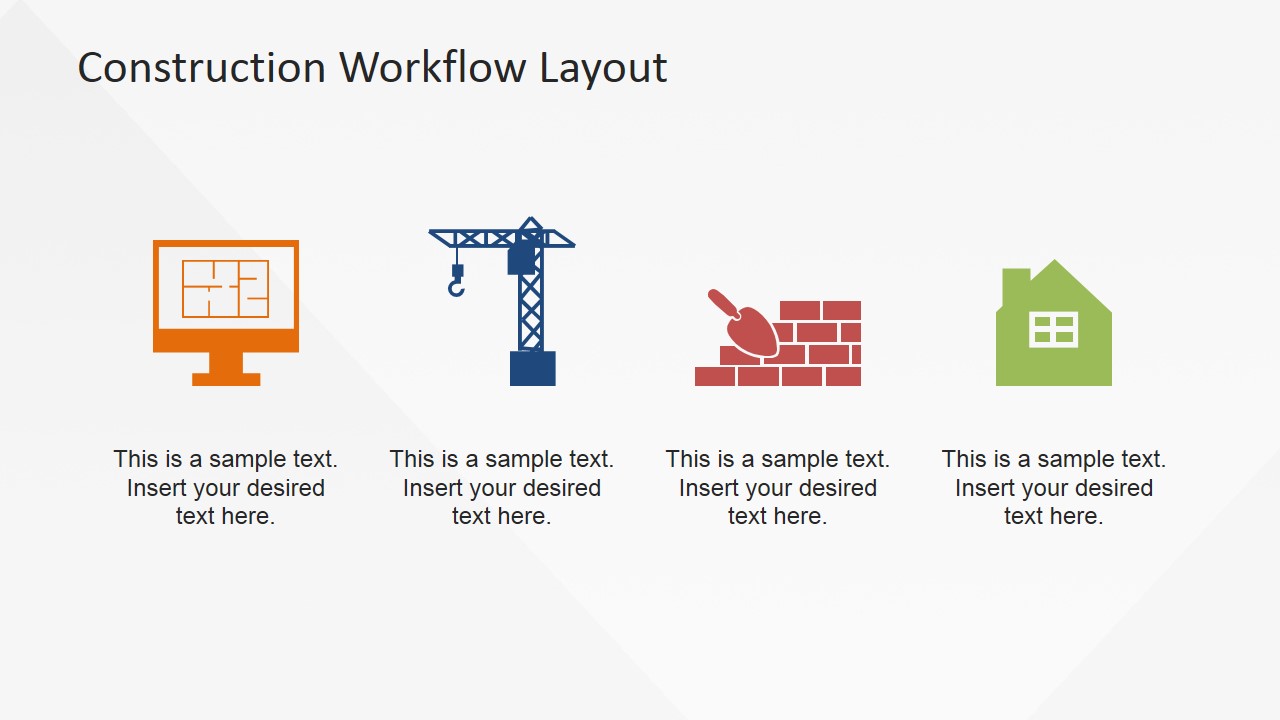
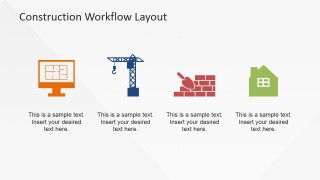
A: The construction icons create fast recognition: the monitor suggests planning, the crane suggests active work, the bricks suggest build execution, and the house suggests completion. This metaphor helps mixed audiences follow the logic of the workflow before reading the text. The repeated icon system also keeps the stage detail slides tied to the overview.

Construction Workflow Layout for PowerPoint
9-slide presentation template with four-step construction workflow and editable building icons
This is a 9-slide construction workflow presentation template for Microsoft PowerPoint and Google Slides. It shows a four-step stair process, horizontal icon sequence, individual stage detail slides, and construction tool icon sheets for explaining planning, build, masonry, and handover phases to project managers, engineers, architects, and real estate teams.
- Category
- Shapes
- Rating


 Loading...
- Aspect ratio
- 16:9, 4:3
- Item ID
- 6731-01
- Colors
 Microsoft PowerPoint
  Microsoft Copilot
  Claude for PowerPoint
 Other formats supported
Subscribe today and get immediate
access to download our PowerPoint templates.