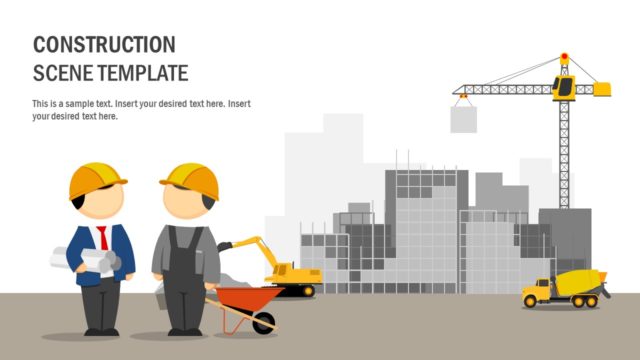
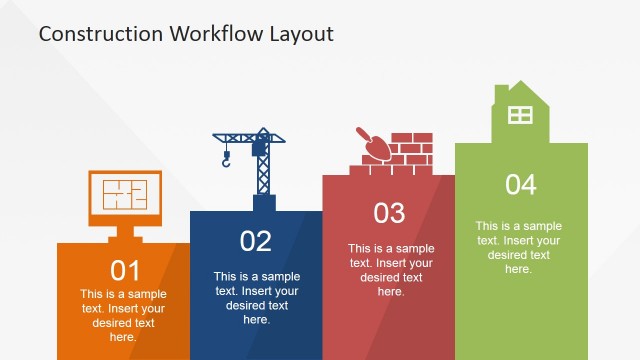
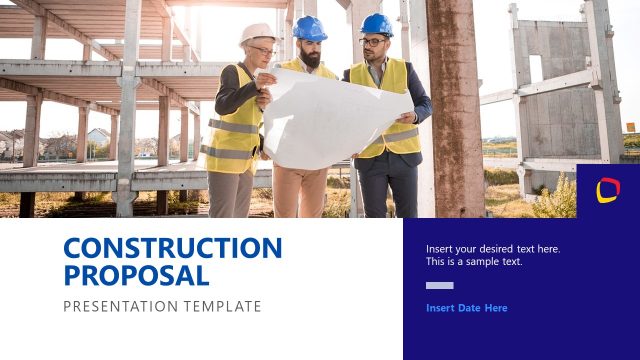
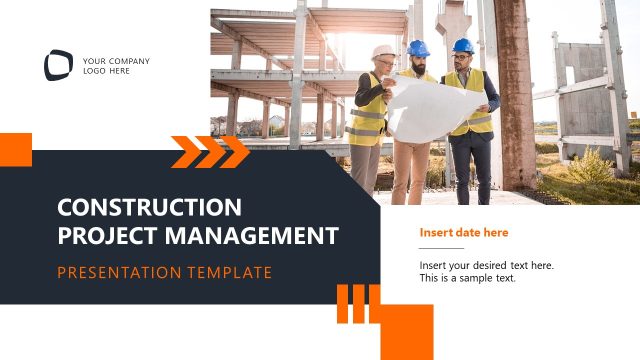
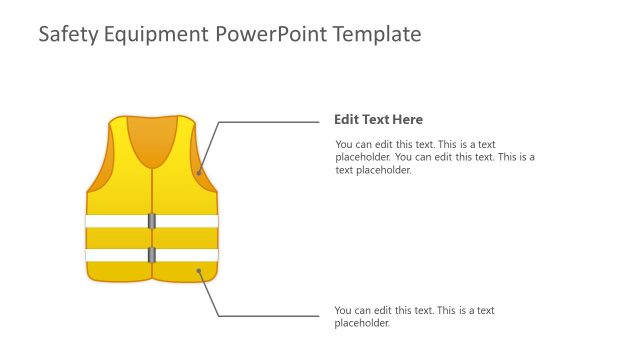
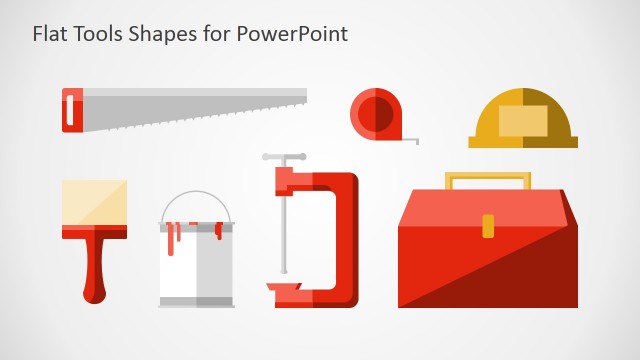
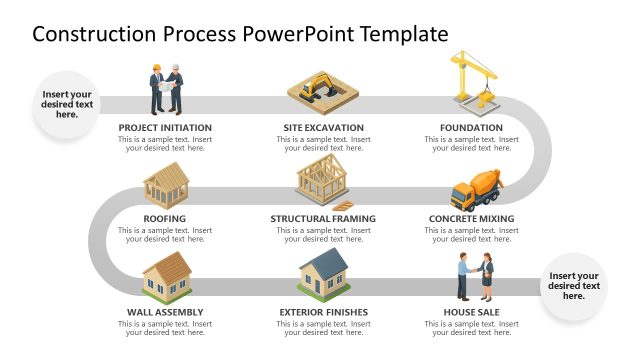
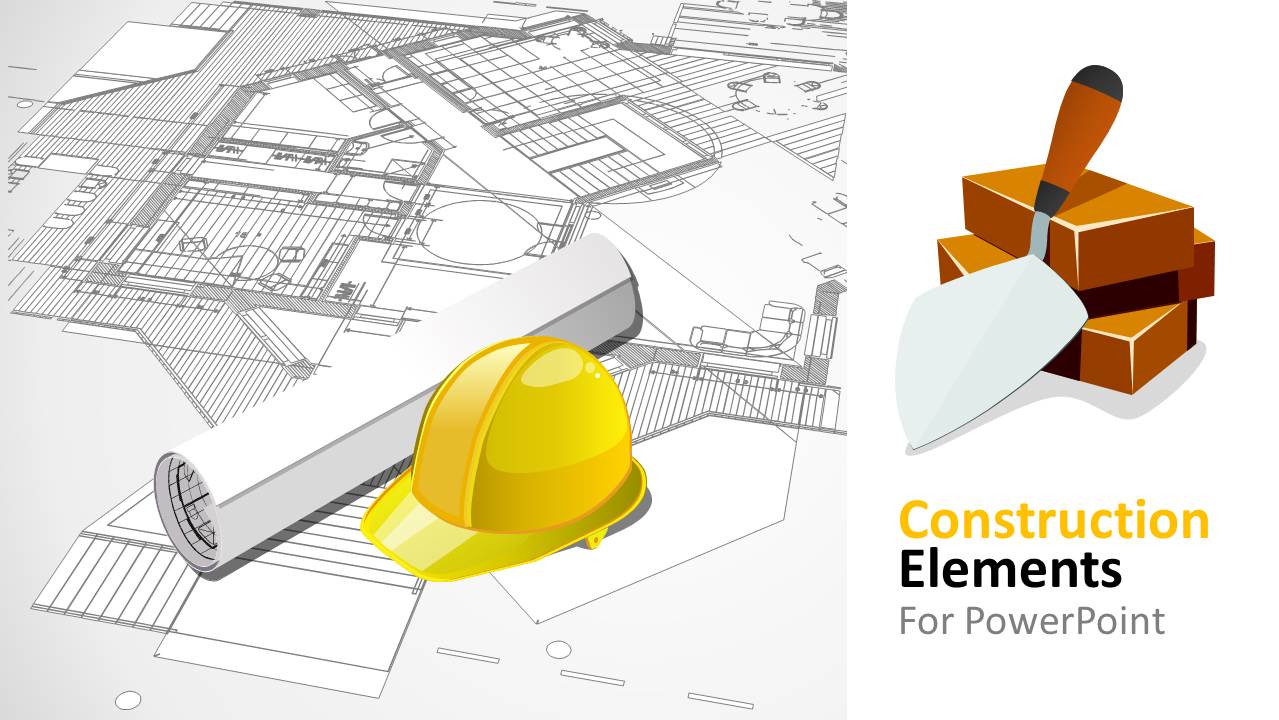
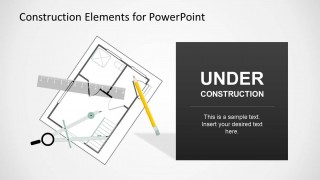
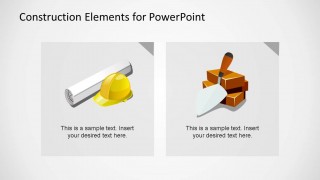
Construction Elements PowerPoint Shapes is a professional themed presentation containing different shapes and backgrounds related with the building construction industry. In this PowerPoint Template you will find shapes related to construction blueprints, piles of bricks, helmets and interior architectural plans.
Also, the presentation contains elaborated PowerPoint shapes representing the construction theme:
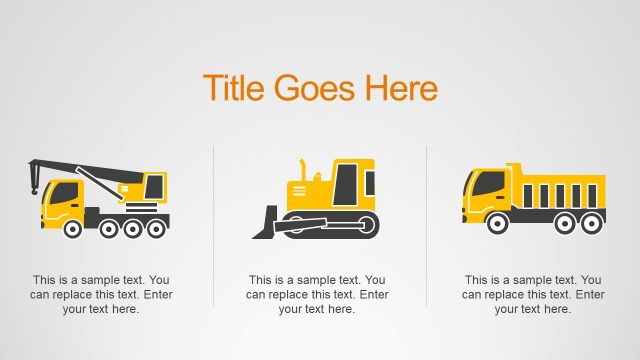
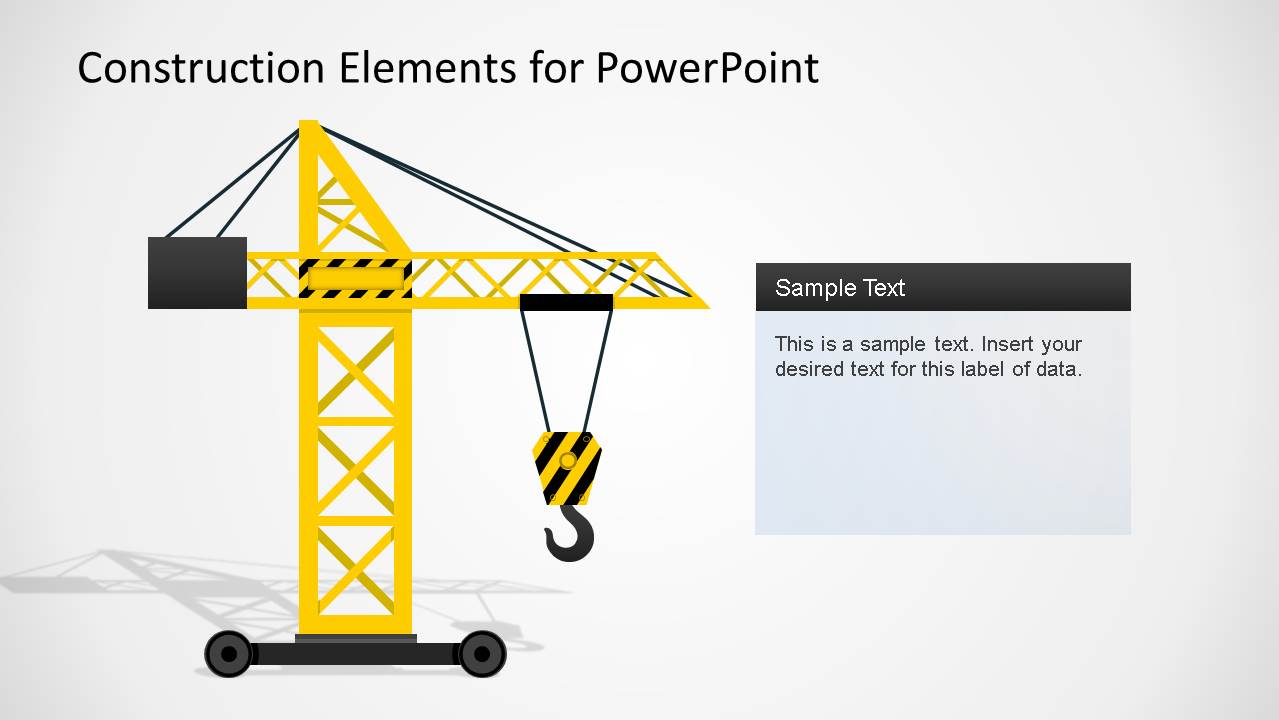
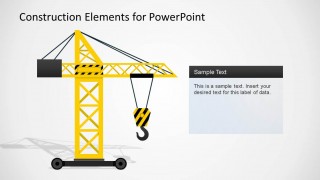
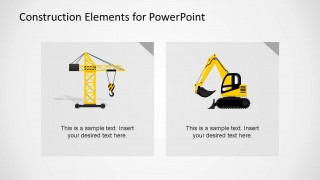
- Building Construction Crane
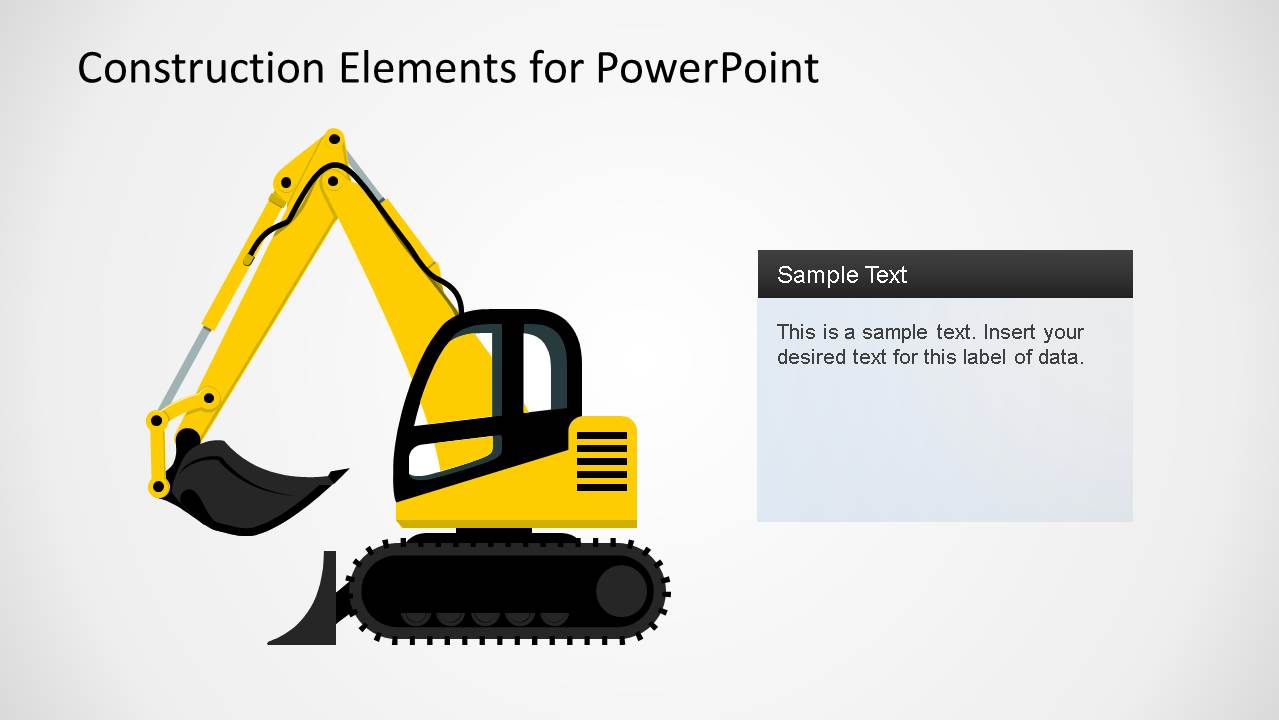
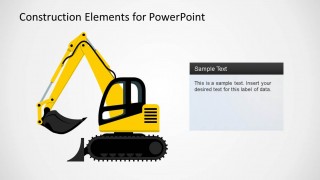
- Backhoe with caterpillar
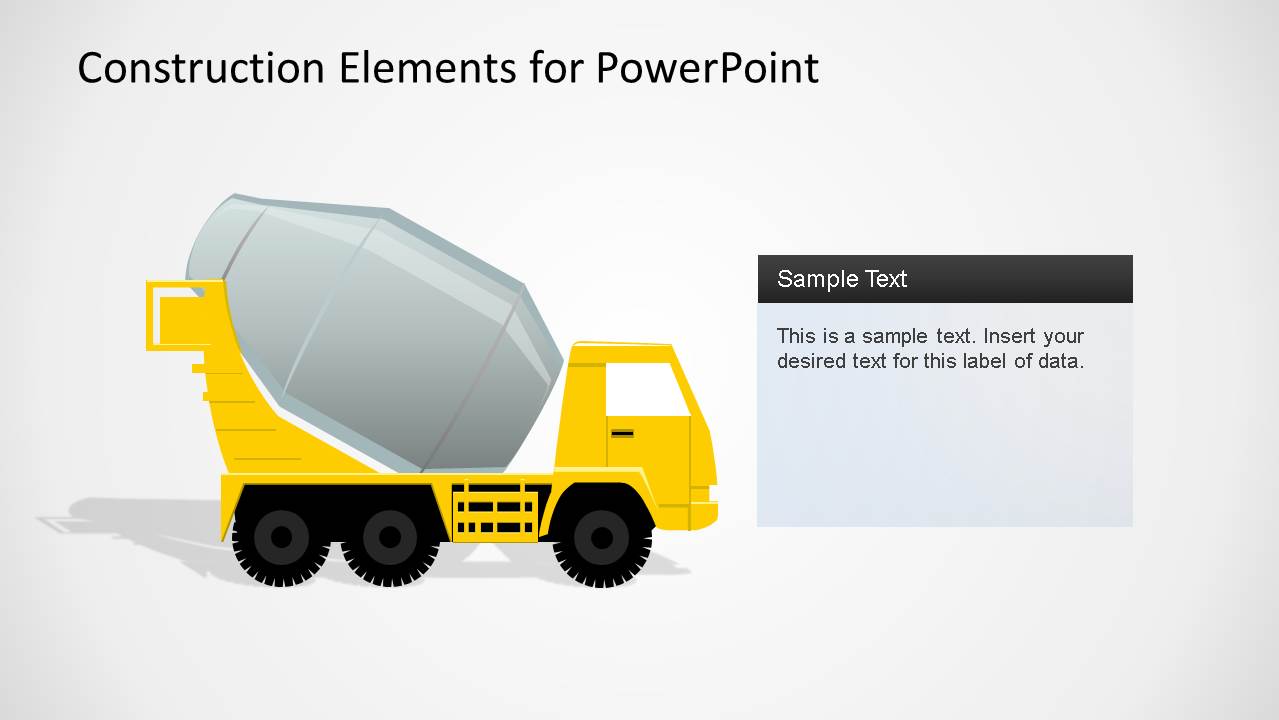
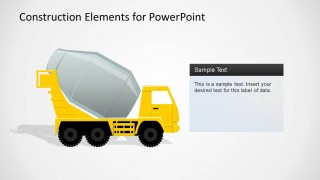
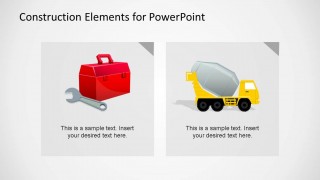
- Cement Truck
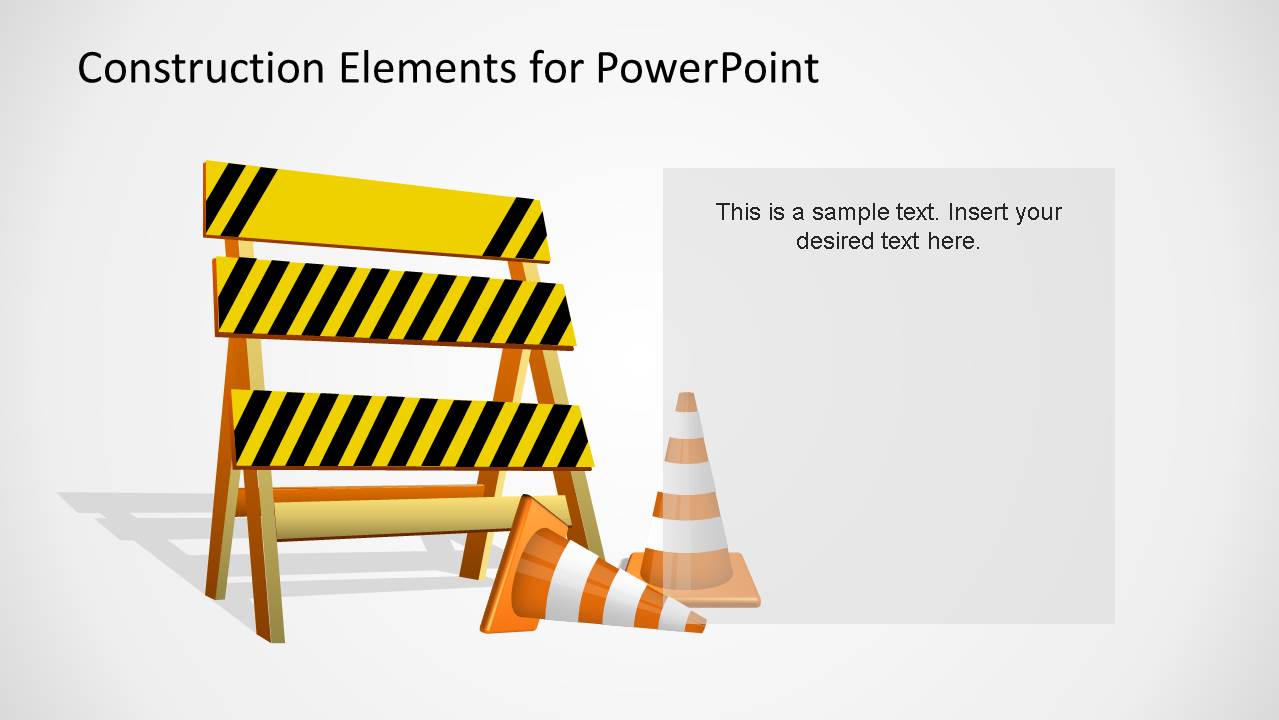
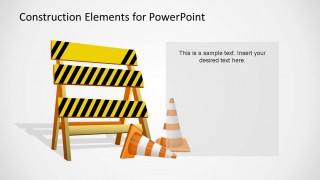
- Construction Fence and Cones
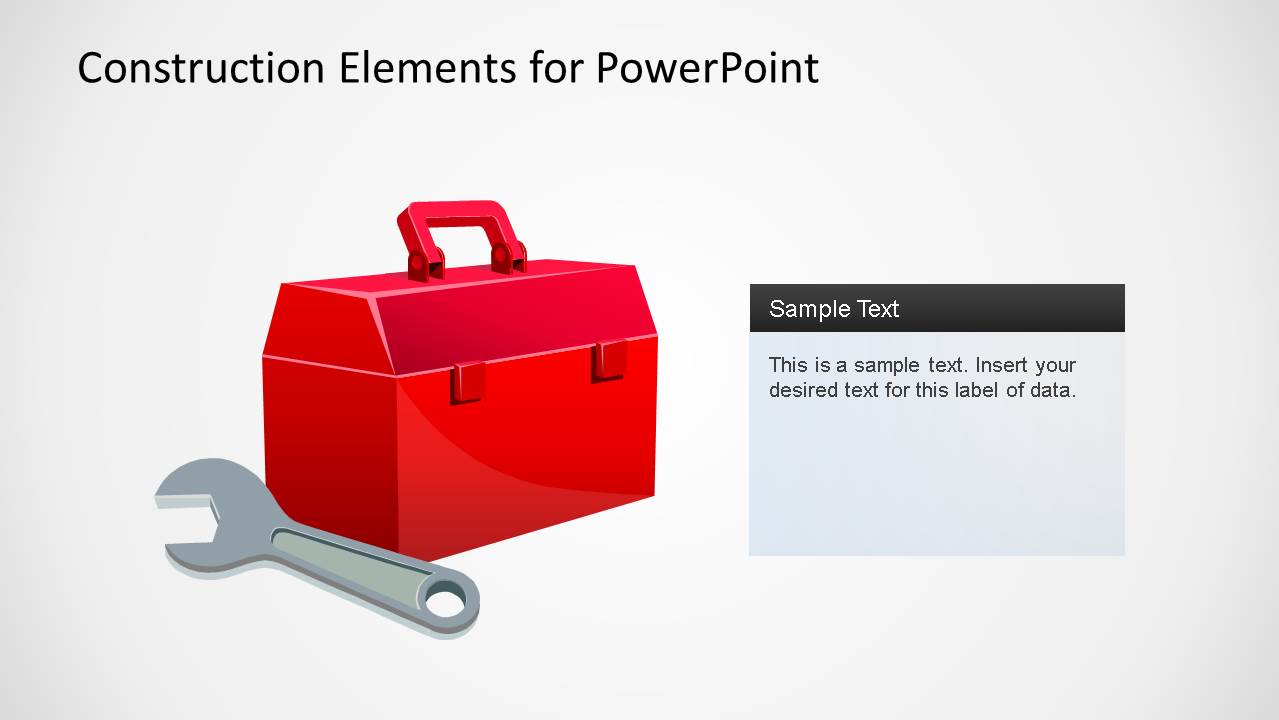
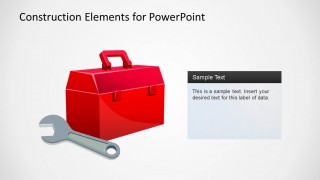
- Tools Box
Each of the shapes is created with PowerPoint objects allowing the user to fully customize the object properties. You can complement this Construction PPT slide template with with shapes from many other shapes in our PowerPoint Shapes catalog. Alternatively, you can download other visually-appealing templates for presentations, compatible with PowerPoint and Google Slides.
What’s inside this template
Example presentation scenarios
- A construction project manager can present a status update by opening with the blueprint cover, then using the crane and excavator callout slides to explain site activity and equipment needs.
- A safety manager can brief crews or subcontractors with the barricade and cones slide to frame warnings, access restrictions, or under construction notices.
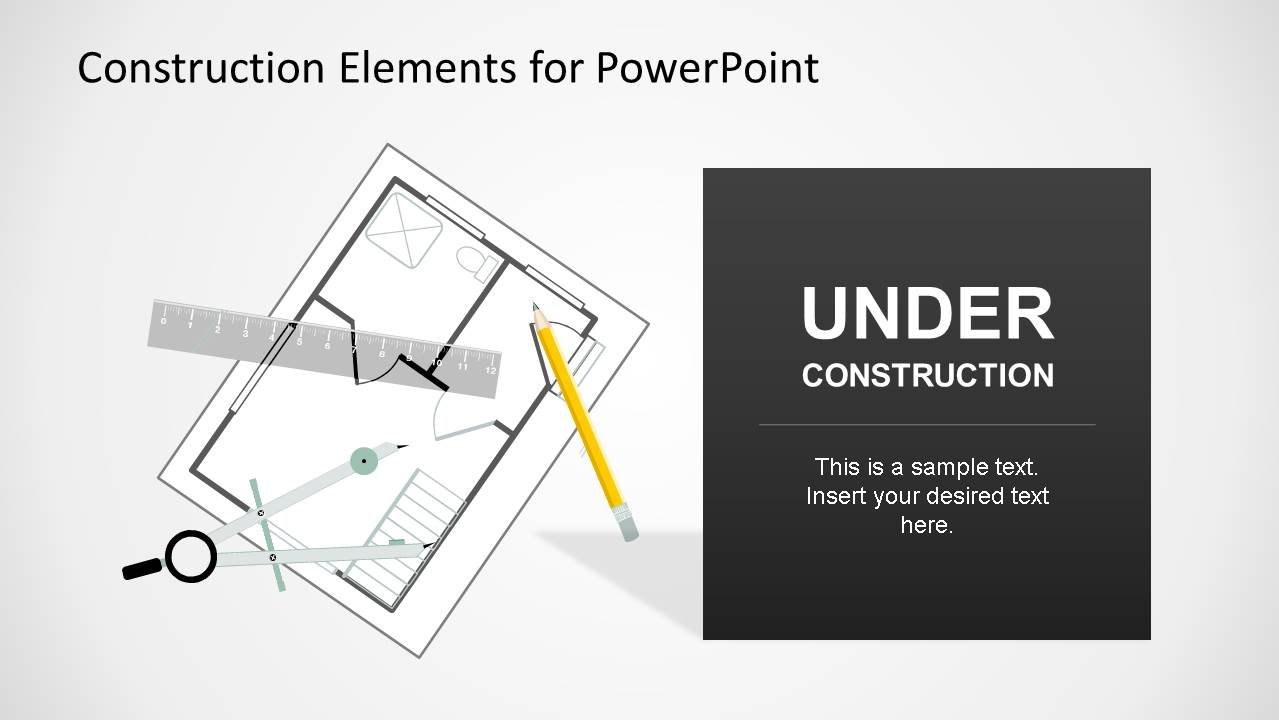
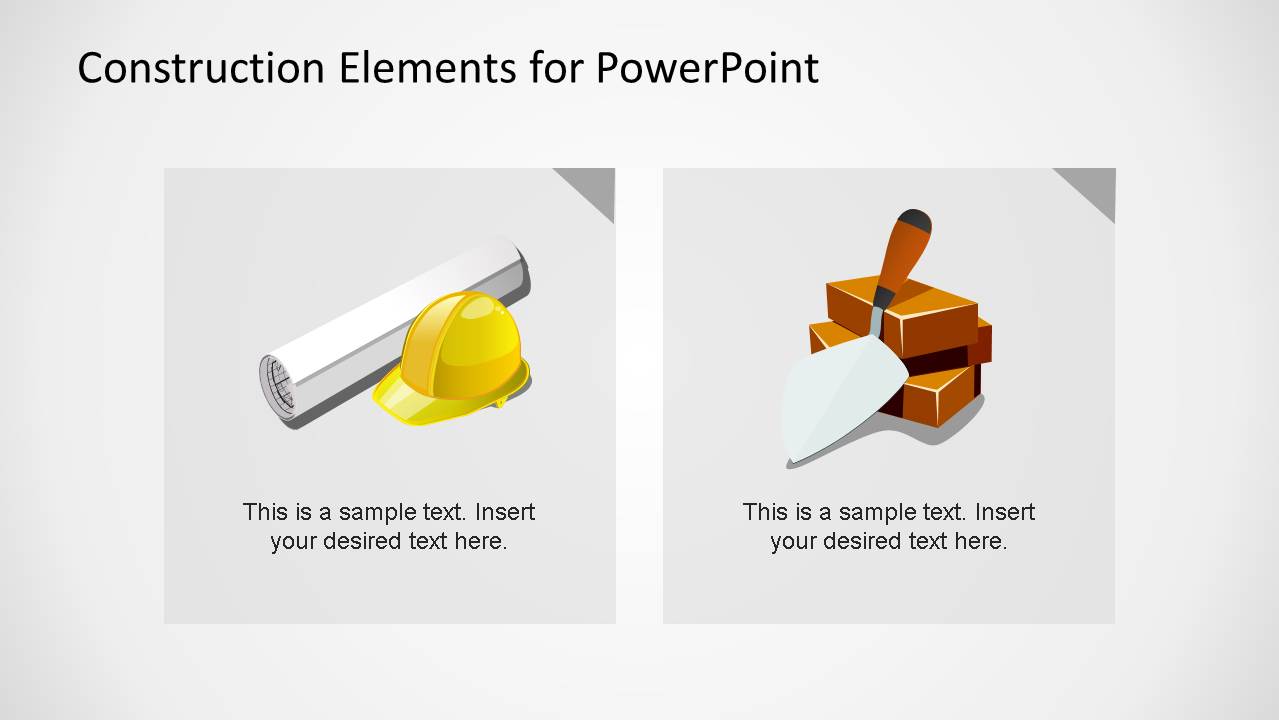
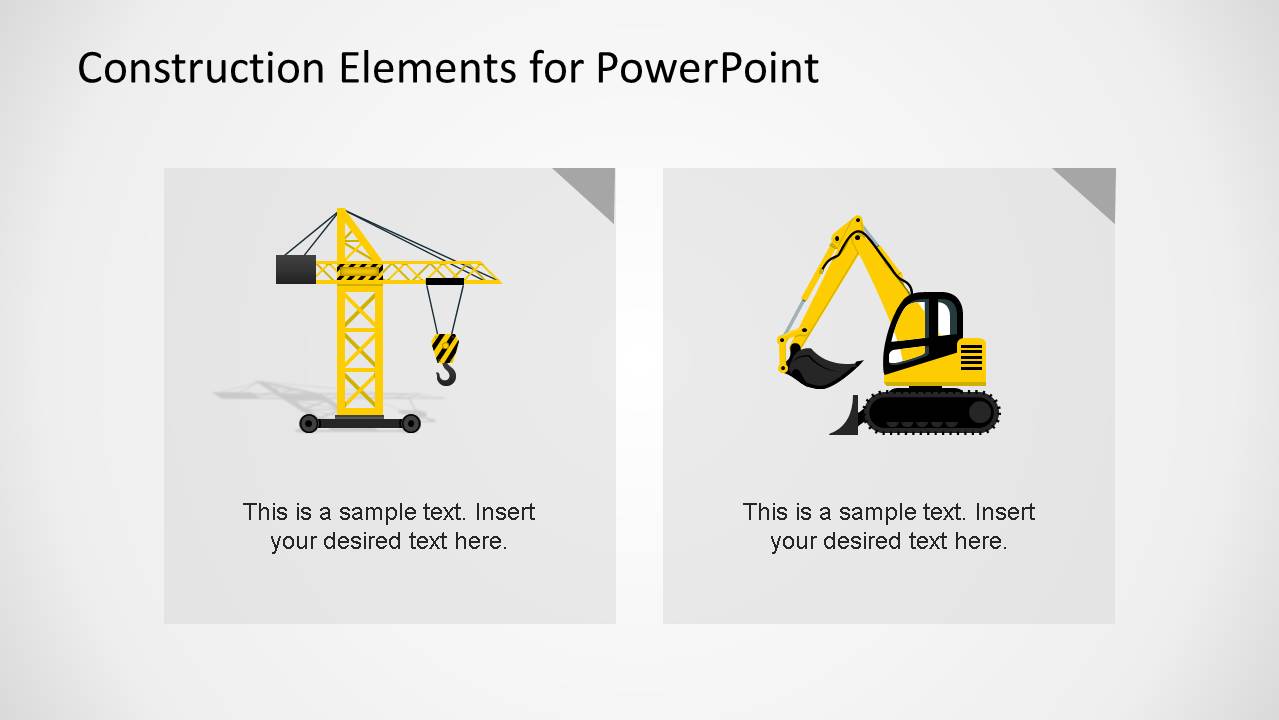
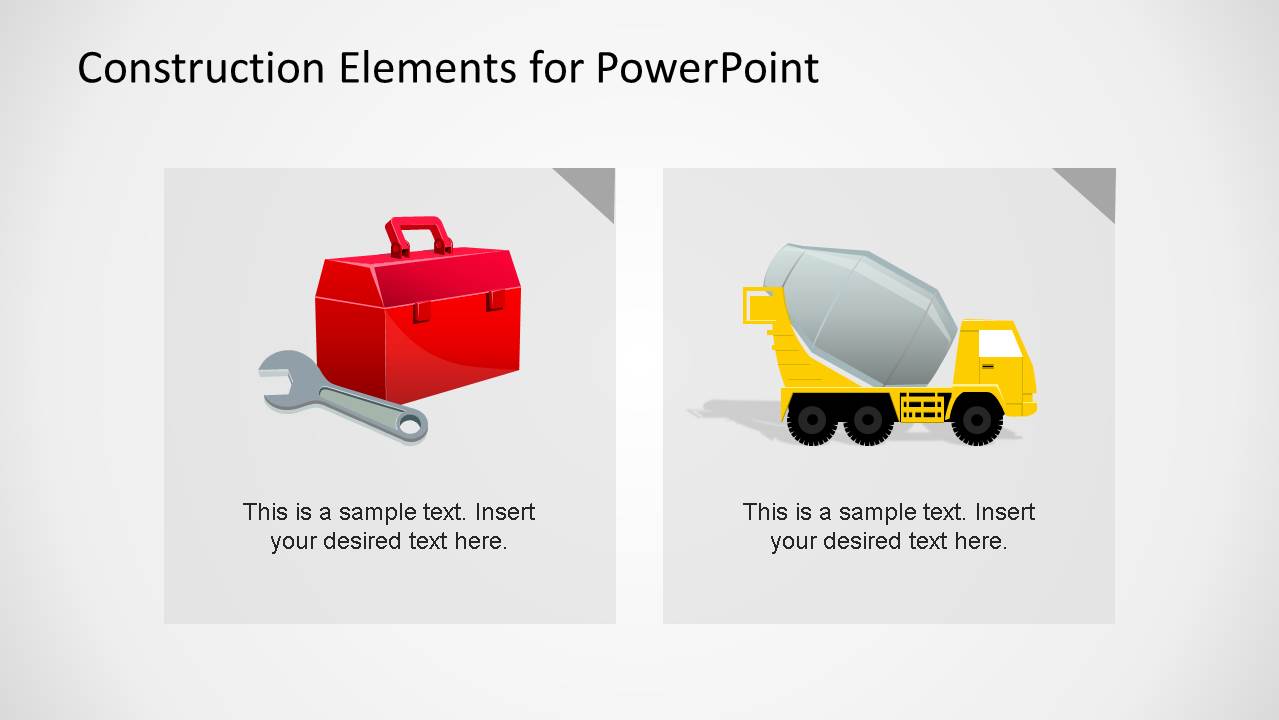
- An architect or engineer can support a proposal meeting by using the under construction message panel and two-card comparison layouts to connect design plans with field execution.
- A contractor sales team can introduce service capabilities with the toolbox, cement truck, and heavy equipment illustrations to make each capability easy to identify.
Features
- 100% editable presentation template
- Compatible with Microsoft PowerPoint and Google Slides
- 16:9 aspect ratio slides
- Scalable vector shapes, icons and illustrations
- AI-Ready for Microsoft Copilot and Claude
- Instant access and download
Frequently asked questions
Q: How should a presenter turn these construction shapes into a clear project update?
A: Start with the blueprint cover to orient the audience to the project context, then group updates by visual category. Use the crane or excavator callout for field activity, the toolbox slide for resources or maintenance, and the barricade slide for risks or constraints. Keep each text panel to one message so the illustration stays connected to the point.
Q: Who is this template best suited for in a business presentation?
A: This template works best for contractors, project managers, architects, engineers, and safety leads who need recognizable construction visuals without building custom artwork. It fits project kickoffs, bid discussions, internal jobsite updates, safety reminders, and service introductions where heavy equipment, plans, tools, or barriers make the topic easier to scan.
Q: Why do the blueprint, hard hat, machinery, and barricade metaphors help communication?
A: The deck uses familiar jobsite metaphors to label abstract information with concrete cues. A blueprint signals planning, a hard hat signals safety or field work, equipment signals execution, and barricades signal caution. These visual anchors reduce interpretation time and help mixed audiences connect each slide to a construction decision or action.
Construction Elements PowerPoint Shapes
10-slide construction elements presentation template with blueprint cover, equipment callouts, and jobsite icons
Construction Elements PowerPoint Shapes is a 10-slide presentation template for building and jobsite communication. It includes a blueprint cover, under construction message panel, two-card comparison layouts, crane callout, excavator callout, barricade scene, toolbox slide, and cement truck slide. Construction teams can edit the vector PowerPoint shapes in PowerPoint or Google Slides.
- Category
- Shapes
- Rating


 Loading...
- Aspect ratio
- 16:9
- Item ID
- 6473
- Colors
 Microsoft PowerPoint
  Microsoft Copilot
  Claude for PowerPoint
 Other formats supported
Subscribe today and get immediate
access to download our PowerPoint templates.