Commercial Real Estate Template for PowerPoint is a presentation template that can be used to prepare presentations on Commercial Real Estate or Industrial Properties. It features a specific layout that aims for an easy grasp of information. Generate high-end presentations using this Office template.
The term Real Estate refers to a place with land or buildings. It is generally associated with selling or developing these assets or properties. It includes the resources that can be found in these places. This business field includes renting, housing, buying and selling, and property loans. Commercial, conversely, means engaging in commerce or venturing into something that intends to make a profit. The overall concept is the business of relative fields in real estate.
The PowerPoint template is ideal for architecture and construction. Building services and project planning are also applicable. It is perfect for business presentations regarding real estate properties. This can cover residential properties like housing, building, apartments, renting, etc., and natural or immovable assets such as land. They can relate the main idea to the United States location, as some slides contain a US map outline.
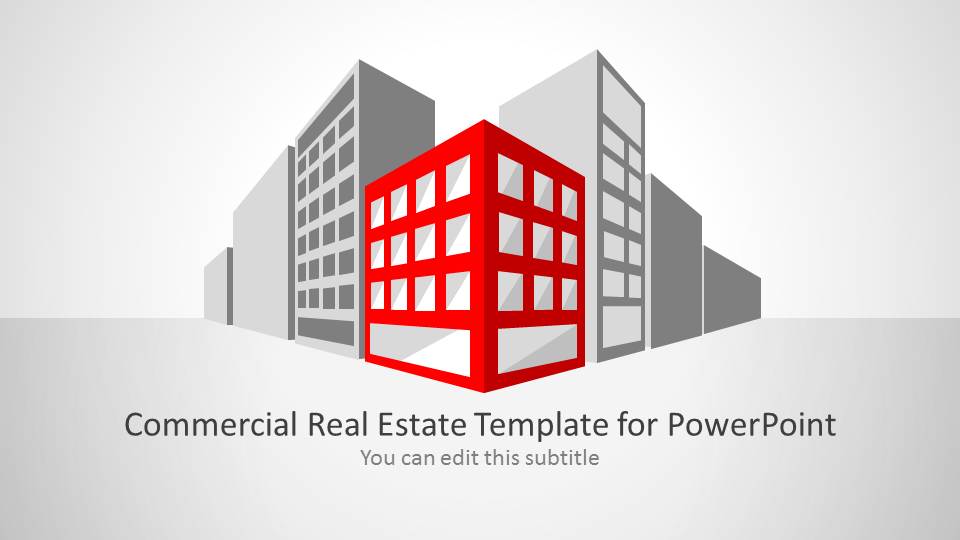
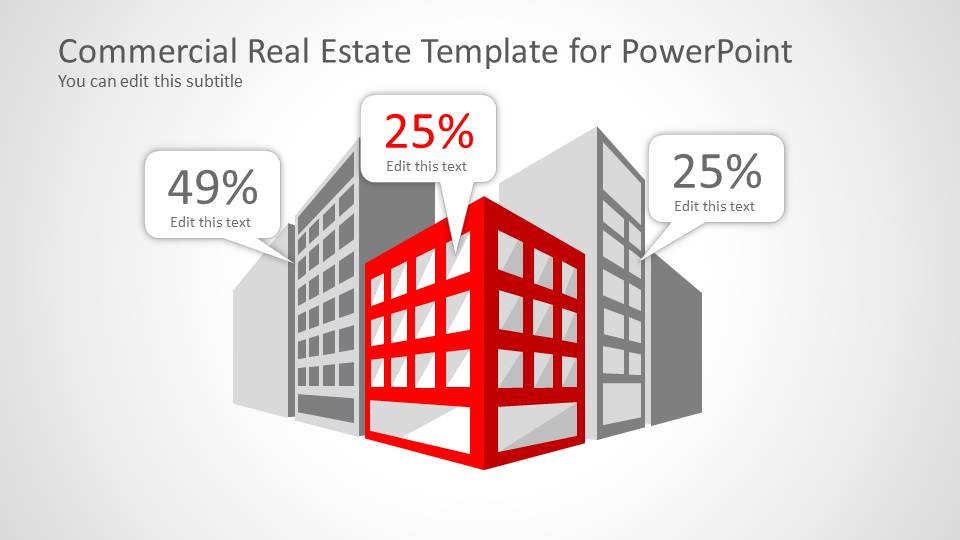
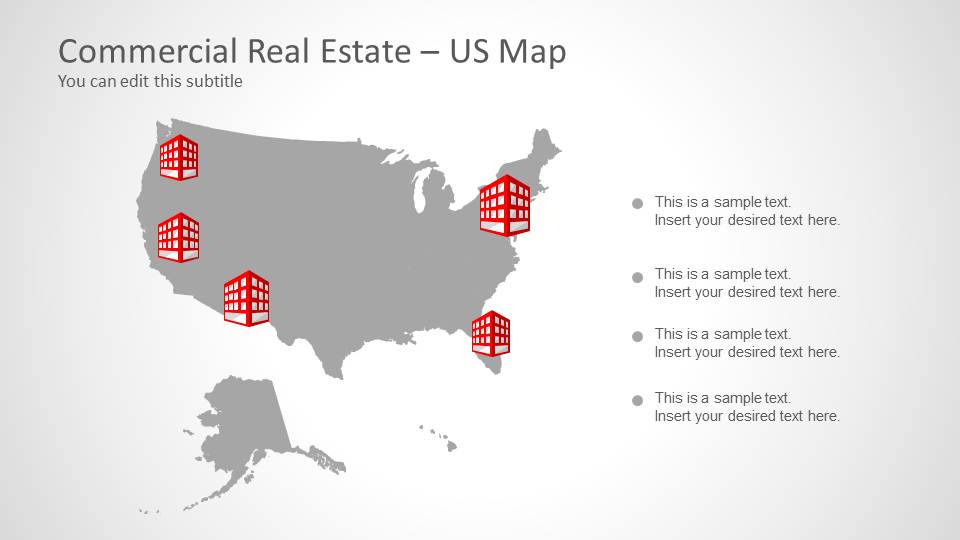
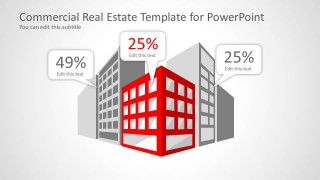
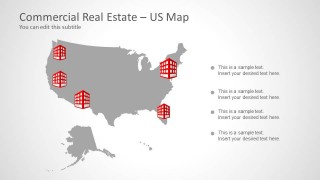
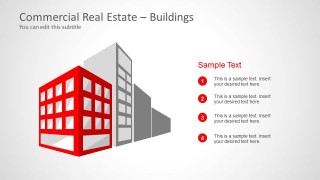
The first slide can be used as an overview of the entire presentation. The user can utilize it to showcase the report’s title and summary. It emphasizes the front building in red color. The gray building at the back serves as the background. This picture can be explained on the fourth slide with possible profit percentages. The 5th slide displays a United States outline map. There are several building-shaped markers in the plot which can depict available properties. The rest of the slides can be used to detail and expound on the topic.
Choose Commercial Real Estate Template for PowerPoint for an outstanding business presentation. Real Estate Industry PowerPoint Template is another captivating option downloadable at the SlideModel gallery. Alternatively, you can download other Real Estate templates for PowerPoint & Google Slides, or learn more how to make listing presentations.
What’s inside this template
Example presentation scenarios
- A commercial real estate broker can use the percentage callout slide to explain occupancy, yield, or deal criteria while keeping the building asset as the visual center.
- A property developer can use the US map with building markers to show a portfolio footprint, target expansion states, or project locations to investors.
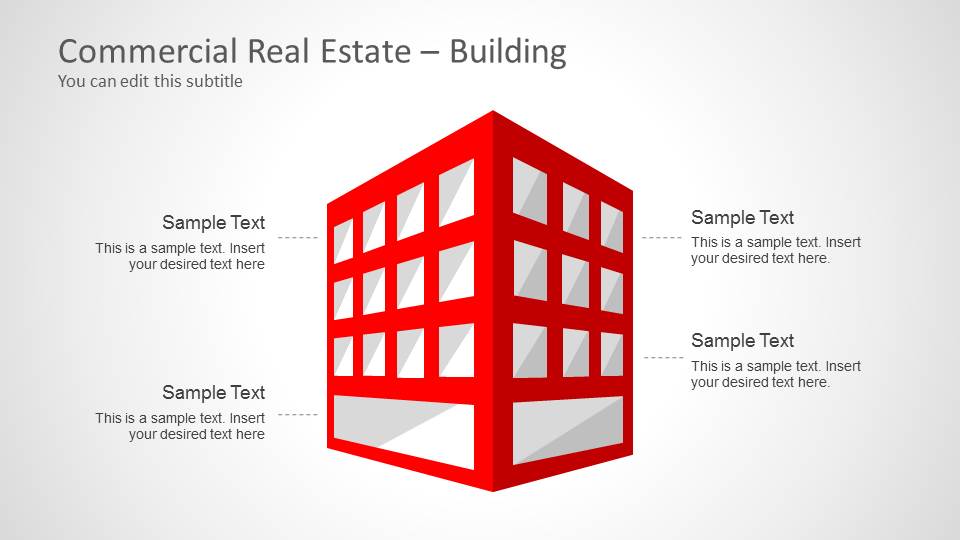
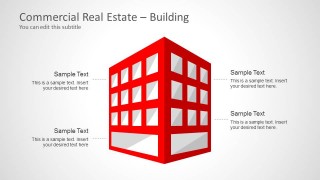
- An architecture or construction presenter can use the labeled building diagram to discuss design scope, floor use, facade changes, or project requirements.
- An asset management team can use the numbered list layout to summarize property features, leasing priorities, maintenance actions, or tenant improvement points.
Features
- 100% editable presentation template
- Compatible with Microsoft PowerPoint and Google Slides
- 16:9 aspect ratio slides
- Scalable vector shapes, icons and illustrations
- AI-Ready for Microsoft Copilot and Claude
- Instant access and download
Frequently asked questions
Q: How should I organize a short property presentation with this template?
A: Start with the cover to name the asset or portfolio, then use the building callout slide to define the main message. Follow with the percentage callouts for key metrics, the US map to locate properties, and the numbered list or labeled building slide for the operational details the audience must remember.
Q: Who is this template best suited for?
A: This template fits presenters who need a visual real estate briefing rather than a spreadsheet report. Brokers, developers, construction leads, and asset managers can use the building illustrations, US maps, and annotation layouts to explain where assets are, what matters about them, and what action is being proposed.
Q: Why does the red building visual help communicate the message?
A: The red building acts as a visual metaphor for the featured asset in a larger market or skyline. Because surrounding buildings stay gray, the audience can instantly see what property, project, or opportunity is being discussed. This makes the deck useful for focusing attention before adding metrics, map locations, or notes.


Commercial Real Estate Template for PowerPoint
8-slide presentation template for commercial real estate, with building callouts and US map layouts
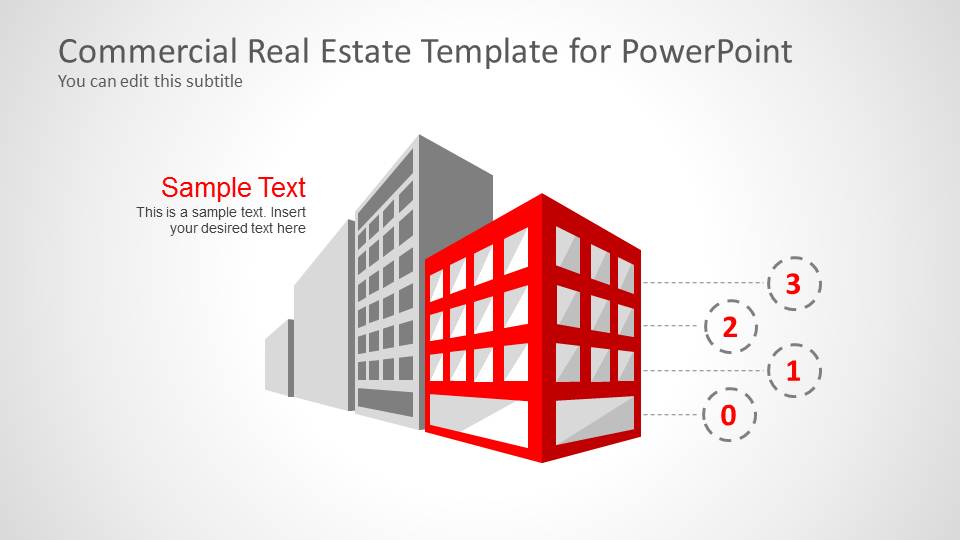
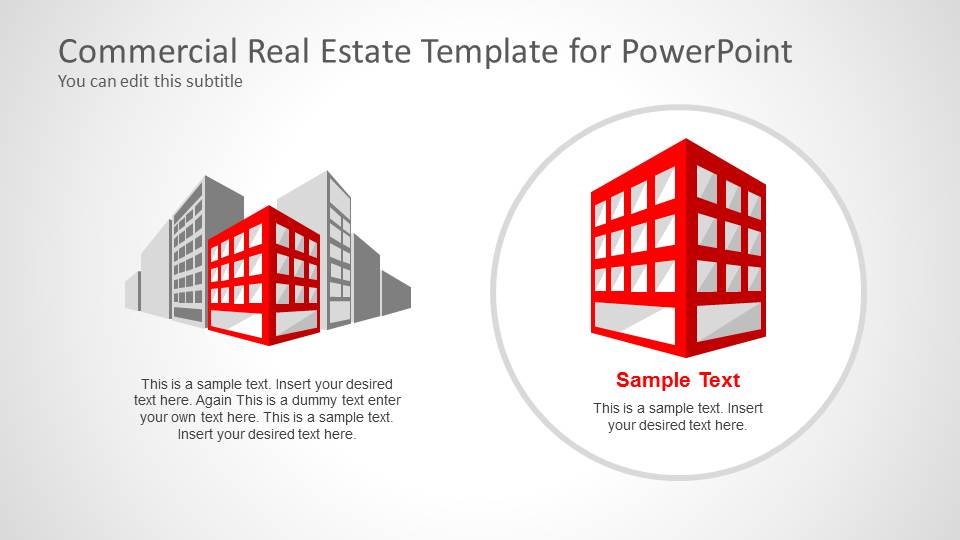
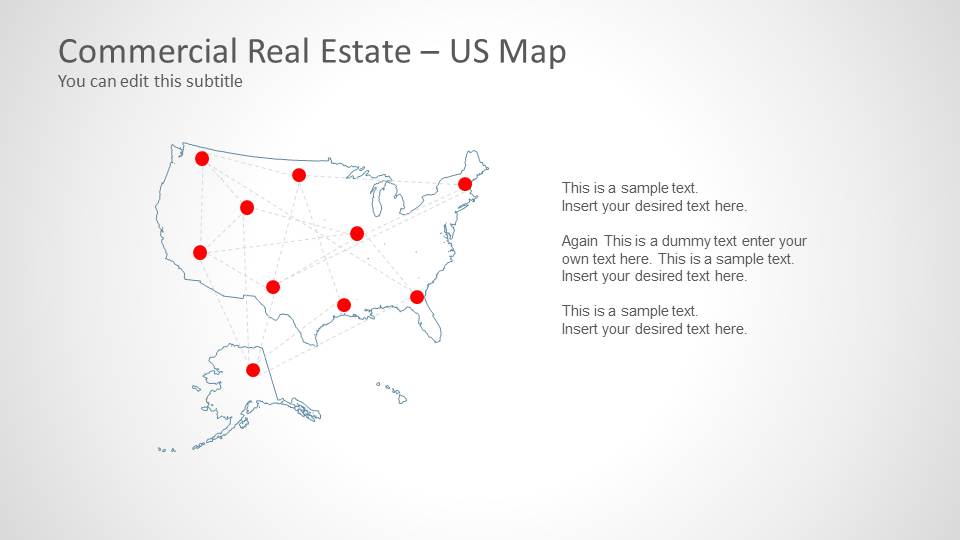
The Commercial Real Estate Template for PowerPoint is an 8-slide real estate presentation template for property, development, and construction discussions. It includes a building cover, numeric property callouts, circular feature spotlight, US map with building markers, location network map, numbered list, and labeled building diagram for Microsoft PowerPoint and Google Slides.
- Category
- Shapes
- Rating


 Loading...
- Aspect ratio
- 16:9
- Item ID
- 6062-01
- Colors
 Microsoft PowerPoint
  Microsoft Copilot
  Claude for PowerPoint
 Other formats supported
Subscribe today and get immediate
access to download our PowerPoint templates.