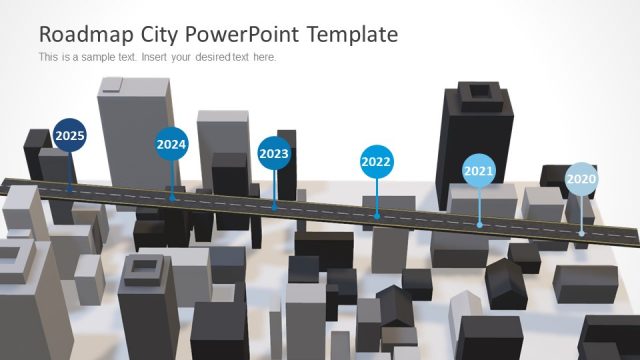
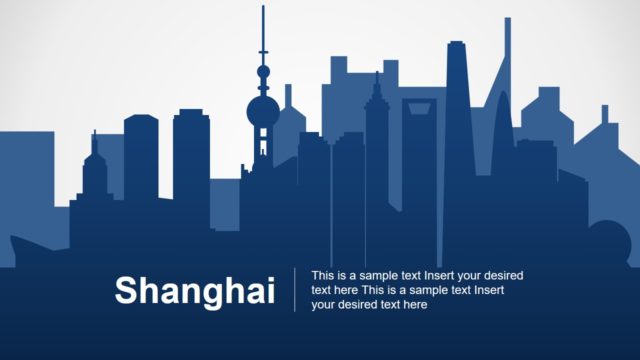
Smart City PowerPoint Template comes with a clean and uncluttered look to impart an exclusive and elite feel. With the color base of blue and white, the whole template looks urbane and classy, thereby making all slides perfect to feature in ‘smart city’ bracket.
A smart city is the one which is fully advanced in terms of overall infrastructure, supportable real estate, transport network, communication network, and market viability. Such a city has information technology as the principal infrastructure which forms the basis for providing essential services to citizens. In addition to these, there are many technological platforms that a smart city consists of like automated sensor networks and data centers.
Thus, this template is an ideal choice for making and delivering professional presentations in areas like ICT (Information and Communication Technologies), global business services, urban architecture, metropolitan modes of communication, big-city modes of transportation, urban lifestyle, smart-city planning, and urban neighborhoods.
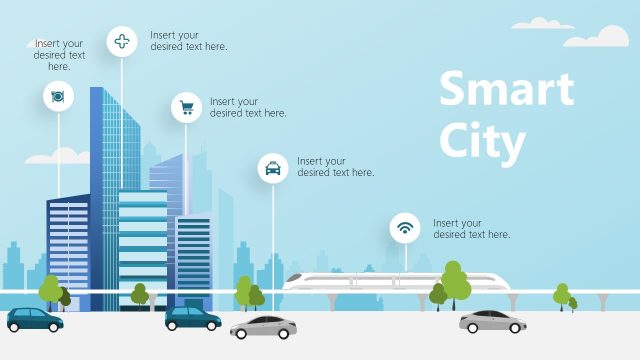
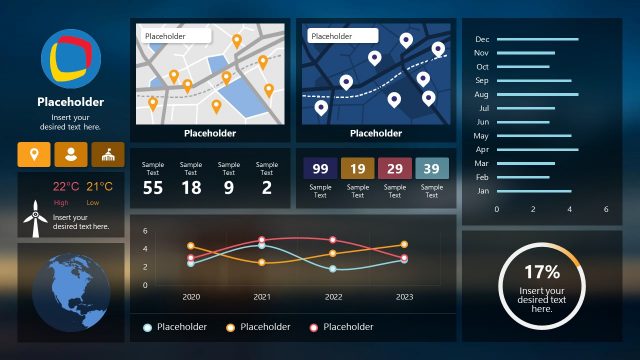
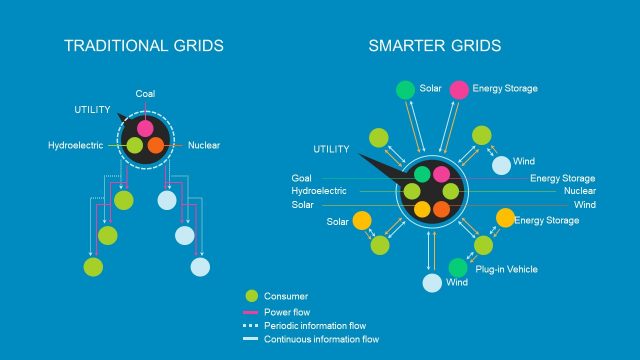
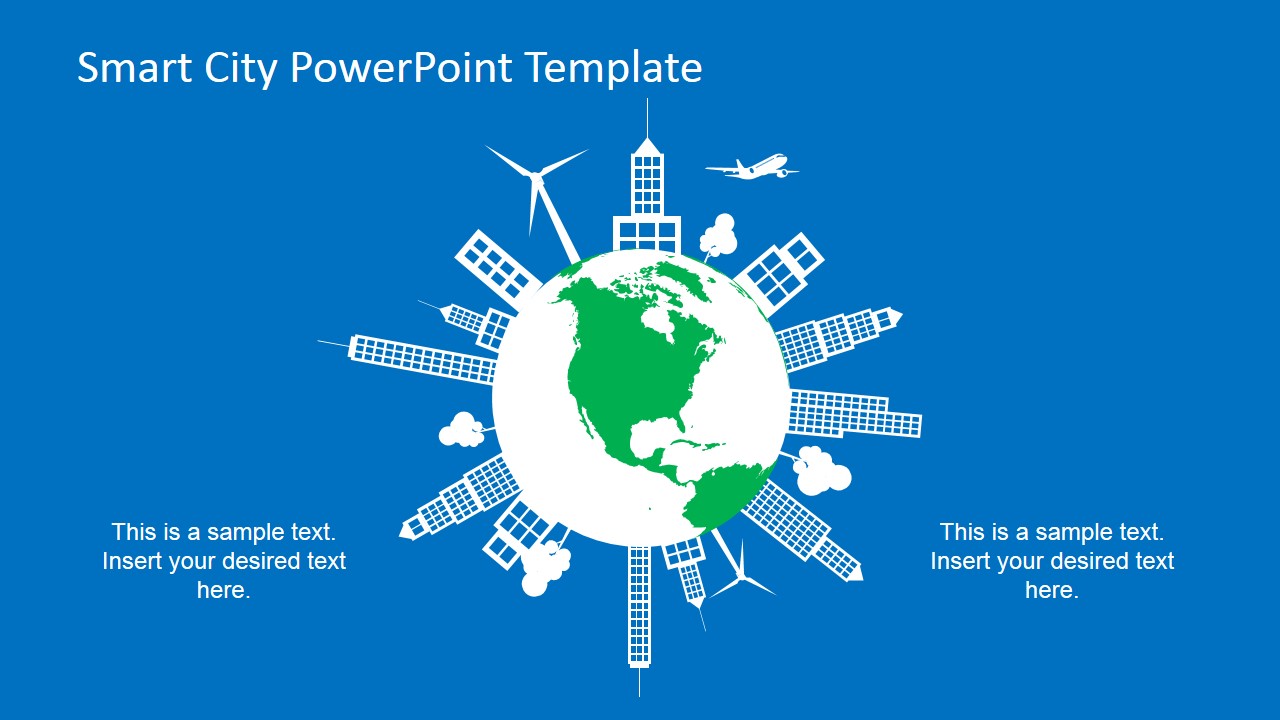
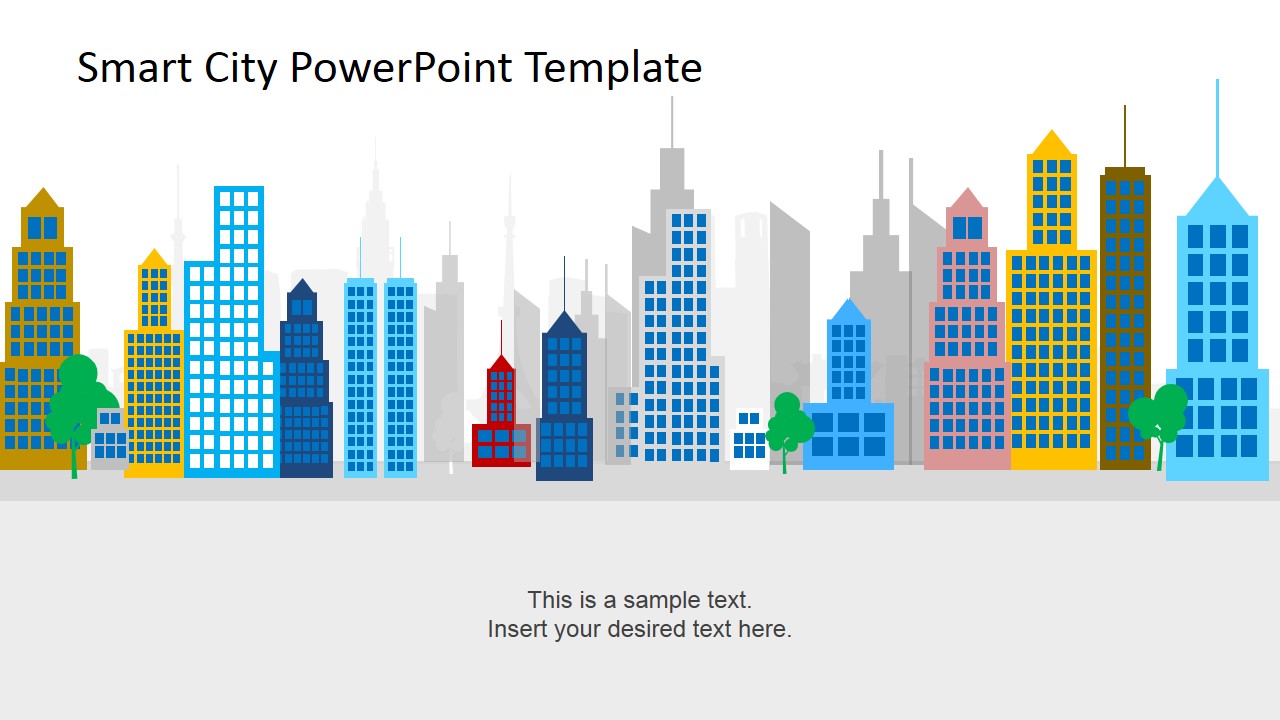
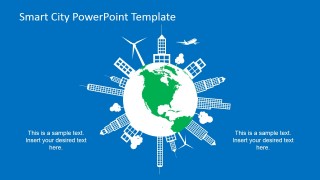
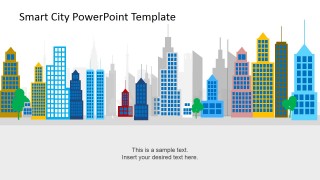
The template provides smart and smooth solutions to anything and everything related to smart cities. With the clean and elegantly designed images depicting skyscrapers, road and air modes of transportation, ICT channels and functionality, smart-city locations in Globe, smart-city planning, architectural and technological advancements, this PowerPoint template makes sure you have got all-in-one solutions to portray an intelligent city.
Along with their practical and efficient usability, the visual elements in all the slides are visually appealing. The slides figuratively fall in the category of a digital city with their progressive, creative, and innovative look. It is, thus, a one-stop solution for displaying all sorts of smart city concepts.
All the objects of the Smart City PowerPoint Template are created with PowerPoint Shapes, allowing the user to fully customize their appearance and behavior. Create outstanding presentations or decorate existing ones with this professional designs, ideal for infographics and metaphorical representations.
What’s inside this template
Example presentation scenarios
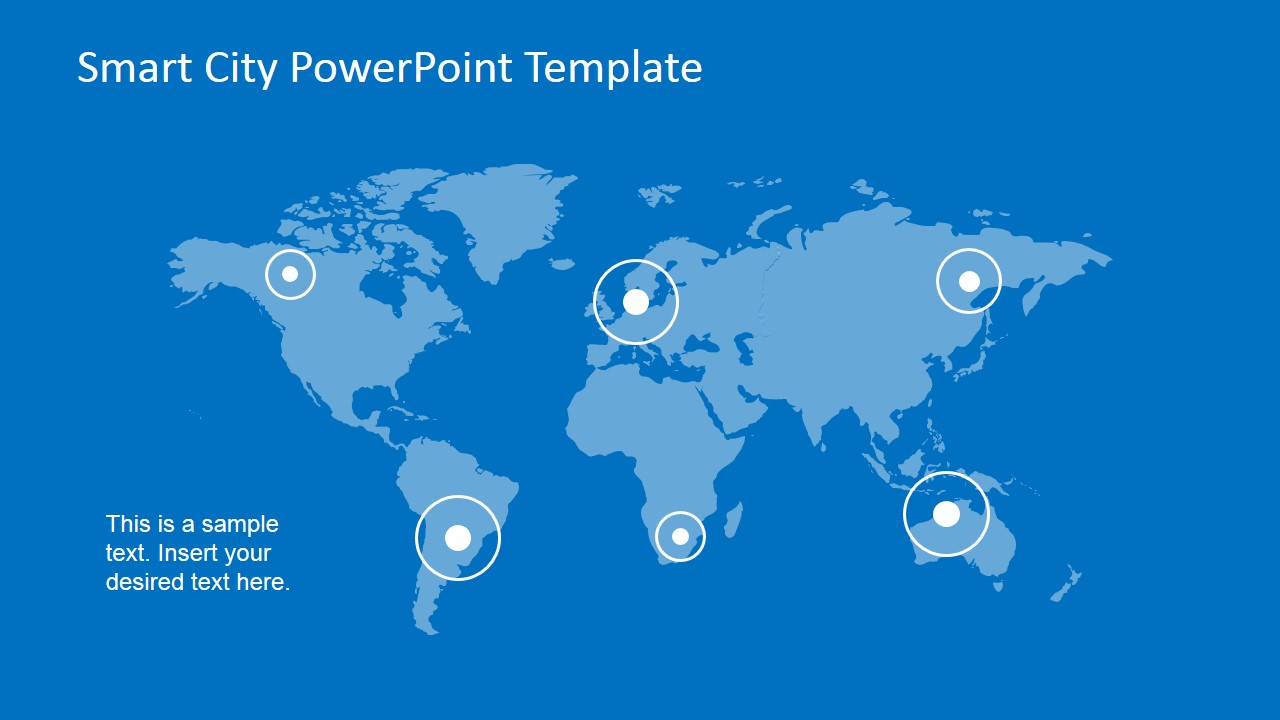
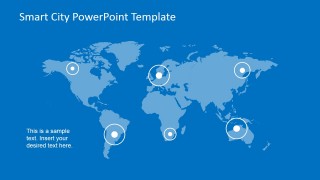
- A municipal planning team can use the world map and globe city diagrams to introduce a regional smart city program and show how local projects connect to broader urban technology trends.
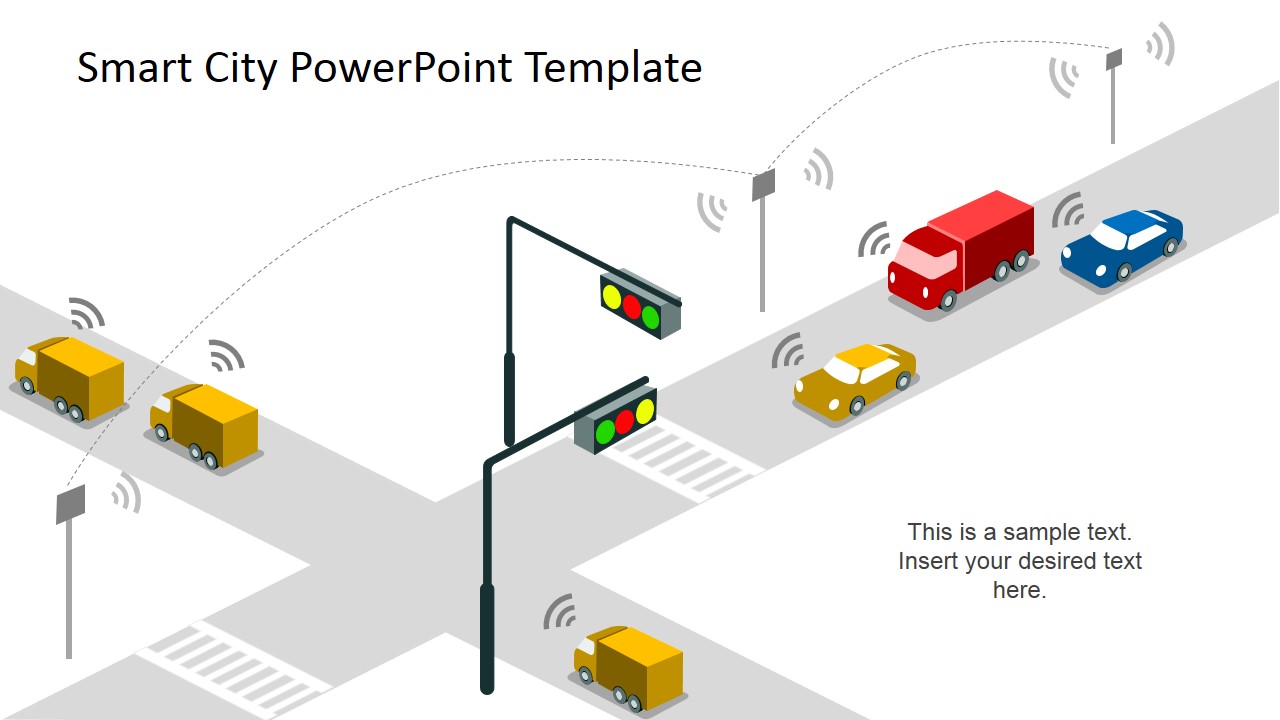
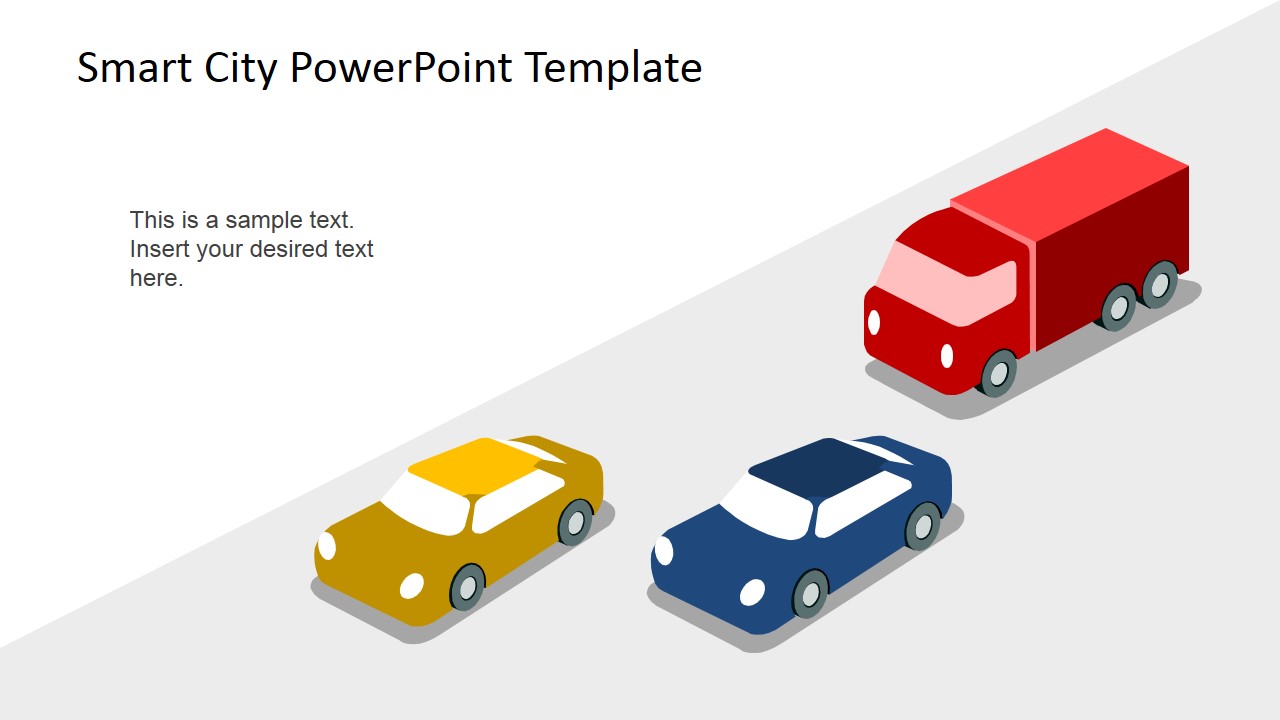
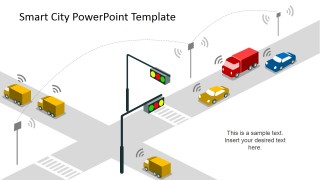
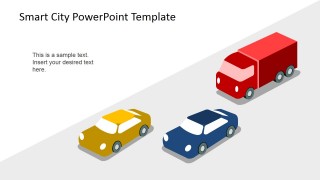
- A transportation consultant can use the smart traffic intersection and isometric road slides to explain signal networks, connected vehicles, and mobility improvements to city stakeholders.
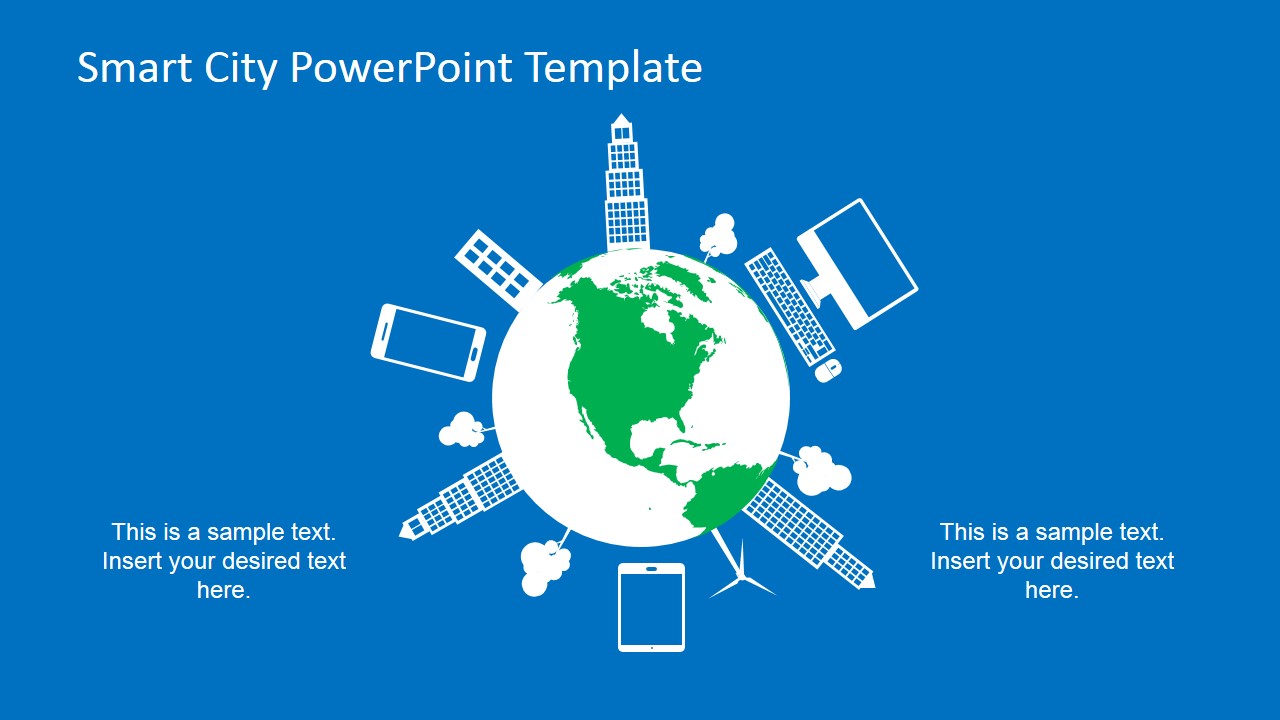
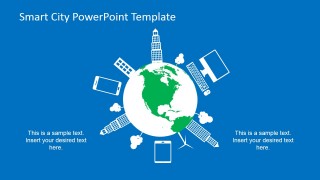
- A technology provider can use the skyline and device globe slides to frame an ICT proposal around data, connectivity, and public infrastructure for a city government audience.
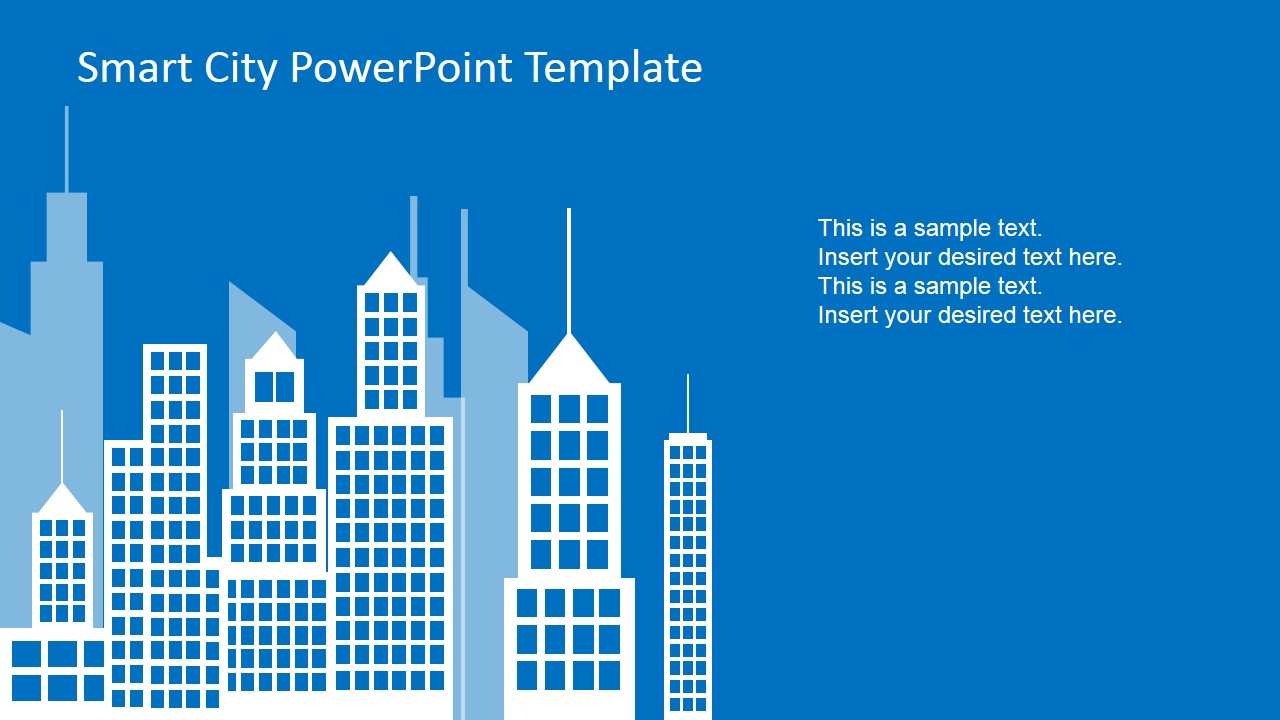
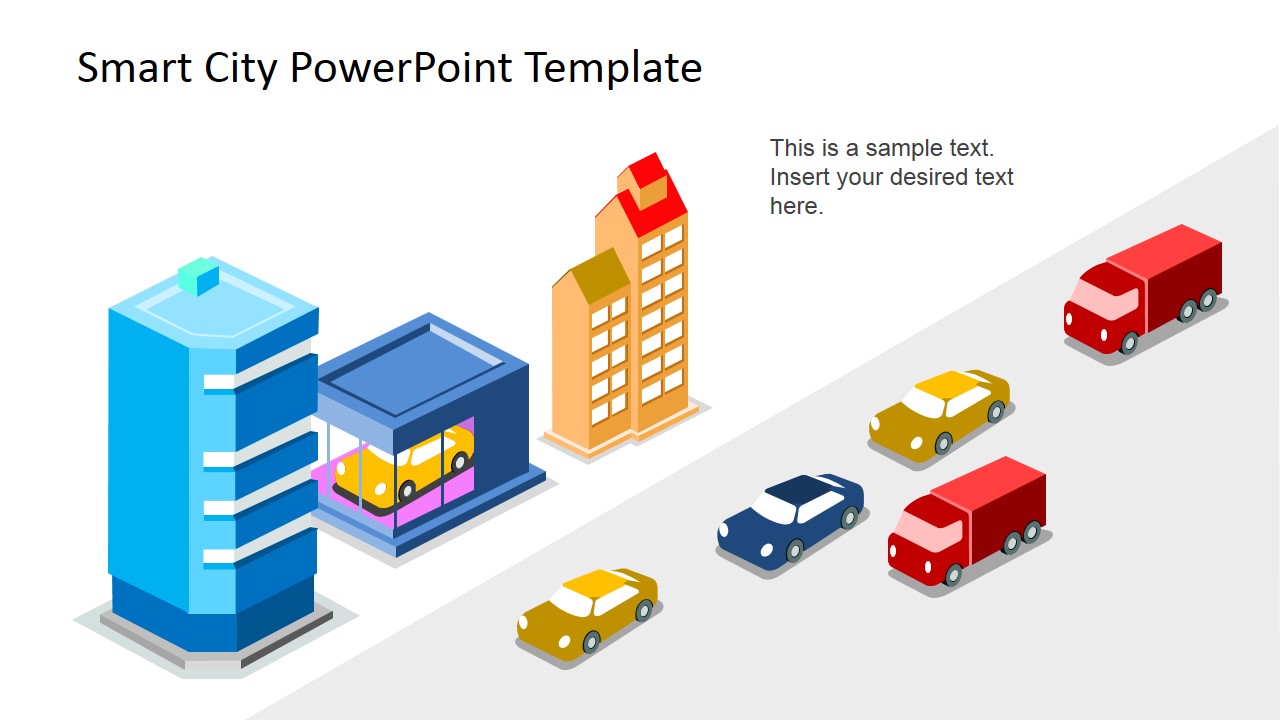
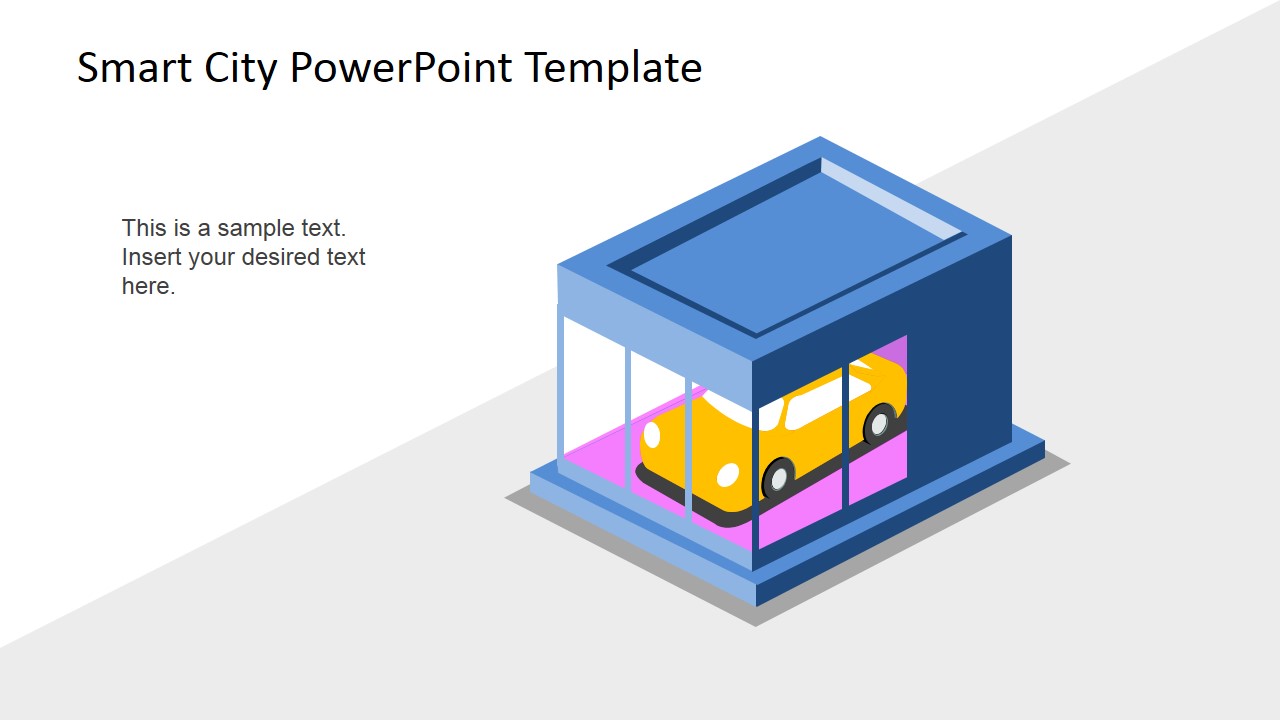
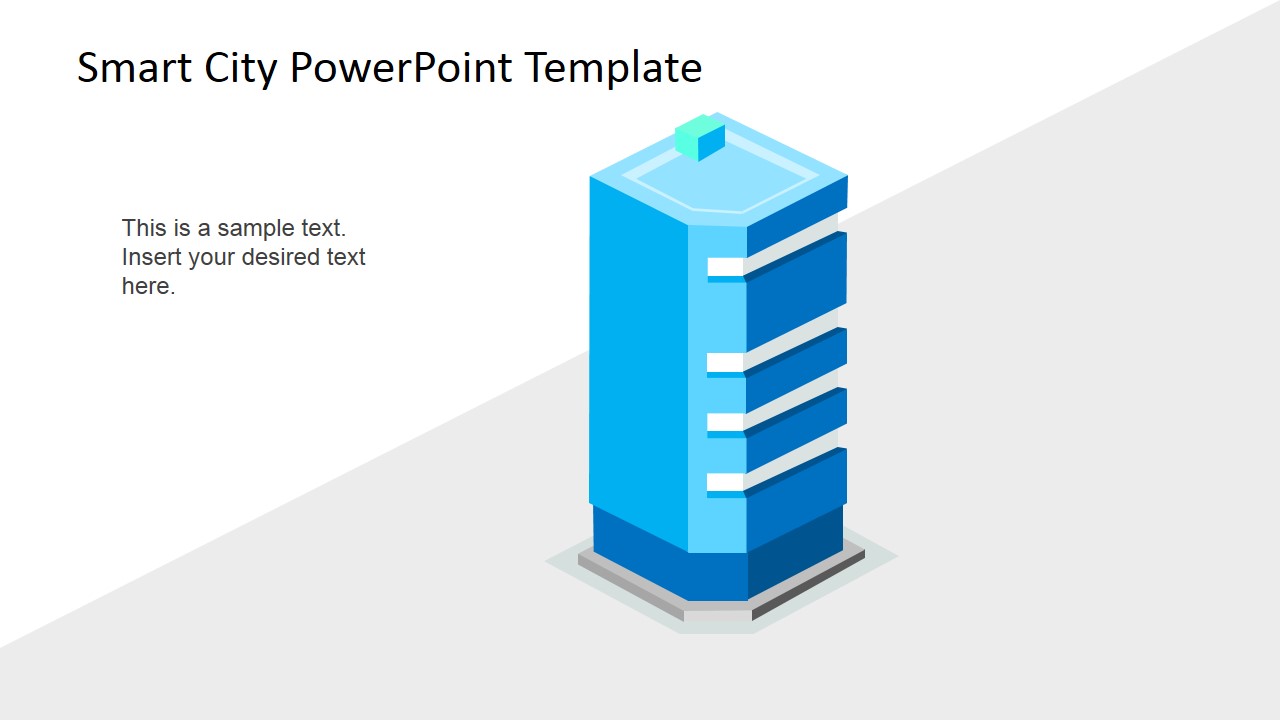
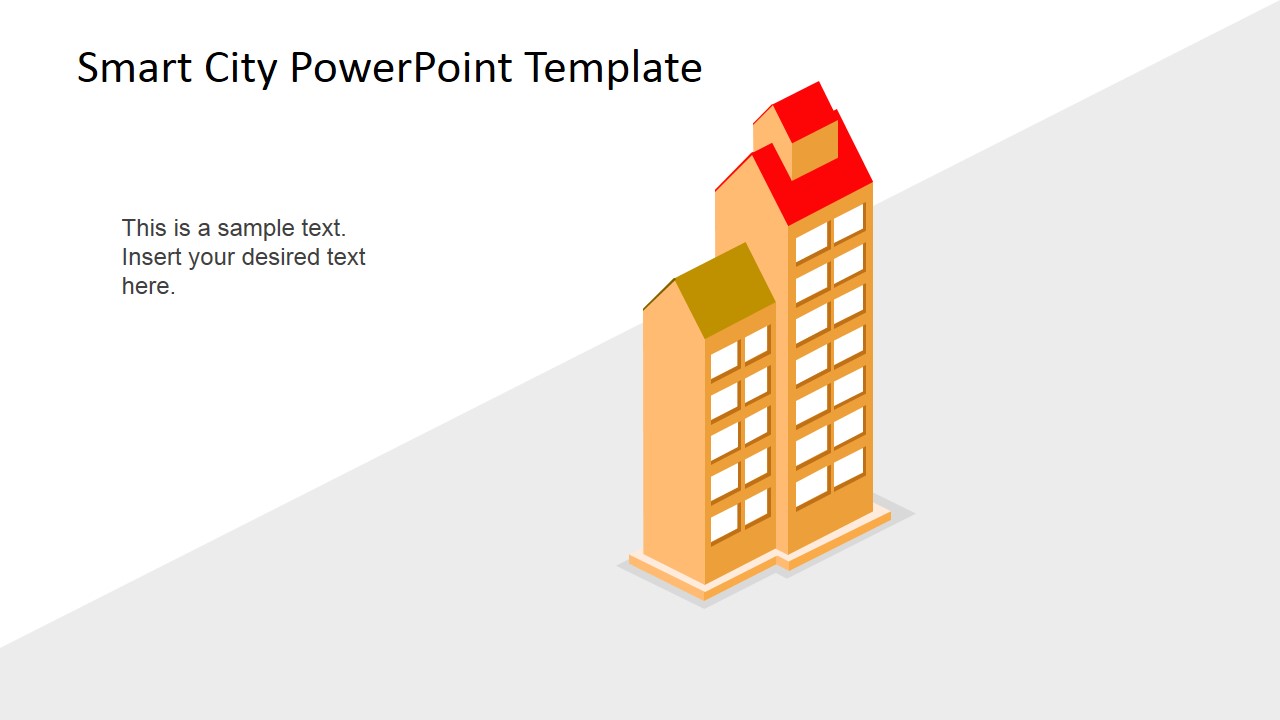
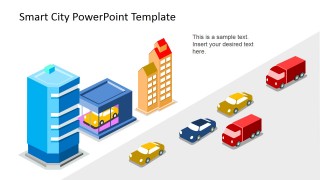
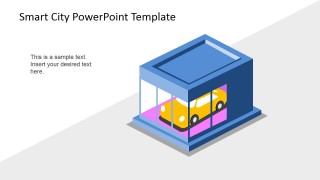
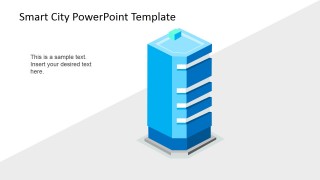
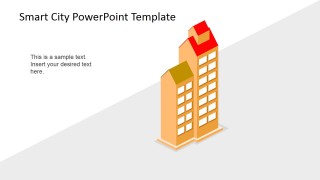
- A real estate or architecture presenter can use the city skyline and building illustration slides to discuss mixed-use districts, transit-oriented development, or smart building concepts.
Features
- 100% editable presentation template
- Compatible with Microsoft PowerPoint and Google Slides
- 16:9 aspect ratio slides
- Scalable vector shapes, icons and illustrations
- AI-Ready for Microsoft Copilot and Claude
- Instant access and download
Frequently asked questions
Q: How should a presenter structure a smart city message with this template?
A: Start with the skyline title slide to frame the city vision, then use the globe or device slide to explain the connected ecosystem. Move to the world map for geographic context, and use the traffic intersection or road scenes for concrete mobility examples. Close with the building slides when discussing specific districts, assets, or implementation areas.
Q: Who is this template best suited for and when does it work best?
A: It works best for planners, consultants, civic technology teams, transportation specialists, and real estate presenters who need to explain smart city concepts without dense technical diagrams. The illustrated scenes are helpful in early proposals, stakeholder briefings, and concept overviews where audiences need a clear visual model before details are discussed.
Q: Why do the globe, skyline, and traffic metaphors help communicate smart city ideas?
A: The globe visuals signal connected systems and global context, while the skyline grounds the idea in urban development. The traffic intersection makes infrastructure feel operational rather than abstract. This mix helps audiences connect a high-level smart city vision to practical elements such as roads, buildings, devices, and mobility networks.
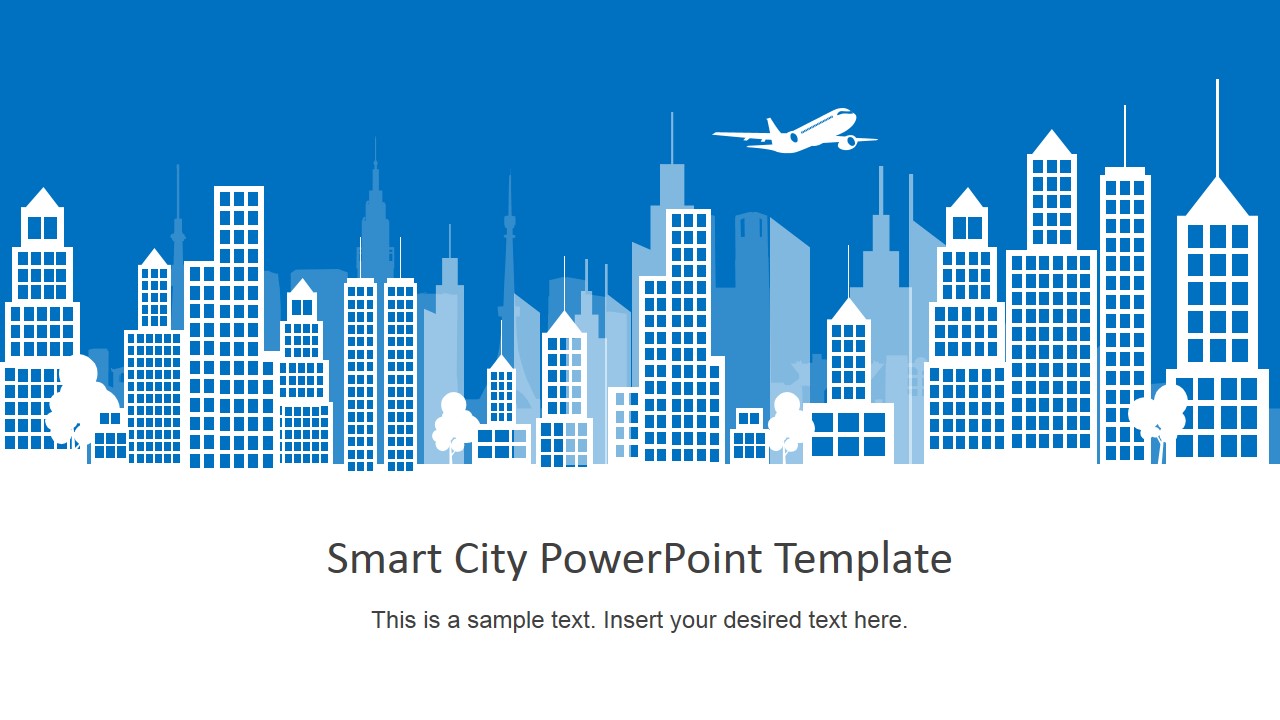
Smart City PowerPoint Template
12-slide smart city presentation template with urban skyline, world map, and traffic infrastructure illustrations
Smart City PowerPoint Template is a 12-slide presentation template for urban technology, mobility, and infrastructure topics. It includes a skyline title slide, globe city diagram, world map with location markers, smart traffic intersection, road traffic scene, and individual building illustrations. Formats include Microsoft PowerPoint and Google Slides.
- Category
- Shapes
- Rating


 Loading...
- Aspect ratio
- 16:9, 4:3
- Item ID
- 6689-01
- Colors
 Microsoft PowerPoint
  Microsoft Copilot
  Claude for PowerPoint
 Other formats supported
Subscribe today and get immediate
access to download our PowerPoint templates.