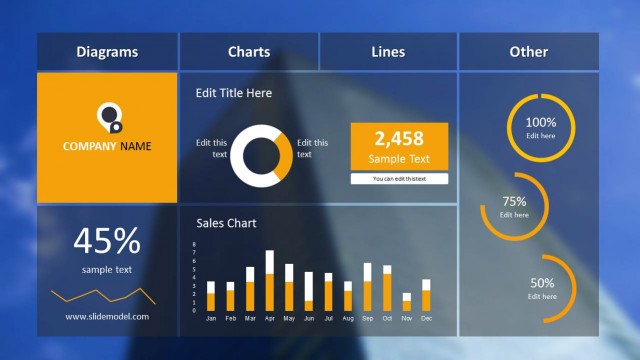
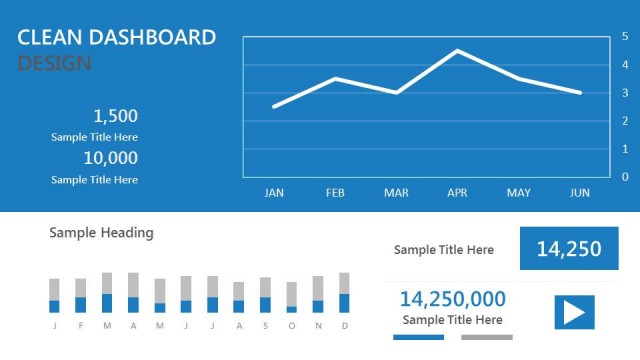
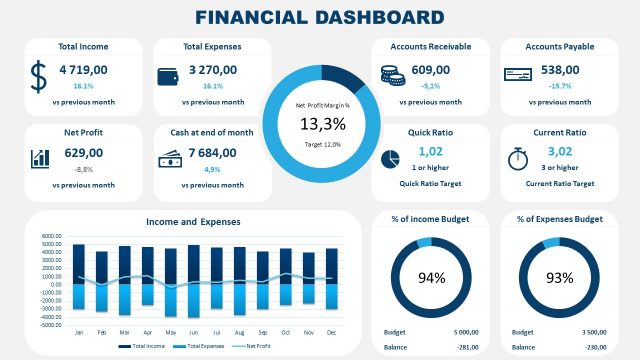
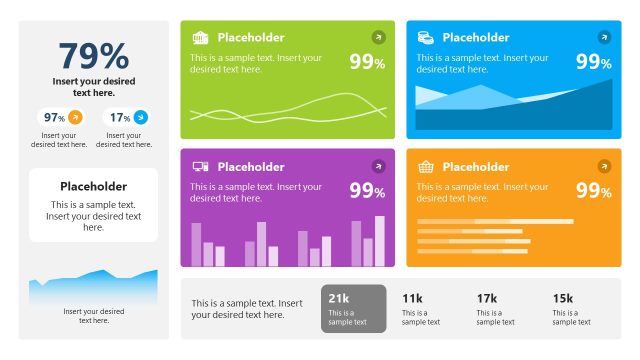
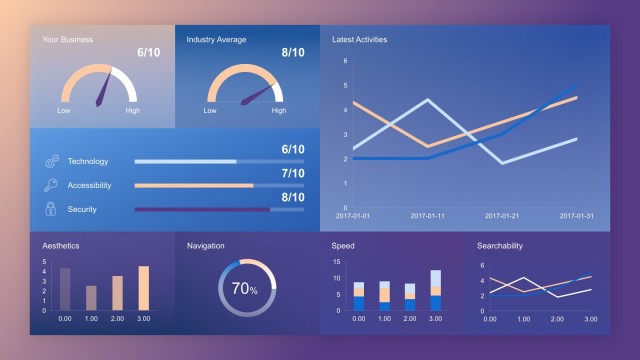
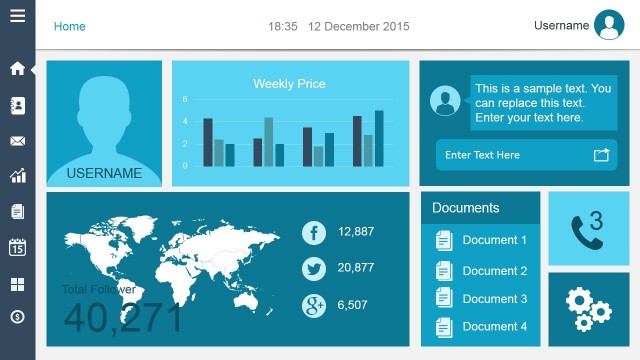
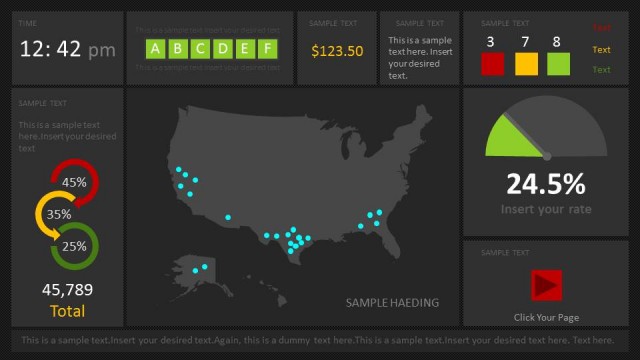
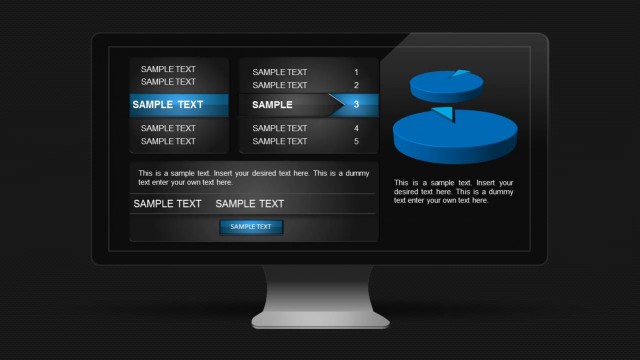
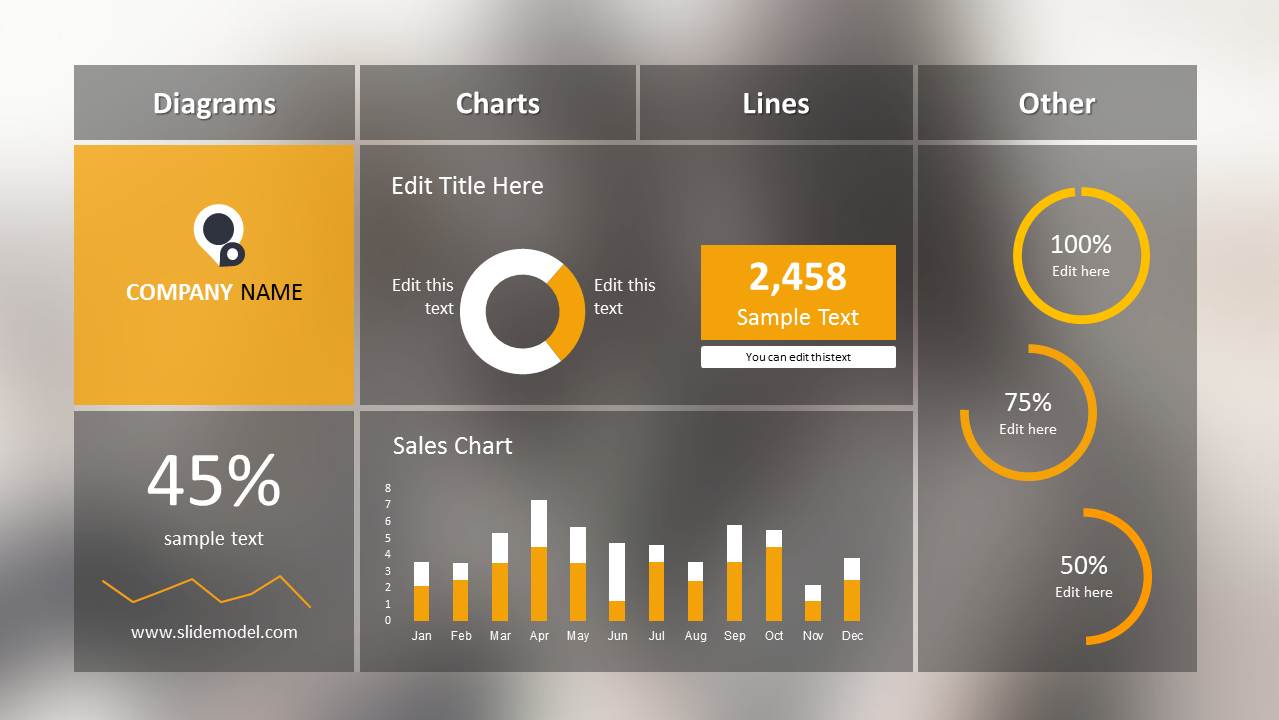
Blur Dashboard Slide for PowerPoint is a PowerPoint presentation template that you can download to prepare presentations with financial graphs and dashboard information. This presentation template with a single slide design can be used to make presentations for Business Performance Management (BPM) as well as other financial PowerPoint presentations. Dashboard PowerPoint template is also suitable for accounting PowerPoint presentations and finance PowerPoint slides.
Alternatively you can download other awesome dashboards for PowerPoint including the orange dashboard PowerPoint template for project planning and management.
What’s inside this template
Example presentation scenarios
- A finance analyst can use the monthly sales bar chart and numeric KPI card to brief executives on revenue movement during a performance review.
- A sales manager can present quota or pipeline status by replacing the circular progress gauges and 45% metric tile with current targets and completion rates.
- A business manager can open a management meeting with the company panel, donut chart, and KPI tiles to summarize departmental performance before discussion.
- An accounting presenter can use the dashboard format to compare period results, show a headline percentage, and direct attention to exceptions in the bar chart.
Features
- 100% editable presentation template
- Compatible with Microsoft PowerPoint and Google Slides
- 16:9 aspect ratio slides
- Scalable vector shapes, icons and illustrations
- AI-Ready for Microsoft Copilot and Claude
- Instant access and download
Frequently asked questions
Q: How should the presenter explain the dashboard without overwhelming the audience?
A: Start with the headline KPI tile or the numeric metric card, then move to the sales bar chart for the time-based trend, and finish with the circular progress gauges for target status. Avoid reading every label. Use the four zones as a guided scan from identity, to results, to trend, to completion.
Q: Who is this dashboard slide best suited for?
A: This template fits finance, sales, operations, and management presenters who need a one-slide status snapshot rather than a long report. It works well when the audience already understands the business context and needs fast comparison across a few visible indicators, such as percentage performance, monthly sales, and progress against targets.
Q: Why does the blurred dashboard design help communicate performance data?
A: The blurred gray background keeps the layout unified while the orange accent highlights the most important visual signals. The dashboard metaphor makes separate metrics feel like one control panel. Grouped areas for diagrams, charts, lines, and other indicators help the viewer understand that each metric has a different role in the report.
Blur Dashboard Slide for PowerPoint
1-slide presentation template for KPI dashboards, financial graphs, and business performance reporting
Blur Dashboard Slide for PowerPoint is a 1-slide dashboard presentation template for financial and performance reporting. The visible layout includes a company panel, KPI percentage tile, donut chart, monthly sales bar chart, numeric metric card, and circular progress gauges. It is designed for Microsoft PowerPoint and Google Slides.
- Category
- Data & Charts
- Rating


 Loading...
- Aspect ratio
- 16:9
- Item ID
- 9107
 Microsoft PowerPoint
  Microsoft Copilot
  Claude for PowerPoint
 Other formats supported
Subscribe today and get immediate
access to download our PowerPoint templates.