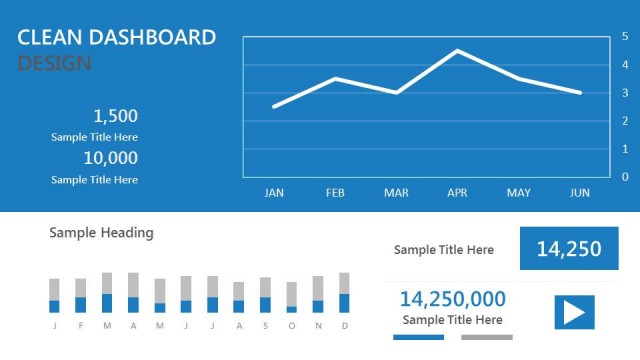
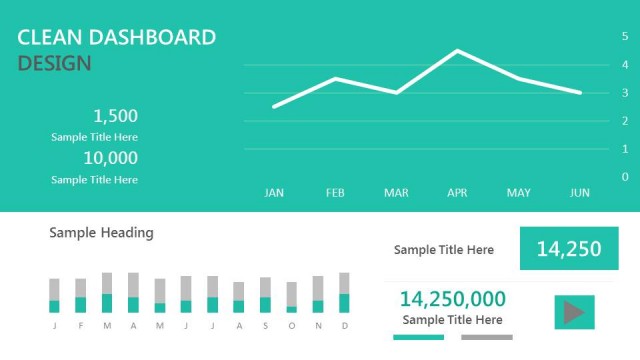
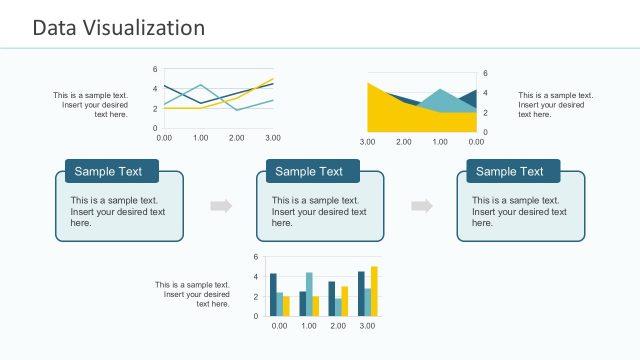
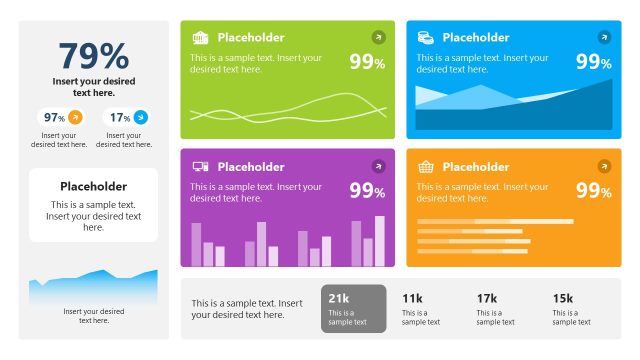
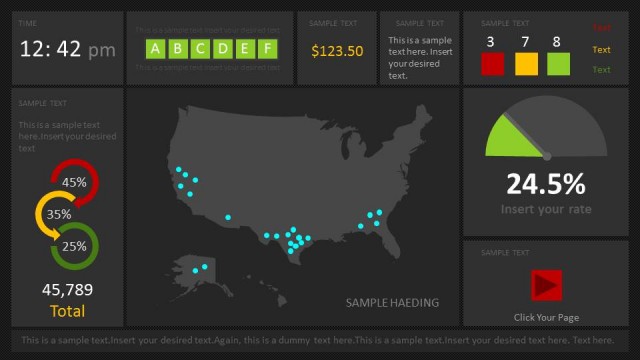
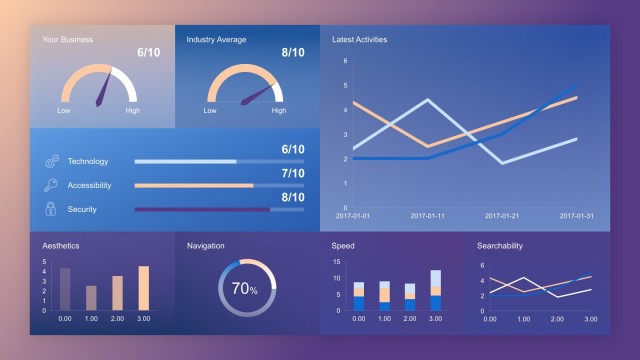
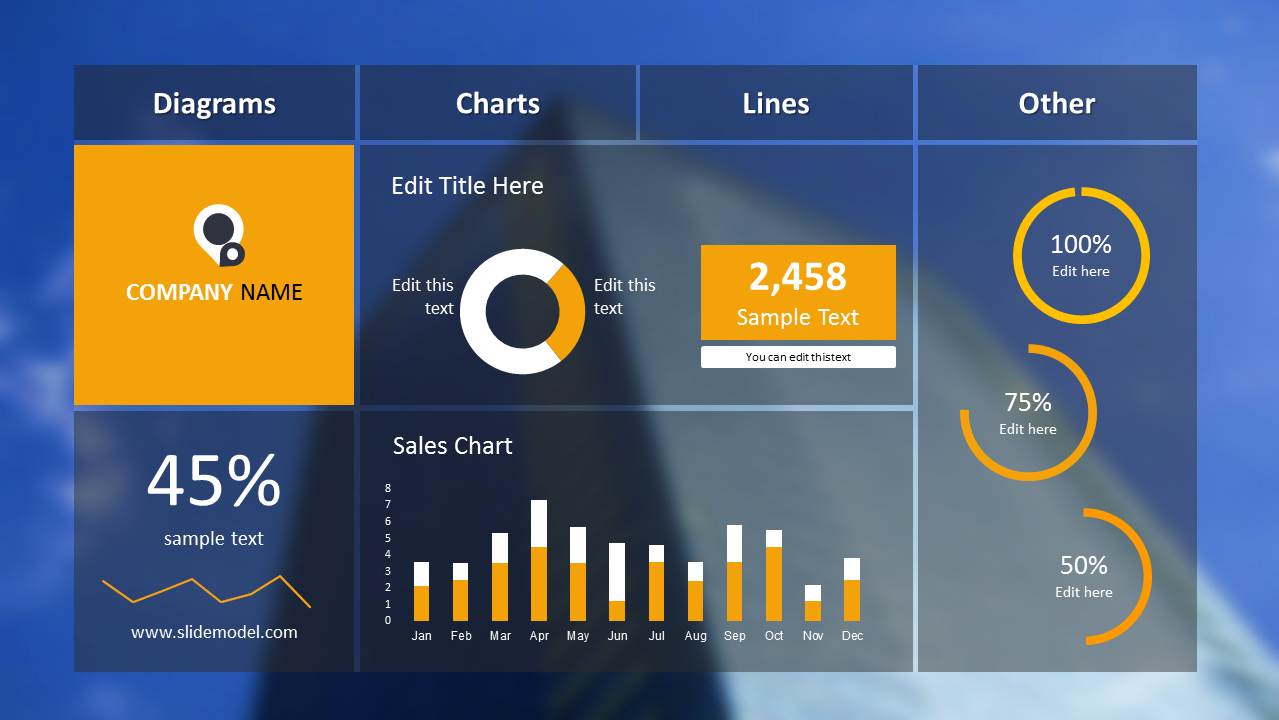
Blur Dashboard Slide for PowerPoint with Blue Background is a presentation template for displaying charts, tables and other types of important data using dashboard slides.
With this elegant dashboard template you can make good use of your slides by adding various bits of important information within a single slide, while keeping the layout easy enough to allow your audience to process the data with ease.
This dashboard template for PowerPoint can also be helpful in presenting big data analysis using a dashboard design, making it possible for you to have the same layout as your big data reports, i.e. in the form of a dashboard.
What’s inside this template
Example presentation scenarios
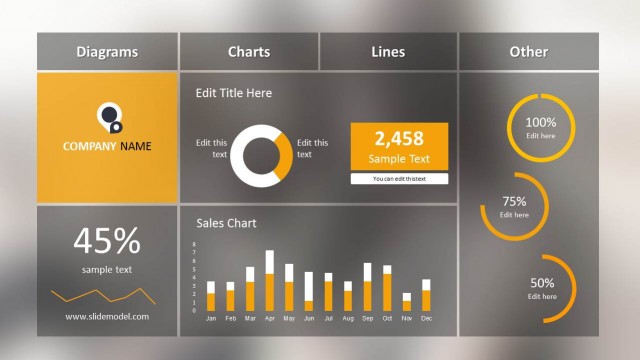
- A sales manager can use the monthly column chart and numeric KPI tile to summarize pipeline or revenue performance for an executive update.
- An operations lead can present service or productivity status by mapping target completion to the circular gauge indicators and the 45% line indicator.
- A business analyst can brief stakeholders on a data summary by placing the main metric in the orange KPI tile and supporting context in the donut chart labels.
- A department head can brand a recurring performance review with the company logo tile while keeping the dashboard focused on a small set of decision metrics.
Features
- 100% editable presentation template
- Compatible with Microsoft PowerPoint
- 16:9 aspect ratio slides
- Scalable vector shapes, icons and illustrations
- Data-driven charts, editable in Microsoft Excel
- AI-Ready for Microsoft Copilot and Claude
- Instant access and download
Frequently asked questions
Q: How should I present the dashboard without overwhelming the audience?
A: Start with the largest business question, then move through the dashboard in zones: logo and context, headline KPI, chart evidence, and gauge status. Do not read every number. Use the orange elements as anchor points, explain what changed, and close with the decision or action the metrics require.
Q: Who is this dashboard best suited for?
A: This slide is best for managers, analysts, and executives who need a fast performance snapshot rather than a full analytical report. It works well in monthly reviews, status meetings, and management briefings where a donut chart, sales column chart, and gauge indicators can show progress against targets at a glance.
Q: Why does the grid dashboard design improve communication?
A: The panel grid separates different metric types so the audience can scan without losing context. The blurred blue background keeps the slide visually unified, while the orange accents signal the most important values. The gauge circles act as progress metaphors, helping viewers read completion and status faster than text alone.
Blur Dashboard Slide for PowerPoint with Blue Background
1-slide PowerPoint presentation template with a blue KPI dashboard, donut chart, and gauges
Blur Dashboard Slide for PowerPoint with Blue Background is a one-slide 16:9 data dashboard template for Microsoft PowerPoint. It combines a KPI dashboard grid, logo panel, donut chart, monthly column chart, line indicator, and circular gauge indicators for business managers reporting performance metrics in a compact blue layout.
- Category
- Data & Charts
- Rating


 Loading...
- Aspect ratio
- 16:9
- Item ID
- 9107-01
- Colors
 Microsoft PowerPoint
  Microsoft Copilot
  Claude for PowerPoint
 Other formats supported
Subscribe today and get immediate
access to download our PowerPoint templates.