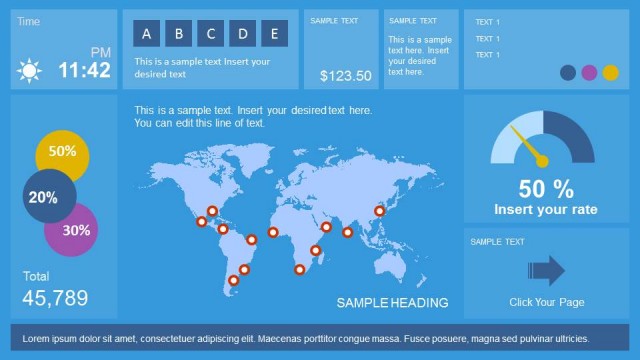
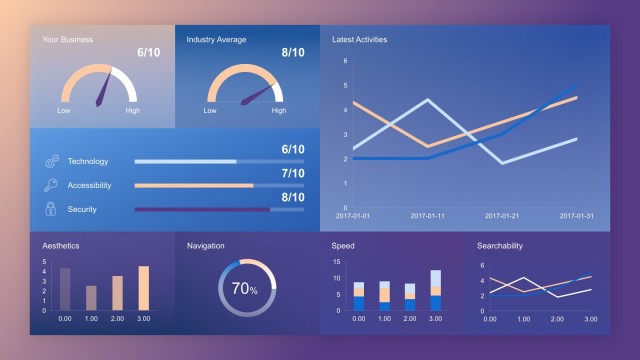
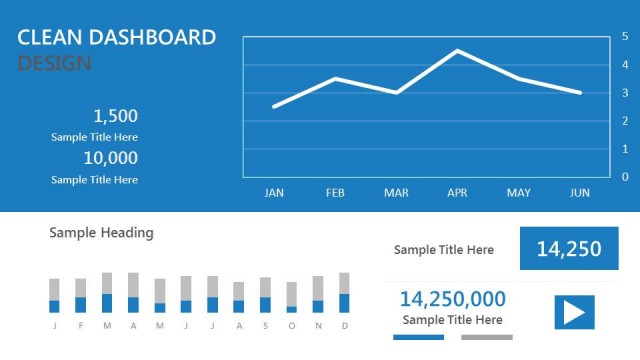
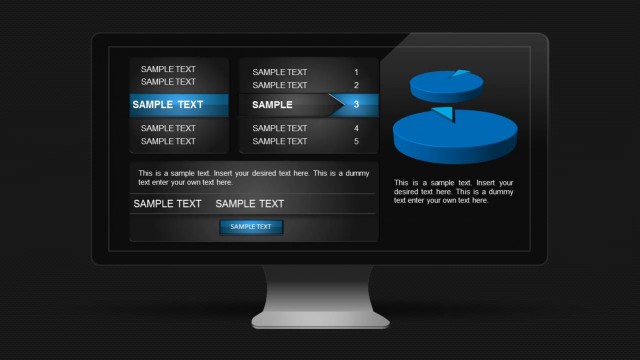
Black Dashboard PowerPoint Template is an excellent dashboard design created in PowerPoint that you can use in business performance and KPIs presentations.
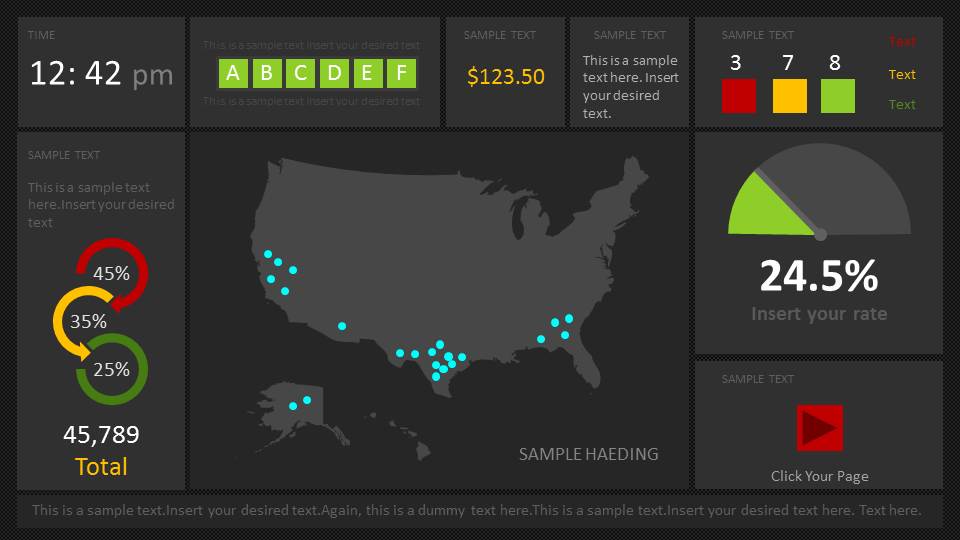
This dashboard template for PowerPoint has a dark background style and catchy dashboard elements in the slide design. You can edit the dashboard components and layout to make your dashboards in Microsoft PowerPoint. The dashboard contains editable components to represent your data in a visually appealing manner. The available components in this dark dashboard design include:
- Gauge and KPI components
- US Map with markers
- Doughnut charts
- Color indicators
- Time & Date components
- Text components and UI design
Alternatively to this dashboard PowerPoint model, you can download other dashboard PPT templates, including media dashboard and digital marketing dashboard for presentations, or you can download the free bundle PowerPoint slides to see how we create editable templates for PowerPoint.
What’s inside this template
Example presentation scenarios
- An operations manager can use the US map with markers and KPI gauges to brief executives on regional activity and current performance levels.
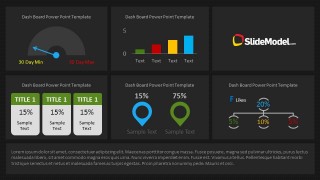
- A sales leader can use the bar chart panel, percentage cards, and status indicators to summarize pipeline movement or territory results in a short review.
- A business analyst can use the gauge widgets and connected percentage markers to compare thresholds, targets, and outlier metrics during a performance update.
- A project manager can use the dashboard tiles and footer text area to present a one-page status snapshot with numeric progress, risks, and next actions.
Features
- 100% editable presentation template
- Compatible with Microsoft PowerPoint and Google Slides
- 16:9 aspect ratio slides
- Scalable vector shapes, icons and illustrations
- AI-Ready for Microsoft Copilot and Claude
- Instant access and download
Frequently asked questions
Q: How should a presenter organize the message on this dashboard without overloading the audience?
A: Start with the most important KPI before explaining secondary indicators. On slide 1, use the large gauge and total value as the headline metric, then move to the US map and smaller circular gauges for context. Keep each tile to one message so the audience can scan the dashboard quickly.
Q: Who is this template best suited for in a business review?
A: This template fits presenters who need a compact performance snapshot rather than a long report. Analysts, operations managers, sales leaders, and project owners can use the map, gauges, bar chart, and KPI cards to brief decision makers on current status, exceptions, and regional activity.
Q: Why does the dark dashboard design work for KPI communication?
A: The dark background makes bright green, cyan, yellow, and red indicators stand out, which helps separate normal status from warnings or priority metrics. The gauge metaphor communicates progress and thresholds quickly, while the map and cards break the data into recognizable decision areas.

Dashboard PowerPoint Template
2-slide dashboard presentation template with KPI gauges, US map, and dark performance reporting layouts
Dashboard PowerPoint Template is a 2-slide dark business dashboard deck for KPI and performance reporting. It includes a US map with markers, circular KPI gauges, a semicircle gauge, bar chart panels, indicator cards, and status tiles. Built for Microsoft PowerPoint and Google Slides in 16:9 format.
- Category
- Business PowerPoint Templates
- Rating


 Loading...
- Aspect ratio
- 16:9
- Item ID
- 29-03
- Colors
 Microsoft PowerPoint
  Microsoft Copilot
  Claude for PowerPoint
 Other formats supported
Subscribe today and get immediate
access to download our PowerPoint templates.