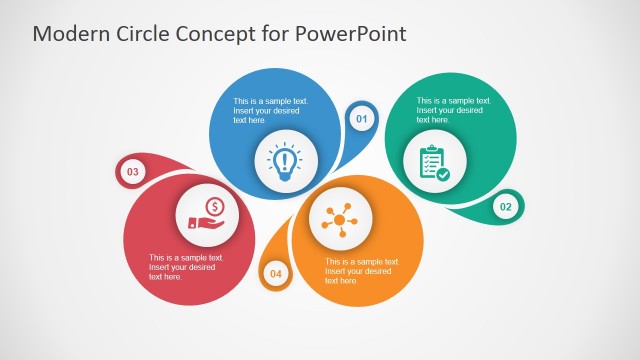
Blue Circle Professional PowerPoint Template is a presentation design and PowerPoint template that you can use to prepare business presentations with elegant backgrounds.
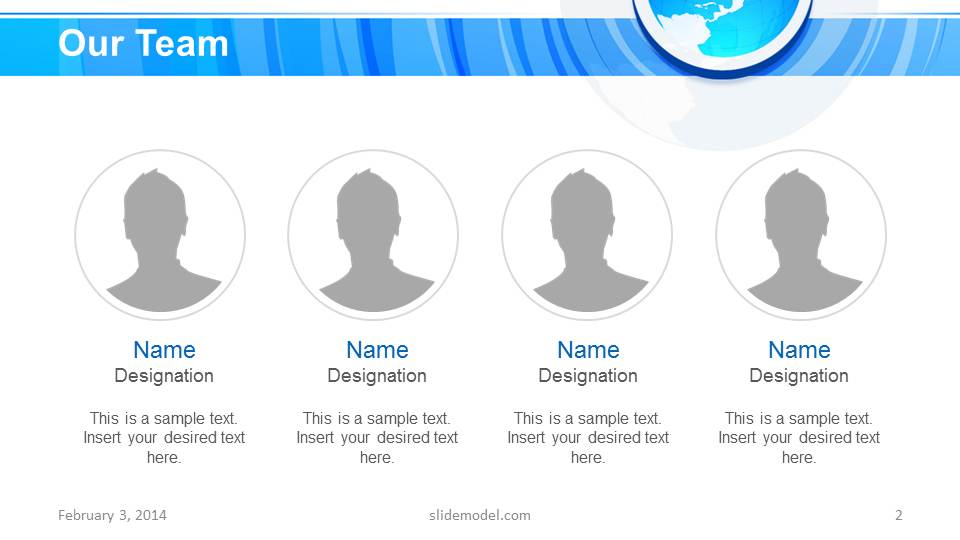
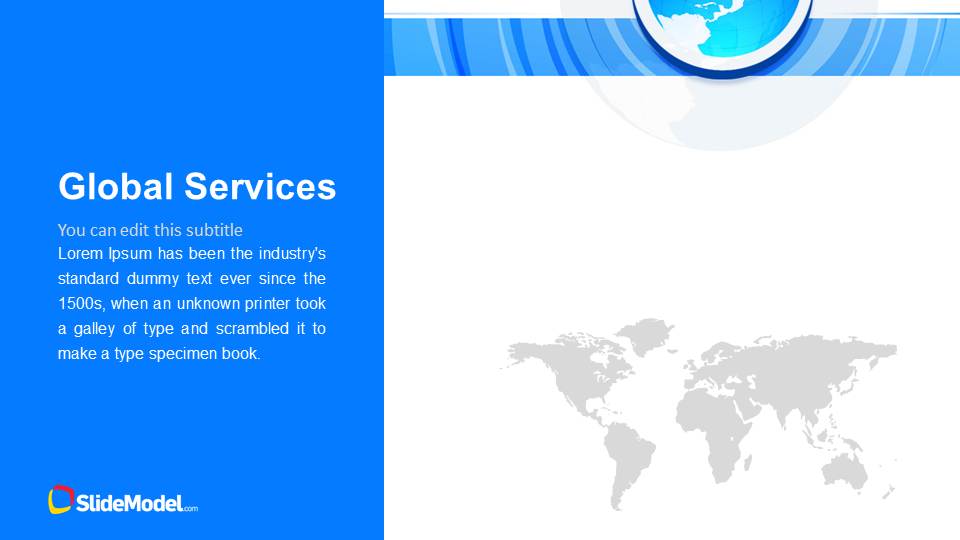
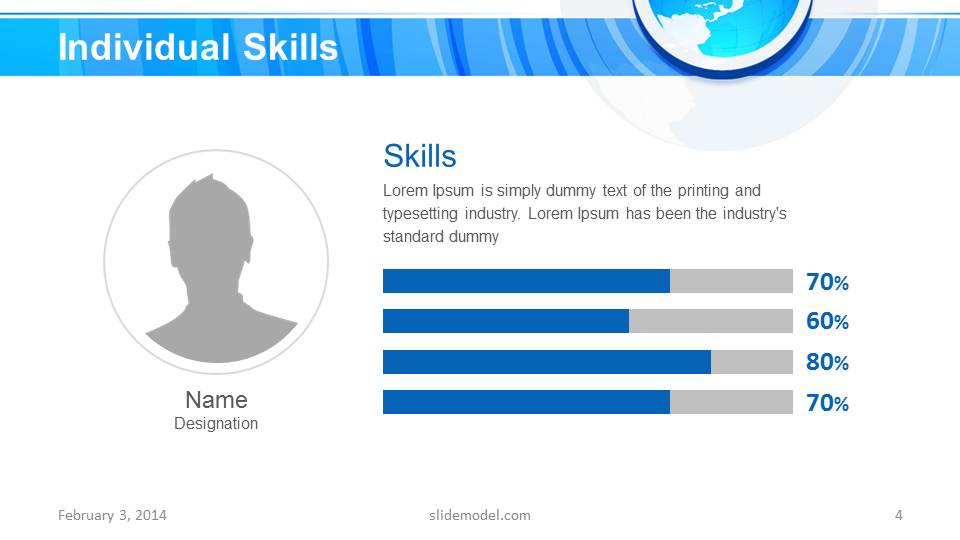
Inside this presentation template you can find useful slides like Our Teams with profile pictures, global services slide design, individual skills, templates with 2 column slide layouts and 3 column layouts. You can also find a last slide with a Thank you slide design and testimonial slides for PowerPoint.
Alternatively you can download other nice PowerPoint templates for business presentations like the marketing PowerPoint template.
What’s inside this template
Example presentation scenarios
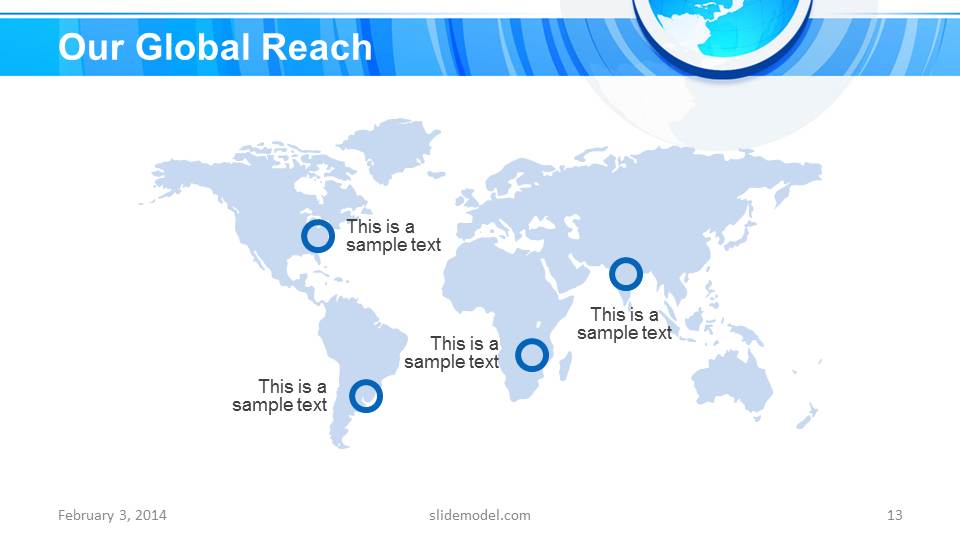
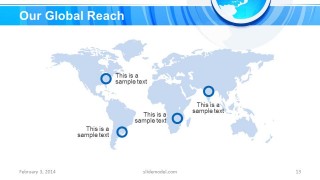
- A corporate communications manager can introduce a company to partners by using the title slide, team profiles, global services page, and global reach map to establish identity and footprint.
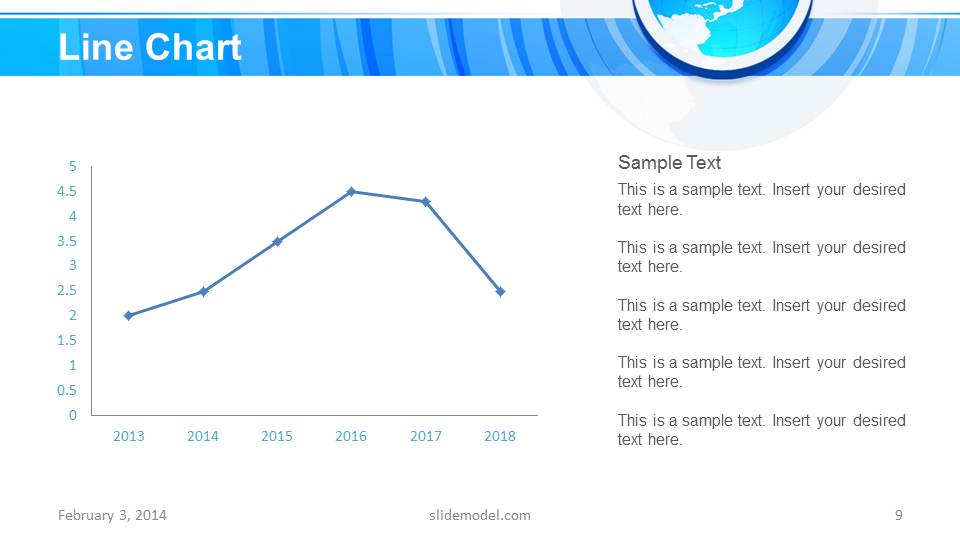
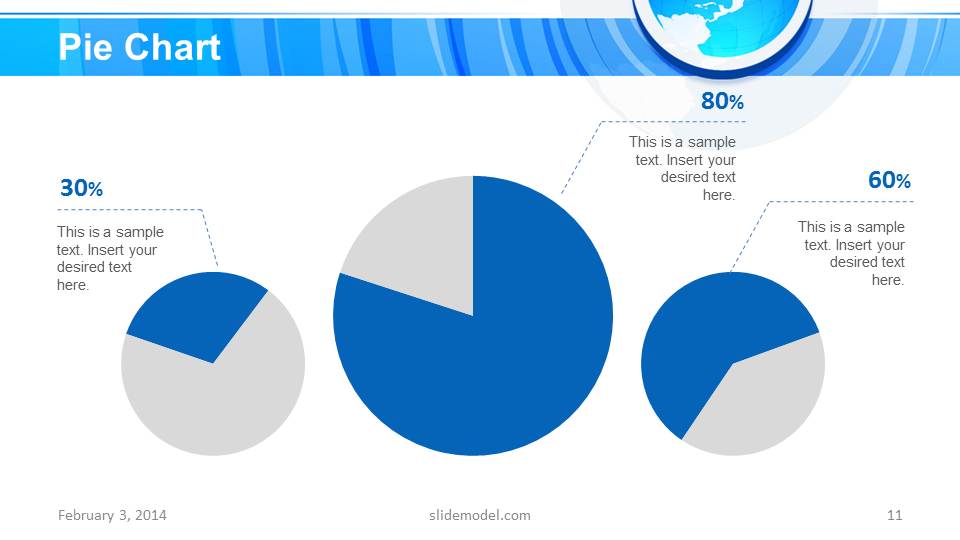
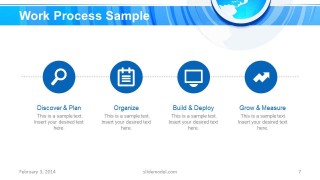
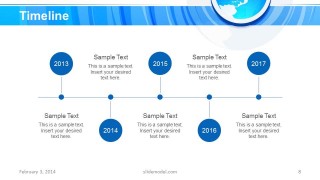
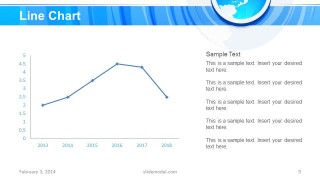
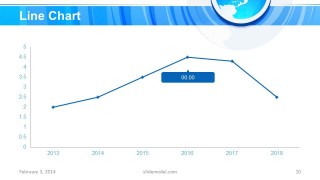
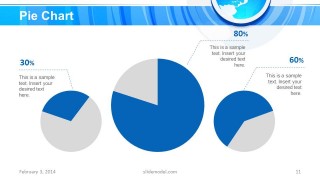
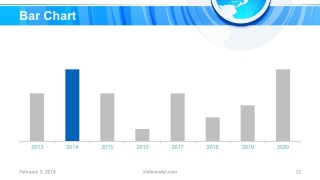
- A consulting presenter can explain an engagement plan with the work process slide and timeline, then support the plan with line, pie, and bar chart slides.
- A sales or account lead can summarize international service coverage with the global services sidebar and world map layouts before closing with the testimonial and thank-you slides.
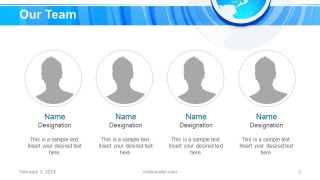
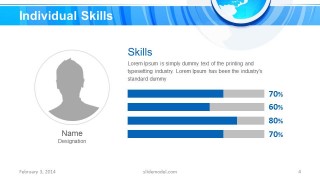
- A department head can present team capabilities by combining the Our Team layout, individual skills bars, and two-column or three-column content slides for concise explanation.
Features
- 100% editable presentation template
- Compatible with Microsoft PowerPoint and Google Slides
- Scalable vector shapes, icons and illustrations
- AI-Ready for Microsoft Copilot and Claude
- Instant access and download
Frequently asked questions
Q: How should a presenter organize the message with this template?
A: Start with the title slide to frame the business topic, then move into people, services, process, and timing before showing charts and global reach. This order lets the audience understand who is speaking, what the organization does, how work happens, and what evidence supports the message before the testimonial and closing contact slide.
Q: Who is this template best suited for in a business setting?
A: This template fits corporate teams, consultants, and service organizations that need to explain a company or initiative with an international angle. The globe backgrounds, global services slide, and world map make it especially useful when geography, reach, or distributed teams are part of the story.
Q: Why does the circular globe design help the communication?
A: The circles and globe act as a visual metaphor for connection, scale, and worldwide activity. Because the motif repeats in the title, headers, map, and closing slide, the deck feels unified while leaving the central area open for charts, team profiles, process icons, and timeline content.











Blue Circle Professional PowerPoint Template
15-slide PowerPoint presentation template with global map, team profiles, timelines, and business charts
The Blue Circle Professional PowerPoint Template is a 15-slide blue business deck built around circular globe backgrounds. It includes team profiles, global services, individual skills bars, work process steps, a timeline, line charts, pie charts, a bar chart, a global reach map, testimonial, and thank-you slide for corporate presenters using PowerPoint.


 Loading...
 Microsoft PowerPoint
  Microsoft Copilot
  Claude for PowerPoint
 Other formats supported
Subscribe today and get immediate
access to download our PowerPoint templates.