The Blue Slides PowerPoint Template is a PowerPoint slide deck containing a blue background theme. It is a set of 14 pre-designed slides for business presentations. Many businesses use a blue theme for company’s portfolio presentations. More often, the advanced engineering and information technology companies use blue theme. Because this blue color depicts electricity concepts, hence, present any product or service which runs on electricity. This company presentation template has background pattern showing blue waves. It is a high-resolution background picture; therefore, customization features are limited in picture tool. Such as, adding layer of transparency, correction, picture style, borders etc.
The Blue Slides PowerPoint Template provides useful slide deck for business professionals to demonstrate best impression of company. These slides can present organization culture, vision, product, solutions and much more. This blue background template presents a slide sequence for introducing company, its workforce, and their ability to perform skill tasks. The sequence includes:
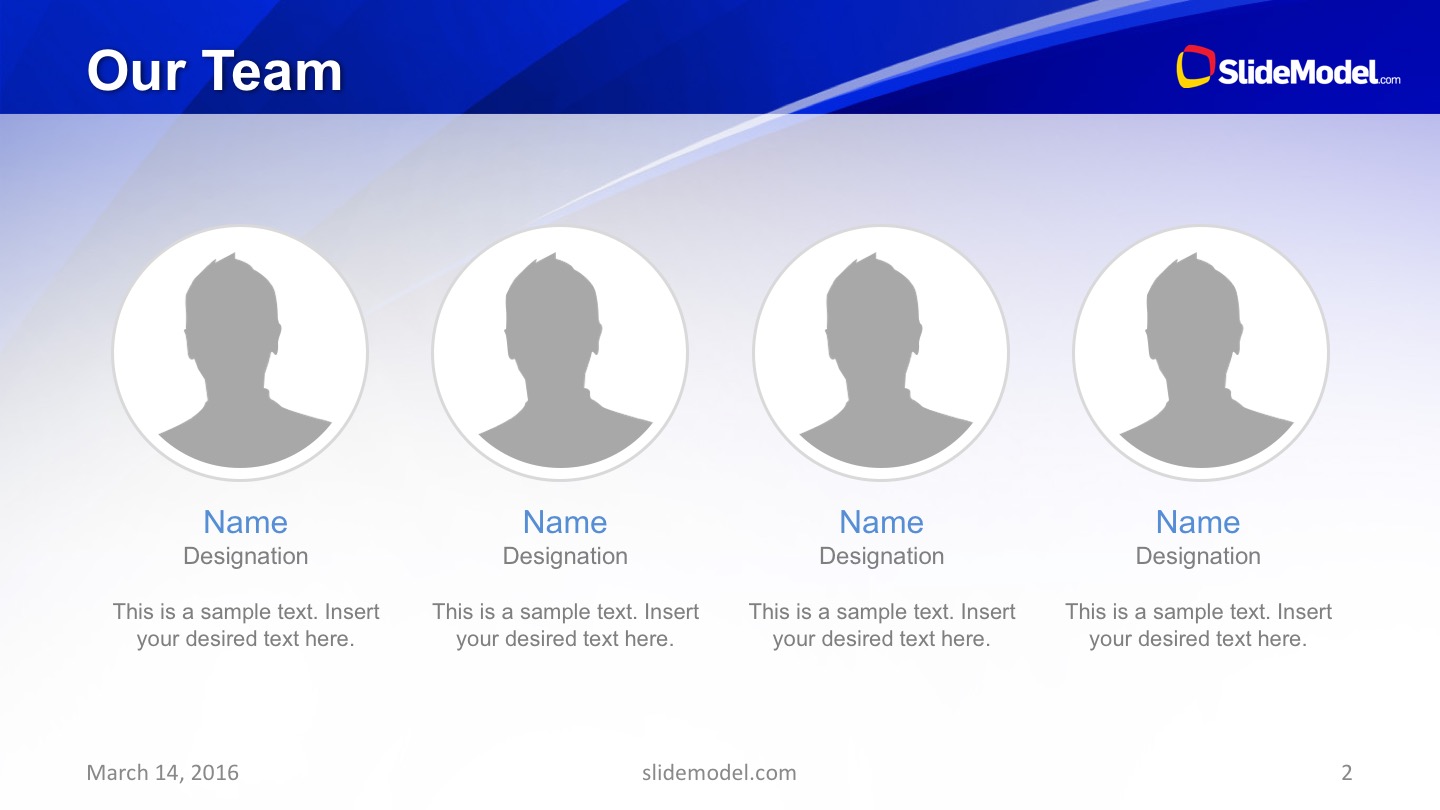
- Team introduction: Circular picture placeholder frames – Add image, designation title, and job descriptions
- Global services: Service information two contents layout with world map silhouette
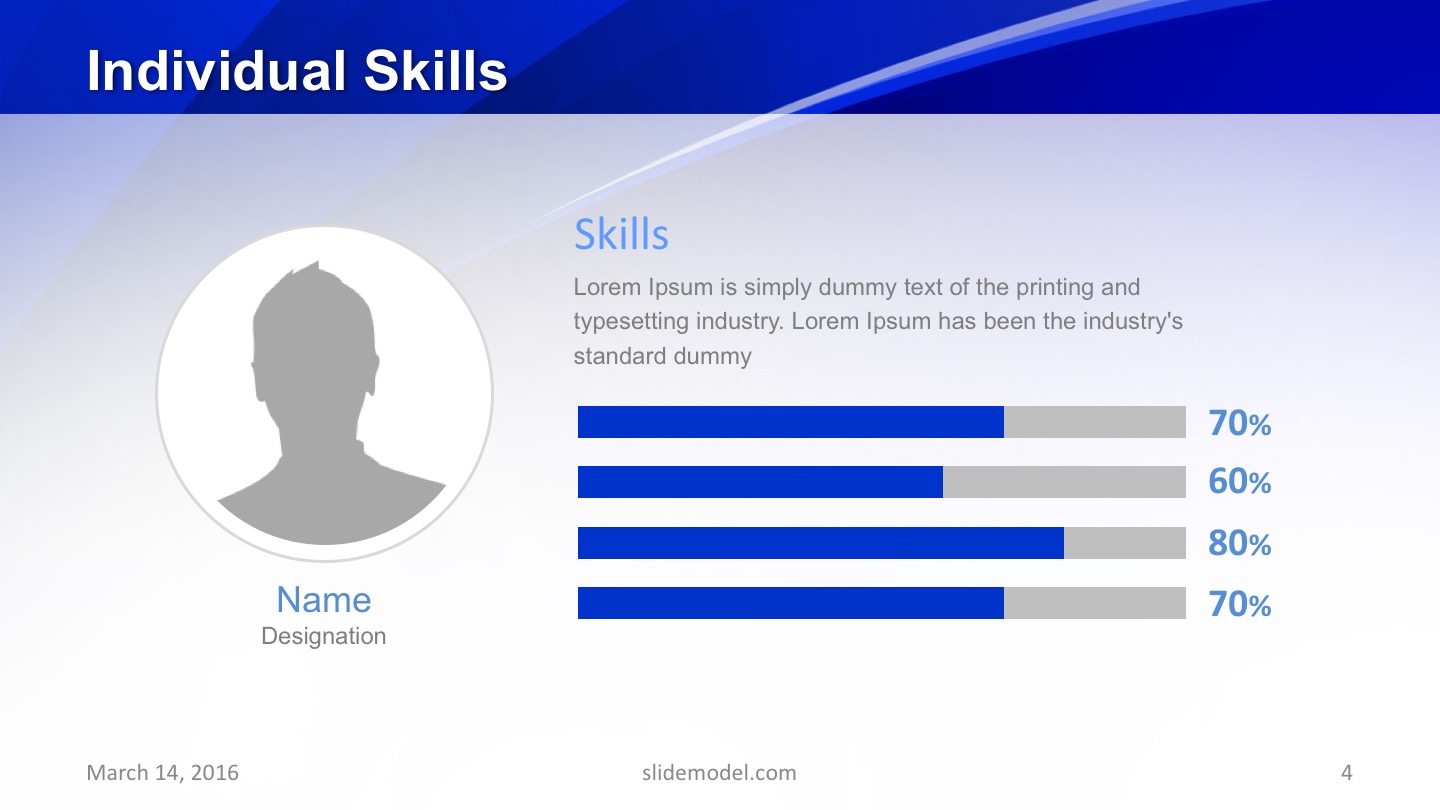
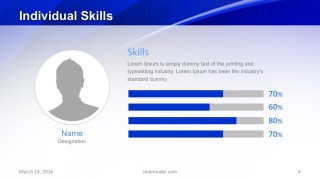
- Individual skills: Individual skills rating chart and brief description
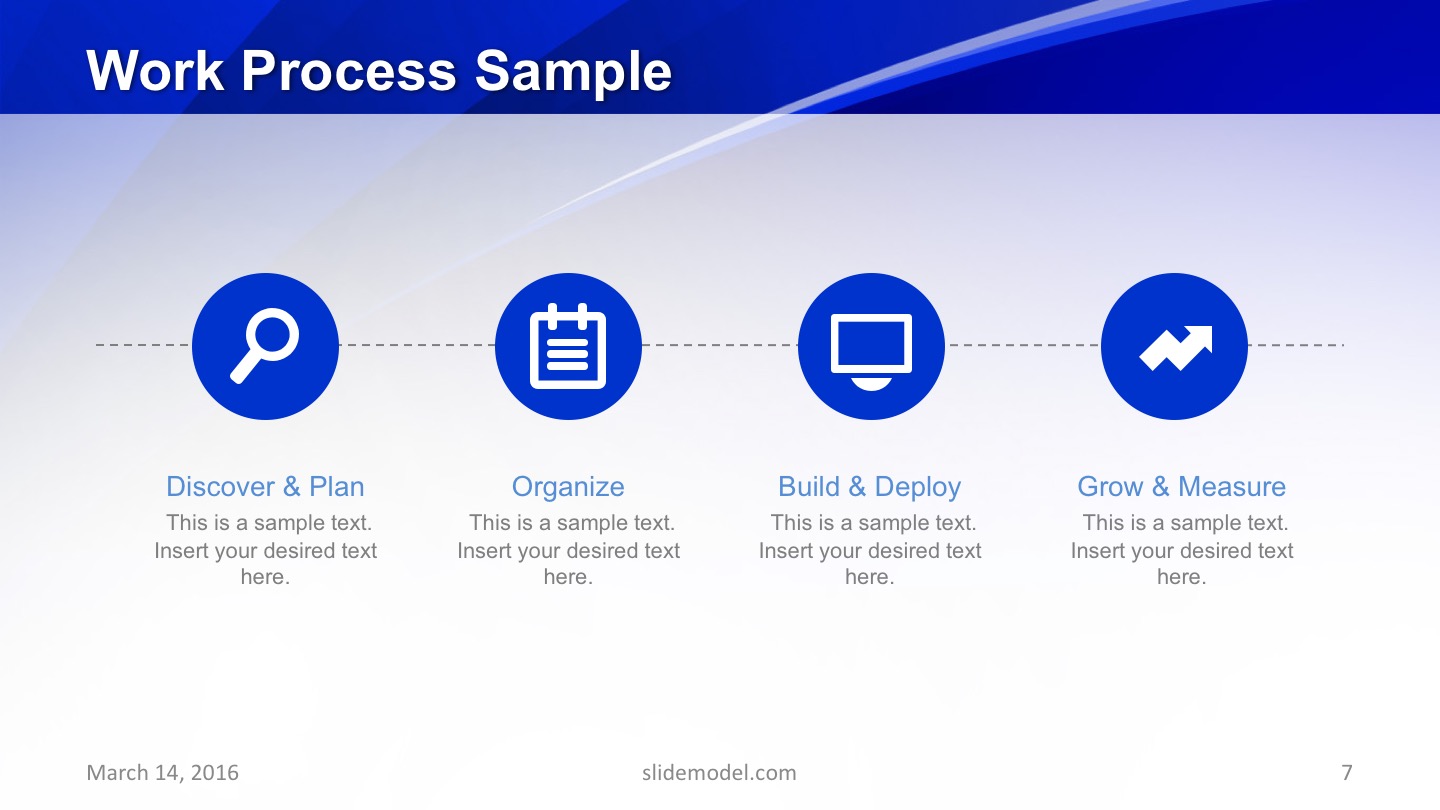
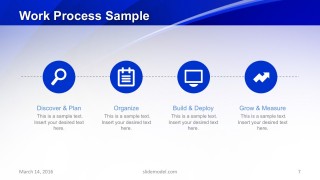
- Work process sample: 4 steps horizontal process flow diagram with infographic icons
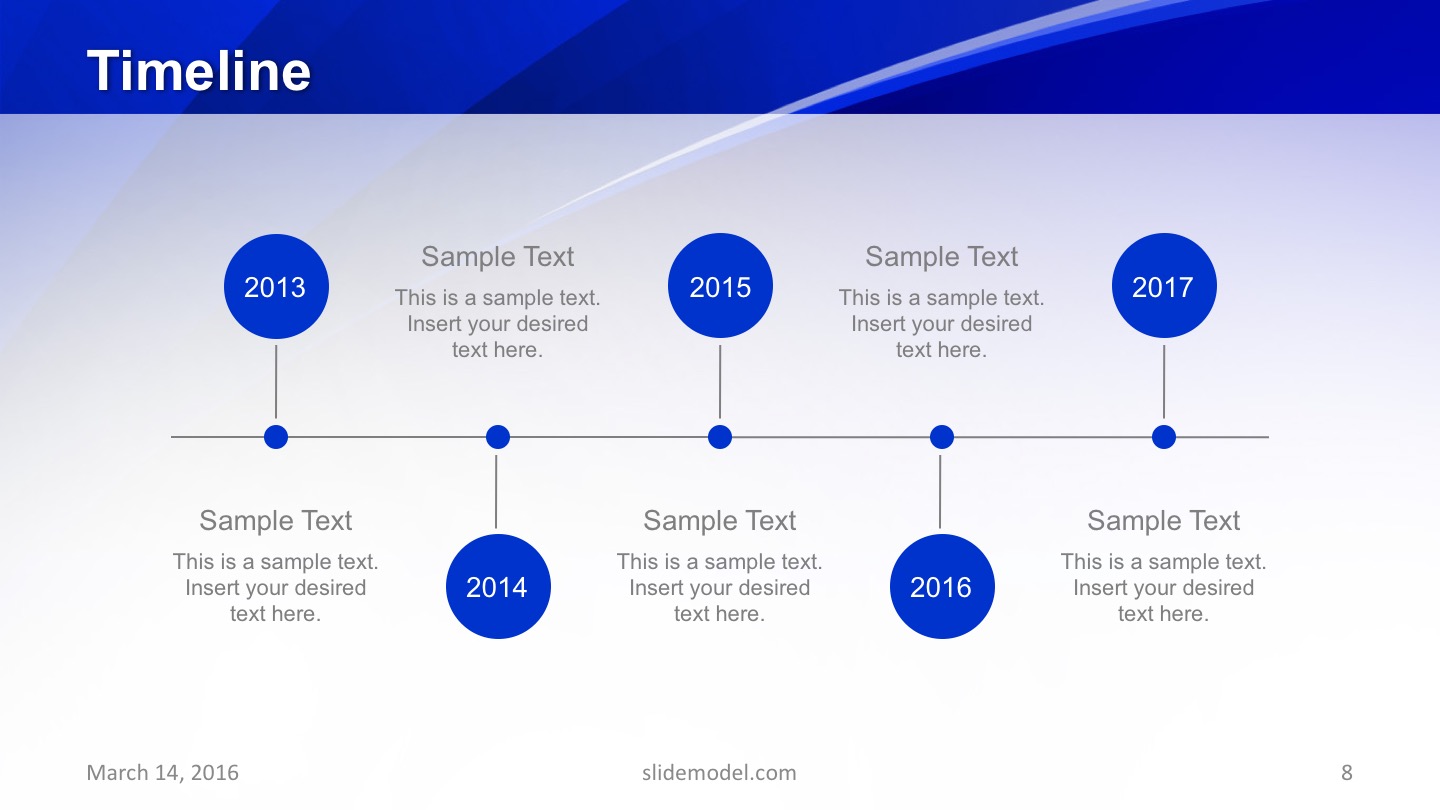
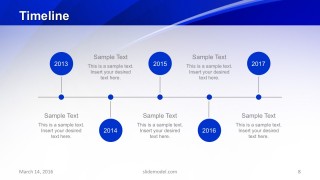
- Timeline: Horizontal Timeline layout with circular milestone shapes
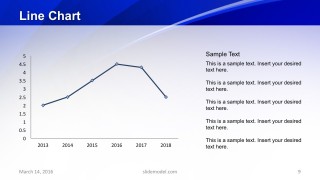
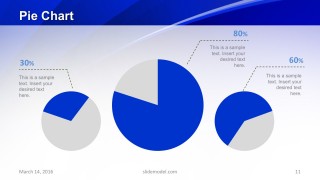
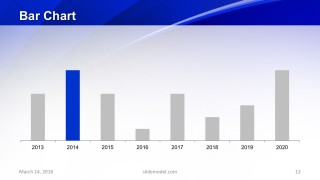
- Statistical data charts (Line, Pie and Bar chart): Customized Data drive charts of PowerPoint
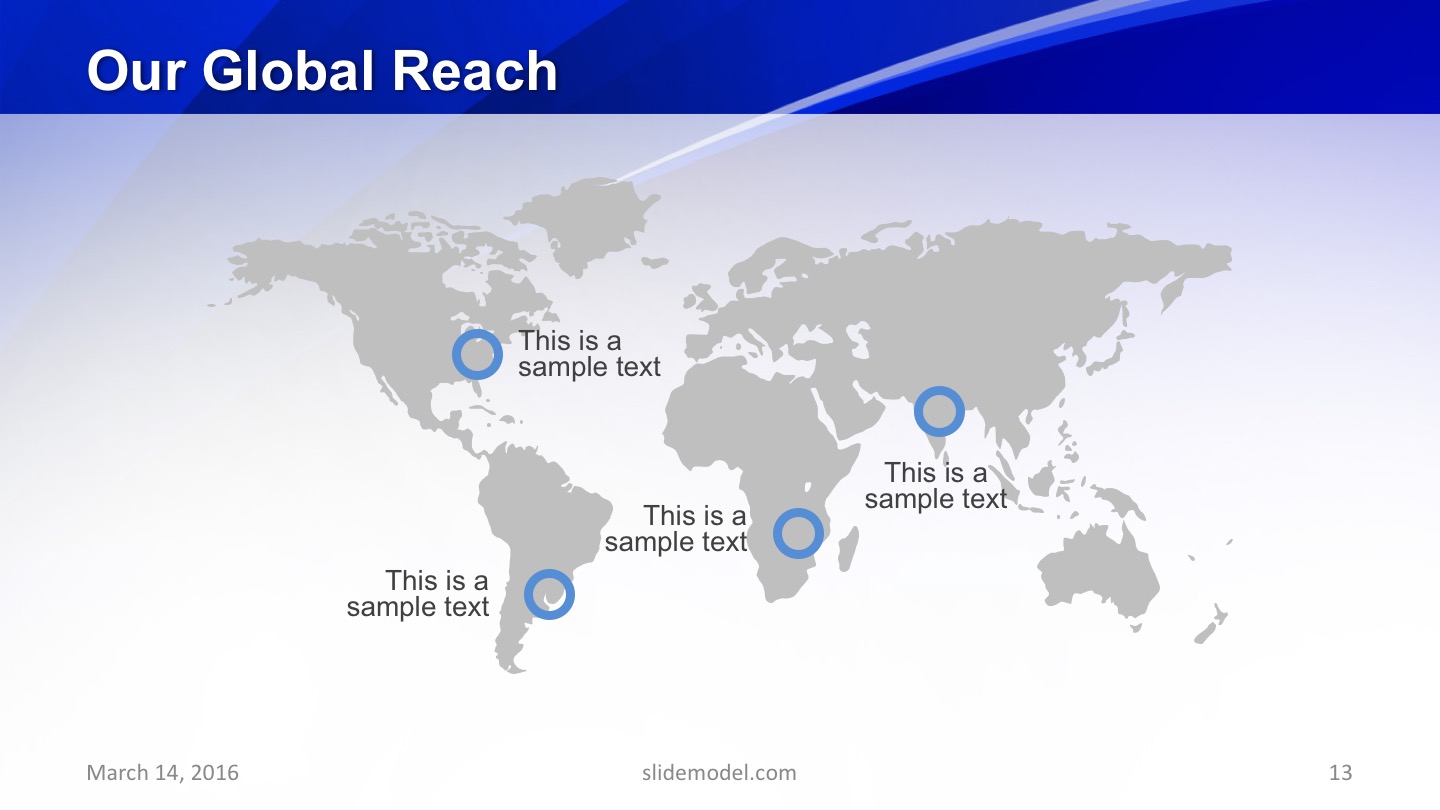
- Our global reach: Silhouette world map template with circle pin markers
- Testimonial slide: Image and quotation text placeholder layout
The PowerPoint template of blue theme is an effective visual presentation to deliver professional knowledge. The pattern of blue background could assist users to explain an overall idea and vision of company. Further it can help establish a brand image by adding success stories, progress reports, vision, mission, and values.
What’s inside this template
Example presentation scenarios
- A technology sales presenter can use the global services map and four-step process diagram to explain service coverage and delivery flow during a first client meeting.
- An engineering manager can present the team profile, individual skills bars, and timeline to show project readiness and capability during an internal review.
- A consultant can use the two-column and three-column text slides to compare service options, then support recommendations with the line, pie, and bar chart slides.
- A marketing team can build a company portfolio presentation by combining the cover, team introduction, global reach map, testimonial slide, and thank-you contact slide.
Features
- 100% editable presentation template
- Compatible with Microsoft PowerPoint and Google Slides
- 16:9 aspect ratio slides
- Scalable vector shapes, icons and illustrations
- AI-Ready for Microsoft Copilot and Claude
- Instant access and download
Frequently asked questions
Q: How should the presenter structure the company story with this template?
A: Start with the blue cover to frame the company identity, then introduce the team before describing global services. Use the process and timeline slides to explain how work is delivered, and place the charts after that as evidence. Close with the global reach map, testimonial, and thank-you slide so the audience sees both capability and contact details.
Q: Who is this template best suited for?
A: This template fits presenters who need a polished company overview more than a deep financial report. Technology, engineering, consulting, and service organizations can use the blue visual style, team placeholders, services map, skills bars, and process slide to explain who they are, what they provide, and where they operate.
Q: Why does the blue wave background work for this type of presentation?
A: The wave motif gives the deck a consistent visual thread without competing with the content. It is especially appropriate for technical, electrical, software, or service-oriented topics because blue suggests precision and reliability. The design keeps most charts and text on light areas, so the decorative background frames the message rather than obscuring it.













Blue Slides PowerPoint Template
14-slide blue presentation template for company profiles, team introductions, process diagrams, timelines, and charts.
The Blue Slides PowerPoint Template is a 14-slide business presentation template with a blue abstract background theme. It includes team profiles, a global services map, skills bars, a four-step process, a timeline, line, pie, and bar charts, global reach markers, and a testimonial layout for company overview presentations in PowerPoint and Google Slides.
- Category
- Template Backgrounds
- Rating


 Loading...
- Aspect ratio
- 16:9
- Item ID
- 10307-01
- Colors
 Microsoft PowerPoint
  Microsoft Copilot
  Claude for PowerPoint
 Other formats supported
Subscribe today and get immediate
access to download our PowerPoint templates.