Slide 2 of 15 from Blue Circle Professional PowerPoint Template
Our Team Slide Design for PowerPoint
Team Overview Slide for Presentations
- Media Layout
- Image + Text Split
- Team Slide
- 16:9
- 100% Editable
The Team Overview with Circular Images slide from the Blue Circle Professional PowerPoint Template offers a structured layout for team introductions in corporate presentations. Featuring editable shapes and circular image placeholders, this slide enhances business presentations and pitch decks by clearly presenting team members' names and roles. Its clean design supports effective communication in client meetings and project presentations using professional slide templates.
About This Slide
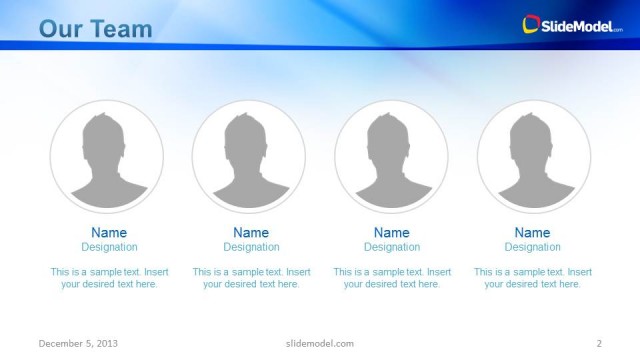
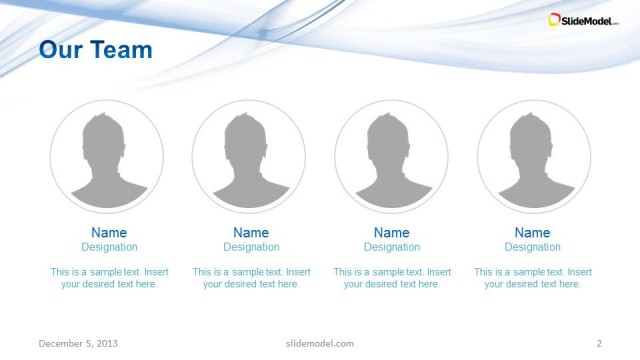
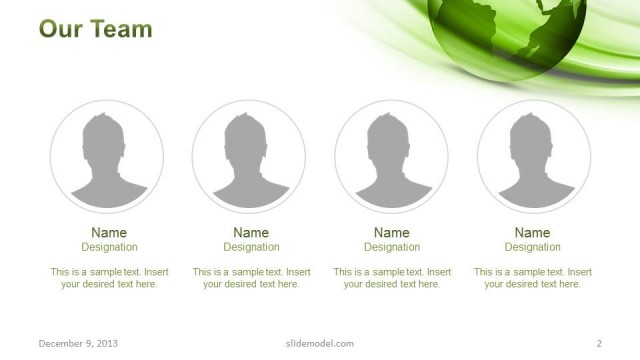
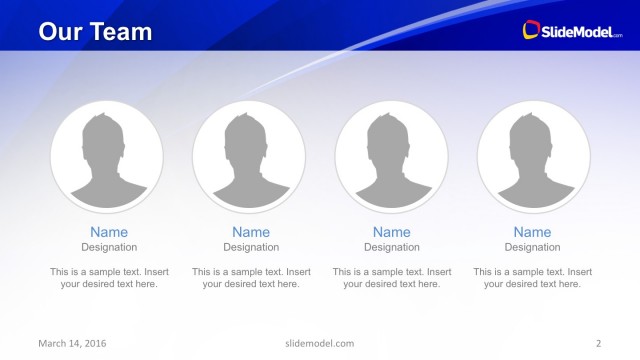
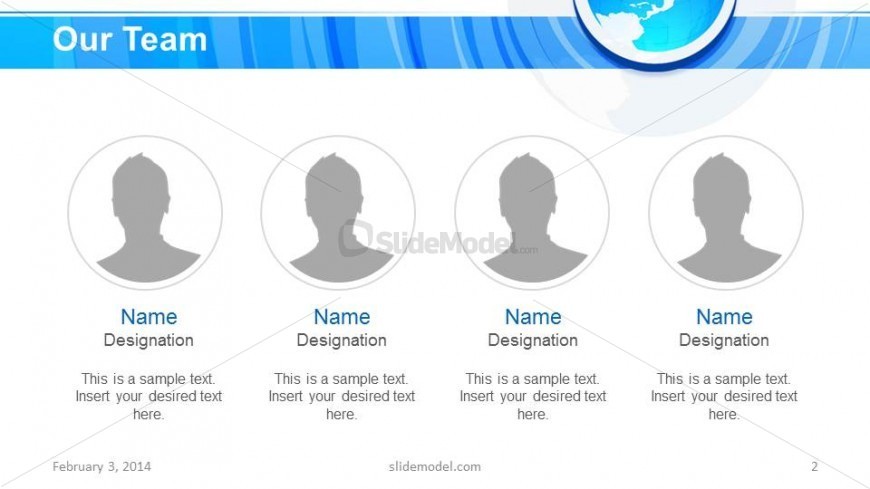
Our team slide design for PowerPoint presentations with four picture placeholders ready to describe a team of up to four team members.
What’s on This Slide
The layout features a top-centered title reading 'Our Team' in bold white text against a blue gradient background. Below the title, there are four circular image placeholders arranged in a horizontal row, each containing a generic silhouette. Each circle is accompanied by two text placeholders: one for the name and another for the designation, both aligned centrally beneath the images. Below the images, additional text placeholders are present for sample text, also centered. The overall composition emphasizes a clean, organized structure with a professional appearance.
How to Use It
This layout serves as a team introduction slide, ideal for showcasing team members in a corporate presentation. It fits well after a company overview or project introduction, providing context about the individuals involved. This format is useful for business scenarios such as team presentations, project kick-offs, or client meetings where team roles need to be highlighted. It can be adapted for various professional contexts, including sales pitches or internal team meetings.
Text Placeholders & Capacity
Keep your copy within these limits so it fits without resizing. Node labels can hold about 20 characters each, while body text can fit roughly 50 characters.
| Placeholder | Count | Max characters (approx.) |
|---|---|---|
| Slide title | 1 | 30 |
| Item heading | 4 | 20 |
| Item body | 4 | 50 |
| Callout | 4 | 50 |
Slide Keywords
Download unlimited PowerPoint templates, charts and graphics for your presentations with our annual plan.
DOWNLOADReturn to Blue Circle Professional PowerPoint Template.