Slide 7 of 15 from Blue Circle Professional PowerPoint Template
10011-blue-circle-slidemodel-template-0001-7
Work Process Sample Slide for Presentations
- Diagram
- Arrow Sequence
- Process Slide
- 16:9
- 100% Editable
The Work Process Sample slide from the Blue Circle Professional PowerPoint Template provides a clear visual layout to illustrate sequential steps in a business workflow. Featuring editable shapes and vector icons arranged horizontally, this slide supports project management and strategy presentations by simplifying complex processes within a corporate presentation or pitch deck template.
What’s on This Slide
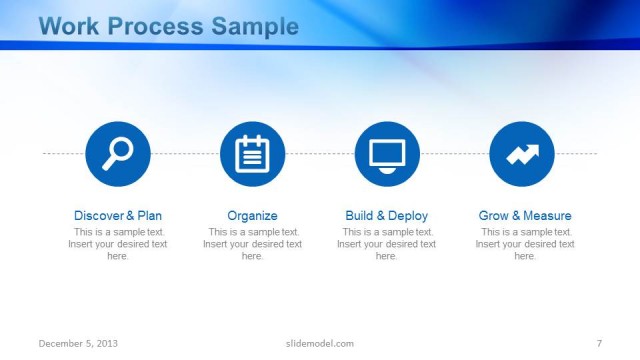
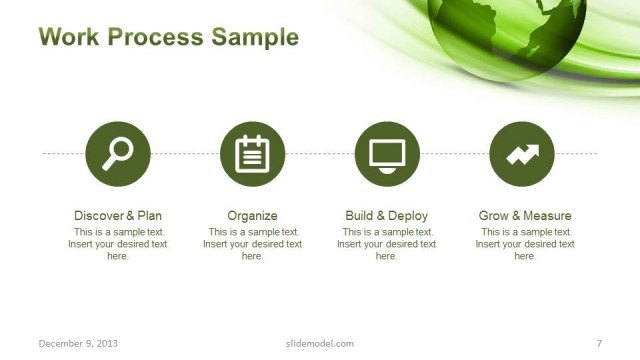
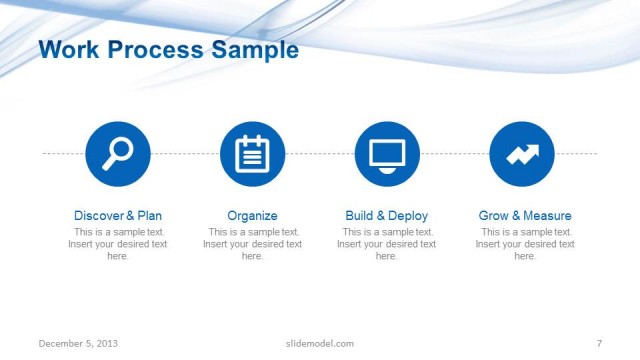
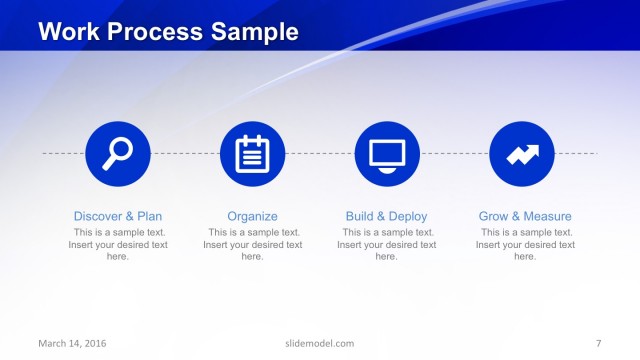
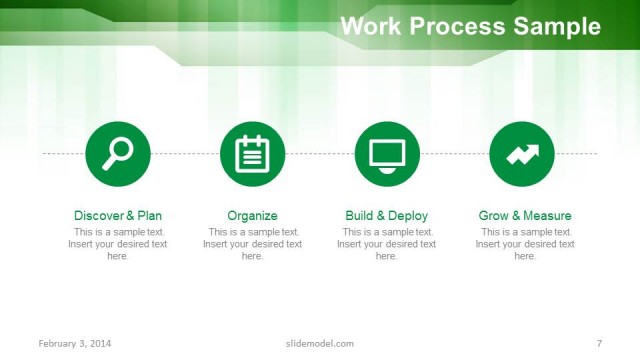
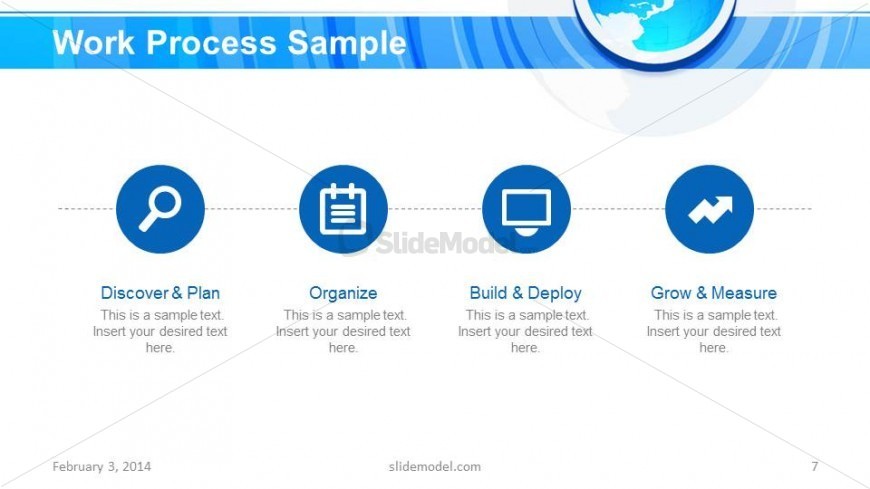
The slide features a horizontal layout with four circular icons evenly spaced across the center. Each icon represents a step in a work process: Discover & Plan, Organize, Build & Deploy, and Grow & Measure. Below each icon, there are text placeholders for titles and descriptions, aligned centrally. The background consists of a blue gradient with a globe graphic positioned at the top right. The visual hierarchy emphasizes the icons and their labels, with the main title 'Work Process Sample' centered at the top. The overall composition is clean and organized.
How to Use It
This layout serves as a process overview, ideal for illustrating sequential steps in a business workflow. It fits well in a presentation sequence after introducing a problem or context, guiding the audience through the proposed solution. Common scenarios include project management presentations, strategy discussions, or operational planning. The clear visual structure aids in conveying complex processes in a straightforward manner, making it suitable for corporate settings.
Text Placeholders & Capacity
Keep your copy within these limits so it fits without resizing. Node body slots can accommodate roughly 10-12 words each.
| Placeholder | Count | Max characters (approx.) |
|---|---|---|
| Slide title | 1 | 25 |
| Item heading | 4 | 30 |
| Item body | 4 | 50 |
Slide Keywords
Download unlimited PowerPoint templates, charts and graphics for your presentations with our annual plan.
DOWNLOADReturn to Blue Circle Professional PowerPoint Template.