Slide 5 of 15 from Blue Circle Professional PowerPoint Template
10011-blue-circle-slidemodel-template-0001-5
Two Column Text Layout for Presentations
- Text Layout
- Two Column Text
- Context Slide
- 16:9
- 100% Editable
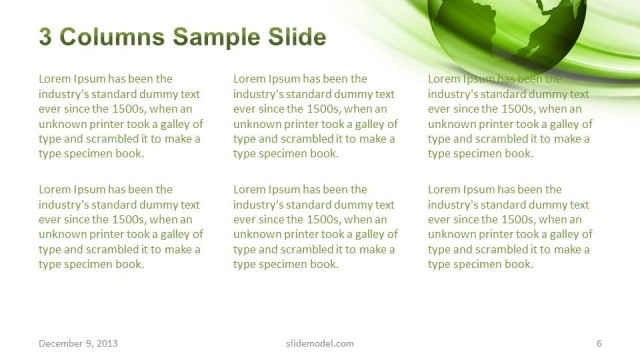
The Two Column Text Layout from the Blue Circle Professional PowerPoint Template offers a balanced slide design ideal for comparing concepts or presenting team roles. Featuring editable shapes and a globe vector icon, this slide template enhances corporate presentations by organizing parallel information clearly within a business presentation or pitch deck template.
What’s on This Slide
The layout features two equal columns positioned side by side, with a circular globe icon centered at the top. The left column contains placeholder text aligned to the top, with a consistent font size. The right column mirrors the left, also filled with placeholder text. The background incorporates a gradient of blue hues, enhancing the visual appeal. The globe icon adds a thematic element, while the overall composition maintains a balanced structure. Text placeholders are clearly defined, allowing for easy content insertion.
How to Use It
This layout serves as a two-column text arrangement, ideal for comparing ideas or presenting information side by side. It fits well in a presentation sequence following an introduction or overview slide. Suitable for business contexts, it can be used for discussing strategies, project updates, or team roles. The structure allows for clear communication of parallel concepts, making it effective for reports or proposals. Avoid using it for complex data presentations where charts or graphs are required.
Text Placeholders & Capacity
Keep your copy within these limits so it fits without resizing. Body slots can hold roughly 20-25 words each.
| Placeholder | Count | Max characters (approx.) |
|---|---|---|
| Body paragraph | 4 | 120 |
| Slide title | 1 | 30 |
Slide Keywords
Download unlimited PowerPoint templates, charts and graphics for your presentations with our annual plan.
DOWNLOADReturn to Blue Circle Professional PowerPoint Template.