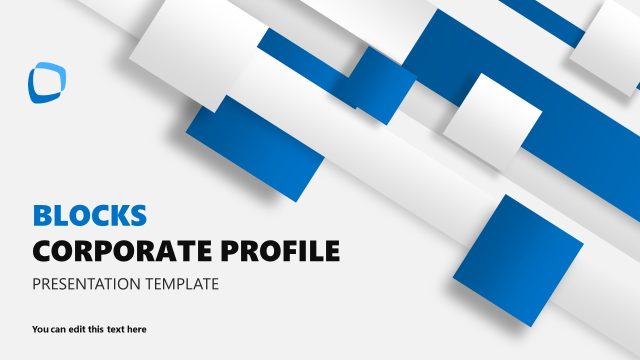
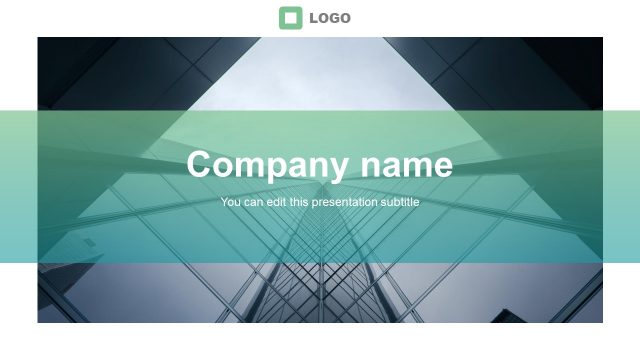
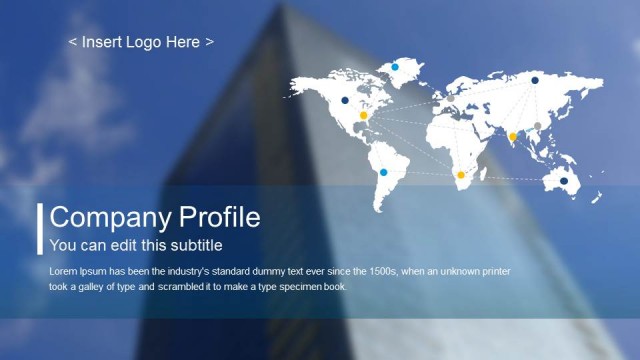
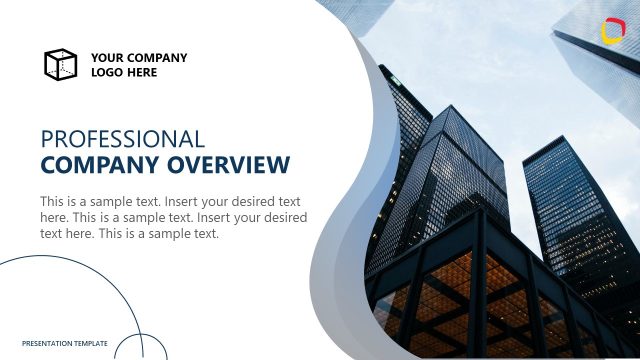
Blue Company Profile Business PowerPoint Template is a business PPT template containing 15 slide designs for professional business presentations.
The slide template design can be used either for preparing compelling business & project proposals and as a company presentation for presenting your company to stakeholders or introduce your team to an audience.
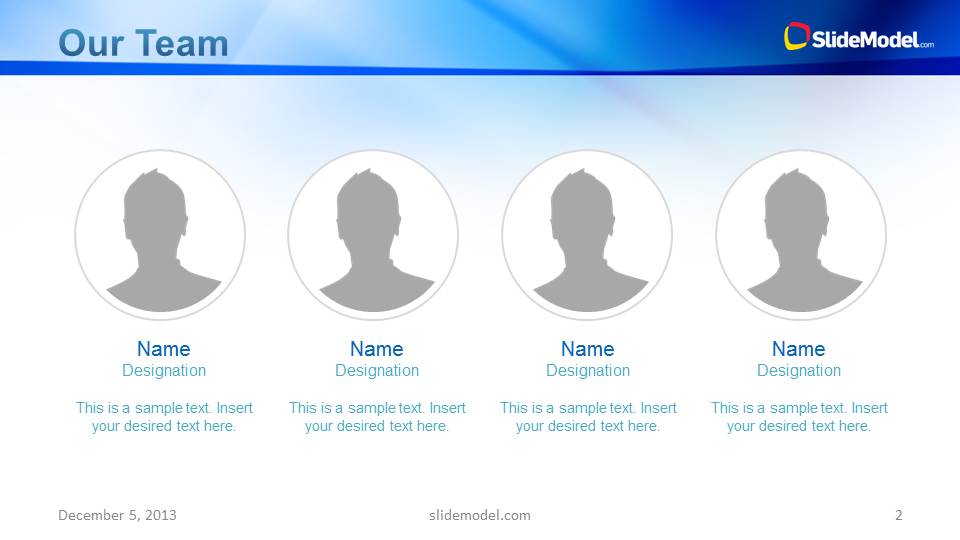
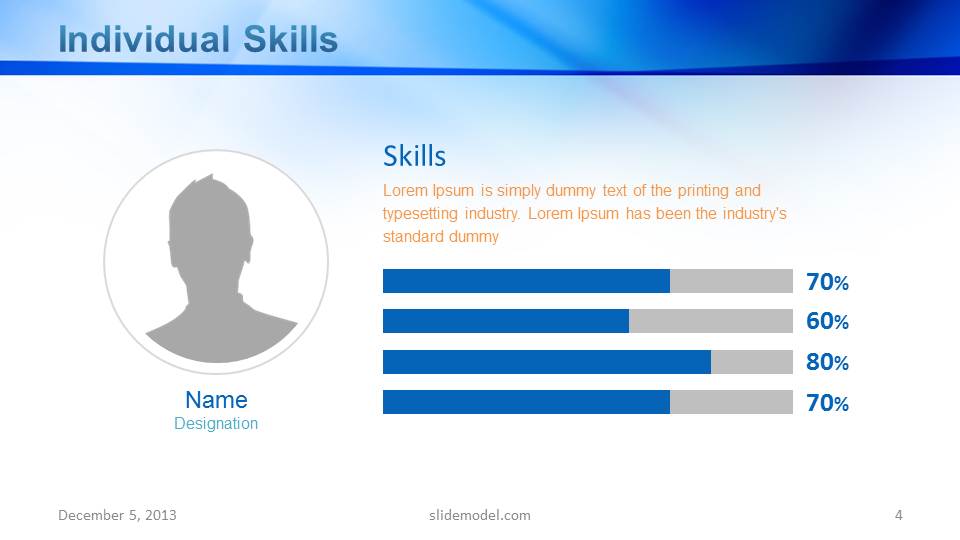
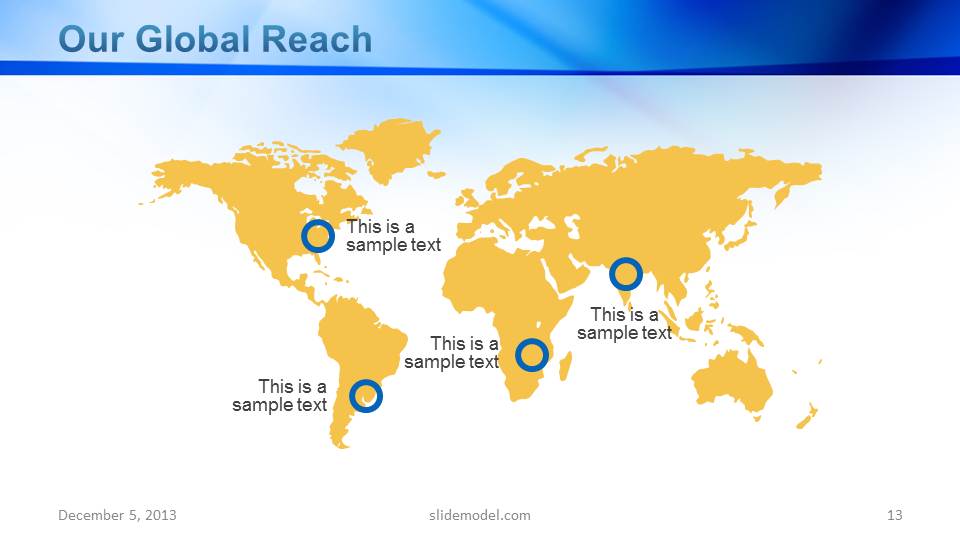
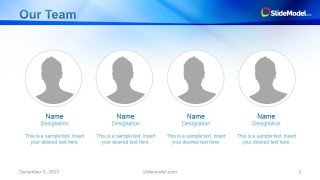
This Microsoft PowerPoint template for business presentations has sample content for creating individual employee profiles, team profiles, making charts, displaying strategic information with PowerPoint Maps and more.
You can download this company profile PowerPoint template if you are looking for a fresh and professional PowerPoint template for your business & investment presentations or to make a presentation for global services and teams. Alternatively, you can download 100% editable PowerPoint templates from our main catalog, or try the free PowerPoint slides.
What’s inside this template
Example presentation scenarios
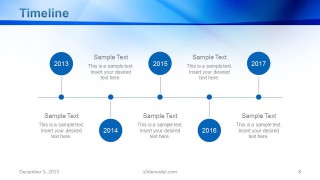
- A founder can use the deck to introduce a company to investors, using the cover, team profiles, timeline, and charts to move from identity to traction.
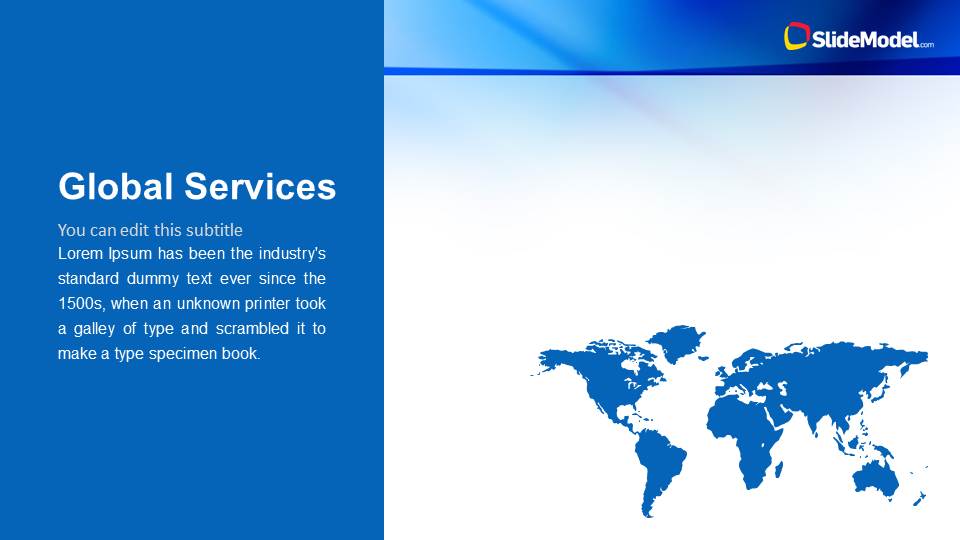
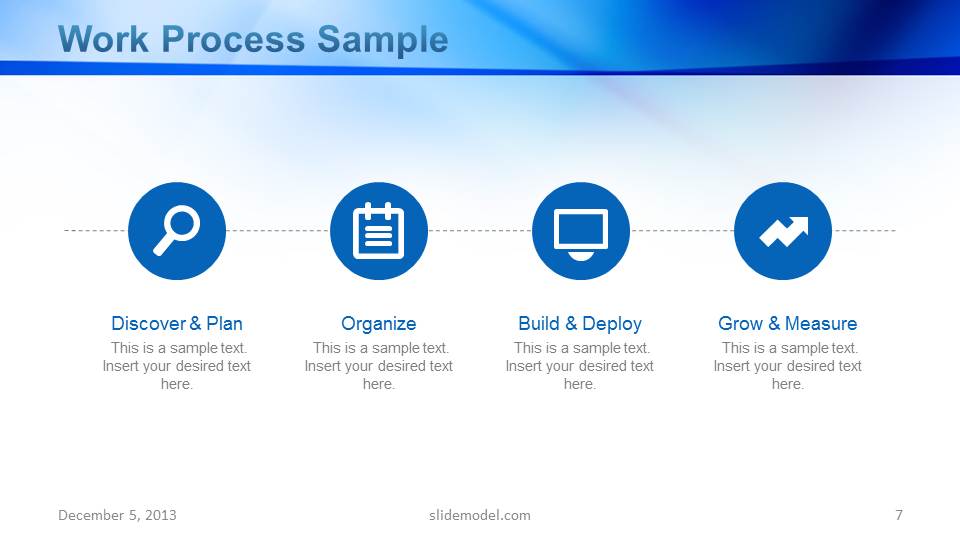
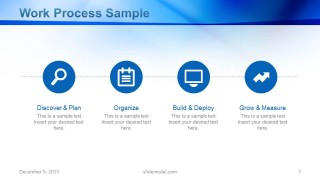
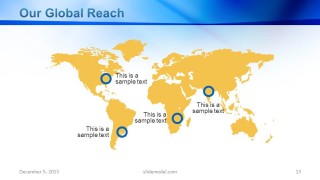
- A business development lead can present global service capabilities to a prospective client, using the Global Services map, work process slide, and global reach map to explain delivery scope.
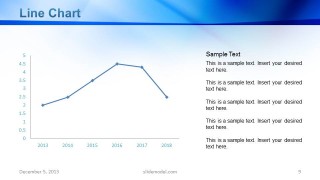
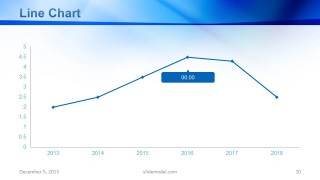
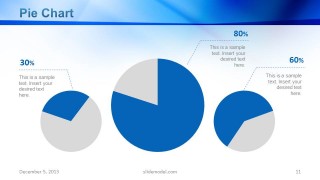
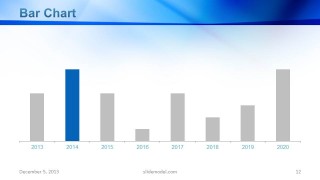
- An executive team can brief stakeholders on company performance, using the line chart, pie chart, bar chart, and testimonial slide to connect results with external proof.
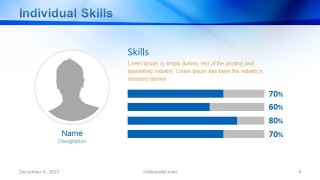
- A consultant can prepare a client-facing company overview, using the two-column, three-column, and skills slides to organize capabilities, roles, and supporting details.
Features
- 100% editable presentation template
- Compatible with Microsoft PowerPoint
- 16:9 aspect ratio slides
- Scalable vector shapes, icons and illustrations
- AI-Ready for Microsoft Copilot and Claude
- Instant access and download
Frequently asked questions
Q: How should a presenter build the message with this company profile deck?
A: Start with the cover as the identity anchor, then use the team and skills slides to establish credibility. Move into global services and work process to explain capability, then support the story with timeline, charts, global reach, and testimonial evidence. Keep each chart tied to one takeaway so the audience remembers the business case.
Q: Who is this template best suited for in a business presentation setting?
A: This template fits founders, executives, business development teams, and investor relations presenters who need a concise company introduction. It works well when the audience must understand who the company is, where it operates, how the team works, and what evidence supports the business through charts, maps, and testimonials.
Q: Why does the mix of maps, charts, and profile slides help the company story?
A: The layouts shift the audience from people to capability to proof. Profile slides humanize the company, maps make scale and market reach visible, and charts give performance claims a structured frame. The repeated blue header system keeps the deck coherent while letting each slide type carry a distinct communication job.










Blue Company Profile Business PowerPoint Template
15-slide company profile presentation template with team profiles, global maps, and business charts
Blue Company Profile Business PowerPoint Template is a 15-slide Microsoft PowerPoint deck for company introductions, proposals, and investor meetings. It includes team profiles, global services maps, process steps, timeline, line charts, pie charts, bar chart, global reach map, testimonial, and closing slide. Chart data can be edited as an Excel spreadsheet in PowerPoint.
- Category
- Template Backgrounds
- Rating


 Loading...
- Aspect ratio
- 16:9
- Item ID
- 6085-03
 Microsoft PowerPoint
  Microsoft Copilot
  Claude for PowerPoint
 Other formats supported
Subscribe today and get immediate
access to download our PowerPoint templates.